Watermark by Plan
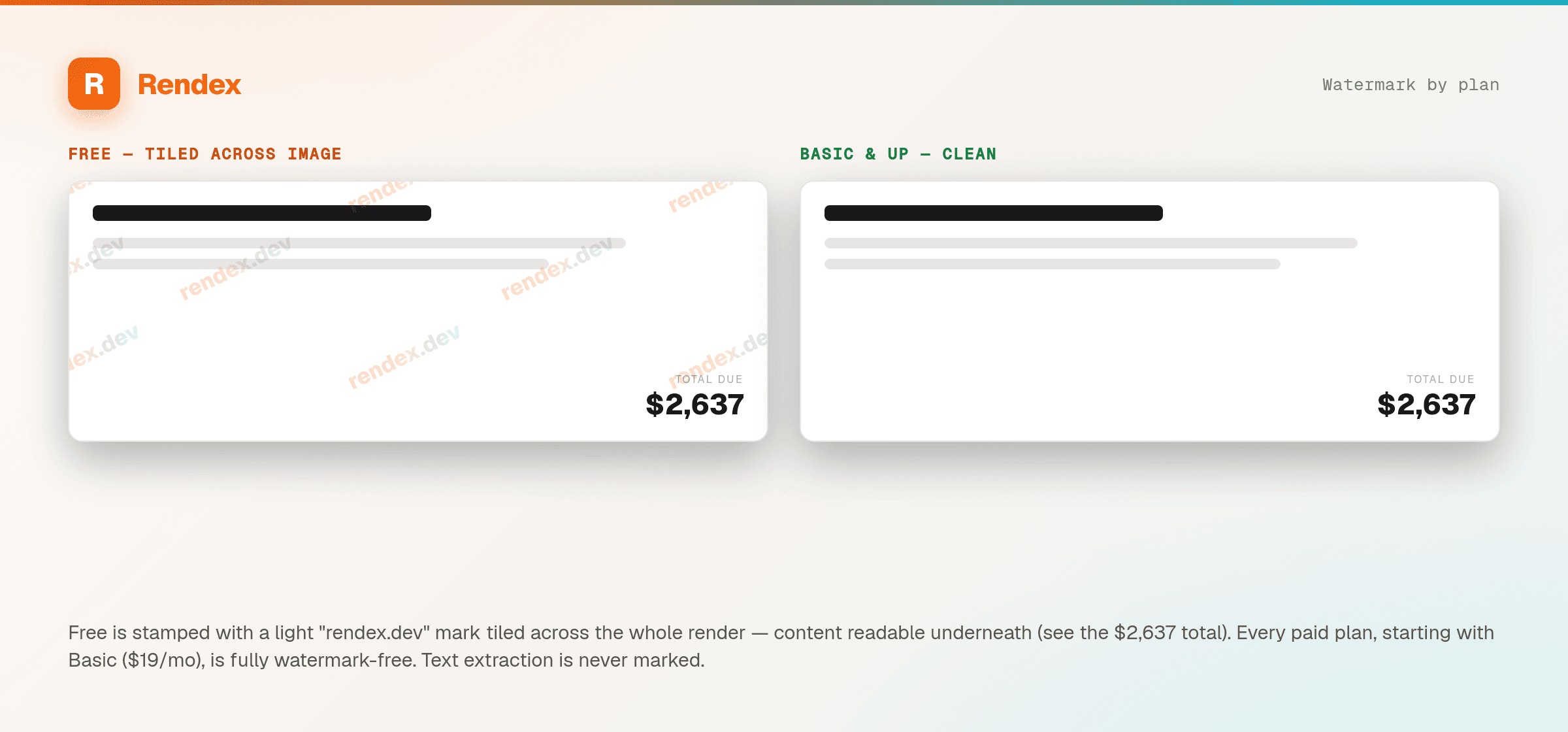
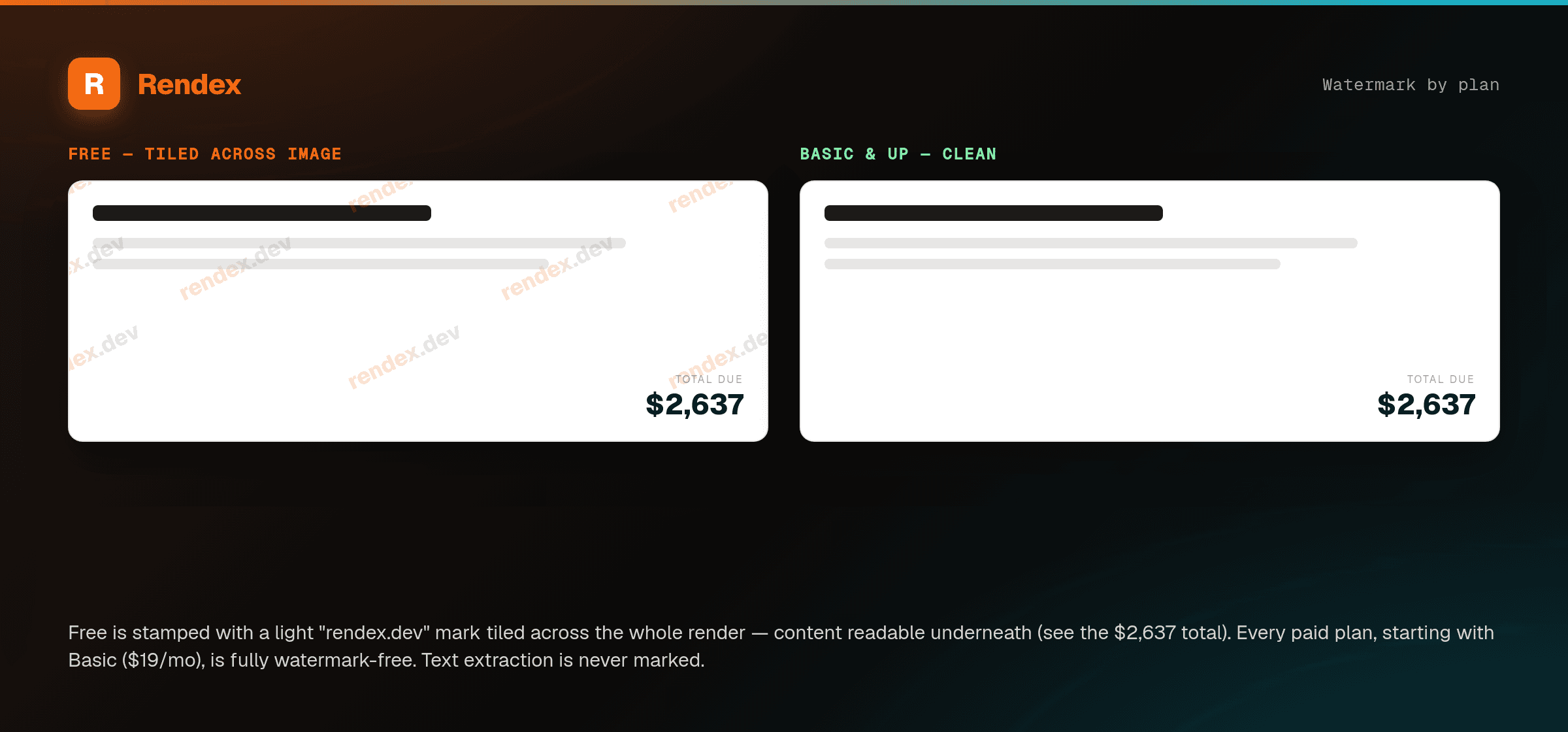
Rendex marks output on the Freeplan with a light “rendex.dev” watermark tiled across the whole image (a footer line on PDFs) — your content stays readable underneath. Every paid plan, starting with Basic ($12/month), is fully watermark-free. Resolution and quality are identical on every plan; only the Free mark differs.
How it works by plan
| Plan | Watermark | What it looks like |
|---|---|---|
| Free | Tiled across the image | A light, diagonal “rendex.dev” mark repeated across the whole render — your content stays readable underneath, but every image is clearly stamped. |
| Basic · Starter · Pro · Enterprise | None | Clean, watermark-free output — no rendex.dev mark on any render. |
Where the mark appears
On raster output (PNG, JPEG, WebP) the Free plan is tiled with a light diagonal mark across the whole image — semi-transparent, so your content stays readable. On PDF output the Free mark is a footer line instead. Every paid plan renders completely clean. Text extraction (POST /v1/extract and extract: true) is never marked — a watermark only ever touches an image or a PDF on the Free plan, never returned text.
The mark is rendered into the pixels (or the PDF footer context) server-side, after any CSS or JavaScript you inject — so it can't be hidden or stripped from the page before capture. The JSON response sets metadata.watermarked: true whenever a render carried a mark, so you can detect it programmatically.
Removing it
Upgrading takes effect immediately on your next render — no re-issuing keys or changing your integration. Any paid plan — starting with Basic ($12/month) — returns completely clean, watermark-free output. See Rate Limits & Plans for the full plan breakdown.
Why there's a watermark at all
The free tier is heavily subsidized — real Chrome rendering isn't free to run. The mark keeps that tier sustainable to offer and points new users toward the plan that fits. Your content stays readable underneath it, and it disappears the moment you move to any paid plan.