Quick Start
Render your first image or PDF in under 5 minutes. Rendex turns raw HTML — or any live URL — into a PNG, JPEG, WebP, or PDF with a single API call.
1. Get Your API Key
Sign in to your Rendex dashboard. An API key is automatically generated for you on your first visit.
2. Install an SDK (Recommended)
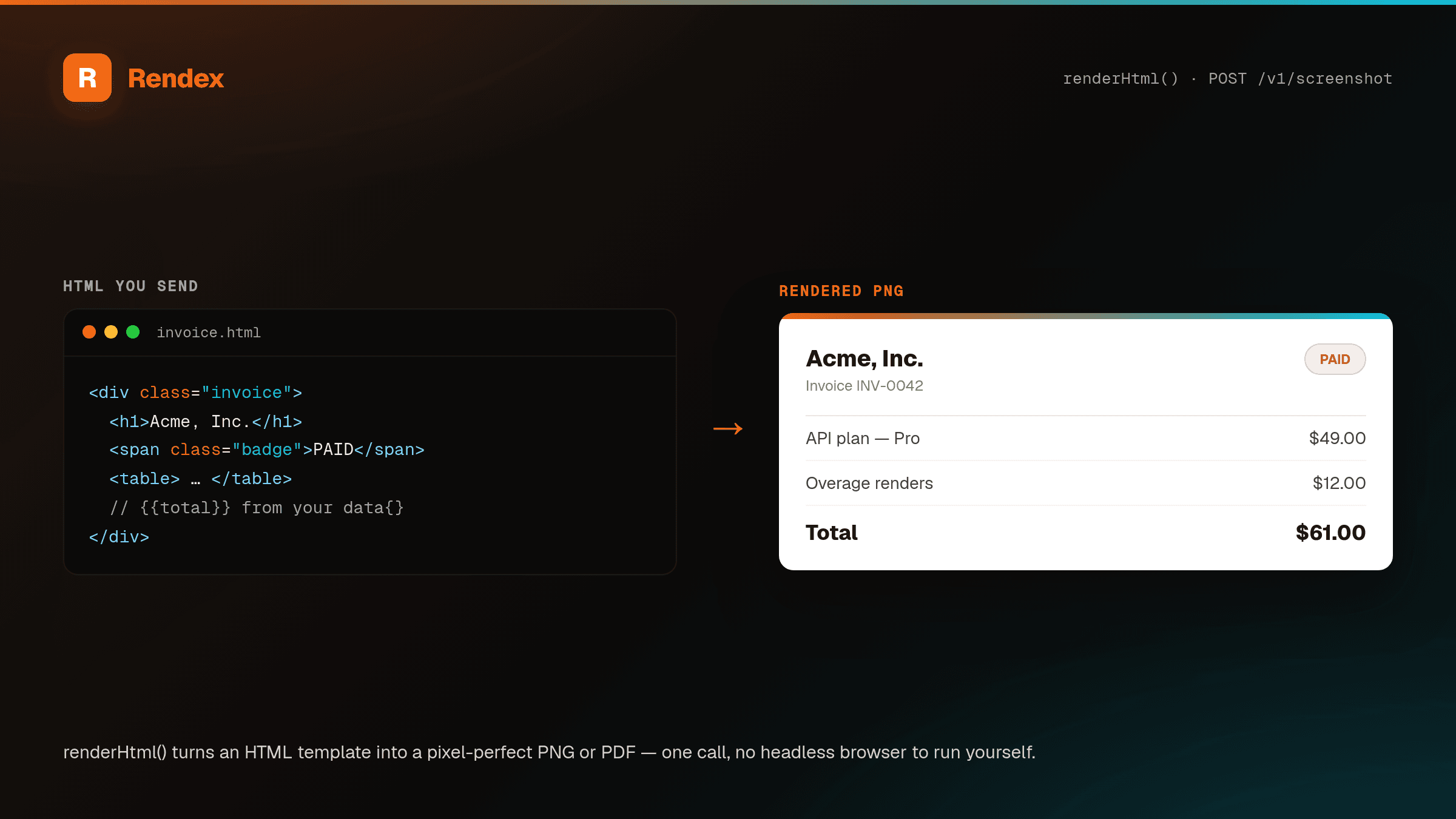
The fastest way to get started. Install the official SDK for your language, then render raw HTML straight to a PNG or PDF — no hosting required. This is the most common use case: turn an invoice, social card, OG image, or email template into an image with one call. The SDKs expose a renderHtml / render_html shortcut, or you can pass html to screenshot directly.
// npm install @copperline/rendex
import { Rendex } from "@copperline/rendex";
import { writeFile } from "node:fs/promises";

const rendex = new Rendex("YOUR_API_KEY");

// Render raw HTML straight to an image — no URL needed
const { image } = await rendex.renderHtml(
  "<h1 style='font-family:sans-serif'>Hello, world</h1>",
  { format: "png", width: 1200, height: 630 },
);

await writeFile("card.png", image);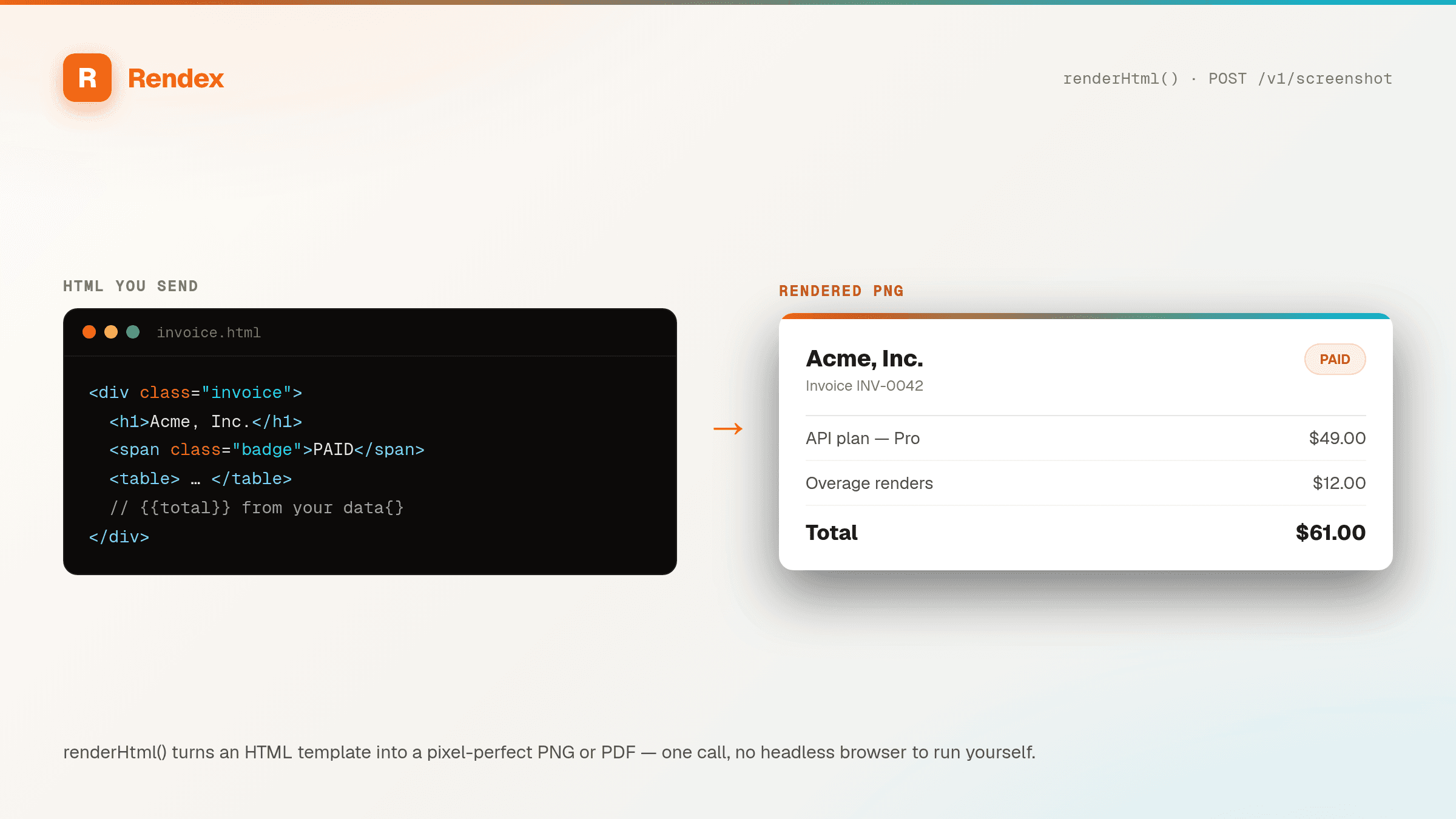
Capture a Live URL Instead
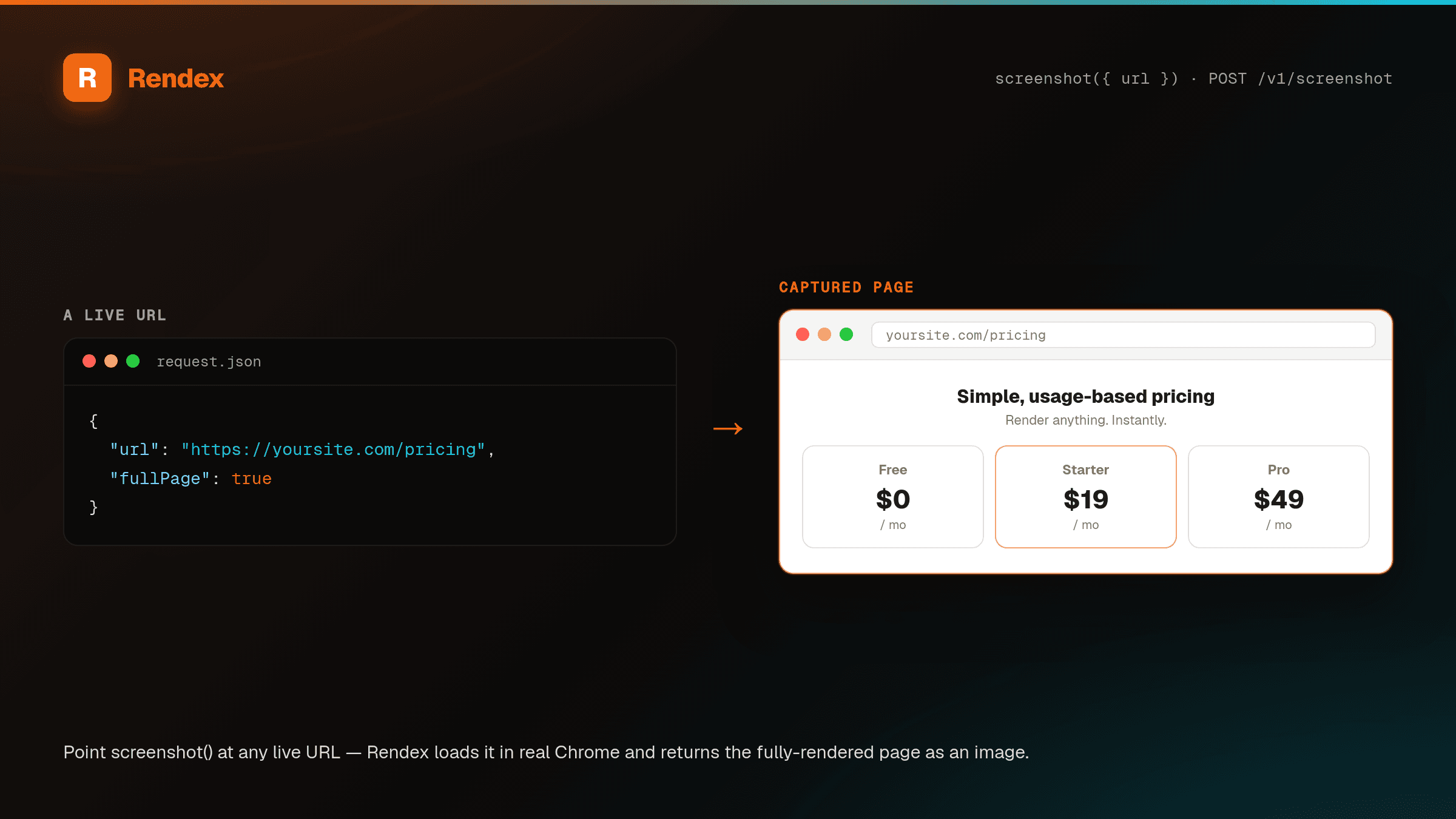
Already have a hosted page? Pass a url to screenshot and Rendex captures the rendered page as an image:
import { Rendex } from "@copperline/rendex";
import { writeFile } from "node:fs/promises";

const rendex = new Rendex("YOUR_API_KEY");

// Capture a live webpage as an image
const { image, metadata } = await rendex.screenshot({
  url: "https://example.com",
});

await writeFile("screenshot.png", image);
console.log(`${metadata.bytesSize} bytes in ${metadata.loadTimeMs}ms`);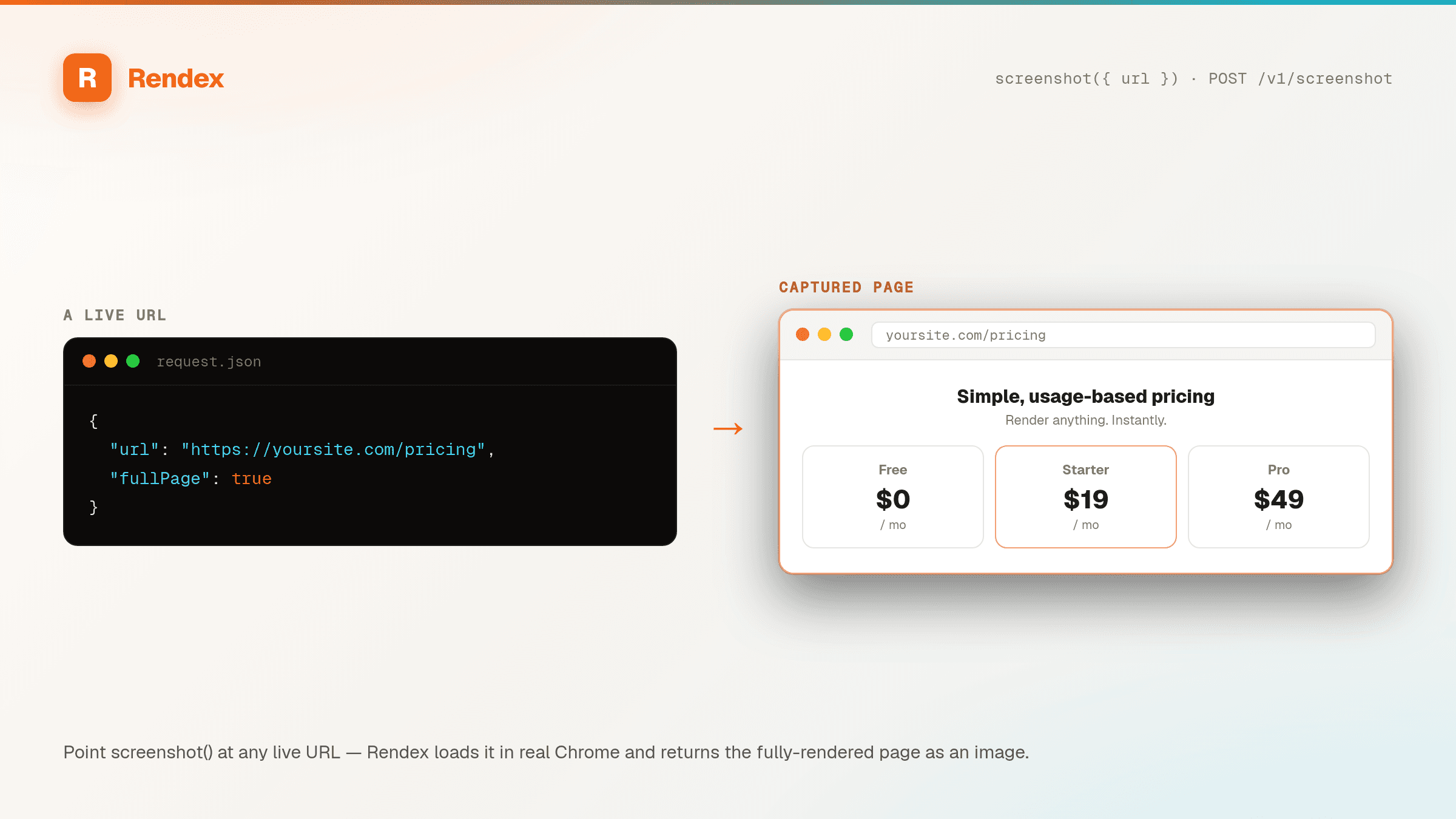
Render Markdown Instead
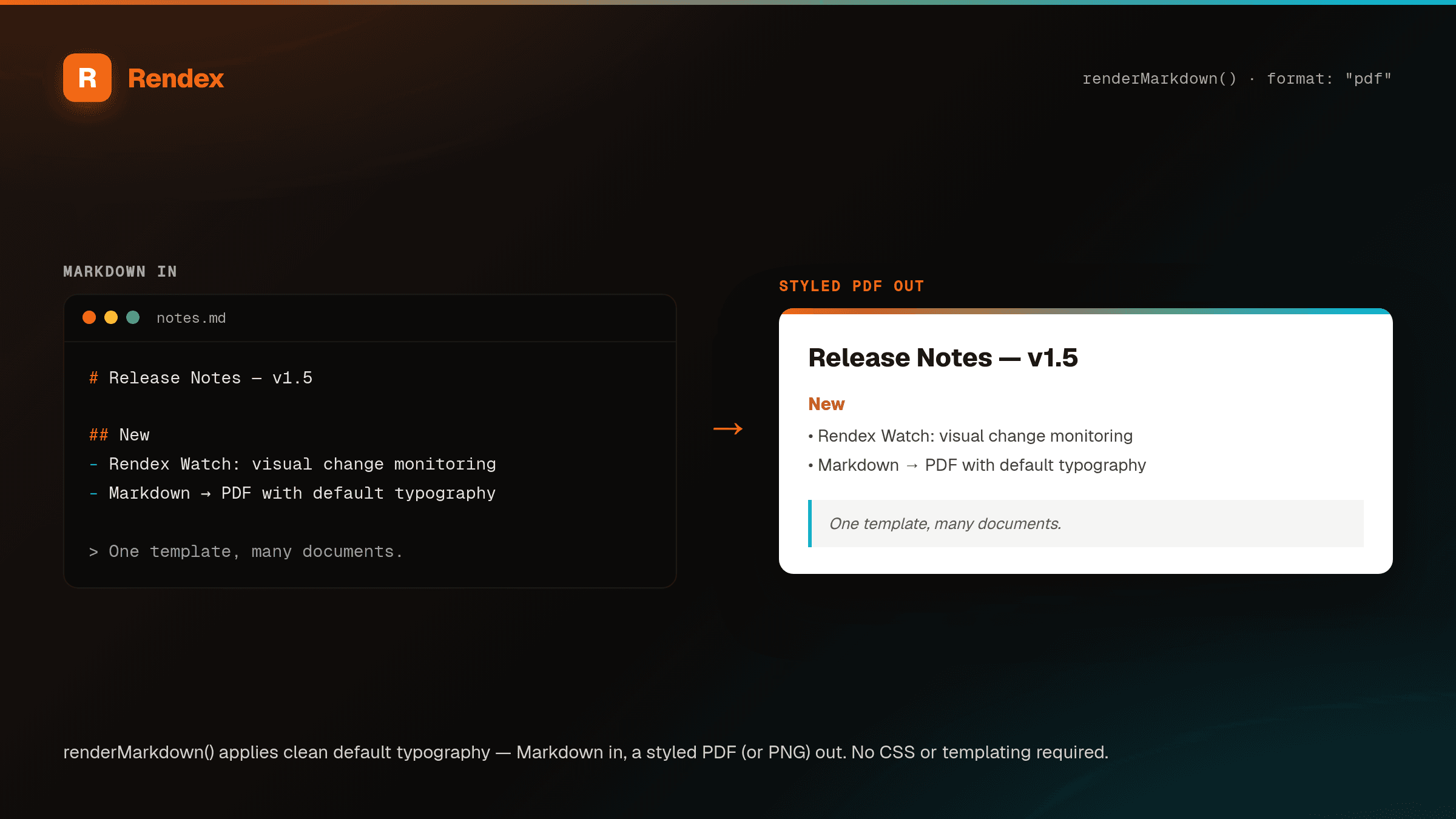
Got Markdown? Pass markdown and Rendex converts it to a styled HTML document with sensible default typography, then renders it to a PNG, JPEG, WebP, or PDF — no CSS or templating required. Ideal for AI agents (which emit Markdown natively), READMEs, and docs. Use the renderMarkdown / render_markdown shortcut, or pass markdown to screenshot directly:
import { Rendex } from "@copperline/rendex";
import { writeFile } from "node:fs/promises";

const rendex = new Rendex("YOUR_API_KEY");

// Render Markdown straight to a PDF — sensible default typography, no CSS
const { image } = await rendex.renderMarkdown(
  "# Release Notes\n\n- Markdown input support\n- Great for AI agents & docs",
  { format: "pdf" },
);

await writeFile("notes.pdf", image);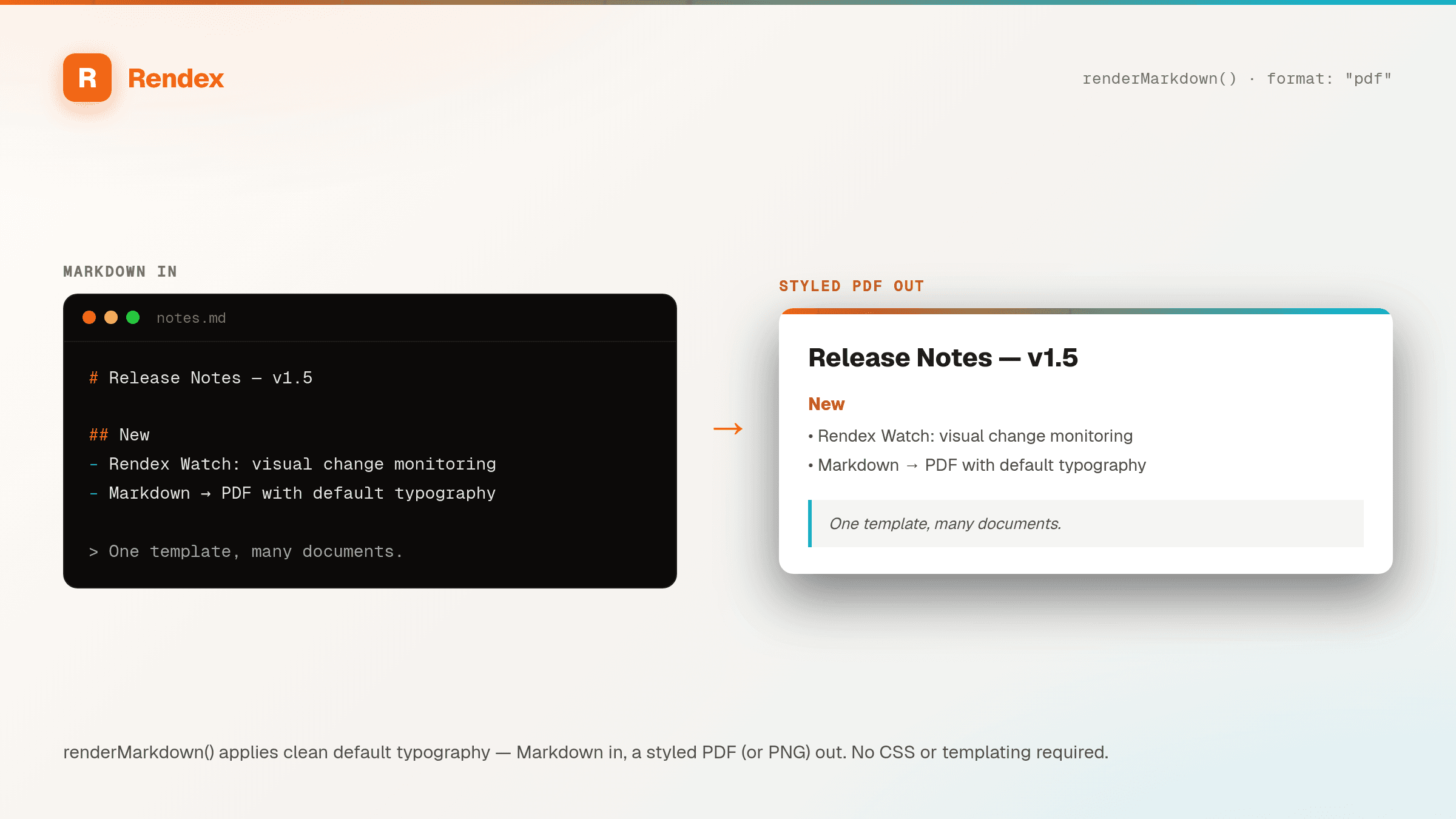
Alternative: Raw HTTP
Prefer to use your own HTTP client? Replace YOUR_API_KEY with your actual key:
curl -X POST https://api.rendex.dev/v1/screenshot \
  -H "Authorization: Bearer YOUR_API_KEY" \
  -H "Content-Type: application/json" \
  -d '{"url": "https://example.com"}' \
  --output screenshot.png
Quick Alternative: GET Endpoint
For simple use cases, capture screenshots with a plain URL — no POST body needed. Pass your API key as a ?key= query parameter:
https://api.rendex.dev/v1/screenshot?url=https://example.com&key=YOUR_API_KEYThis returns a PNG image directly — works in browsers, <img> tags, and cURL. See the API Reference for all query parameters.
3. Get JSON Response (Base64)
Use the /v1/screenshot/json endpoint to get the image as base64-encoded JSON instead of binary:
curl -X POST https://api.rendex.dev/v1/screenshot/json \
  -H "Authorization: Bearer YOUR_API_KEY" \
  -H "Content-Type: application/json" \
  -d '{"url": "https://example.com"}'
Response:
{
  "success": true,
  "data": {
    "image": "iVBORw0KGgo...",
    "contentType": "image/png",
    "url": "https://example.com",
    "width": 1280,
    "height": 800,
    "format": "png",
    "bytesSize": 145832,
    "capturedAt": "2026-03-26T12:00:00.000Z"
  },
  "meta": {
    "requestId": "req_abc123",
    "timestamp": "2026-03-26T12:00:00.000Z",
    "usage": { "credits": 1, "remaining": 499 }
  }
}
A note on the Free tier
Free renders come back at full quality and resolution— same engine, same retina output as every paid plan — with one small addition: a light “rendex.dev” watermark tiled across images (and a footer line on PDFs) — your content stays readable underneath. Text extraction is never marked. Every paid plan — starting with Basic ($19/month) — is fully watermark-free, effective immediately on upgrade. See Rate Limits & Plans for the full breakdown.
Hosted og:image Links
Need a social card or thumbnail you can drop straight into a <meta property="og:image"> or <img src> with no storage on your side? Mint a signed hosted-render URL with POST /v1/render/link. It renders on the first request, caches the result, and serves the cached copy on every repeat — so a widely-shared link costs one render, not one per crawl. Available on every plan, including Free.
Extract Clean Content from a URL
To pull readable Markdown, JSON, or article HTML out of a page — handy for AI agents and pipelines — use POST /v1/extract. It runs against the fully-rendered page, so it works on JavaScript-heavy sites and SPAs that fetch-only readers miss.
Next Steps
- API Reference — Full parameter documentation
- Hosted Render Links — Signed
og:image/<img>URLs with no backend - Content Extraction — Turn any URL into clean Markdown, JSON, or HTML
- Authentication — API key headers and error codes
- MCP Server — Use Rendex with AI agents
- Async Jobs & Webhooks — Capture slow pages or batches of URLs and get notified on completion
- Rate Limits — Plan limits and retry strategies