Rendex for n8n
Drop the official Rendex node into any n8n workflow to turn HTML, a URL, or Markdown into an image or PDF — output lands as binary data the next node can upload, email, or post. Start free with 100 renders a month, no card.
n8n is great at moving data between apps but has no way to render a finished image or PDF. The official Rendex node fills that gap: authenticate once, pick a render mode, and pipe the binary result straight into Drive, Slack, Gmail, or an HTTP call — without running a headless browser inside your n8n instance.
n8n workflow

  Webhook / Schedule   →  trigger the run
        │
        ▼
  Rendex (community node)
        mode   = Render HTML to Image
        html   = {{ $json.invoiceHtml }}
        data   = {{ $json.fields }}      // Mustache template values
        format = png
        │  binary → {{ $binary.data }}
        ▼
  Google Drive — Upload File
        file = {{ $binary.data }}
How It Fits Your Workflow
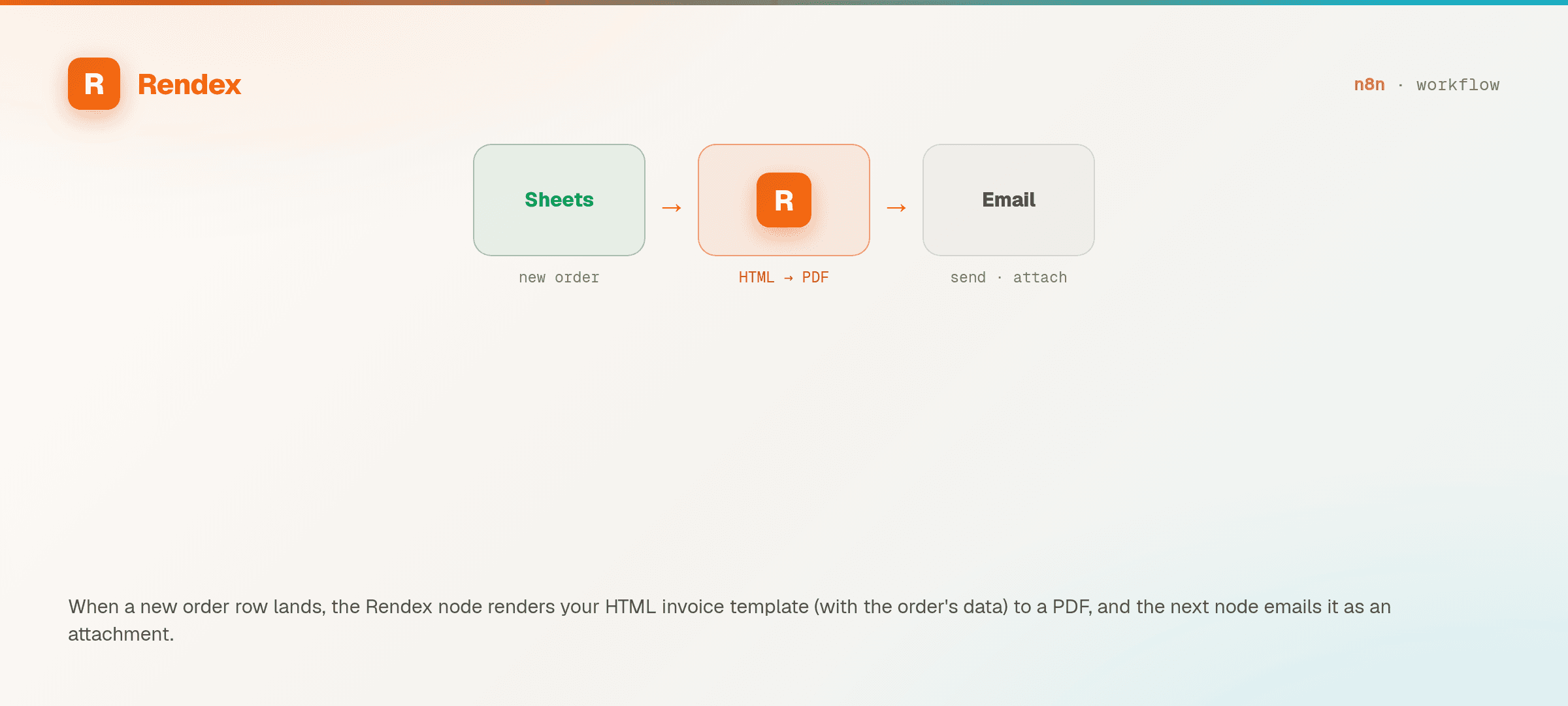
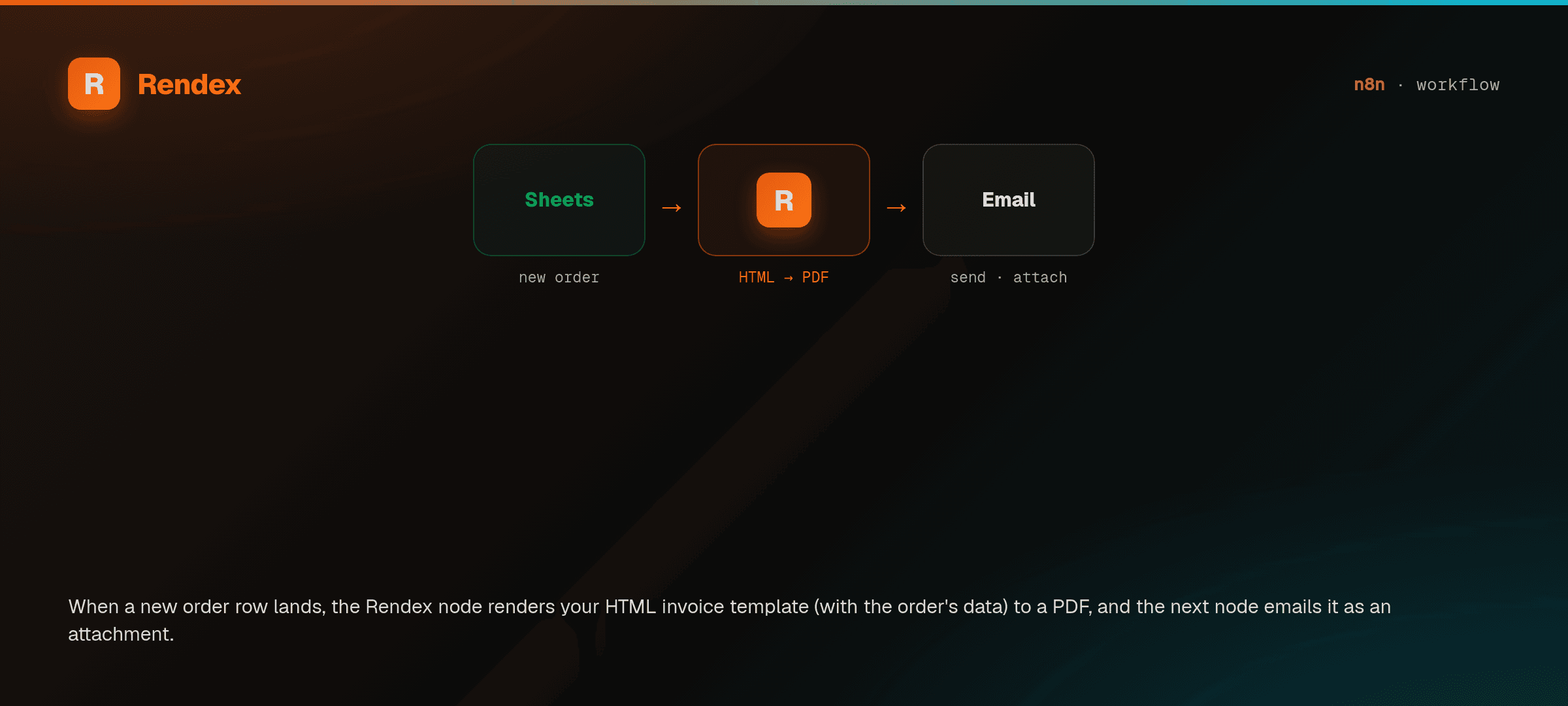
Trigger
A Webhook or Schedule node kicks off the workflow.
Rendex node
Render HTML, a URL, or Markdown to an image or PDF on the edge.
Downstream
Pipe the binary output into Drive, Slack, Gmail, or an HTTP node.
See It in n8n
A real Rendex workflow, previewed right here — schedule a run, screenshot a page, drop it in Drive.
What You Can Do
Verified community node
Rendex is a Verified Community Node on n8n Cloud — search "Rendex" in the nodes panel and add it with one click, no manual install. On self-hosted n8n, install n8n-nodes-rendex from Settings. Add your API key once; the credential test calls /v1/credential-check, so n8n confirms the key is valid before you spend a single render.
HTML, URL, and Markdown modes
Choose the render mode per node: HTML to image, a live URL to a screenshot, or Markdown to a polished PDF. Output as PNG, JPEG, WebP, or PDF — all on every plan, including Free.
Render Link — hosted og:image URLs
The Render Link operation mints a signed, edge-cached image or PDF URL from HTML, a URL, or Markdown — instead of binary, you get a durable link to drop straight into an og:image meta tag or <img> embed. The asset renders once on the first hit, then serves a cached copy; set a custom Link Expiry or take the 30-day default.
Data templating with expressions
Pass n8n expressions straight into the node. Drive HTML or Markdown with {{ $json }} values, or send a data object so Rendex fills Mustache placeholders server-side — one template, many rendered files.
Batch and loop friendly
Render a single item or feed an array through the Loop Over Items node. The batch endpoint is a Starter-plan feature — 25 URLs per call on Starter, 100 on Pro, and 500 on Enterprise — so a list of pages becomes a folder of images (on Free, loop single renders).
Async jobs with webhook callbacks
For long full-page renders, run async: the node returns a job id immediately, then Rendex POSTs a signed webhook to your n8n Webhook node when the file is ready — no blocking, no timeouts.
Schedule page-change watches
Create and manage Rendex Watches from the node: point a watch at a URL for a real-Chrome before/after visual diff on a schedule, then route the signed watch.changed webhook back into n8n for a Slack, database, or issue alert. Free includes 1 watch on a daily check; webhook delivery is Starter+.
Dry-run a watch before you commit
The Test operation on the Watch resource previews exactly what a watch would capture — without creating one. It confirms the page is reachable and does a single throwaway render, with no baseline, diff, alerts, or schedule. Validate the URL, diff mode, selectors, and render knobs, inspect the one-off capture, then create the real watch with confidence.
Edge rendering, zero infrastructure
Rendering runs on Rendex's edge, so there is no Chromium or Puppeteer to install, patch, or scale inside your n8n host. Self-hosted or n8n Cloud, the node behaves the same.
Recipes for n8n
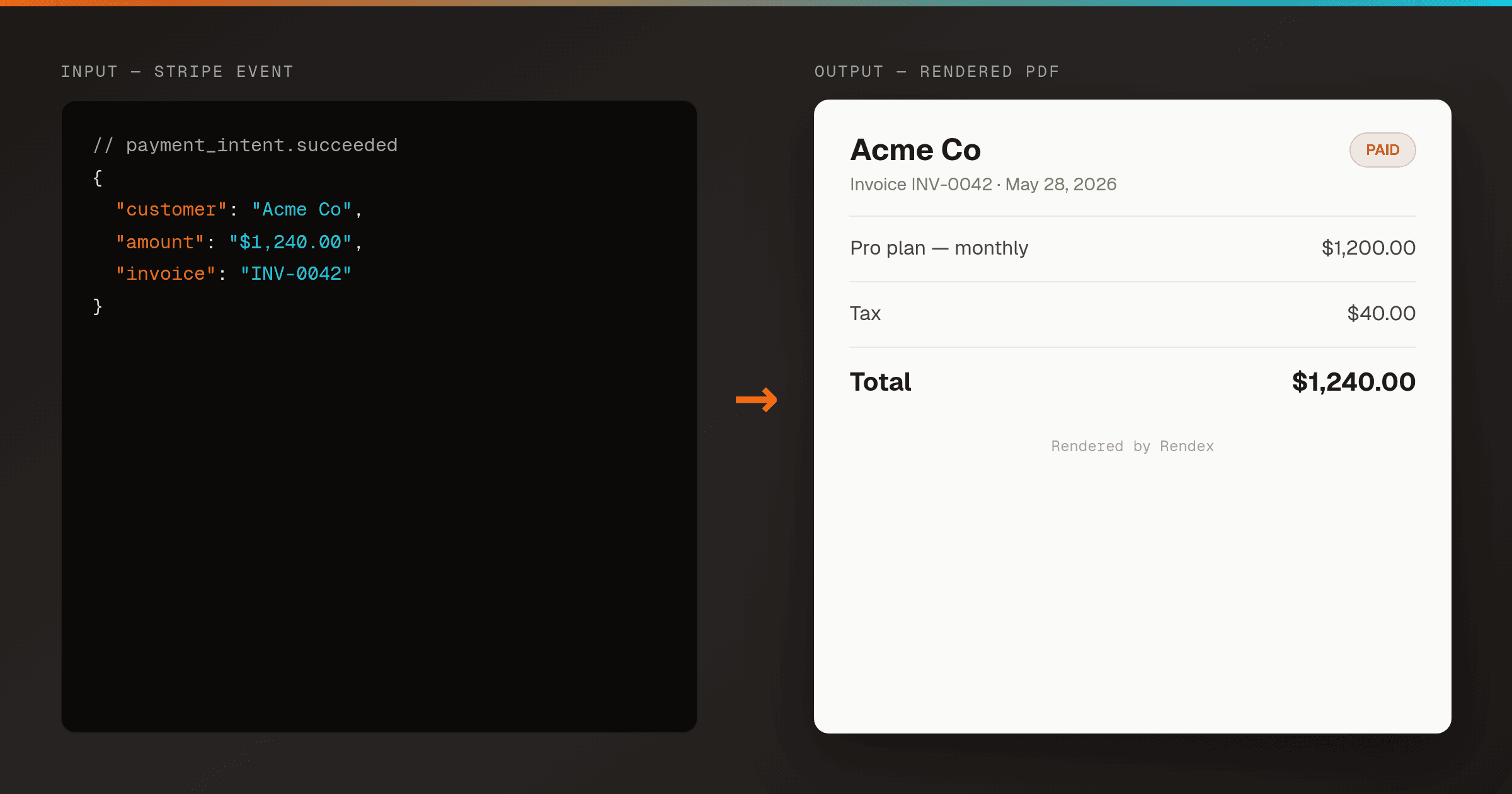
Auto-Generate Invoice PDFs from Stripe in n8n
n8nRender a branded PDF invoice the moment Stripe reports a payment, using one n8n workflow and Rendex — then email it or store a hosted link. No PDF library, no headless browser to host.
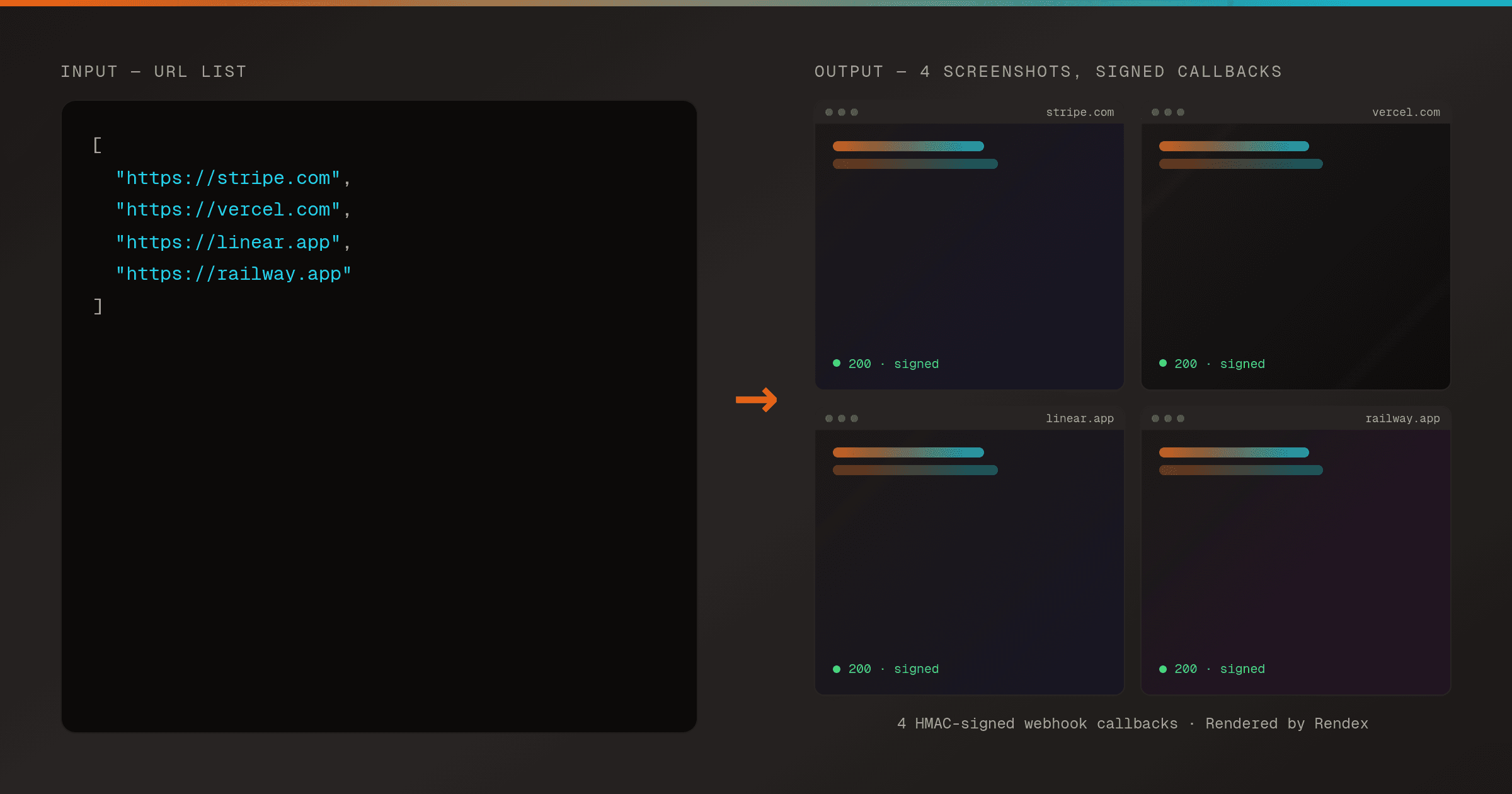
Batch Screenshot a List of URLs with Webhook Delivery in n8n
n8nSubmit a whole list of URLs to Rendex in one batch request and receive each screenshot through an HMAC-signed webhook as it finishes — driven on a schedule from n8n.
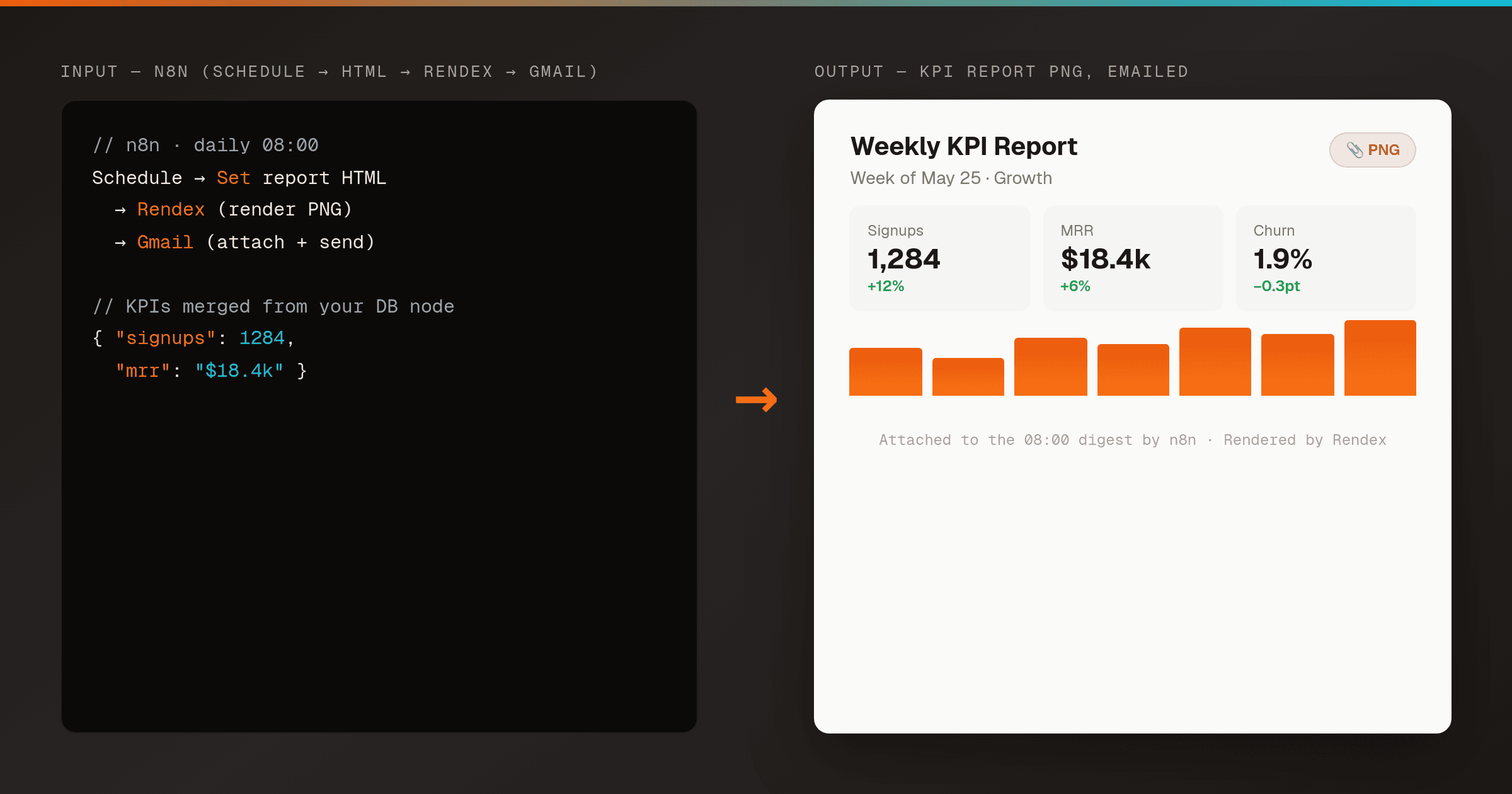
Email an HTML Report as a PNG Attachment in n8n
n8nMakeRender an HTML report or KPI summary to a PNG with Rendex on a schedule, then email it as an attachment to your team — one n8n workflow, no headless browser to host. Works the same in Make.
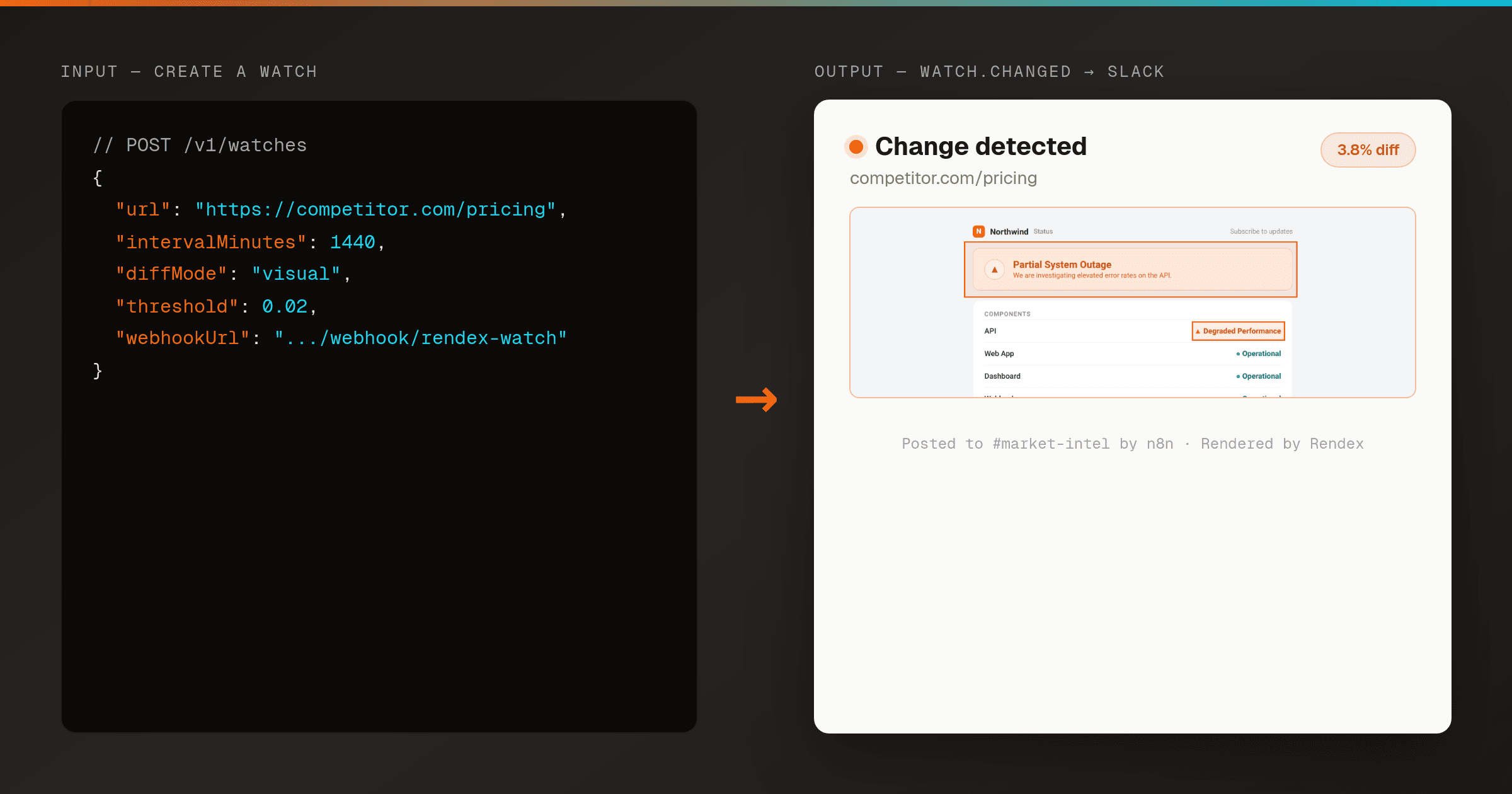
Send a Slack Alert When a Web Page Changes (Rendex Watch + n8n)
n8nPoint Rendex Watch at any URL and route its signed watch.changed webhook into n8n — verify the signature, then post the before/after/overlay diff to Slack. Real-Chrome visual diffing, no cron or storage to run yourself.
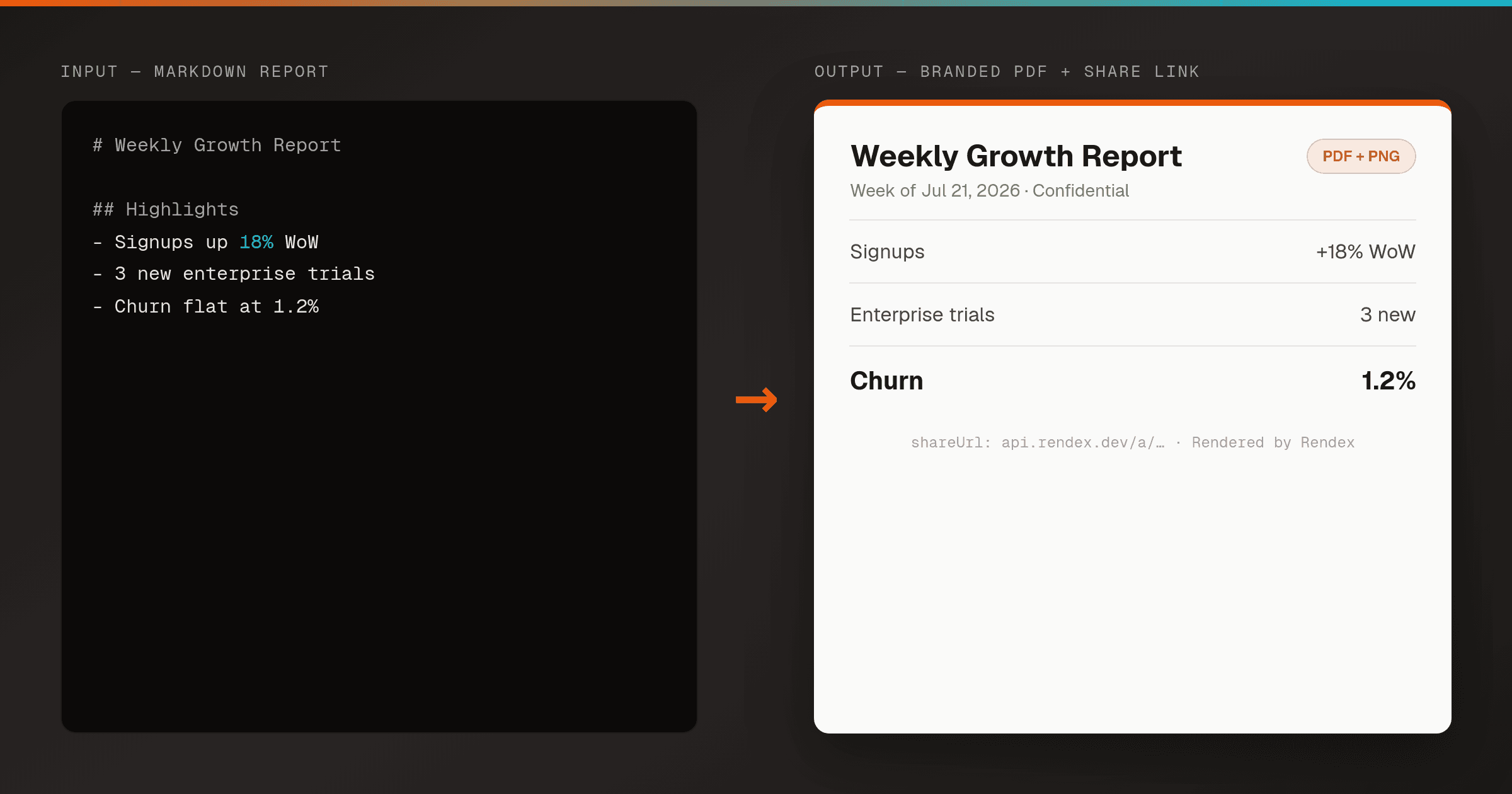
Turn a Markdown Report into a Branded PDF in n8n
n8nRender any Markdown report, digest, or summary into a branded PDF, PNG, and hosted share page with one n8n node using Rendex Artifact — no design tool, no PDF library.
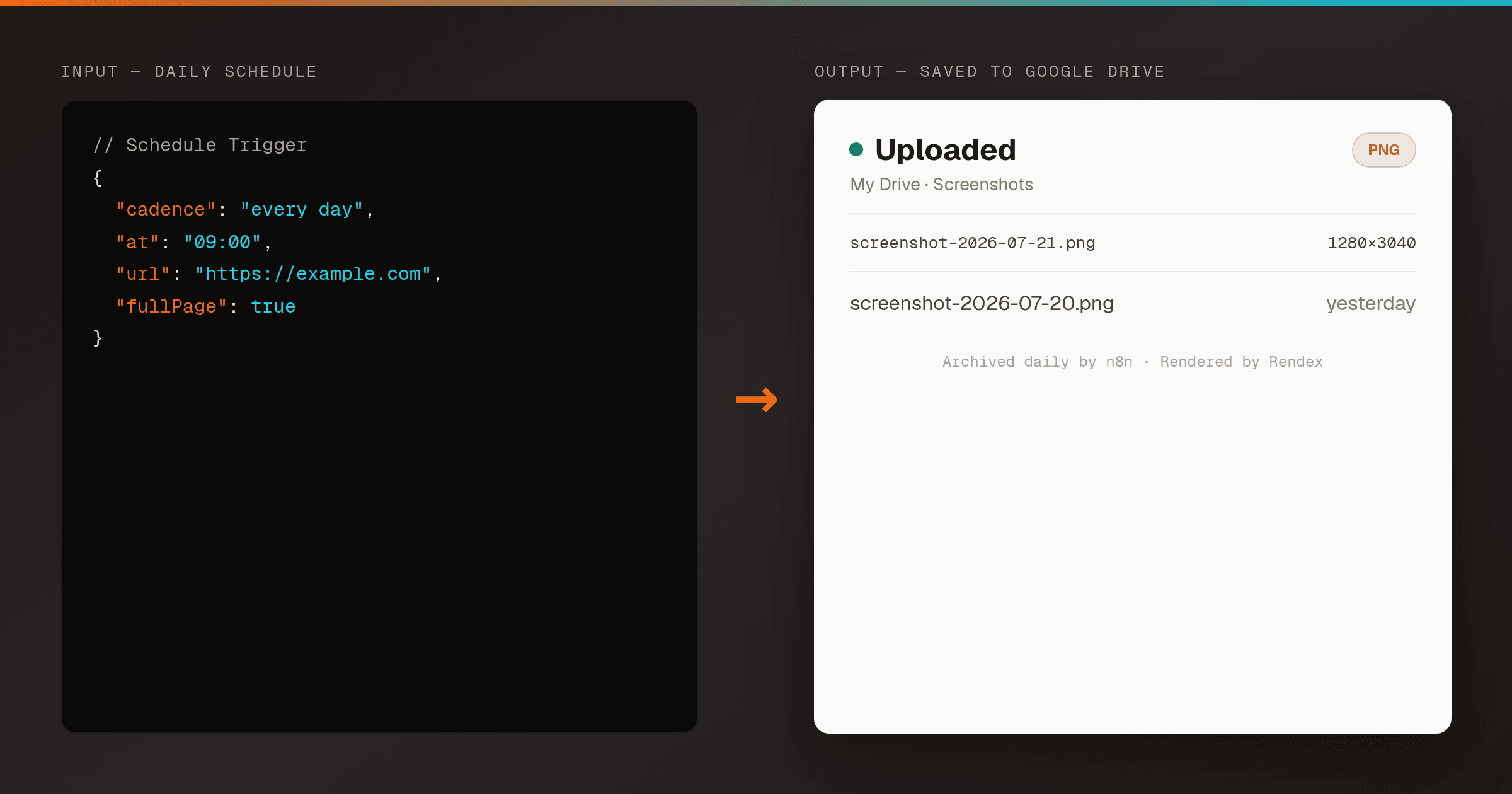
Archive a Daily Screenshot to Google Drive in n8n
n8nCapture a full-page screenshot of any URL on a schedule and upload it to Google Drive with a timestamped filename — a hands-off visual record for compliance, marketing, or competitor tracking.
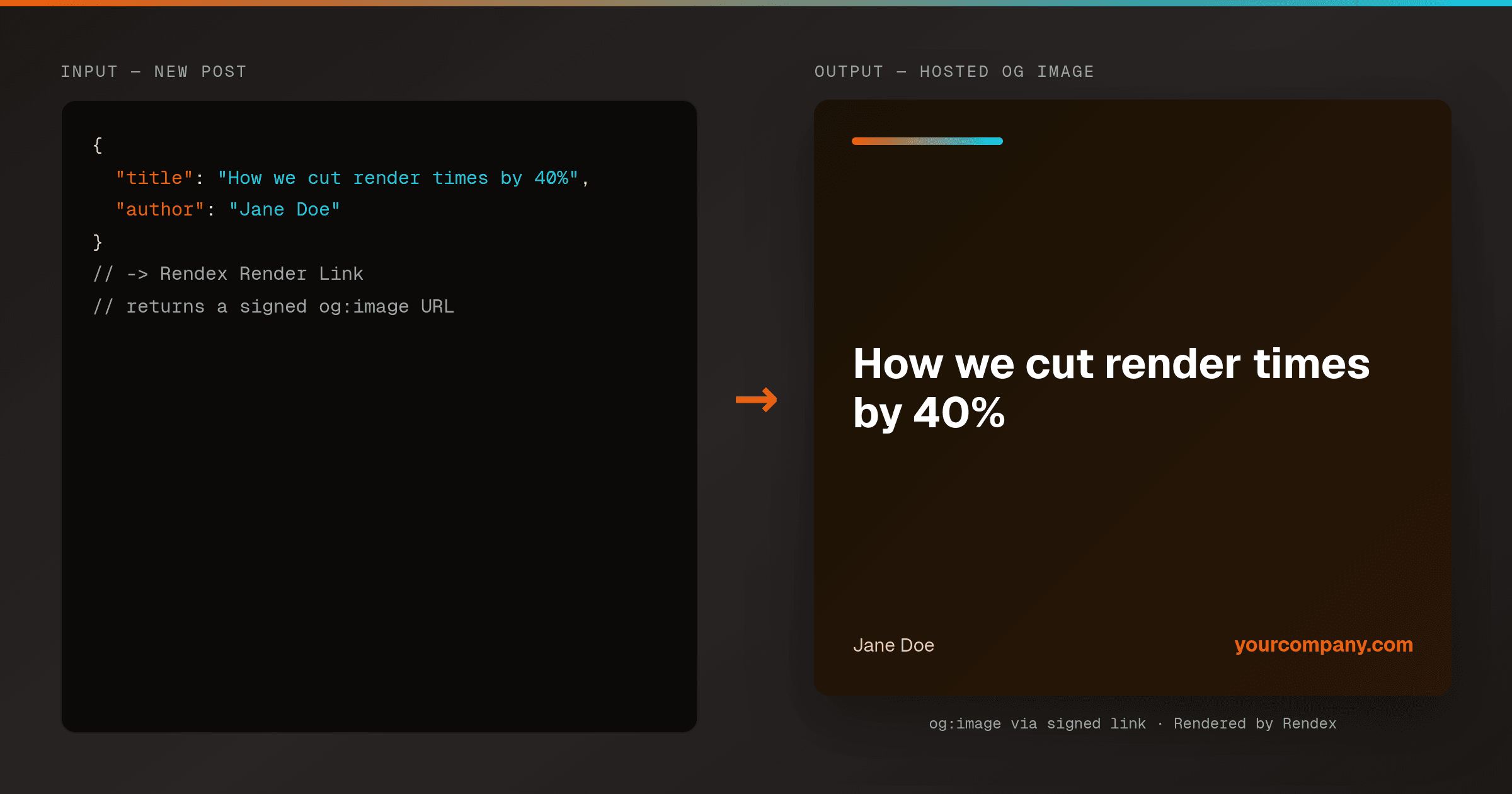
Auto-Generate Social OG Images per Blog Post in n8n
n8nMint a branded, hosted og:image URL for every blog post with one n8n workflow and Rendex Render Link — inject the title and author, get a signed image URL to drop straight into your og:image tag. No upload step.
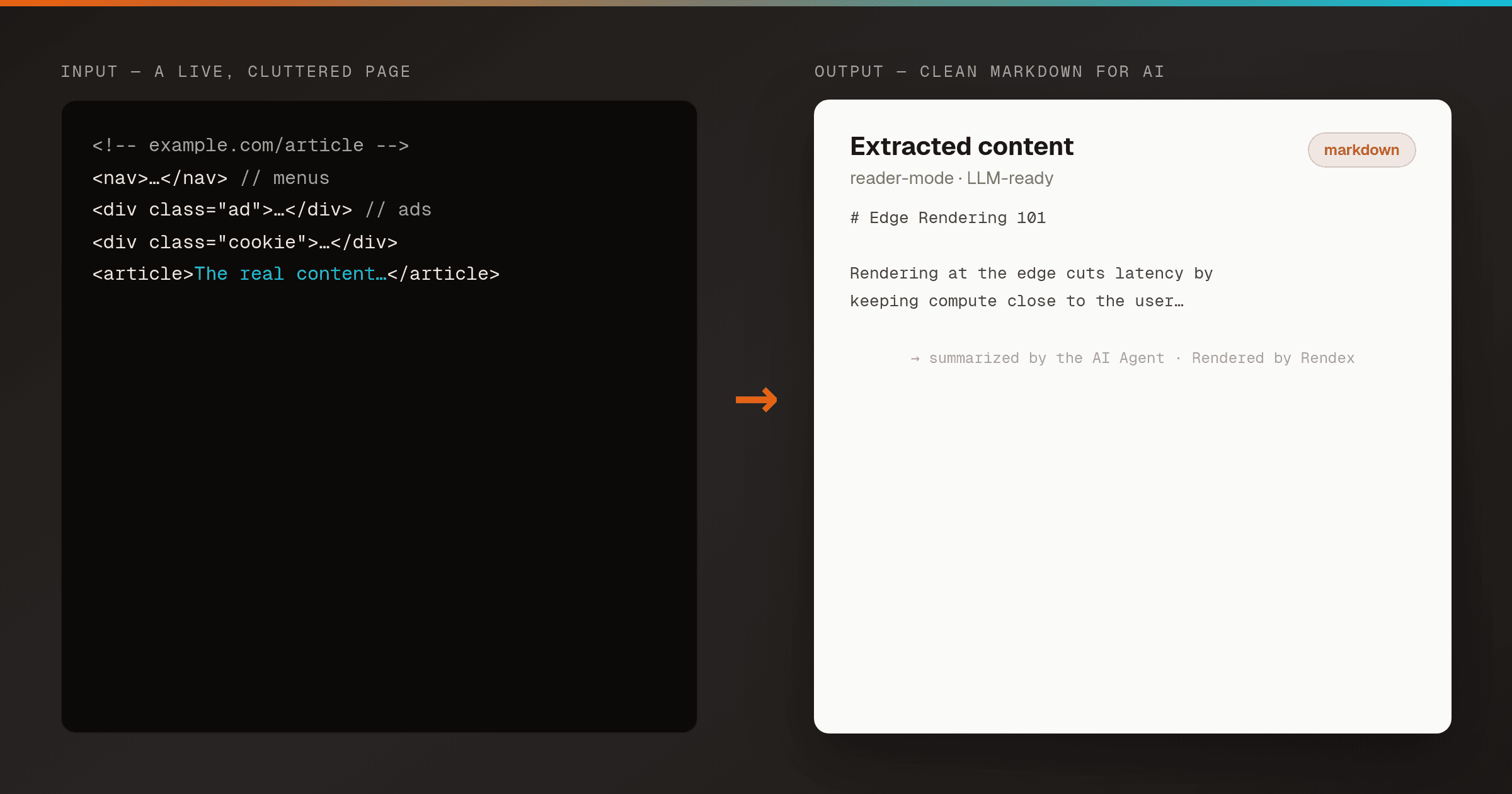
Extract Clean Content from a URL and Summarize It with AI in n8n
n8nPull clean, reader-mode Markdown from any page with Rendex Extract — handling paywalls, JS apps, and cookie walls — then feed it to an LLM for a summary or straight into a RAG pipeline. One n8n workflow.
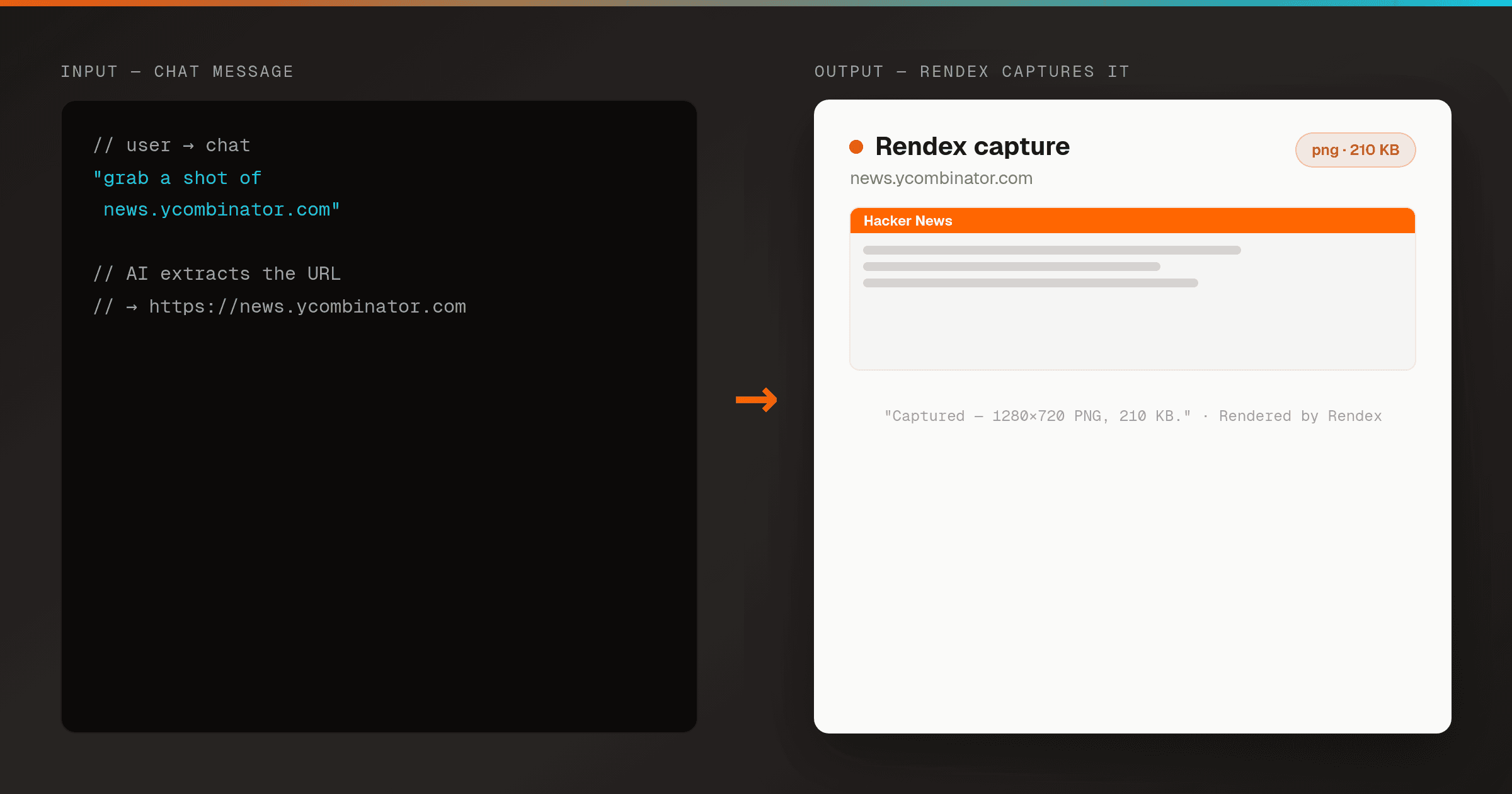
Screenshot a URL from a Chat Message with AI in n8n
n8nLet a user ask in plain English and have AI pull the URL out of the message, then screenshot it with Rendex — a fully-wired n8n workflow that runs the moment you add credentials.
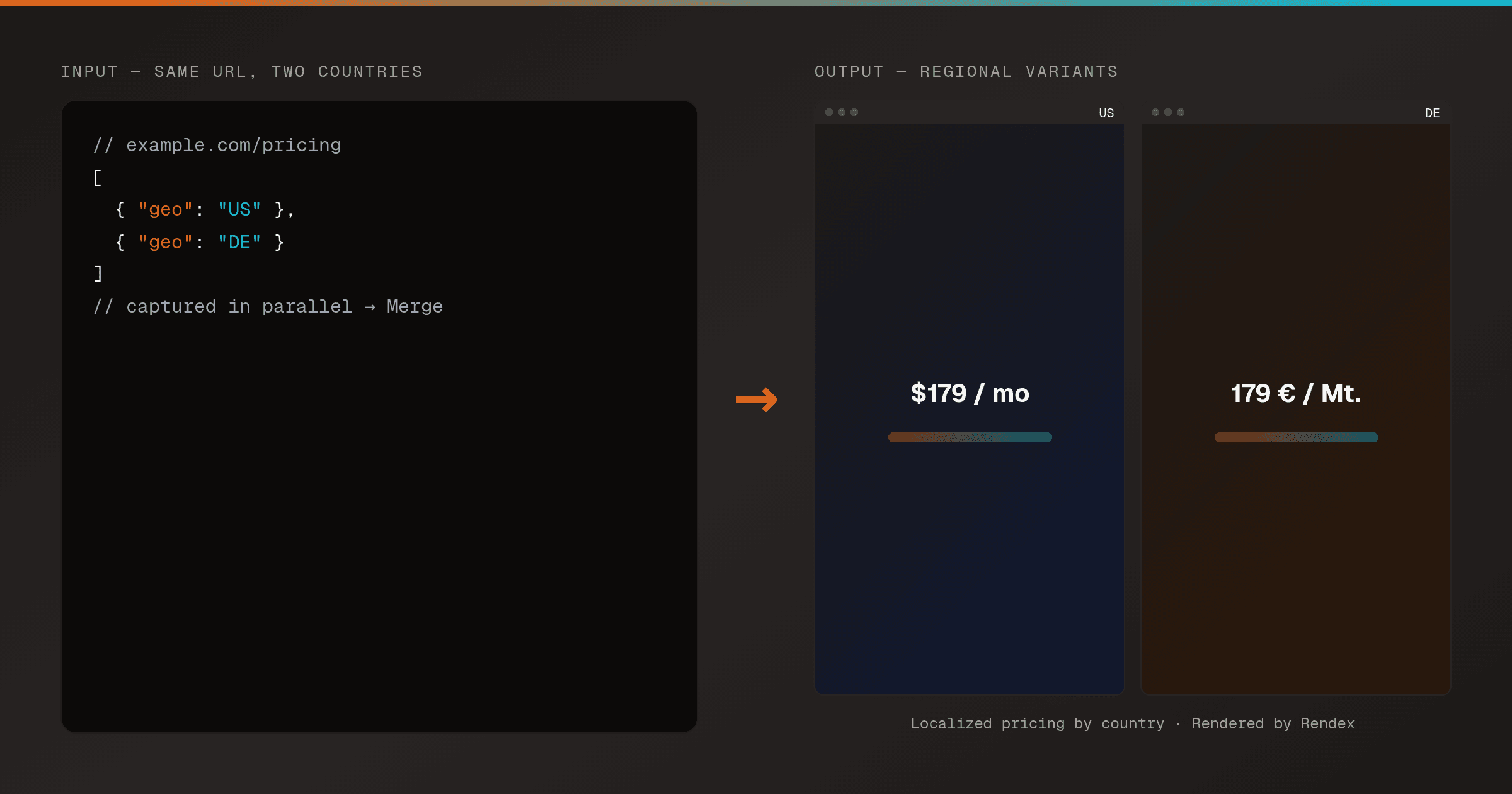
Compare a Page Rendered from Different Countries in n8n
n8nCapture the same URL from multiple countries in parallel with Rendex geo screenshots, then merge the results to verify localized pricing, geo-gated content, and regional CDNs — one n8n workflow.
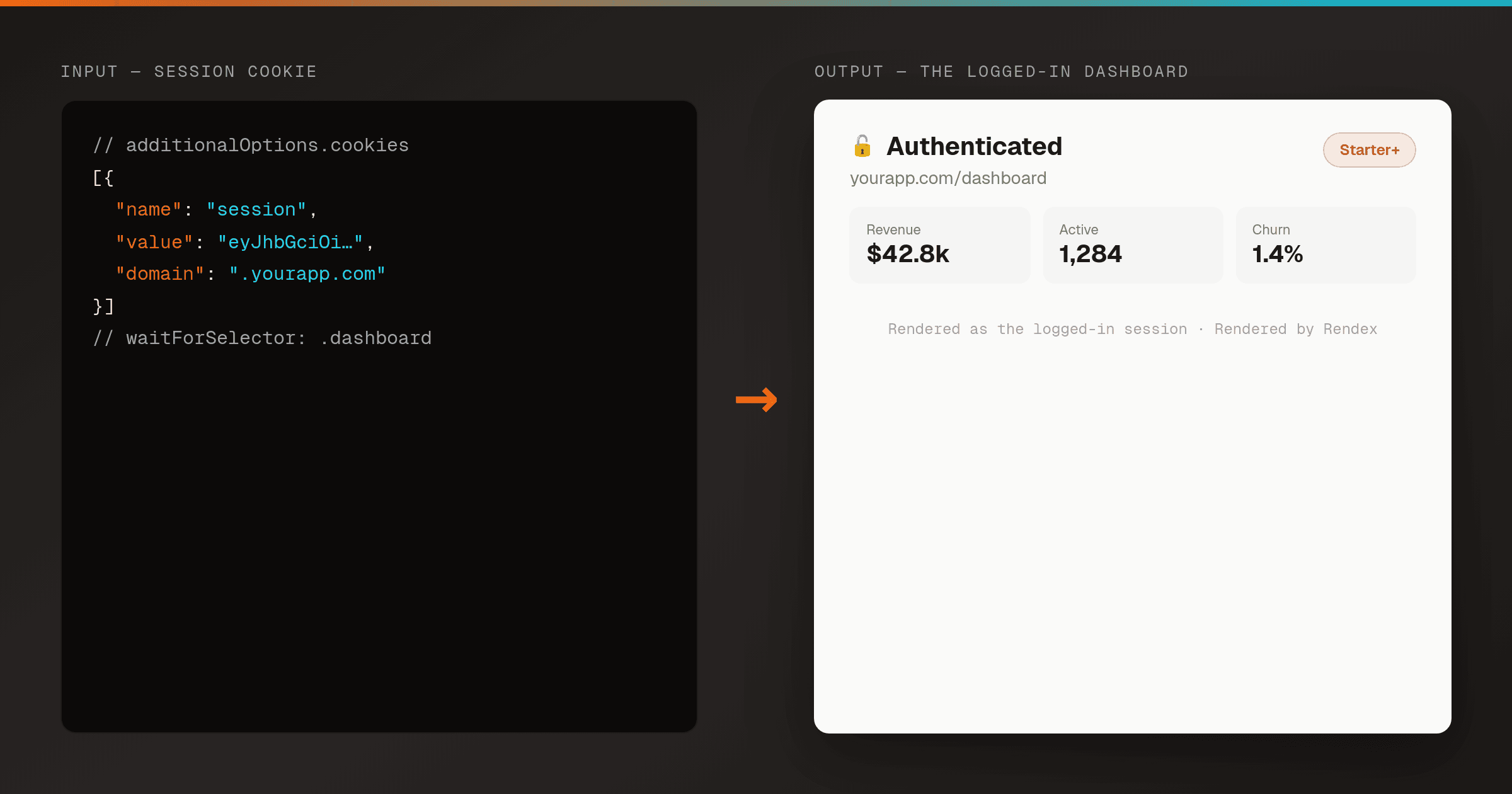
Screenshot a Page Behind a Login in n8n
n8nCapture an authenticated page — an internal dashboard, a gated report, a members-only view — by passing your session cookies to Rendex, so it renders the page as the logged-in you. One n8n workflow.
More rendering recipes
Built for other tools, but the same Rendex API powers them — adapt the trigger and the render step works the same.
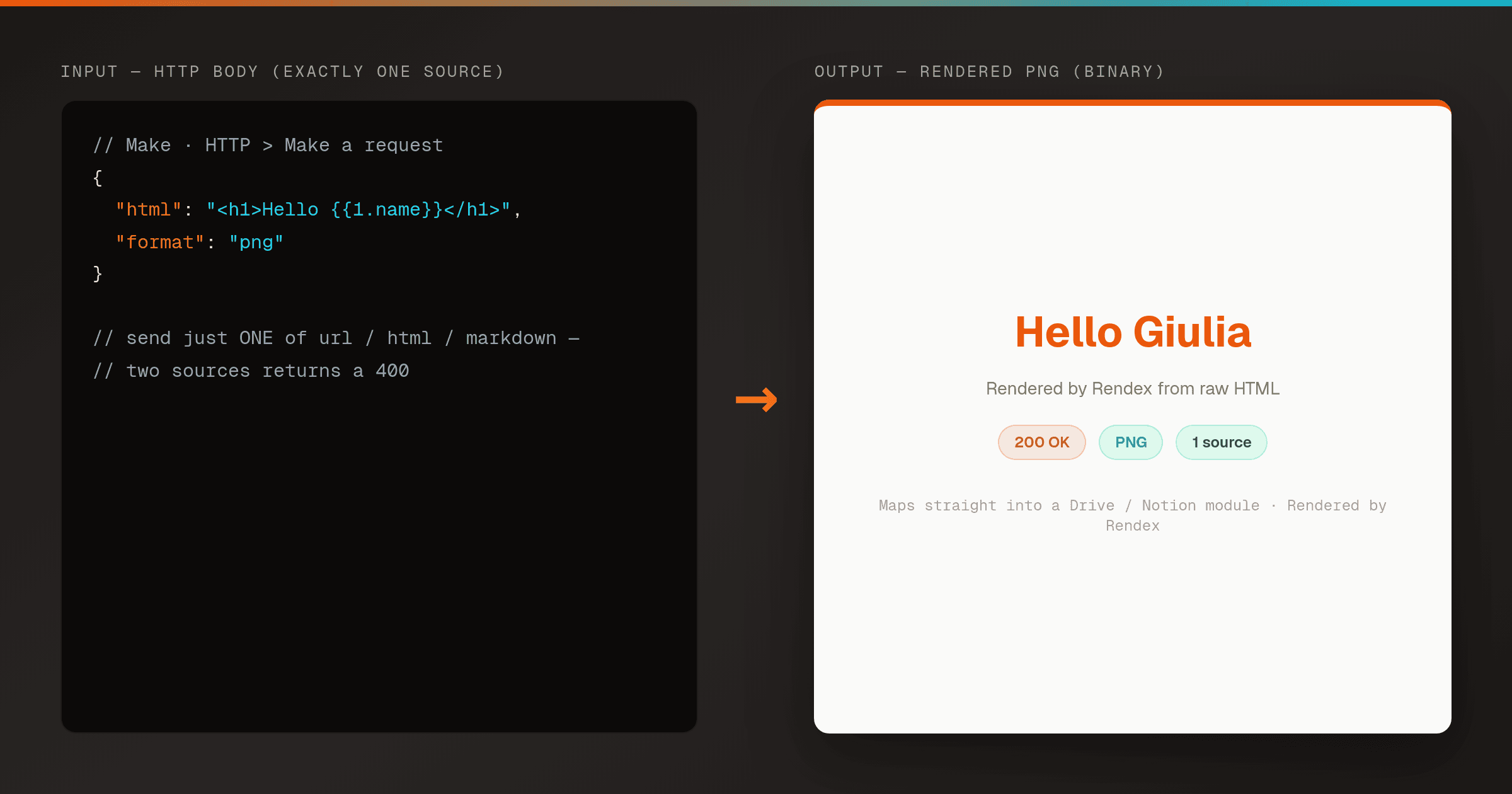
Render HTML to a PNG in Make (Correct HTTP Module Setup)
MakeA pre-wired Make HTTP module that renders HTML to a PNG with Rendex on the first try. Copy the exact request body so you never hit the 400 'send exactly one of url, html, or markdown' error.
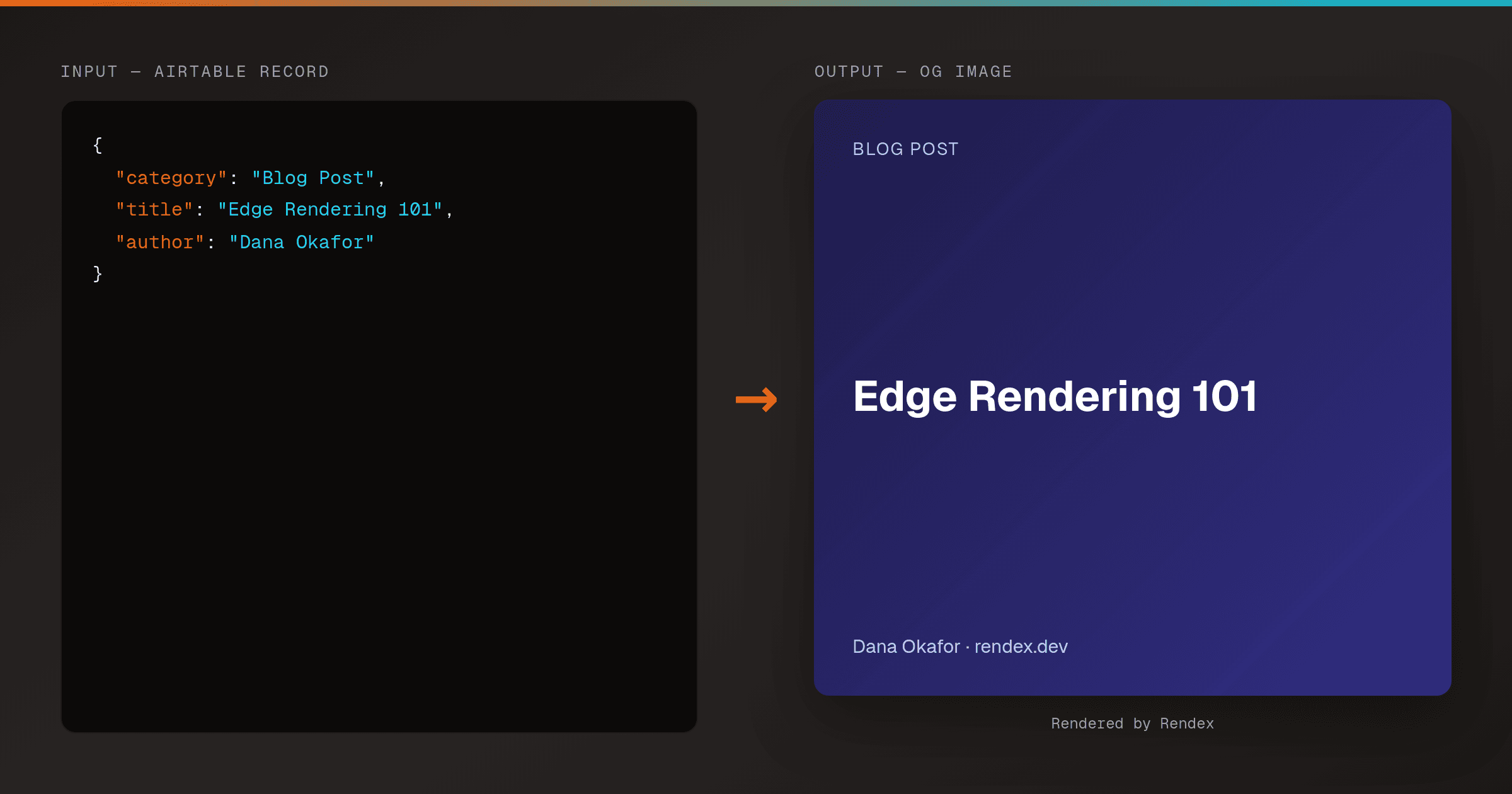
Auto-Generate OG Images from Airtable Rows (Make & Zapier)
MakeZapierTurn every Airtable row into a branded Open Graph image. A Make HTTP module or Zapier action calls Rendex's hosted render link, then writes the og: URL straight back to the row.
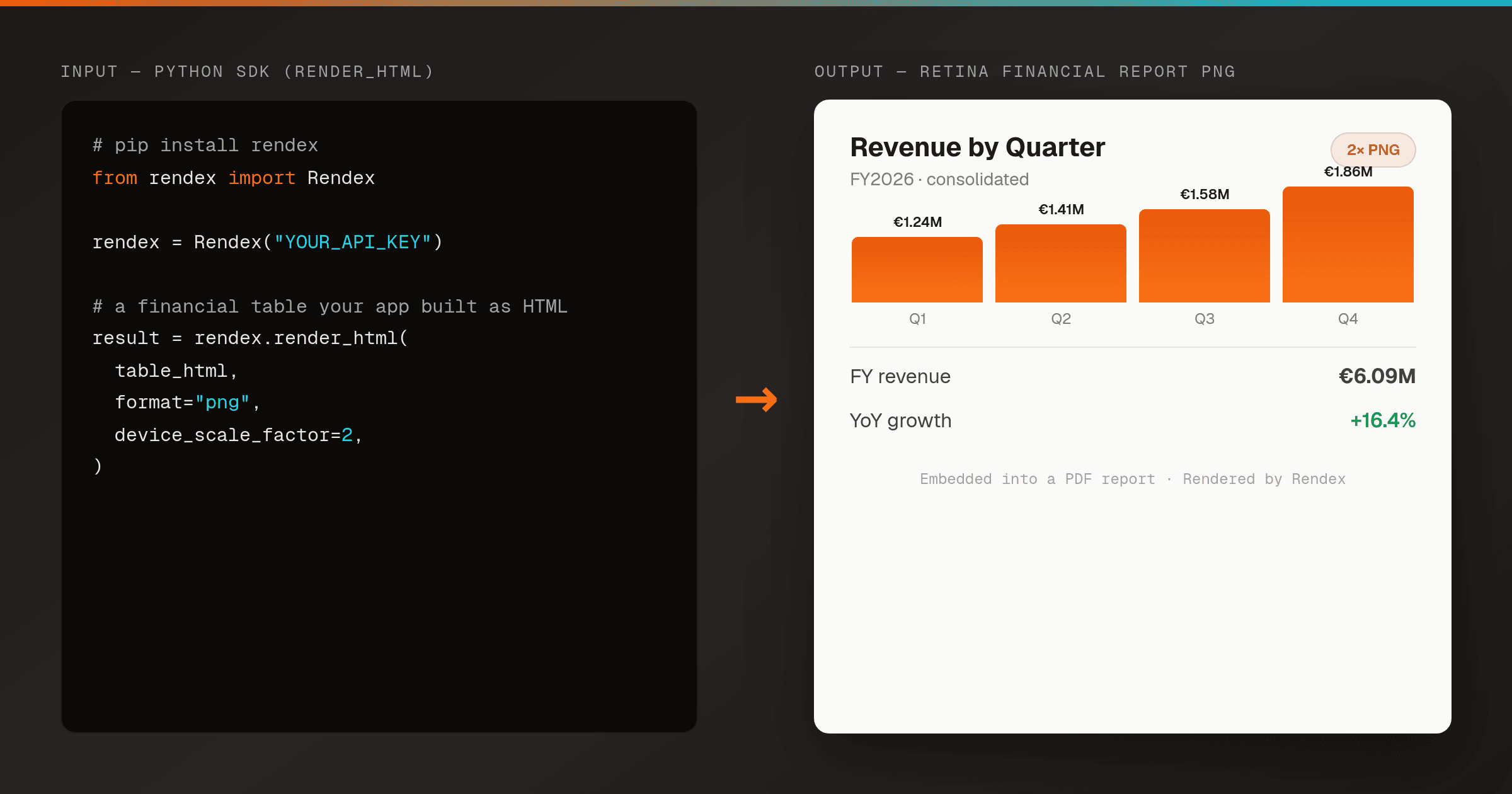
Render an HTML Financial Report or Invoice to PNG in Python
Python SDKTurn an HTML financial report, invoice, certificate, or data table into a crisp PNG from a server-side Python script — one render_html() call, no headless Chrome to host. Embed the image in a generated PDF or report deliverable.
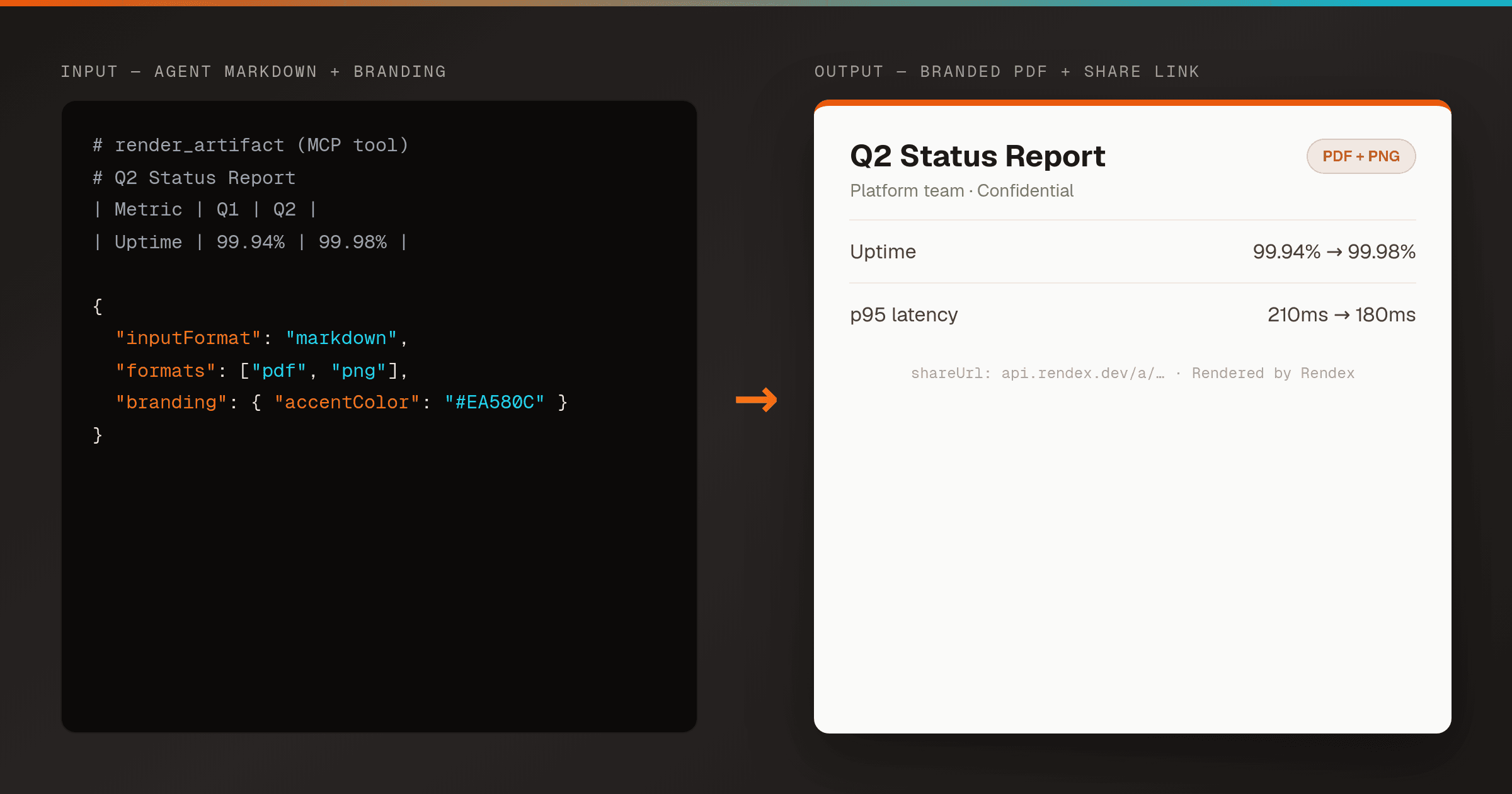
Let an AI Agent Render a Branded PDF from Markdown (Rendex MCP)
MCPGive Claude, Cursor, or any MCP client the Rendex render_artifact tool and it turns the Markdown or HTML it just wrote into a branded PDF + PNG with a hosted share link — one tool call, no file plumbing, no headless browser.
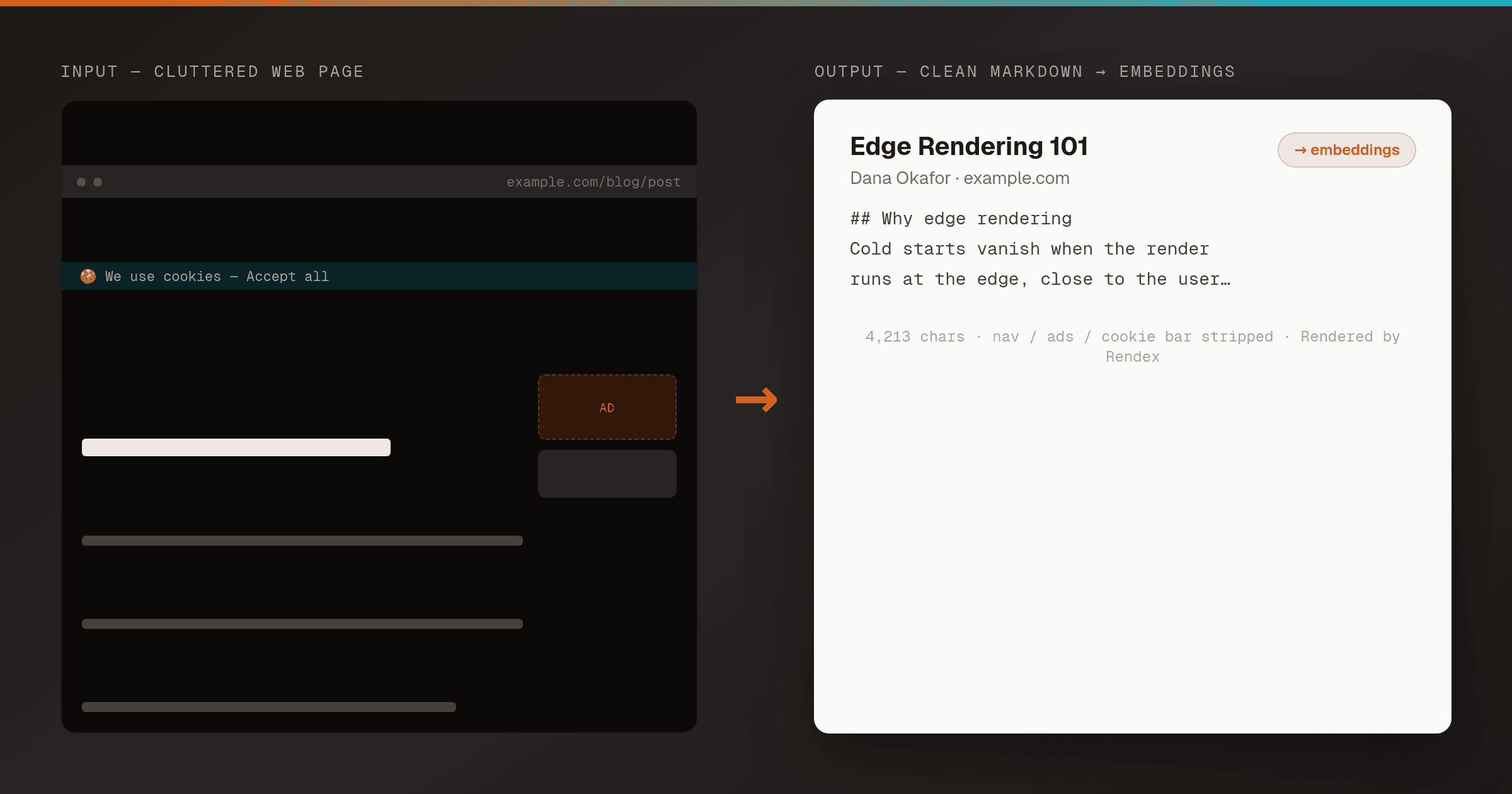
Extract a URL to Clean Markdown for RAG in Pipedream
PipedreamTurn any web page into clean, reader-mode Markdown with one Rendex call inside a Pipedream workflow, then pipe it straight into an embedding or LLM step — no HTML parsing, no boilerplate stripping, no headless browser.
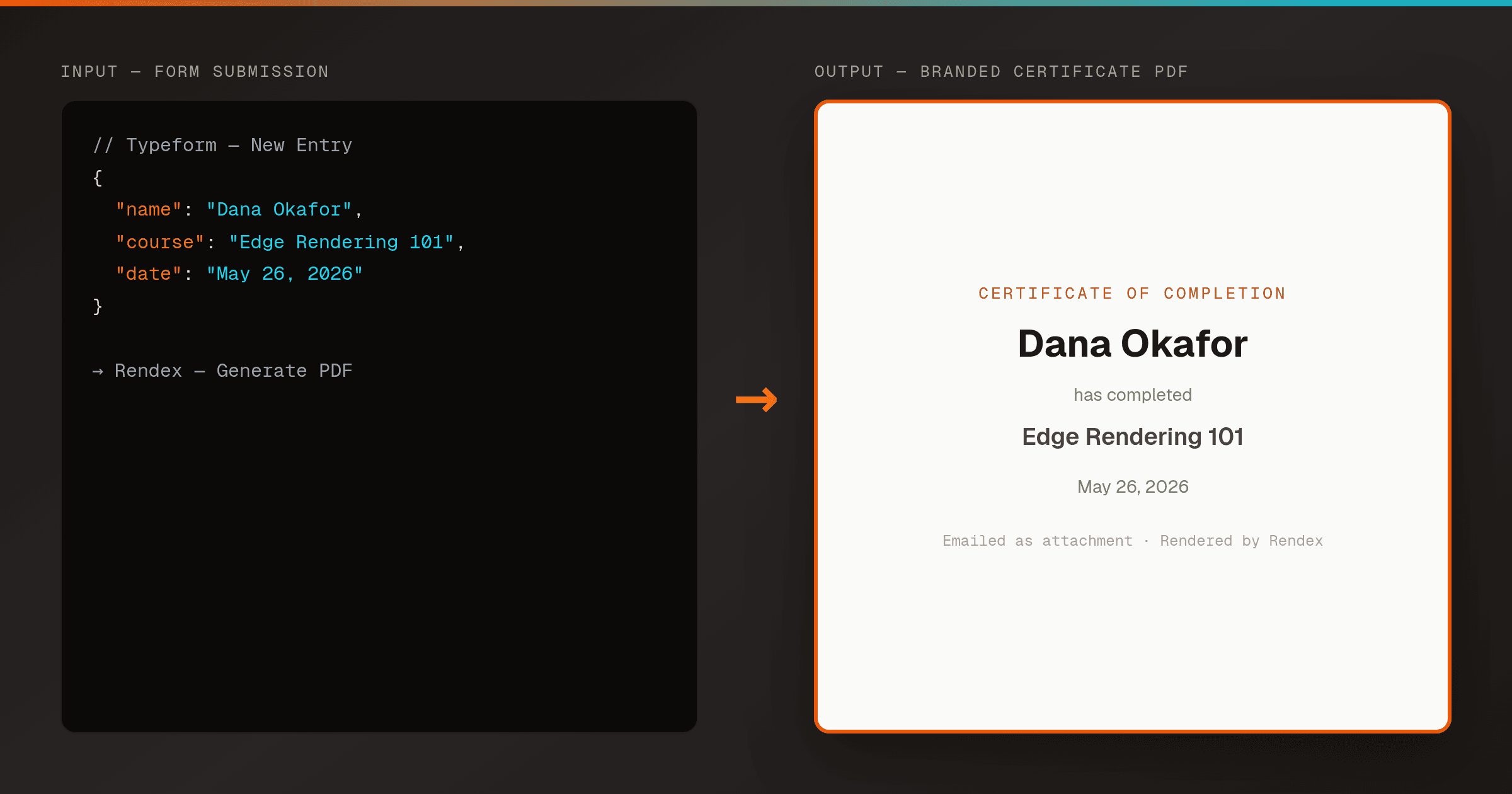
Generate a Branded PDF from a Form Submission in Zapier
ZapierTurn a Typeform or Google Forms submission into a branded PDF — a receipt, certificate, or confirmation — with Zapier's native Rendex Generate PDF action, then email it back. No code, no PDF library, no headless browser.
Other Ways to Connect Rendex
Start Free, No Card Required
100 renders/month on the free plan. Upgrade only when you scale.