Rendex for Make
Render images and PDFs inside any Make scenario with the built-in HTTP module — there's no dedicated Make app to install, and you don't need one.
Map scenario bundle data into an HTML template, render it to an image or PDF, and pipe the result into any of Make's 2,000+ apps — all from one generic HTTP module.
# Make — HTTP > Make a request
URL     = https://api.rendex.dev/v1/screenshot
Method  = POST
Headers = Authorization: Bearer YOUR_API_KEY
          Content-Type: application/json
Body    = {
  "html": "{{1.invoiceHtml}}",
  "data": { "total": "{{1.total}}" },
  "format": "pdf"
}
# → pipe the binary response into Google Drive (Upload)
How It Fits Your Workflow
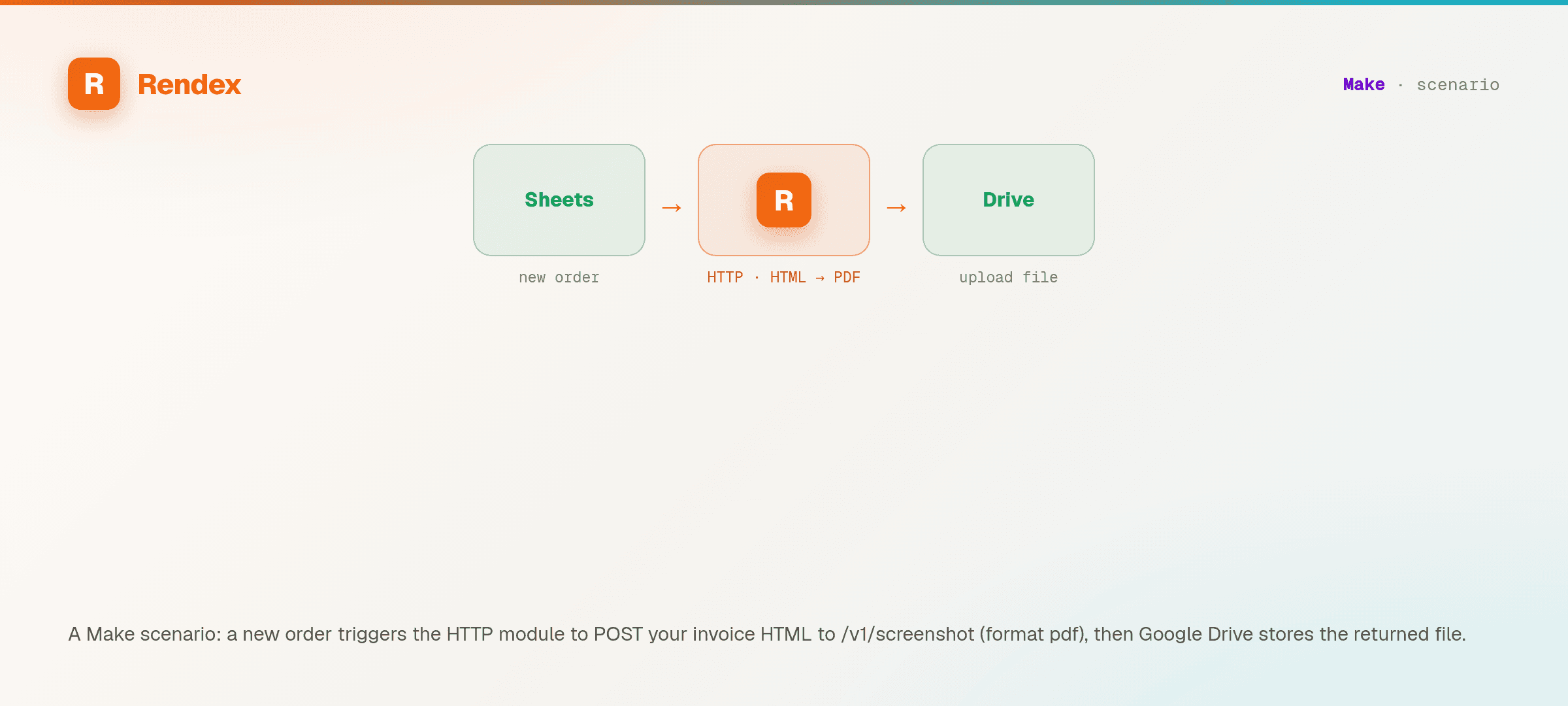
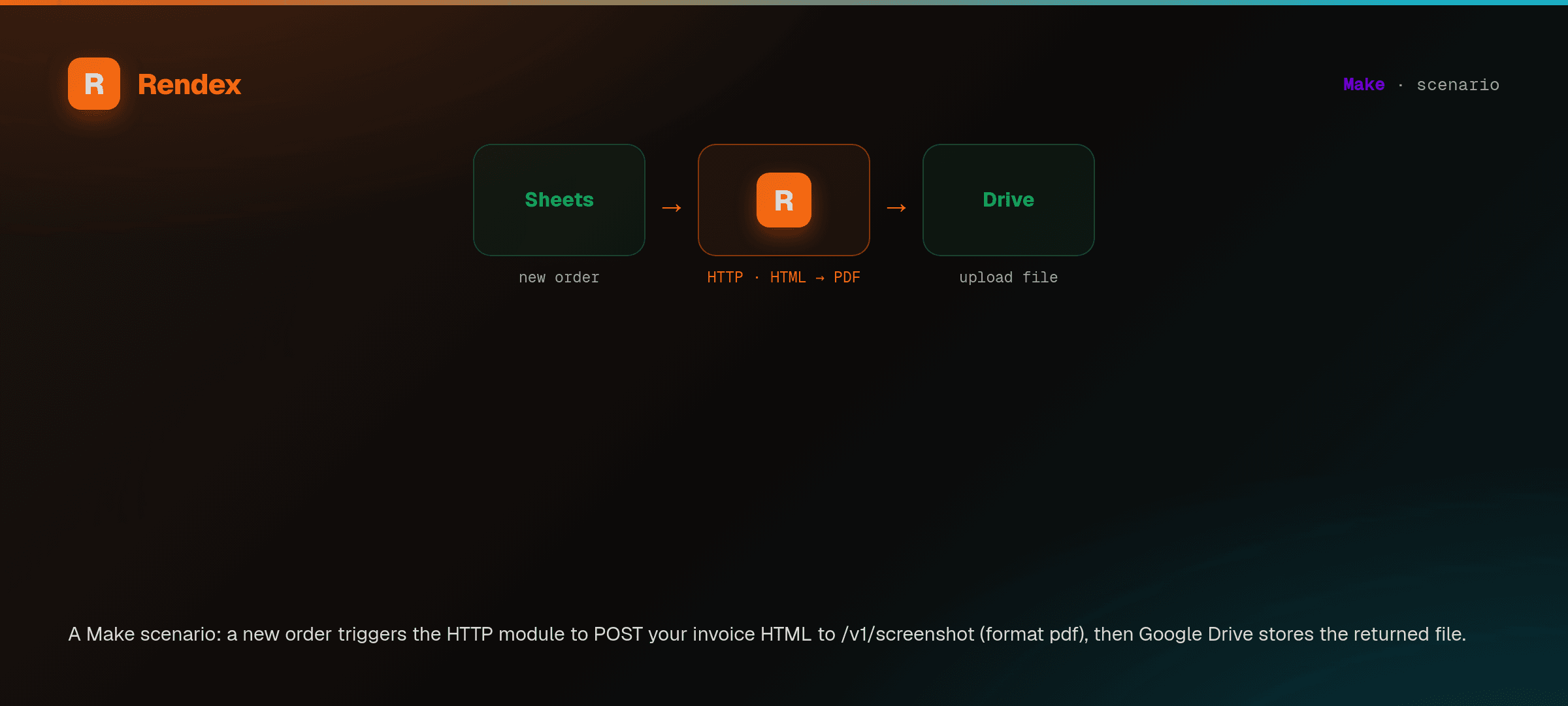
Trigger
Any Make app — a form, webhook, Sheets row, or scheduled scenario kicks things off.
HTTP module → Rendex
POST to api.rendex.dev with html, a url, or markdown plus bundle data. Get back a binary image/PDF or a hosted render-link URL.
Downstream
Upload the file to Drive, attach it in Notion or Airtable, or send it by email.
What You Can Do
Generic HTTP module — no custom app
Use Make's built-in HTTP > Make a request module. POST JSON to api.rendex.dev with an Authorization: Bearer header — nothing to install or approve.
Binary response, mapped into any app
The HTTP module receives the render as a binary bundle, so the PNG, JPEG, WebP, or PDF maps straight into a Google Drive, Notion, or Airtable module with no re-encoding step. Pick the format per call.
Map earlier modules into the template
Wire an earlier module's output into a data object of Mustache variables right in Make's mapping panel — reference bundle fields like {{1.customer}} — so each scenario run renders personalized HTML with no text-string building.
Iterator + aggregator batch
Make's own flow-control does the batching: loop a list through an Iterator to render one file per bundle, then recombine with an Aggregator downstream — a Make-native pattern the other channels don't have.
Cache render-link URLs in a Data store
Call /v1/render/link once for a stable, cached image URL, then keep it in a Make Data store (or a Set variable) to reuse across scenario runs — drop it into an og:image tag with no file to store or move through Make.
Edge renders, retries handled by Make
Renders run on edge infrastructure for fast cold starts. Wrap the HTTP module in a Make error handler so a failed render routes to a retry or fallback path instead of stalling the scenario — and set async for long jobs to get the result by webhook.
Ready-made Make templates
Pre-built and published — copy one into your account in a click, no steps to wire. Open the walkthrough if you'd rather build it by hand.
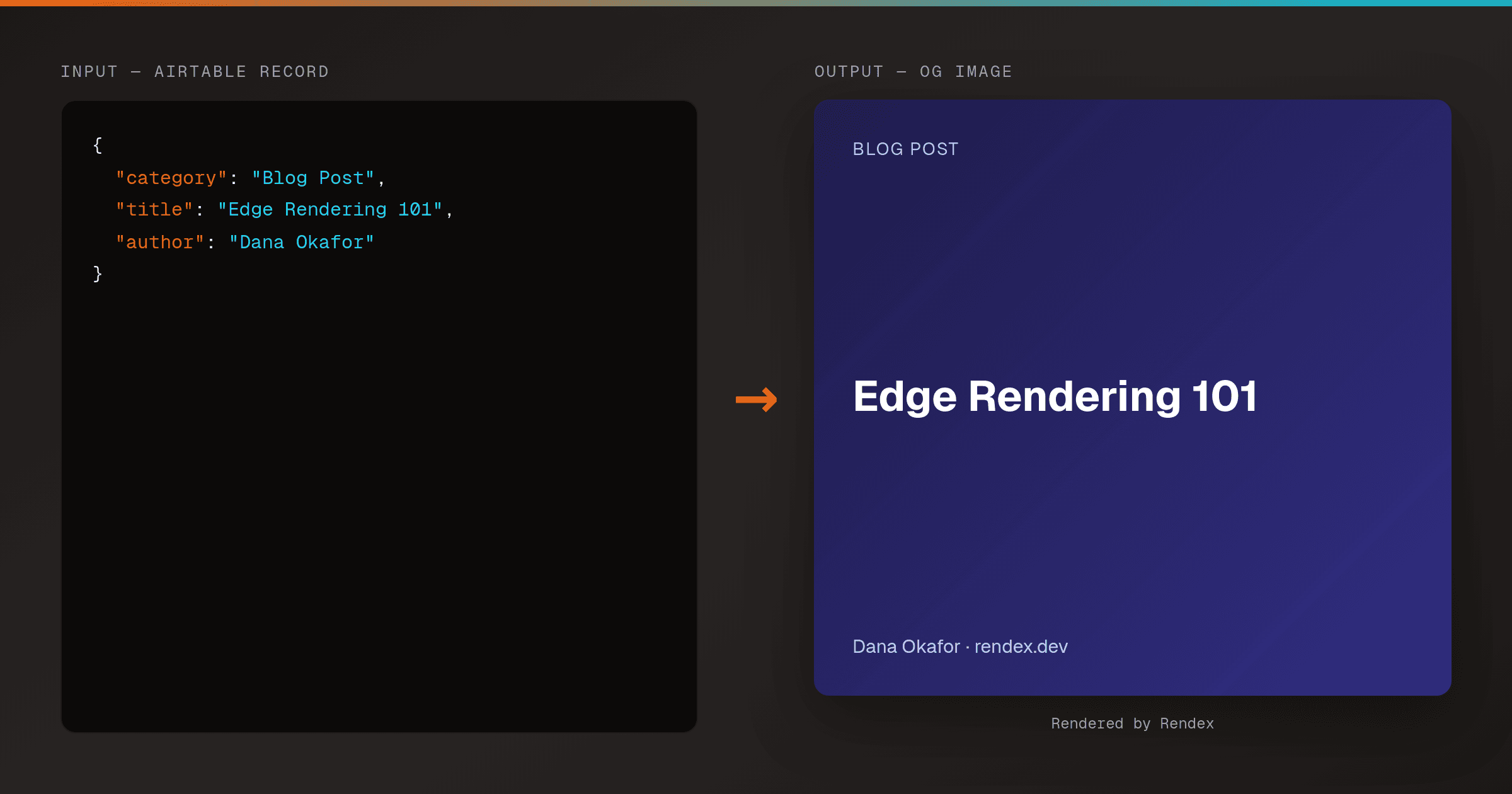
Auto-Generate OG Images from Airtable Rows (Make & Zapier)
MakeZapierTurn every Airtable row into a branded Open Graph image. A Make HTTP module or Zapier action calls Rendex's hosted render link, then writes the og: URL straight back to the row.
Recipes for Make
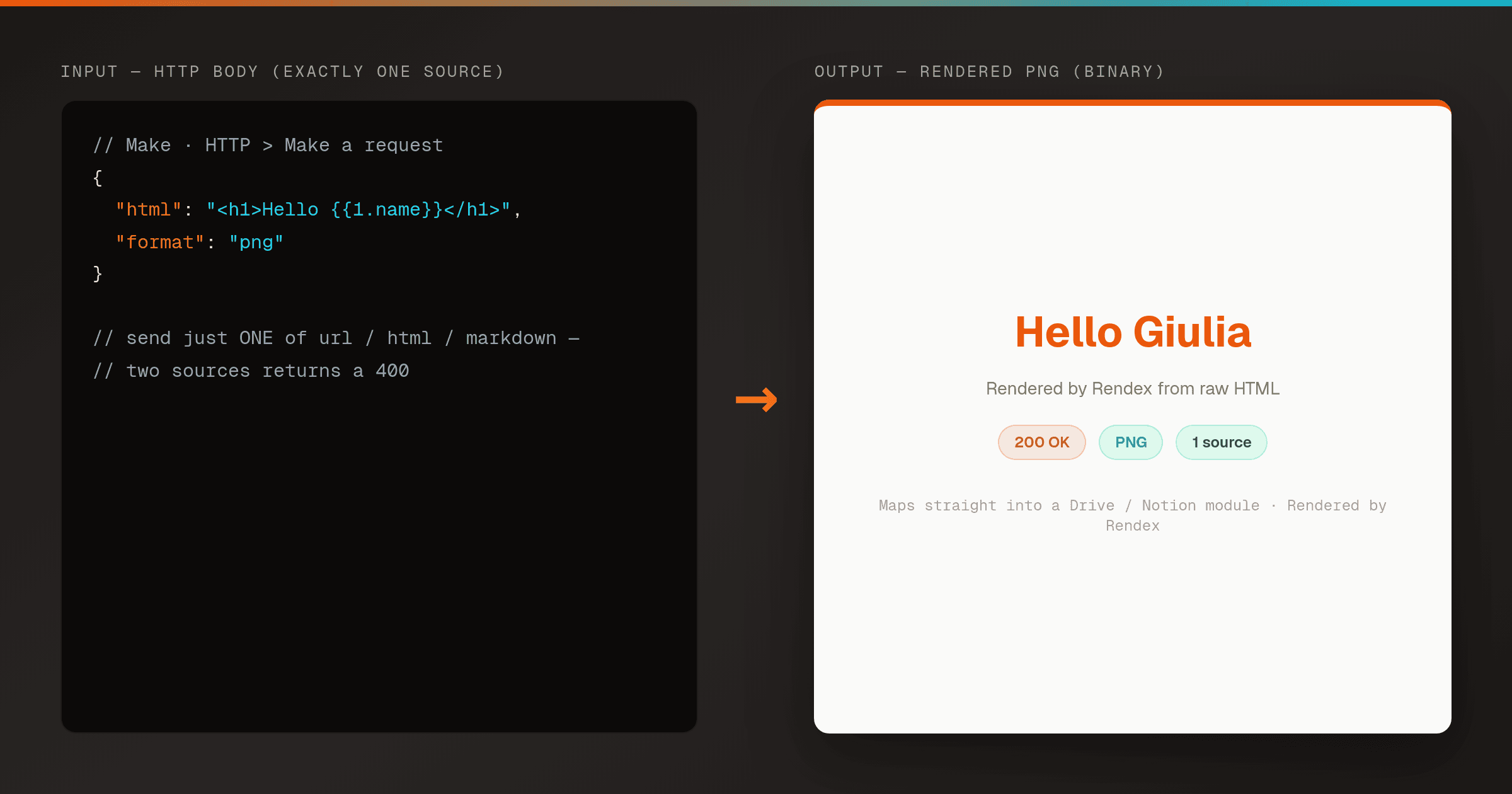
Render HTML to a PNG in Make (Correct HTTP Module Setup)
MakeA pre-wired Make HTTP module that renders HTML to a PNG with Rendex on the first try. Copy the exact request body so you never hit the 400 'send exactly one of url, html, or markdown' error.
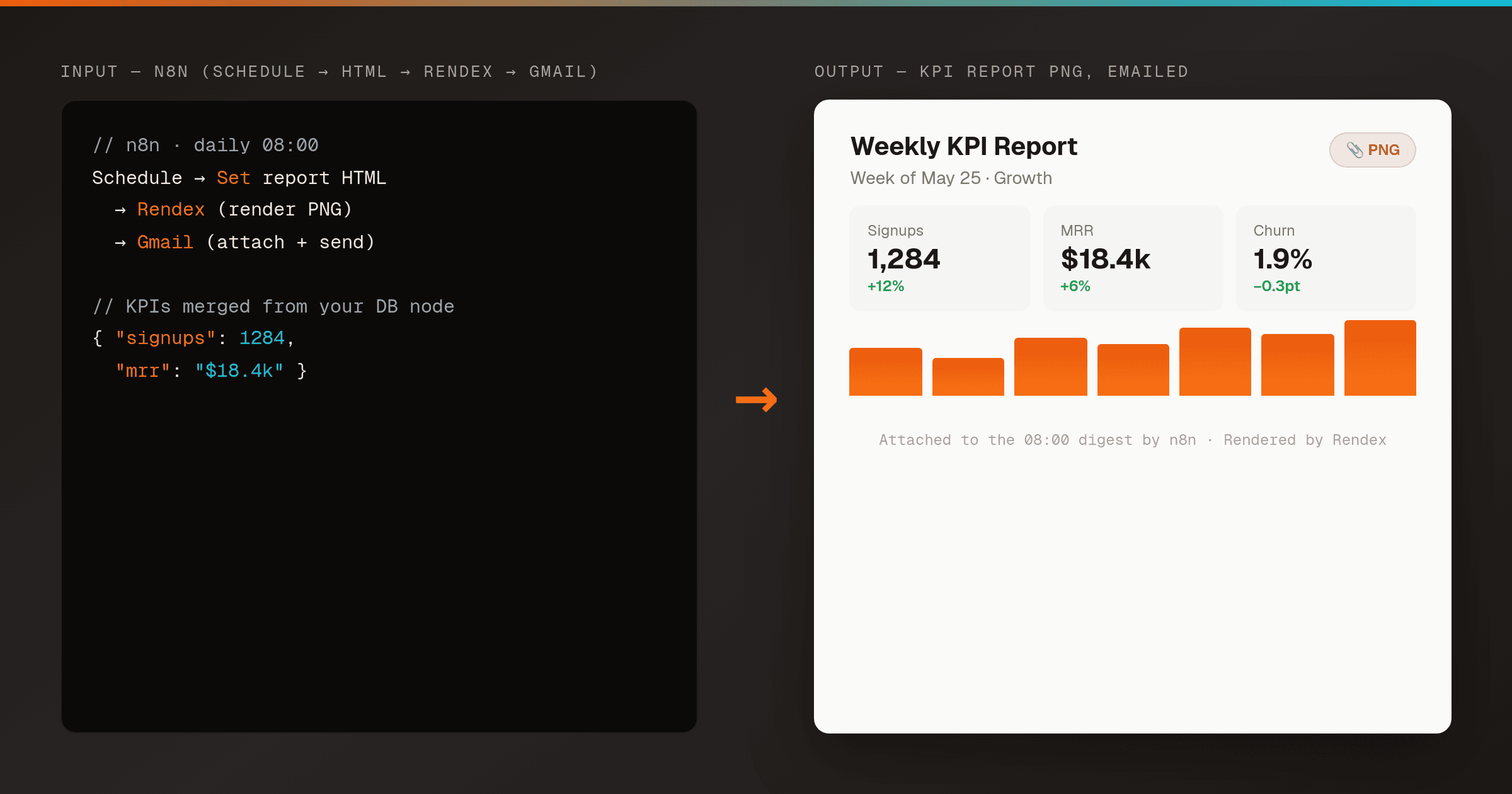
Email an HTML Report as a PNG Attachment in n8n
n8nMakeRender an HTML report or KPI summary to a PNG with Rendex on a schedule, then email it as an attachment to your team — one n8n workflow, no headless browser to host. Works the same in Make.
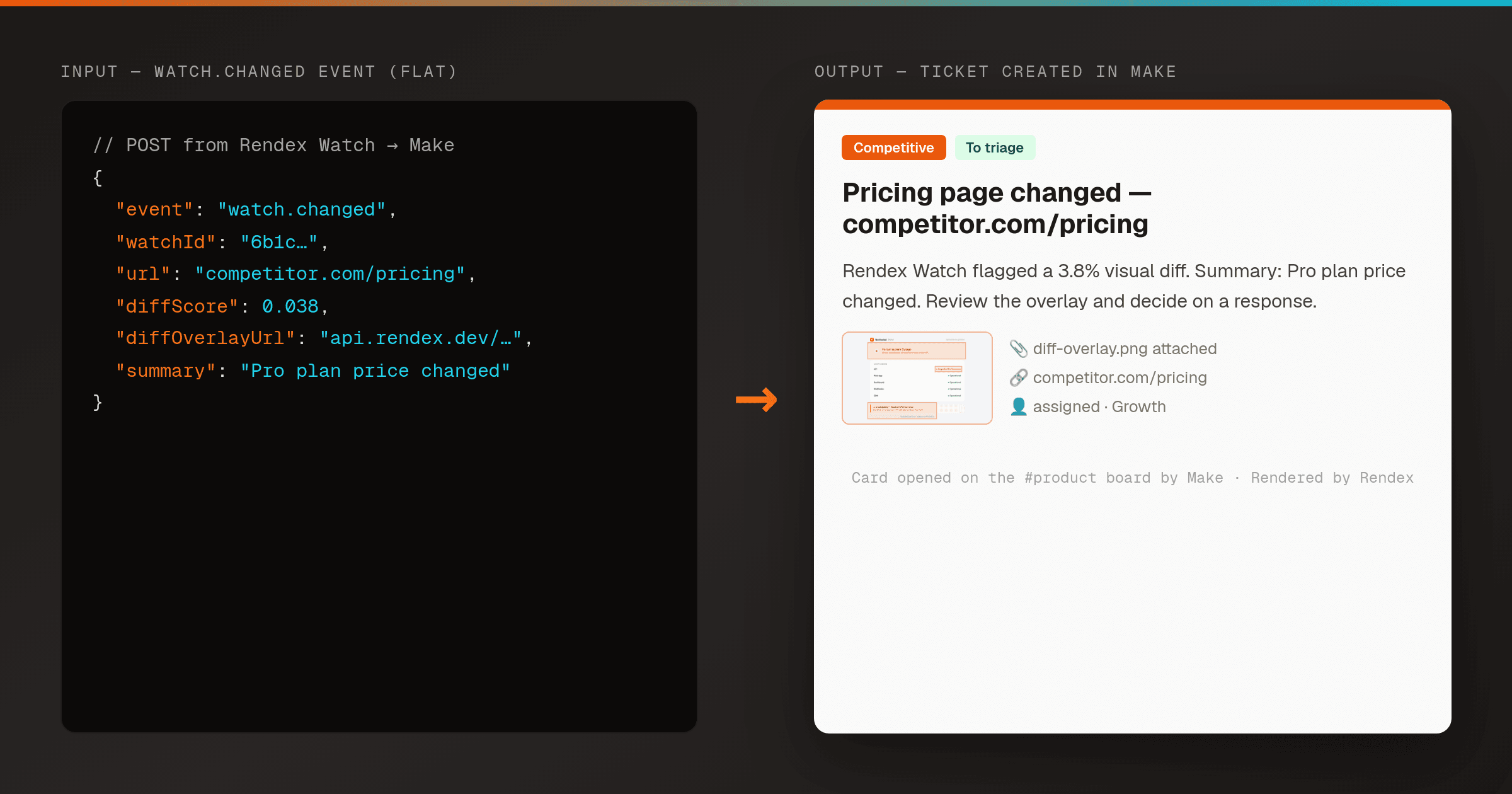
Open a Ticket When a Web Page Changes (Rendex Watch + Make)
MakeMonitor any page with Rendex Watch and open a Trello, Jira, or Asana ticket in Make the moment it changes — a real-Chrome before/after visual diff drives the alert, so you file work on real changes, not on noise.
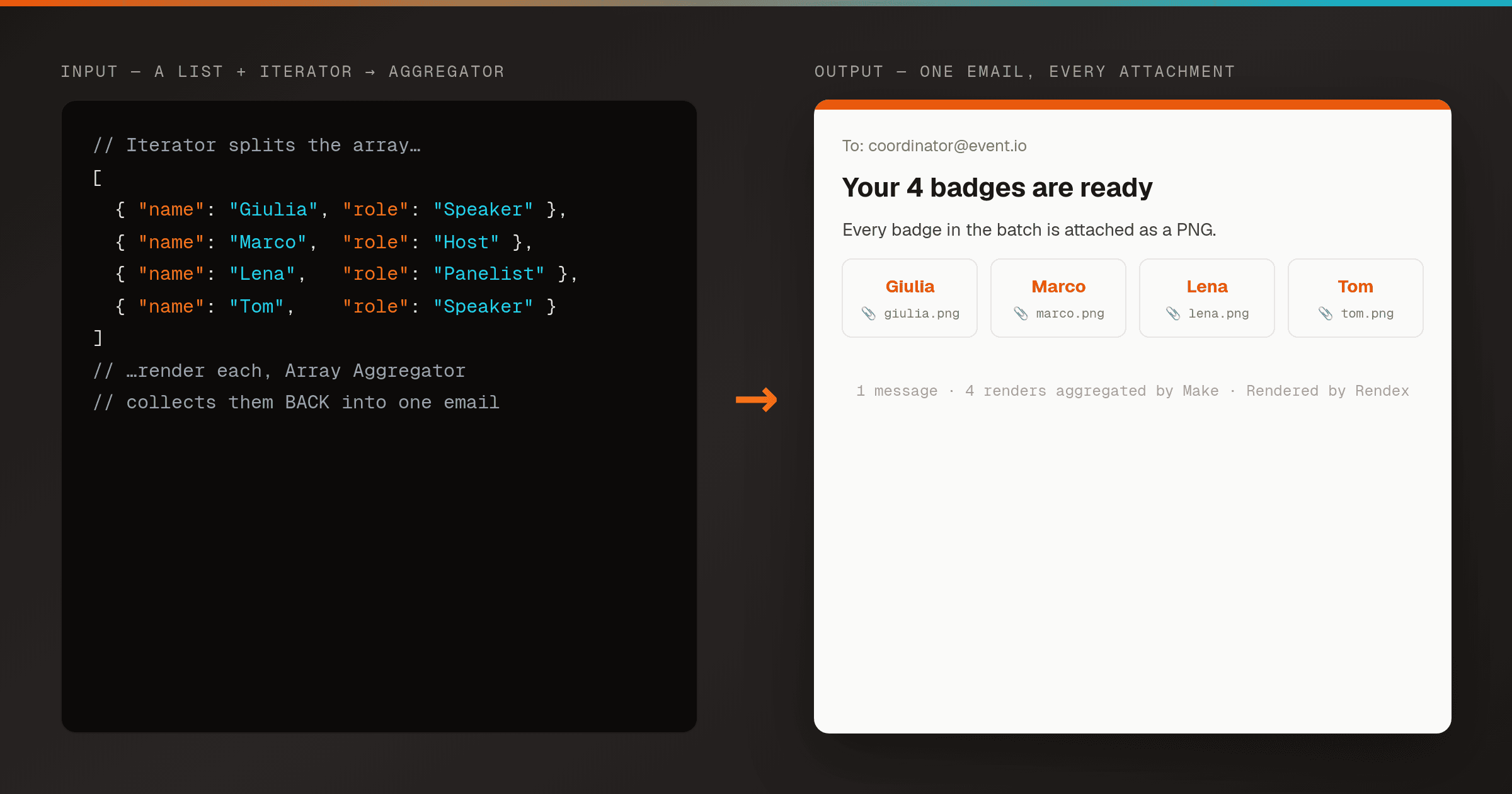
Render a List to Images and Email Them as One Message (Make Iterator + Aggregator)
MakeFan a list of records out with a Make Iterator, render each one to a PNG with Rendex, then recombine them with an Array Aggregator so a single email goes out with every image attached — the aggregate-back pattern Zapier can't do.
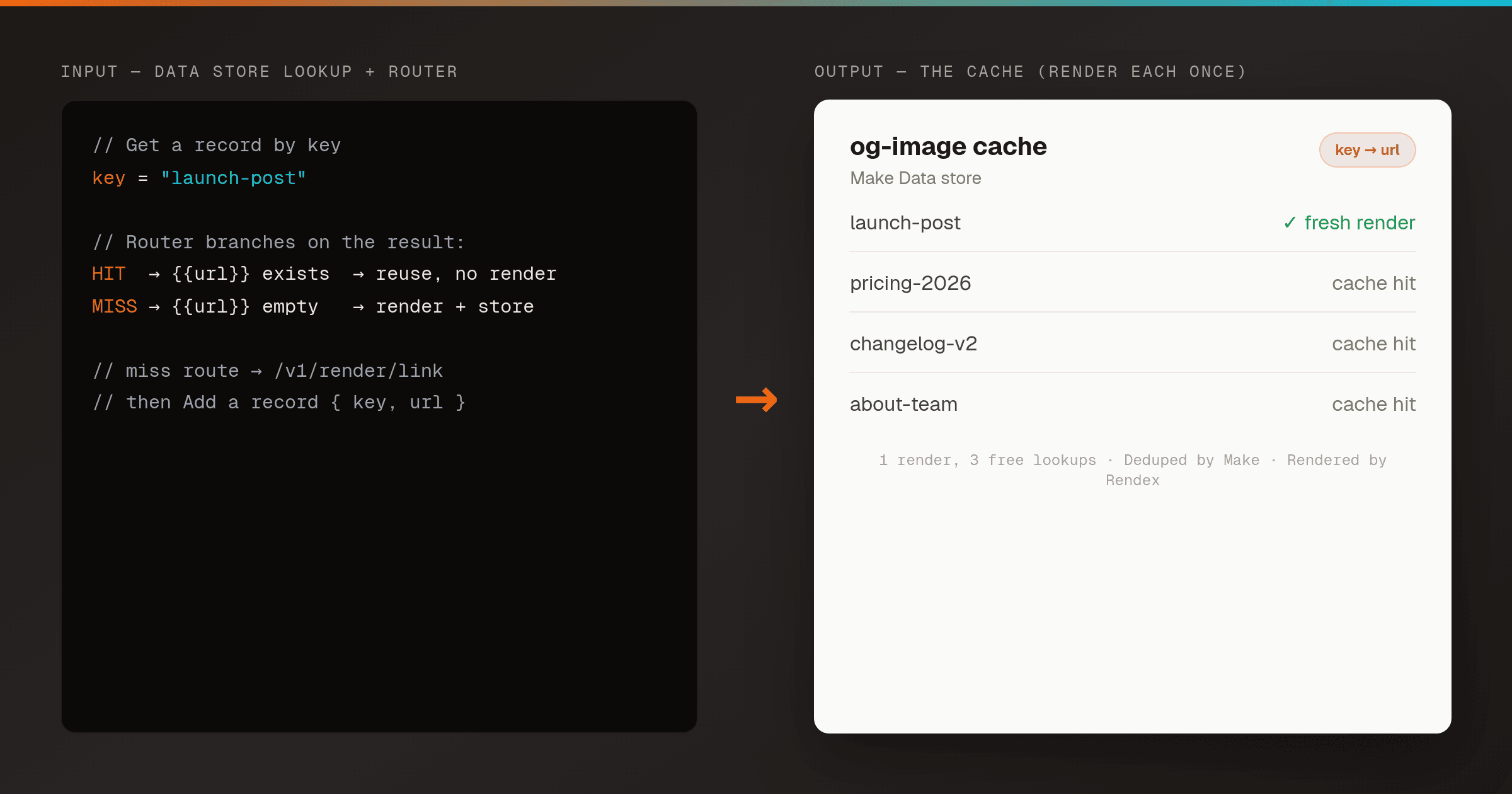
Cache OG-Image Render Links in a Make Data Store (Render Each Item Once)
MakeStore Rendex render-link URLs in a Make Data store keyed by content, so a Router renders a new item only on a cache miss and reuses the hosted URL on every hit — dedupe that cuts credits and latency, using Make's built-in database.
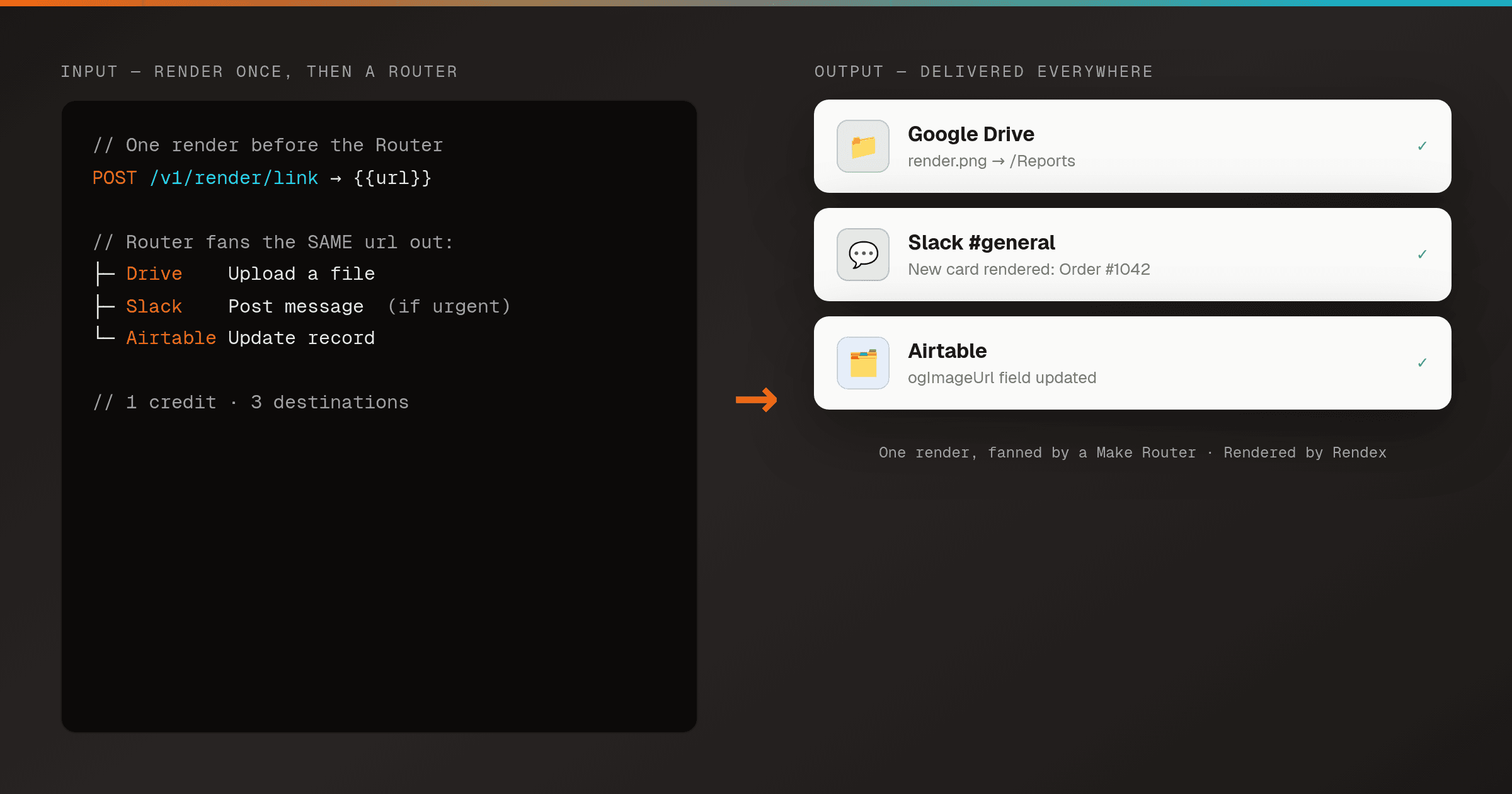
Render Once, Deliver Everywhere — Fan a Render to Many Apps With a Make Router
MakeRender an image or PDF once with Rendex, then a Make Router fans it out in parallel — upload to Drive, post to Slack, and write to Airtable from a single render, each branch with its own filter. One render, many destinations.
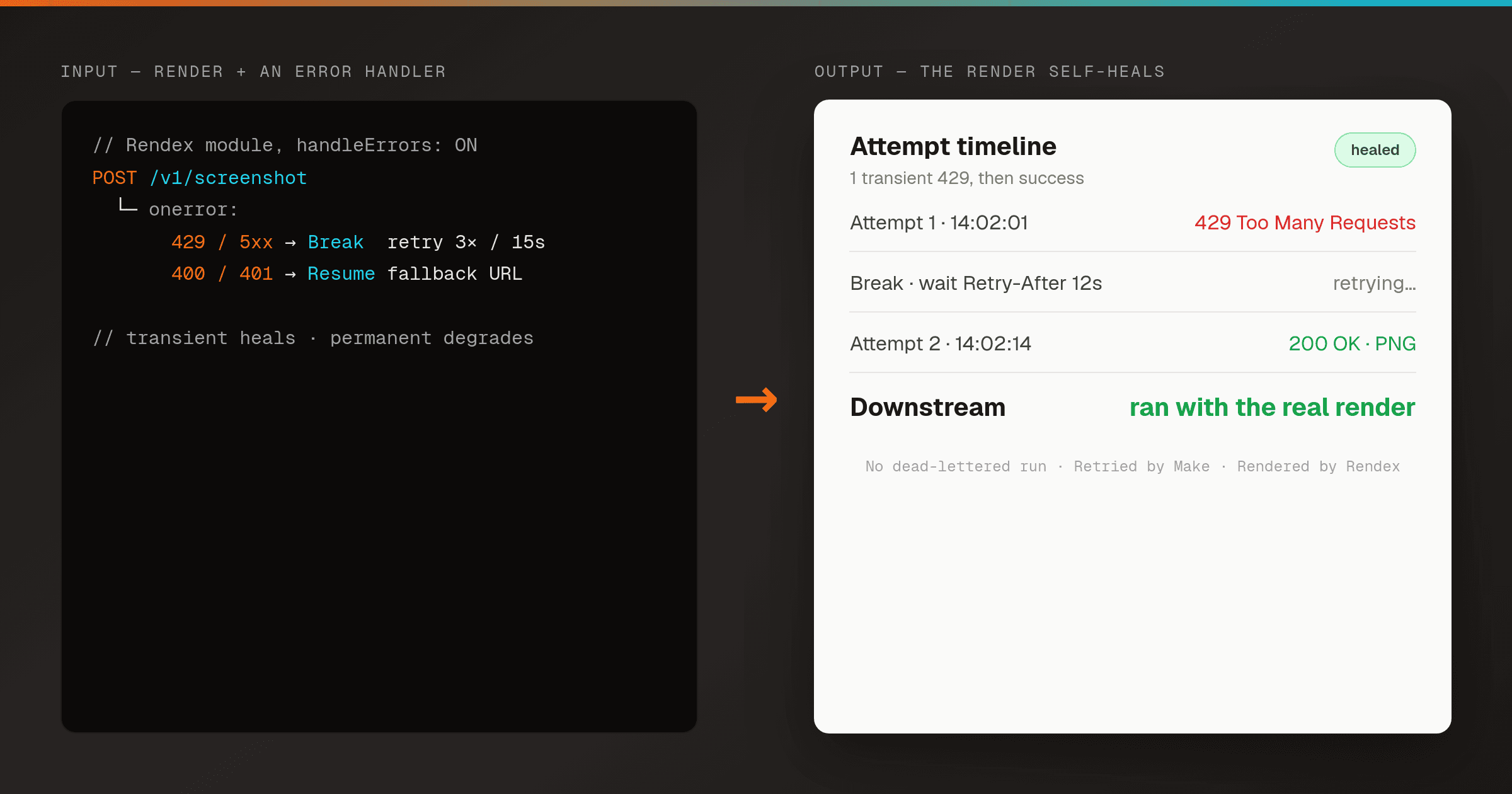
Self-Healing Renders in Make — Auto-Retry and Fall Back With an Error Handler
MakeWrap the Rendex HTTP module in a Make error handler so a transient failure retries with a Break directive and a permanent one falls back to a placeholder — the render step heals itself instead of dead-lettering the whole scenario.
More rendering recipes
Built for other tools, but the same Rendex API powers them — adapt the trigger and the render step works the same.
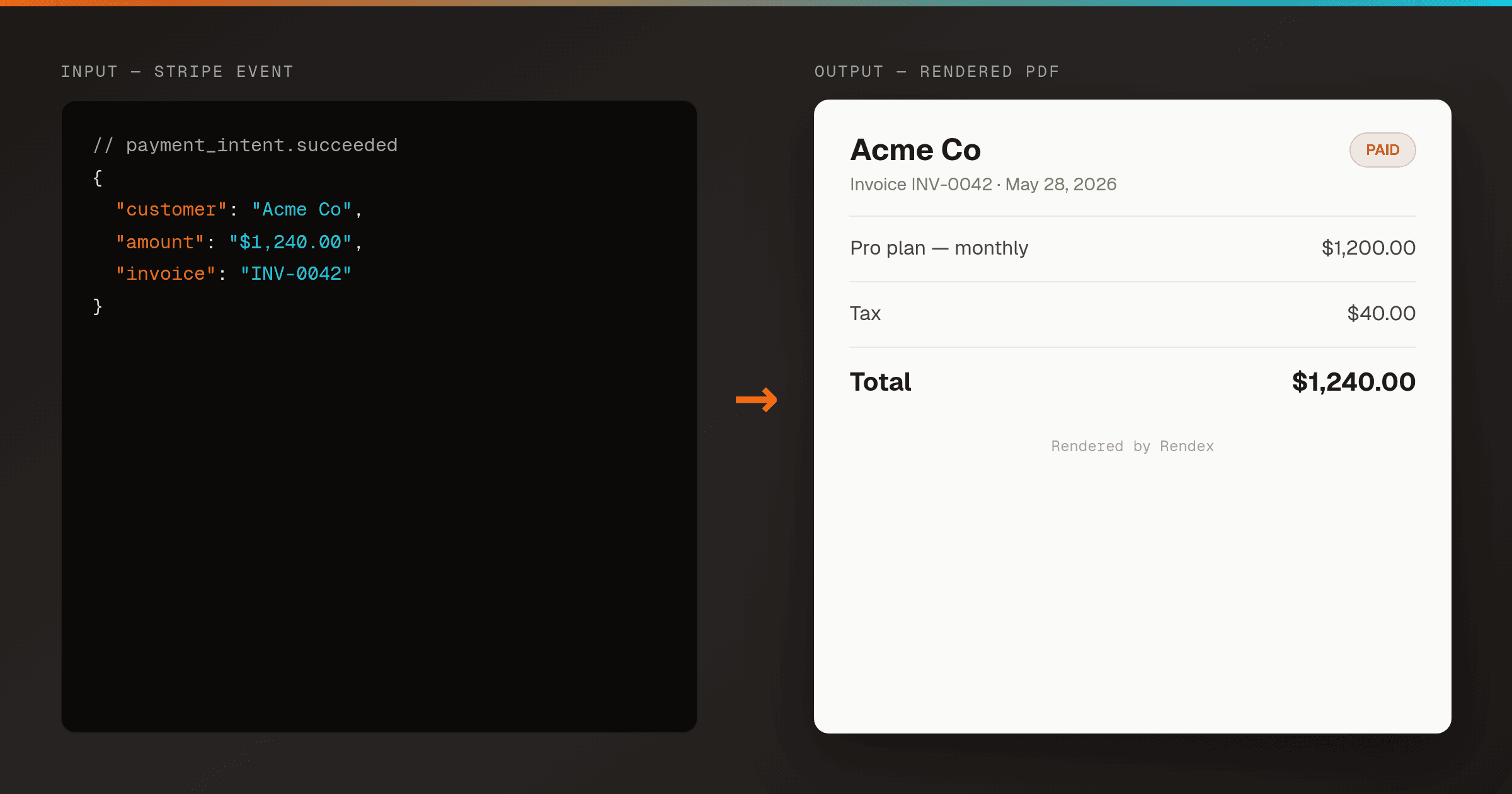
Auto-Generate Invoice PDFs from Stripe in n8n
n8nRender a branded PDF invoice the moment Stripe reports a payment, using one n8n workflow and Rendex — then email it or store a hosted link. No PDF library, no headless browser to host.
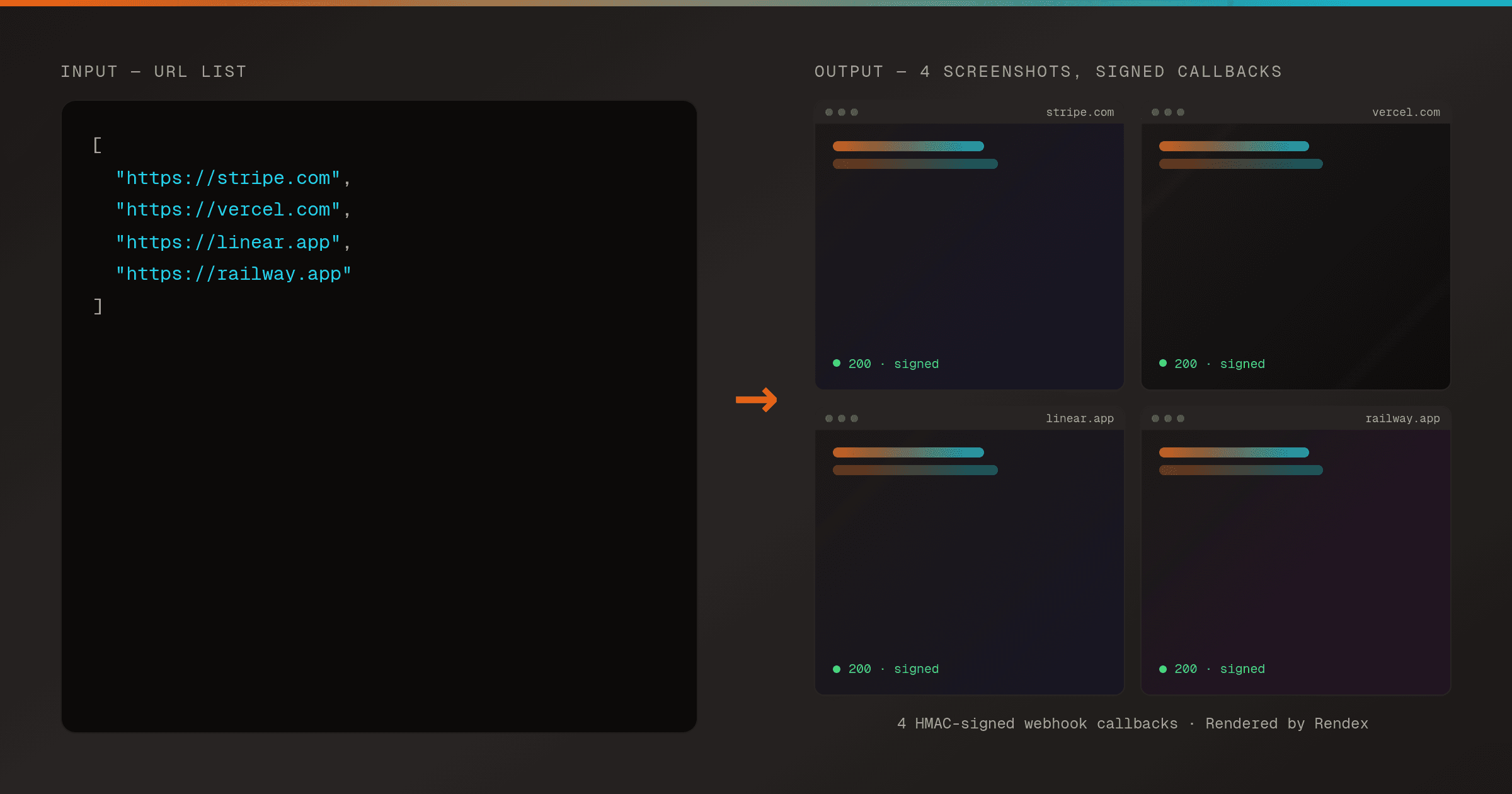
Batch Screenshot a List of URLs with Webhook Delivery in n8n
n8nSubmit a whole list of URLs to Rendex in one batch request and receive each screenshot through an HMAC-signed webhook as it finishes — driven on a schedule from n8n.
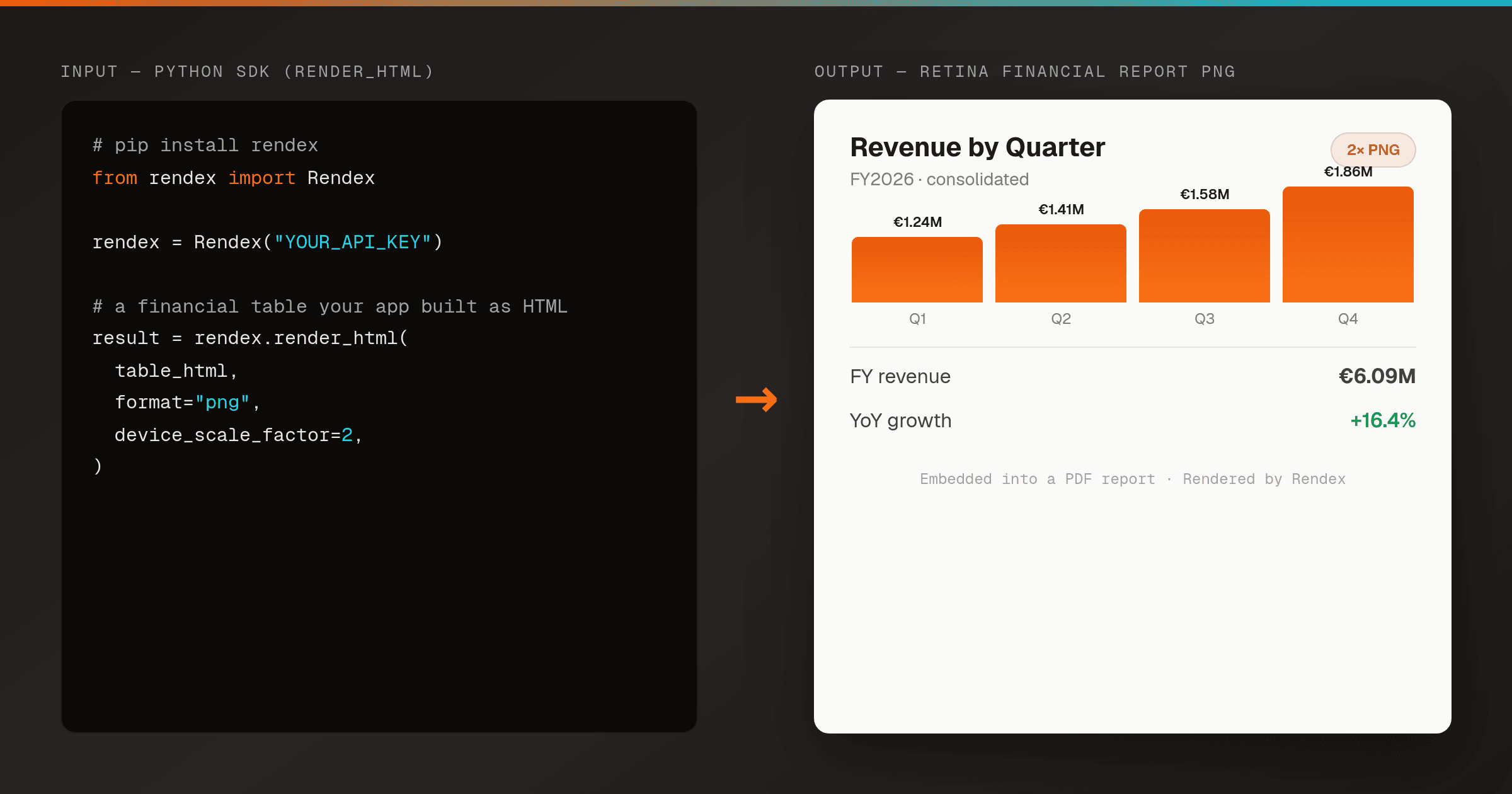
Render an HTML Financial Report or Invoice to PNG in Python
Python SDKTurn an HTML financial report, invoice, certificate, or data table into a crisp PNG from a server-side Python script — one render_html() call, no headless Chrome to host. Embed the image in a generated PDF or report deliverable.
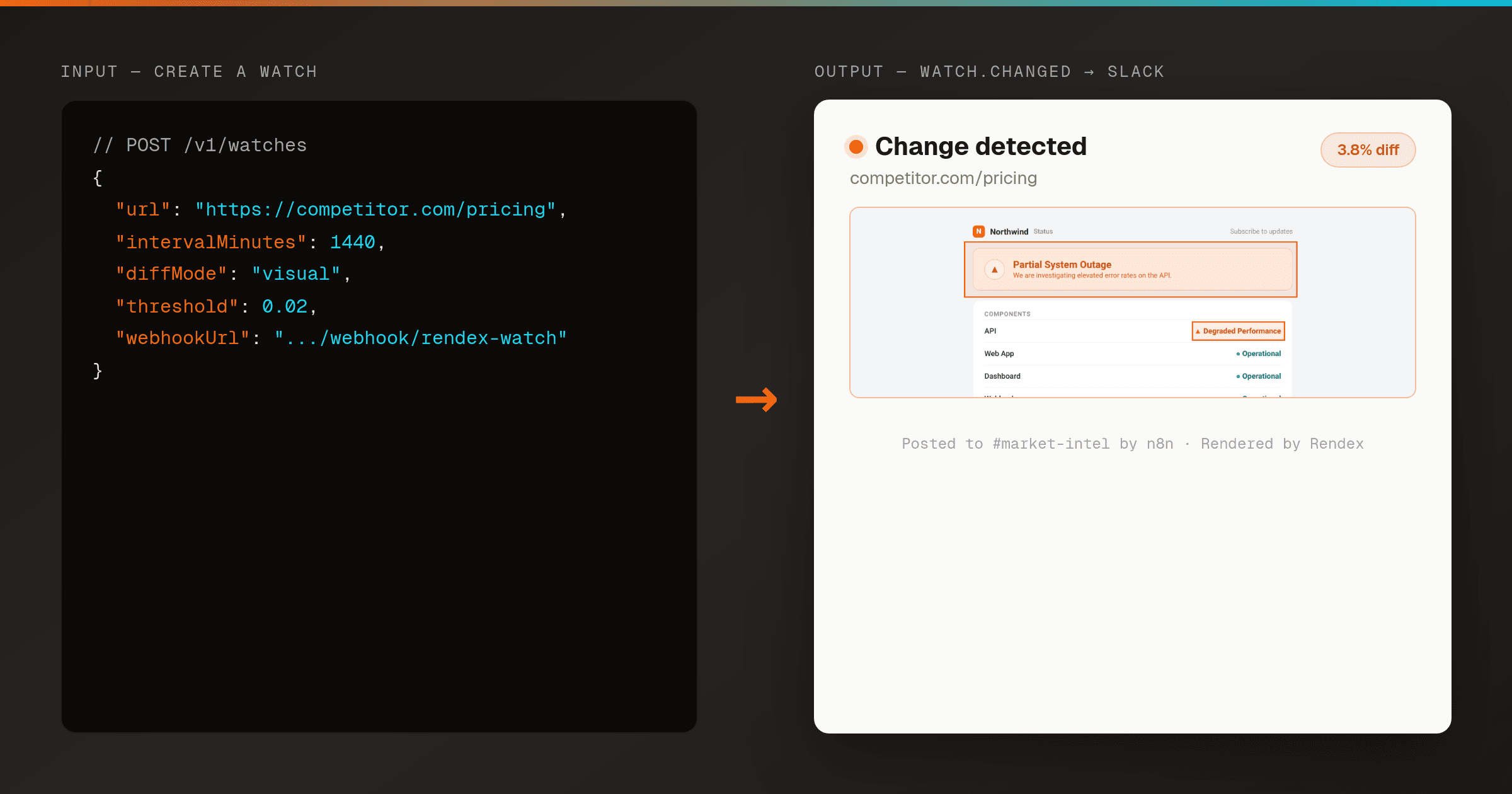
Send a Slack Alert When a Web Page Changes (Rendex Watch + n8n)
n8nPoint Rendex Watch at any URL and route its signed watch.changed webhook into n8n — verify the signature, then post the before/after/overlay diff to Slack. Real-Chrome visual diffing, no cron or storage to run yourself.
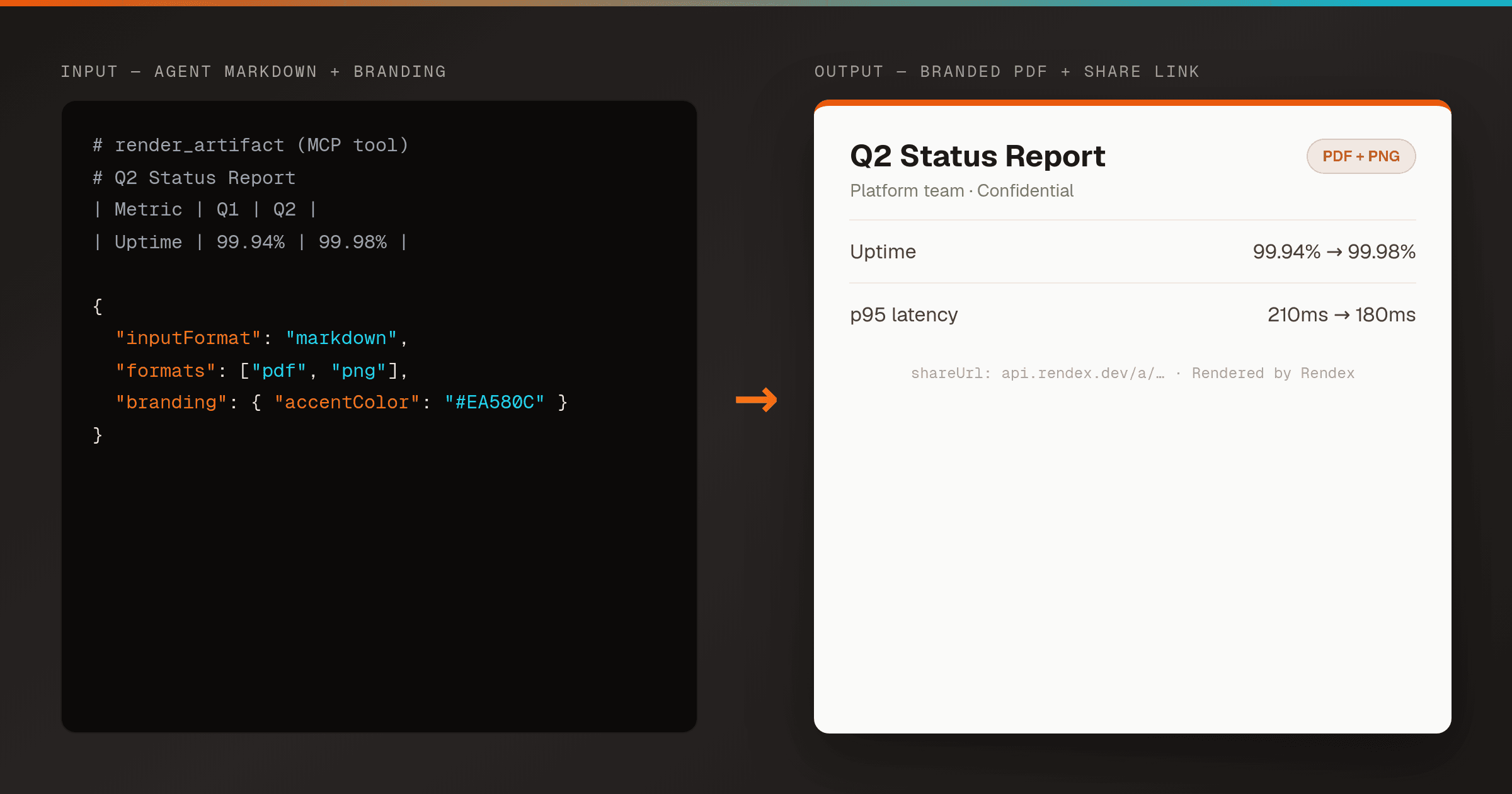
Let an AI Agent Render a Branded PDF from Markdown (Rendex MCP)
MCPGive Claude, Cursor, or any MCP client the Rendex render_artifact tool and it turns the Markdown or HTML it just wrote into a branded PDF + PNG with a hosted share link — one tool call, no file plumbing, no headless browser.
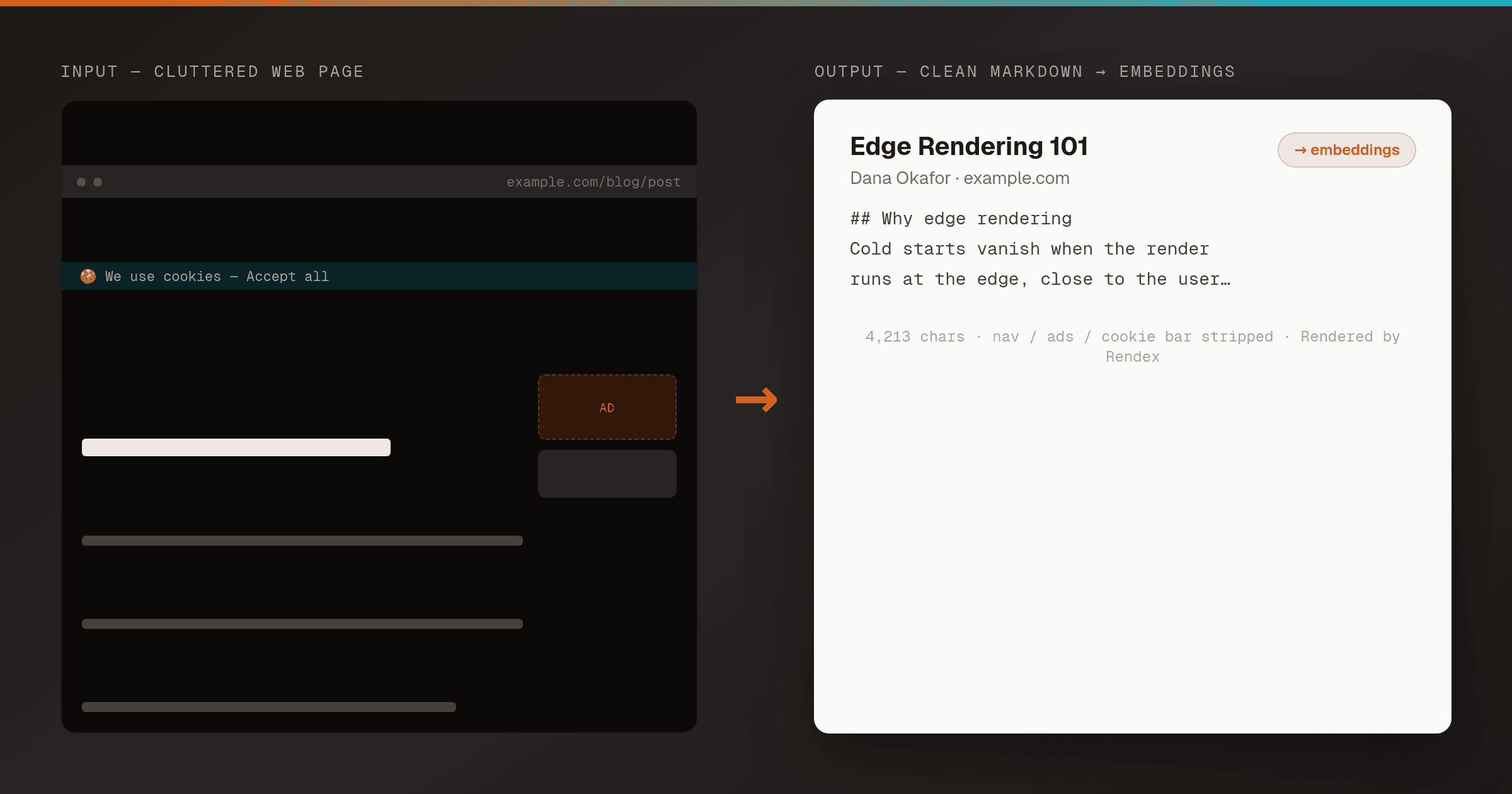
Extract a URL to Clean Markdown for RAG in Pipedream
PipedreamTurn any web page into clean, reader-mode Markdown with one Rendex call inside a Pipedream workflow, then pipe it straight into an embedding or LLM step — no HTML parsing, no boilerplate stripping, no headless browser.
Other Ways to Connect Rendex
Start Free, No Card Required
100 renders/month on the free plan. Upgrade only when you scale.