Rendex for Zapier
Drop the native Rendex action into any Zap to turn HTML, a URL, or Markdown into a screenshot, thumbnail, OG image, or PDF — then send it on to Slack, Drive, Sheets, or 7,000+ other apps.
Rendering as a no-code Zapier action: pick a preset, map your fields, and let Rendex hand a finished image or PDF to the next step — or a hosted og:image link the next step can embed anywhere. Async jobs resolve automatically via polling, with an optional catch hook for instant callbacks.
# Example Zap: Weekly competitor screenshot to Slack
Trigger  ->  Schedule by Zapier — Every Monday 9am
Action   ->  Rendex — Capture Screenshot
             url      = https://competitor.com
             format   = png
             fullPage = true
Action   ->  Slack — Send file to #market-intel
             file = {{Rendex.file}}
How It Fits Your Workflow
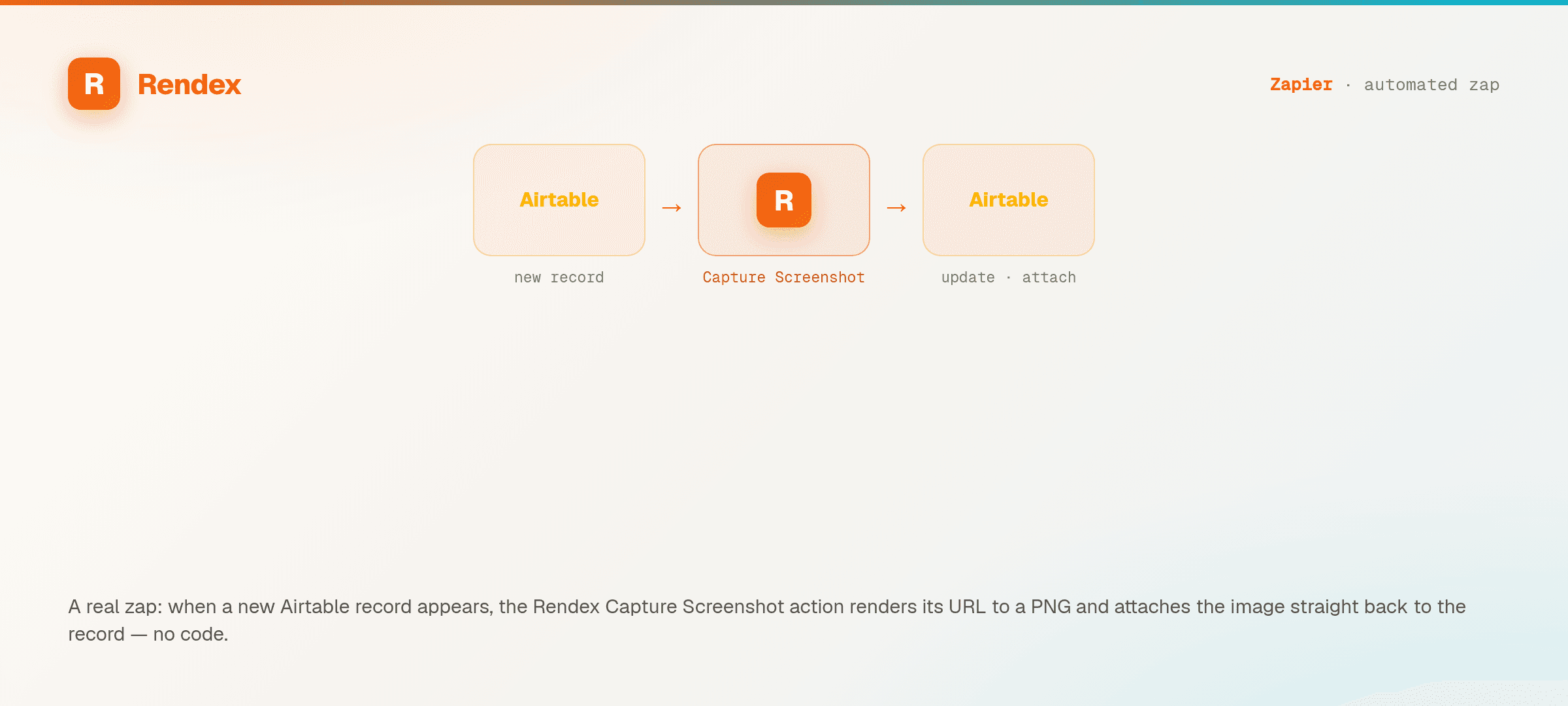
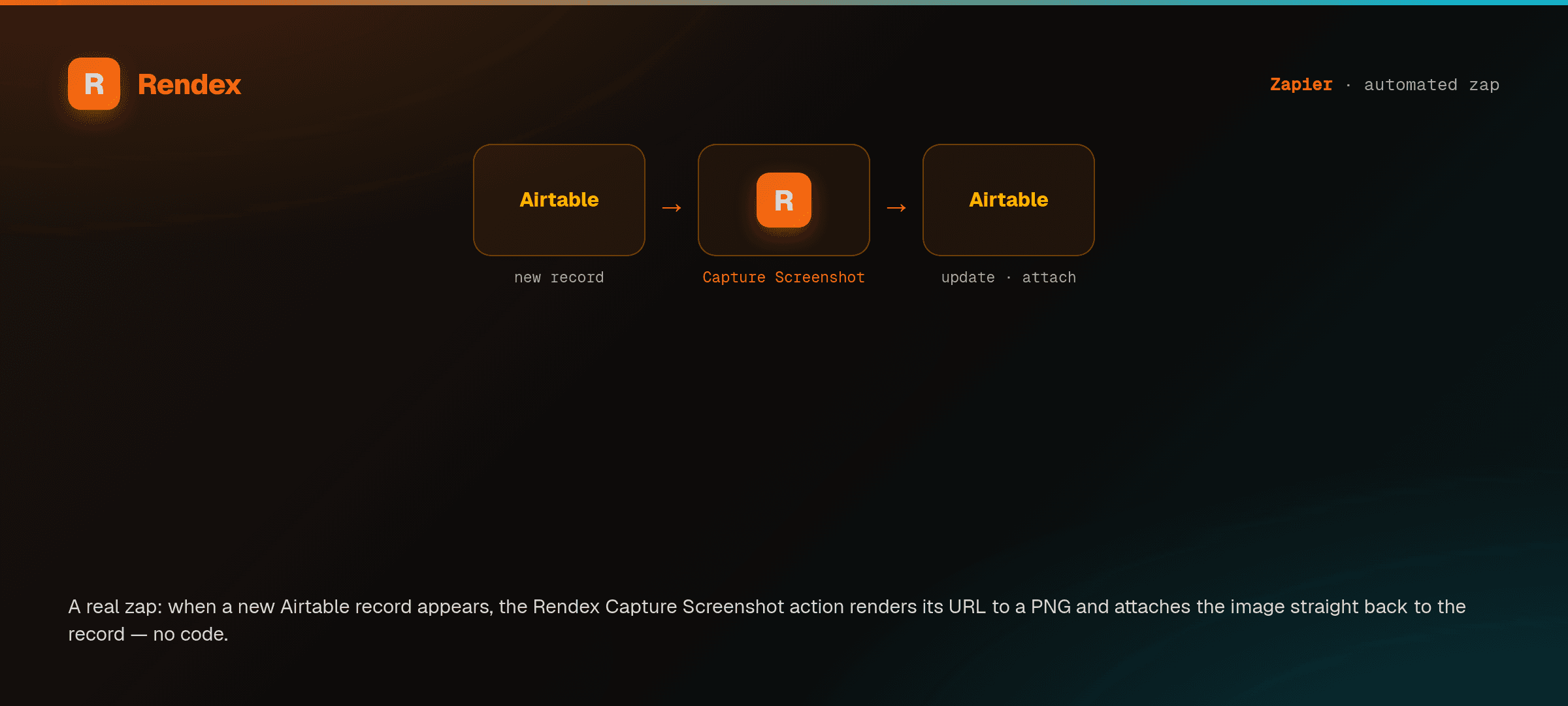
Trigger
Any of Zapier's 7,000+ apps — a new row, form submission, schedule, or webhook.
Rendex action
Capture Screenshot, Render HTML, or Generate PDF — choose a preset and map your data.
Downstream
Post the file to Slack, upload to Google Drive, attach a row in Sheets, or email it.
What You Can Do
Native action in the editor
Search "Rendex" in the Zapier app directory, connect your API key once, and the Capture Screenshot / Render HTML / Generate PDF actions appear right in the Zap editor — no custom webhooks to wire.
Screenshots, PDFs, and batch
Render a full-page screenshot, social card, thumbnail, OG image, or multi-page PDF from a URL, raw HTML, or Markdown. Submit a list of URLs in one batch step.
Polling + webhook for async
Long renders run as async jobs. Zapier polls until the file is ready, or you can wire a Catch Hook for an instant callback when the job completes — no busy-waiting in your Zap.
Website-change monitoring (Watch)
Beyond one-off renders, Rendex Watch checks a page on a schedule and fires only when it changes — a real-Chrome before/after visual diff. Route the change into a Zap to alert Slack, log a row, or open a ticket. Watch runs on Free (1 watch, a daily check, email alerts); faster checks and more watches come with Starter and Pro.
Test a watch before you start monitoring
The Test a Website Watch action tries a watch on a page once, right now, without creating it. Rendex captures the page a single time and tells you whether it could read it and what it saw — so you can confirm the page works and your settings are right before you commit to scheduled monitoring. Nothing is saved and no alerts are set up.
Retries, logging, and errors
Failed renders surface as clear, structured errors that Zapier can retry or branch on, and every run is logged in your Zap history for easy debugging.
Map data into templates
Pass values from earlier steps into Rendex's Mustache data fields to populate dynamic HTML or Markdown templates — personalized cards, receipts, and reports per run.
Create Render Link — hosted og:image links
Need a permanent og:image link instead of a file to pass between steps? The Create Render Link action turns a URL, HTML, or Markdown into a hosted, auto-caching image or PDF link. Rendex renders it once on the first view, then serves the edge-cached copy on every share — write the returned URL straight into a CMS og:image field, a SharePoint/Sheets column, or a Slack post.
No infrastructure
No headless browser, no servers, no Puppeteer to maintain. Rendex handles the rendering; you just connect the action. Start free with 100 renders/month, no card required.
Popular Zaps — one-click templates
Pre-built and published — copy one into your account in a click, no steps to wire. Open the walkthrough if you'd rather build it by hand.
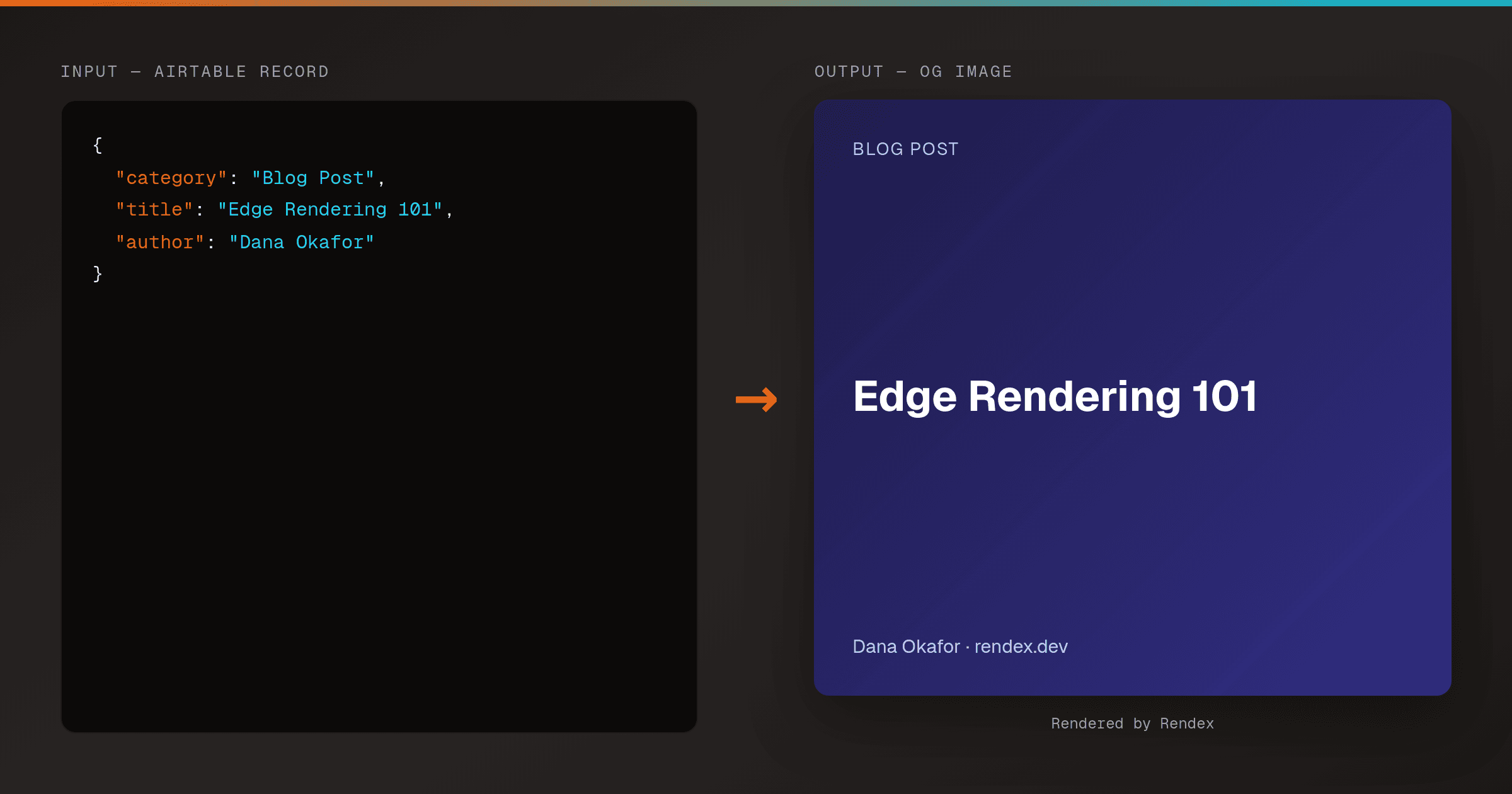
Auto-Generate OG Images from Airtable Rows (Make & Zapier)
MakeZapierTurn every Airtable row into a branded Open Graph image. A Make HTTP module or Zapier action calls Rendex's hosted render link, then writes the og: URL straight back to the row.
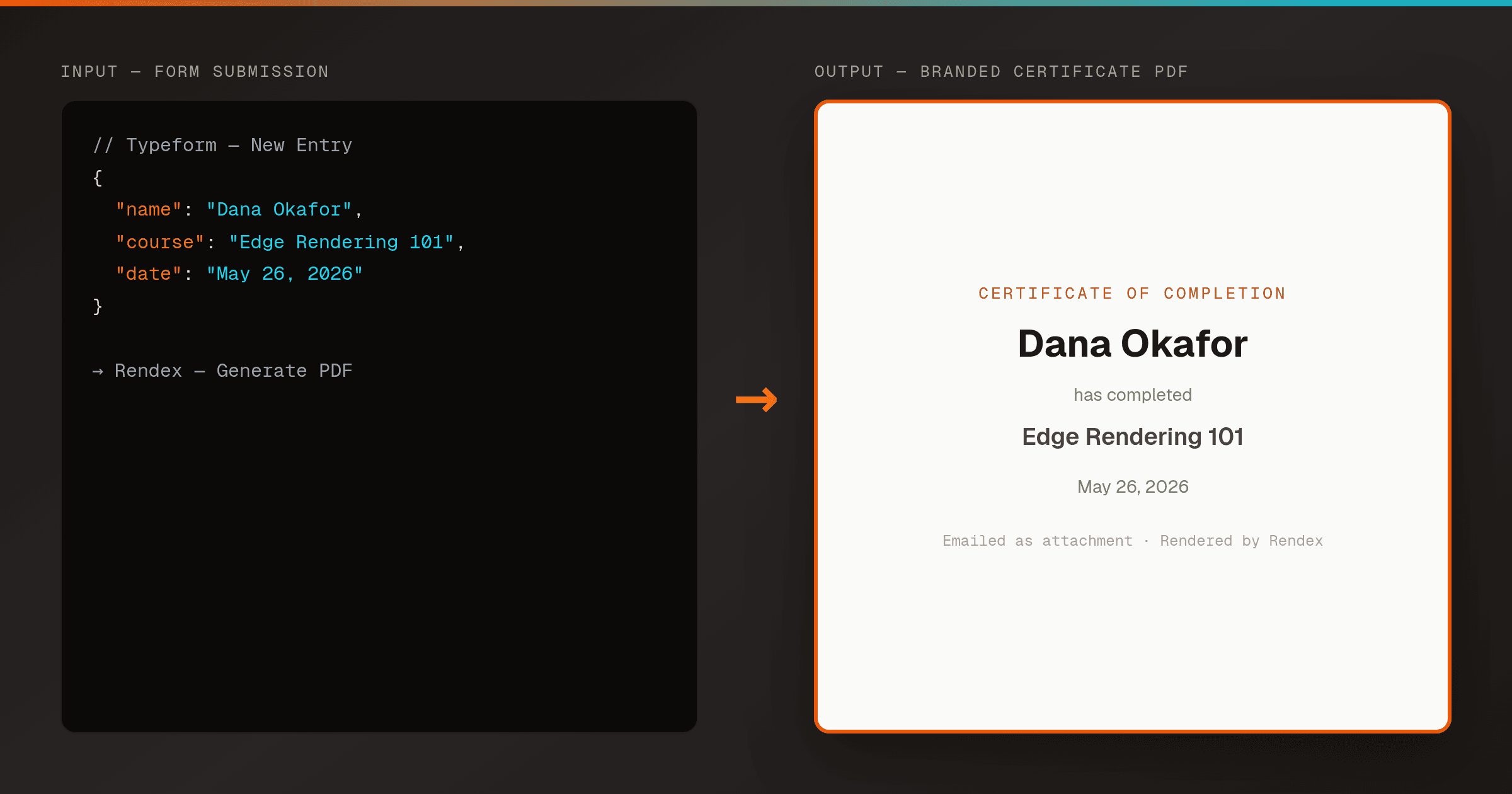
Generate a Branded PDF from a Form Submission in Zapier
ZapierTurn a Typeform or Google Forms submission into a branded PDF — a receipt, certificate, or confirmation — with Zapier's native Rendex Generate PDF action, then email it back. No code, no PDF library, no headless browser.
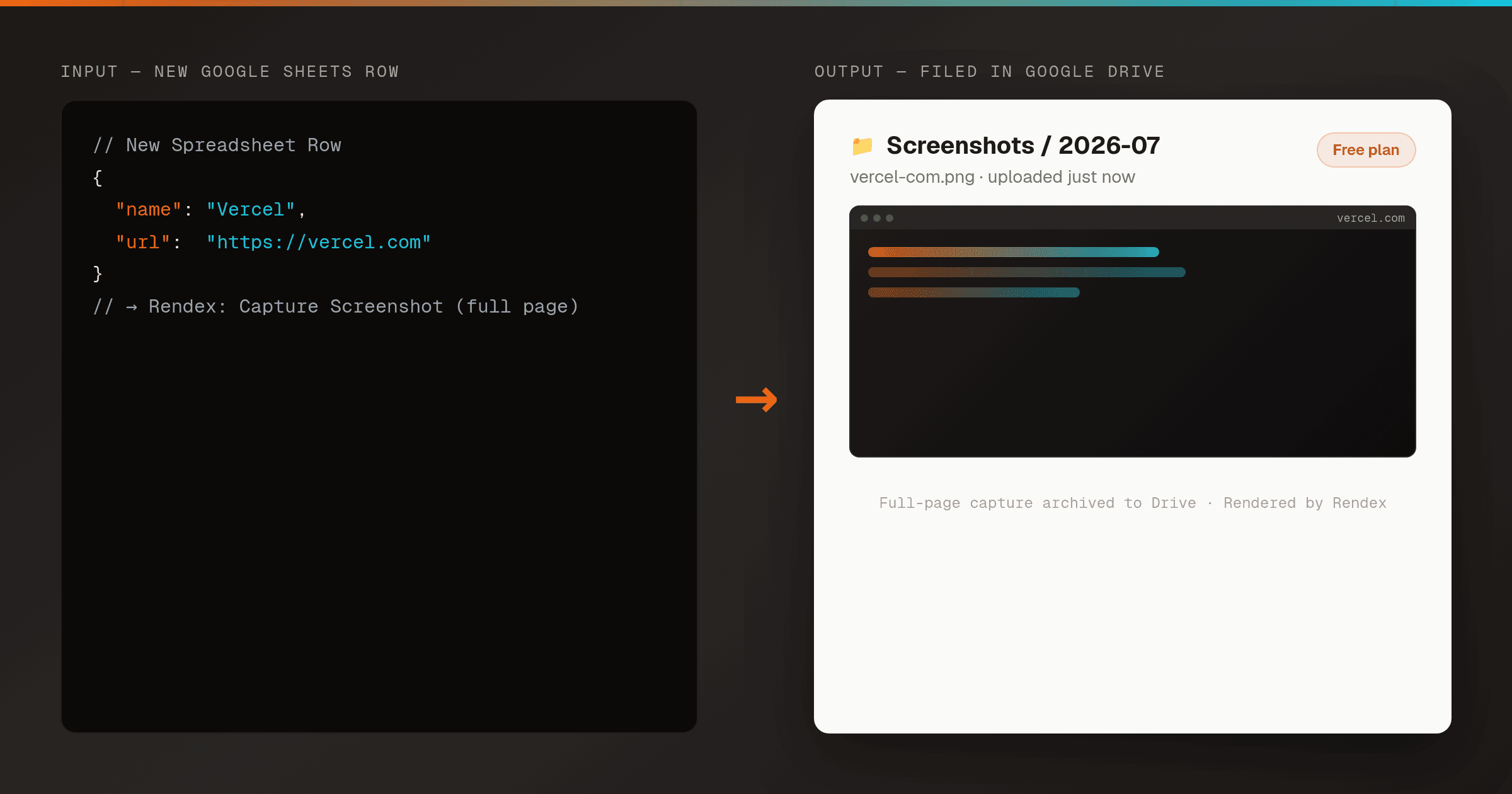
Screenshot Every New Google Sheets URL to Drive in Zapier
ZapierAdd a URL to a Google Sheet (or Airtable) and Zapier captures a full-page screenshot with the native Rendex action, then files it in Google Drive — no code, no headless browser, on the free tier.
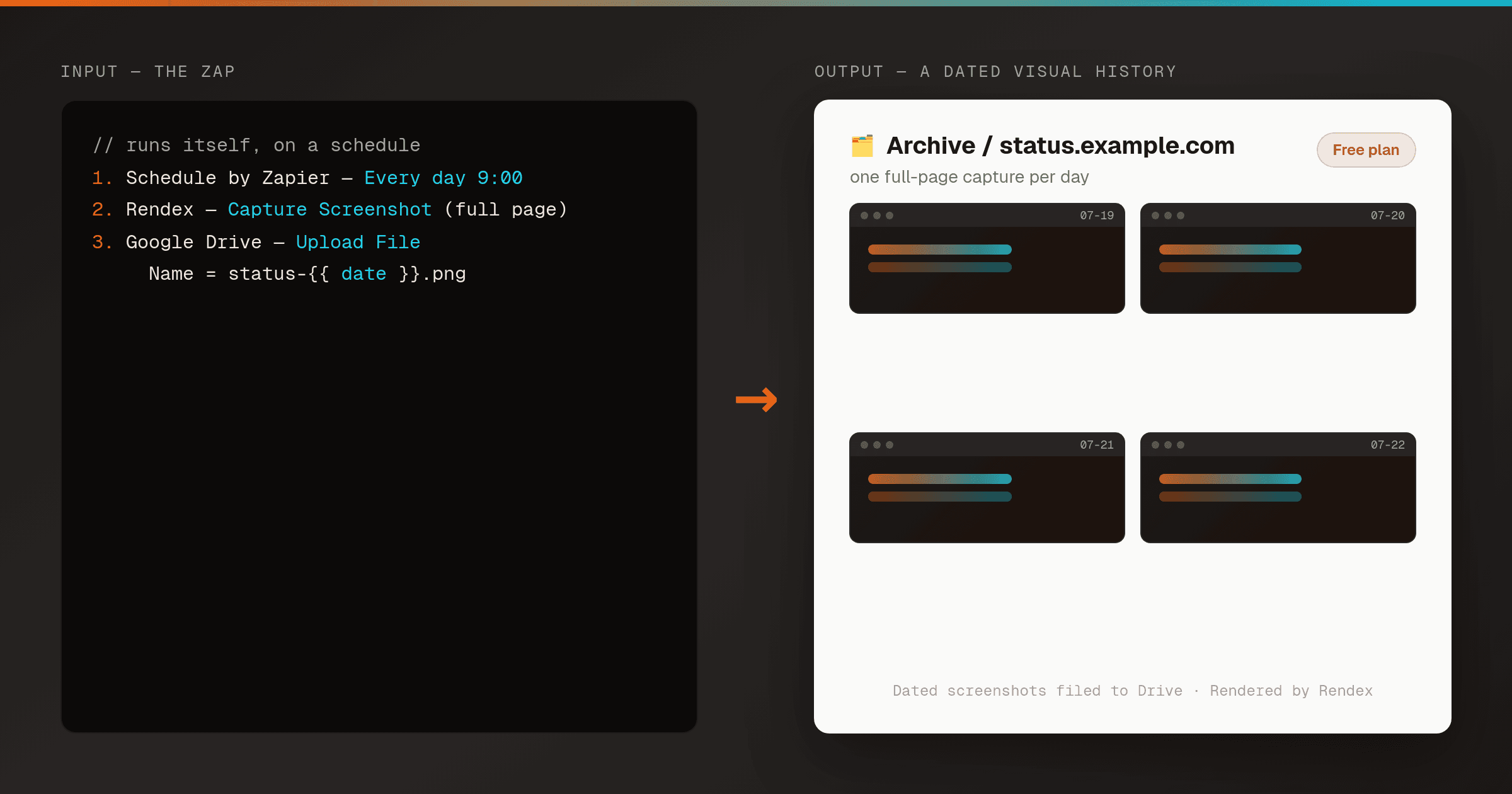
Archive a Daily Full-Page Screenshot to Drive in Zapier
ZapierSchedule a daily or weekly full-page screenshot of any page and file it in Google Drive or Dropbox with a dated name — a visual history built automatically with Zapier's native Rendex action. No code, free tier.
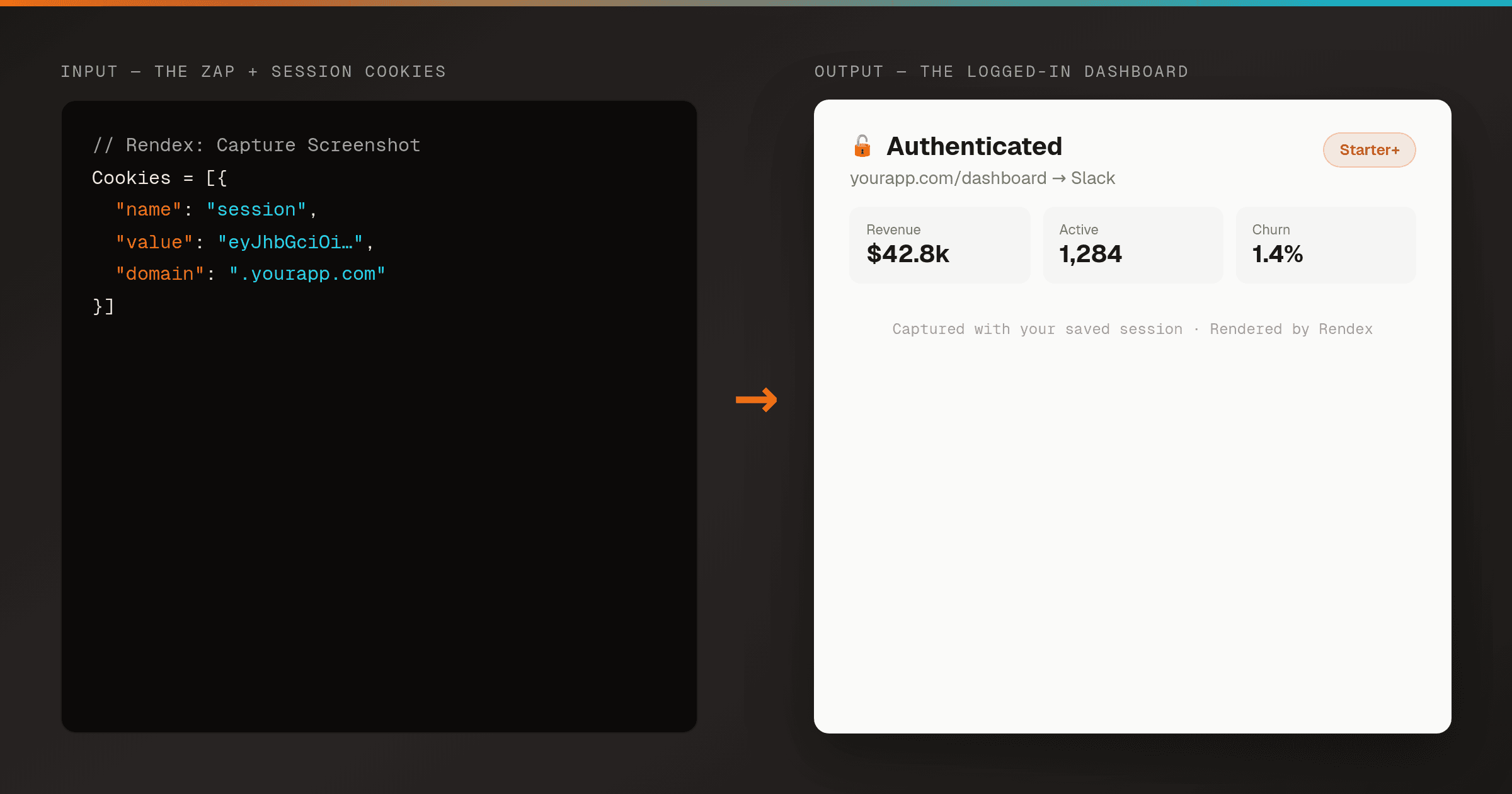
Screenshot a Page Behind a Login in Zapier (with Cookies)
ZapierCapture an authenticated page — a dashboard, admin view, or member-only report — with Zapier's native Rendex action by passing a session cookie. No browser to script, no code. Cookies are a Rendex Basic+ feature.
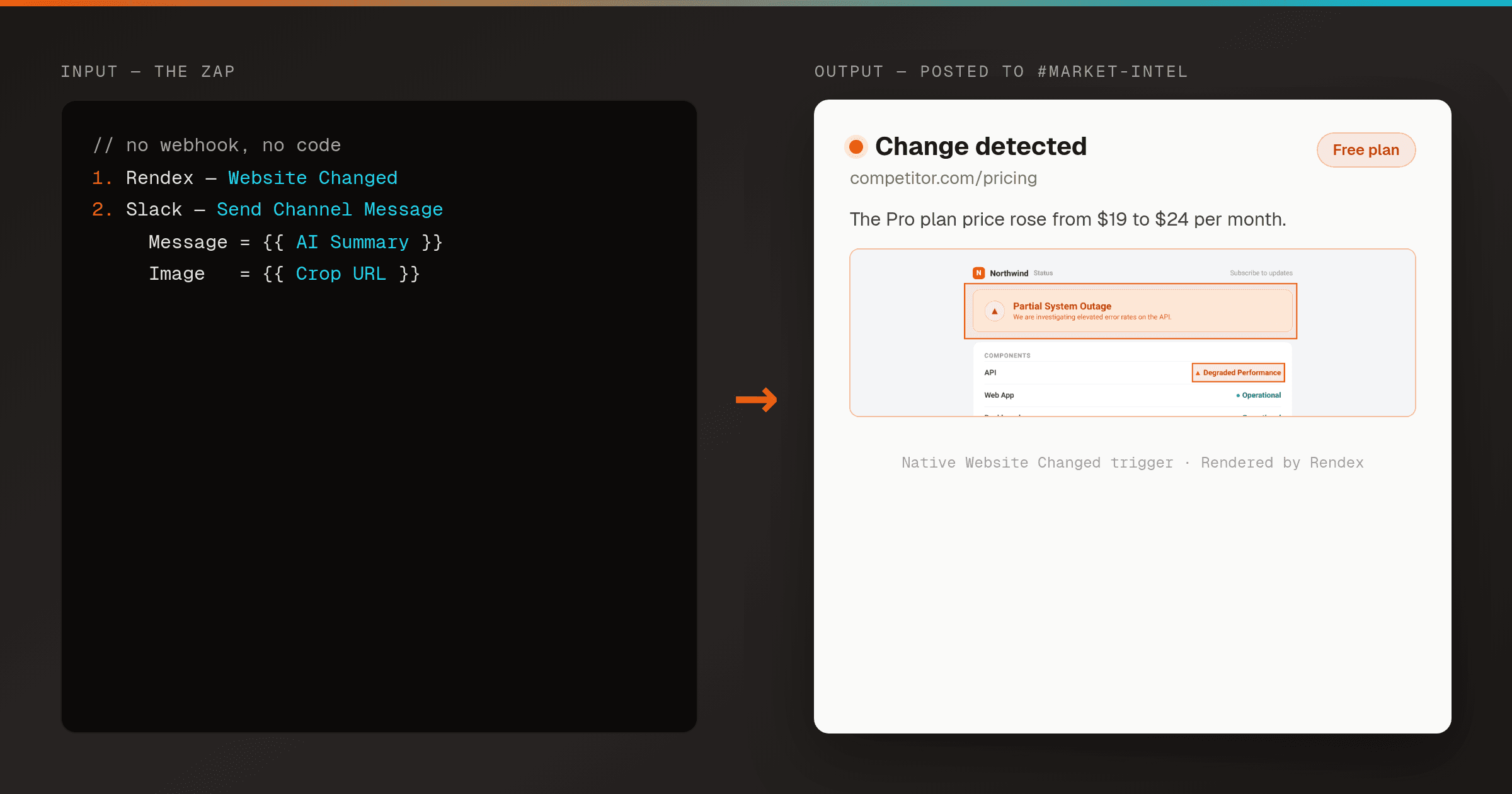
Post a Slack Alert When a Website Changes (Zapier)
ZapierMonitor any page with Rendex Watch and let Zapier's native Website Changed trigger post the change to Slack — a plain-English summary of what changed plus a cropped image of the exact spot. No cron, no webhook, no code.
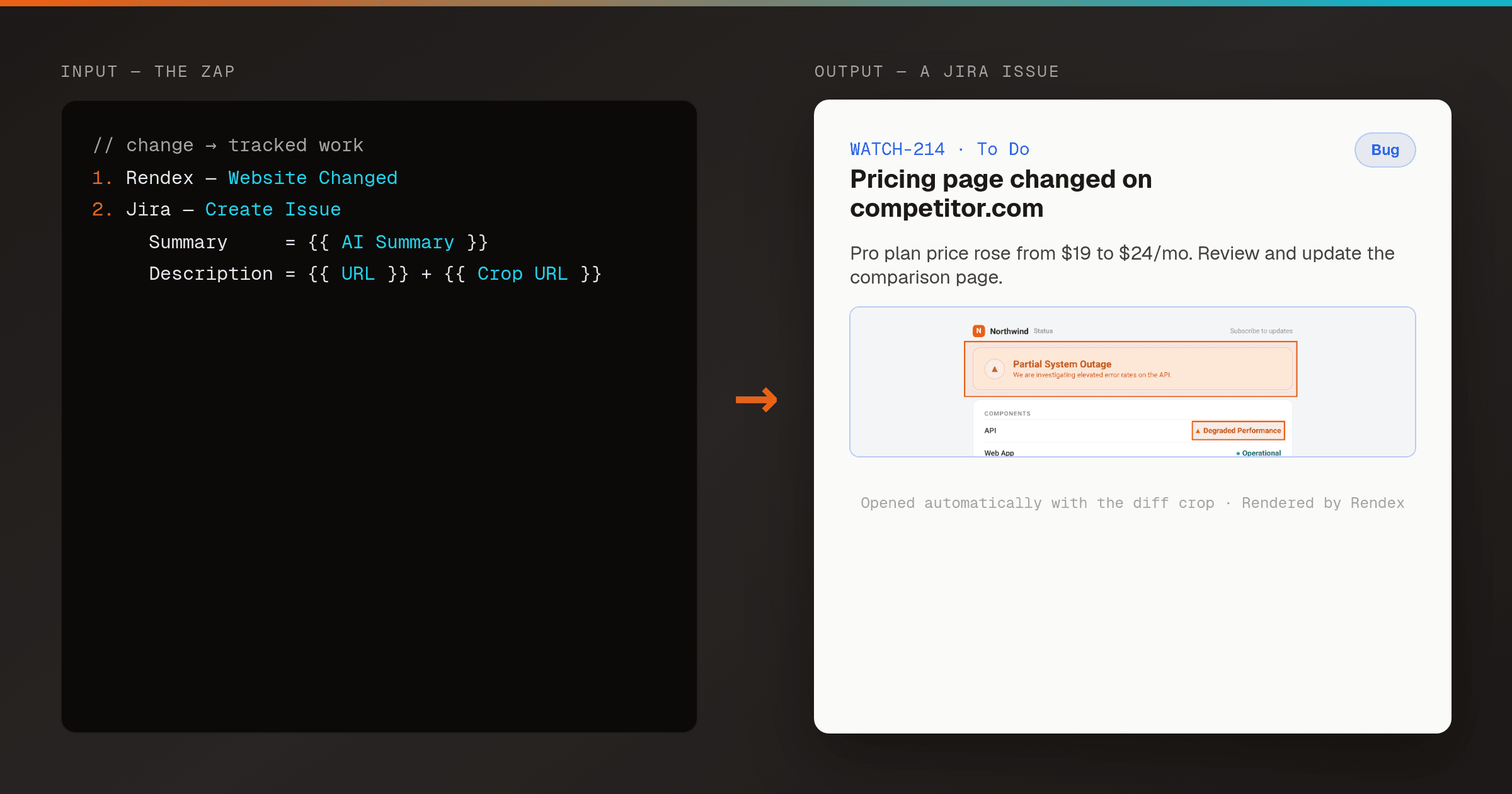
Open a Jira or Trello Ticket When a Monitored Page Changes (Zapier)
ZapierWhen Rendex Watch detects a change on a page, let Zapier's native Website Changed trigger open a Jira, Trello, or Asana ticket automatically — titled with what changed and carrying a cropped image of the exact spot. A change that needs action belongs on a board, not just a channel.
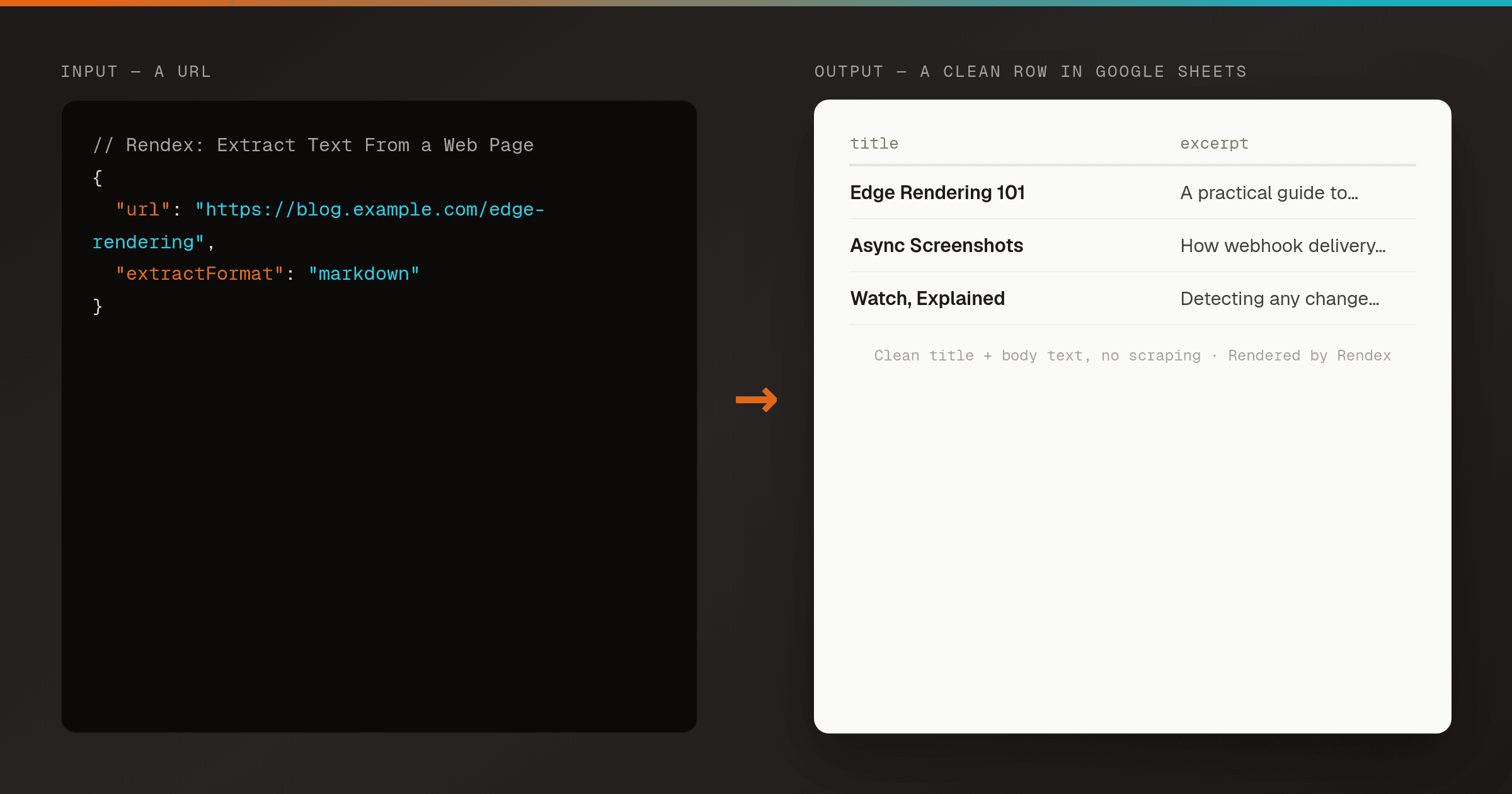
Extract Clean Web Page Text to Google Sheets in Zapier
ZapierWhen a new URL appears in an RSS feed or a sheet, pull the clean article text — title, byline, and body — with Zapier's native Rendex Extract Text action, then log it to Google Sheets or feed it to an AI step. No scraping, no code, free tier.
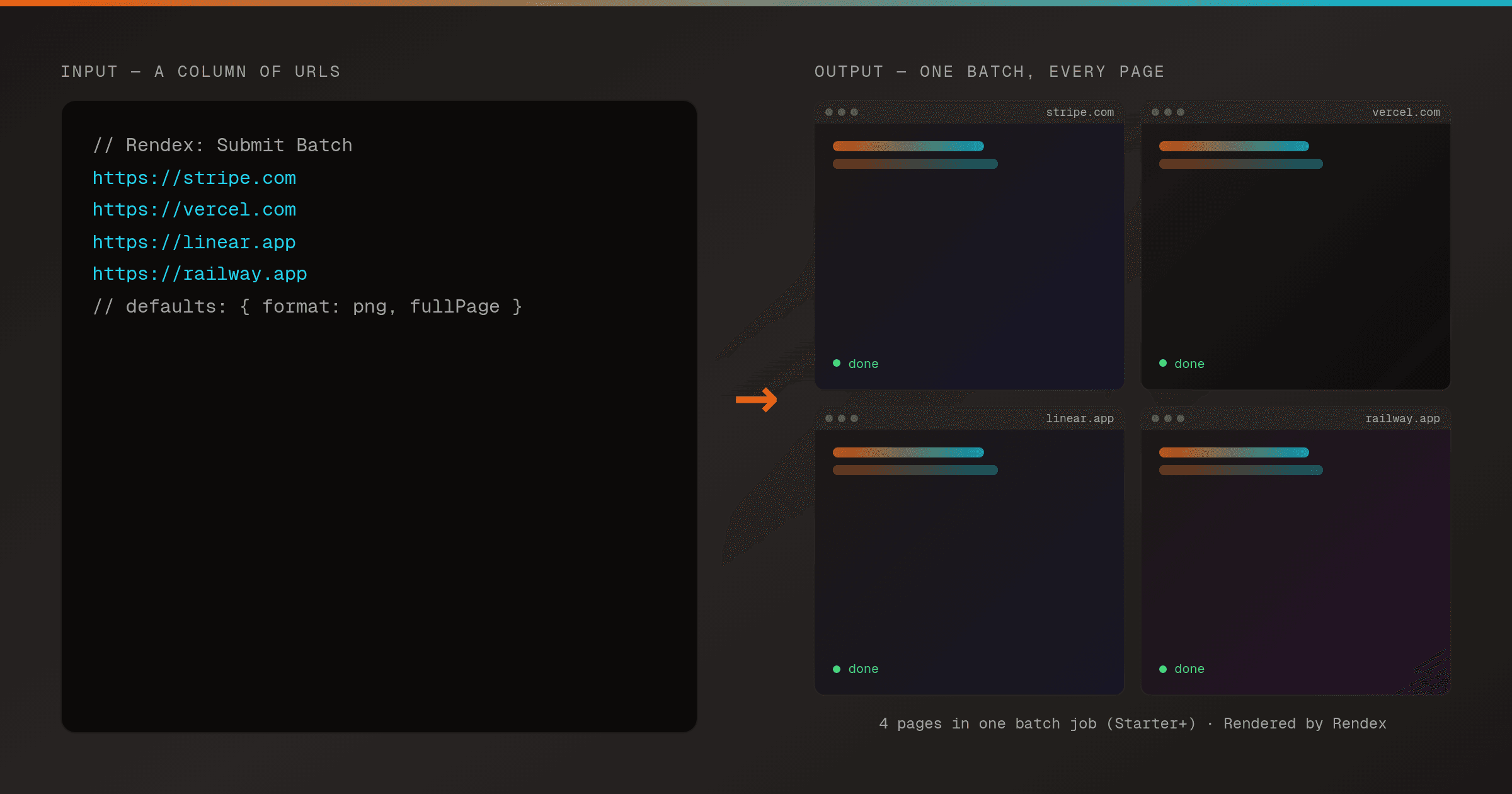
Batch Screenshot a List of URLs From a Google Sheet in Zapier
ZapierFeed a column of URLs from a Google Sheet to Zapier's native Rendex Submit Batch action and get every screenshot back in parallel — then poll with Get Batch Status and store the results. No loop to build, no code.
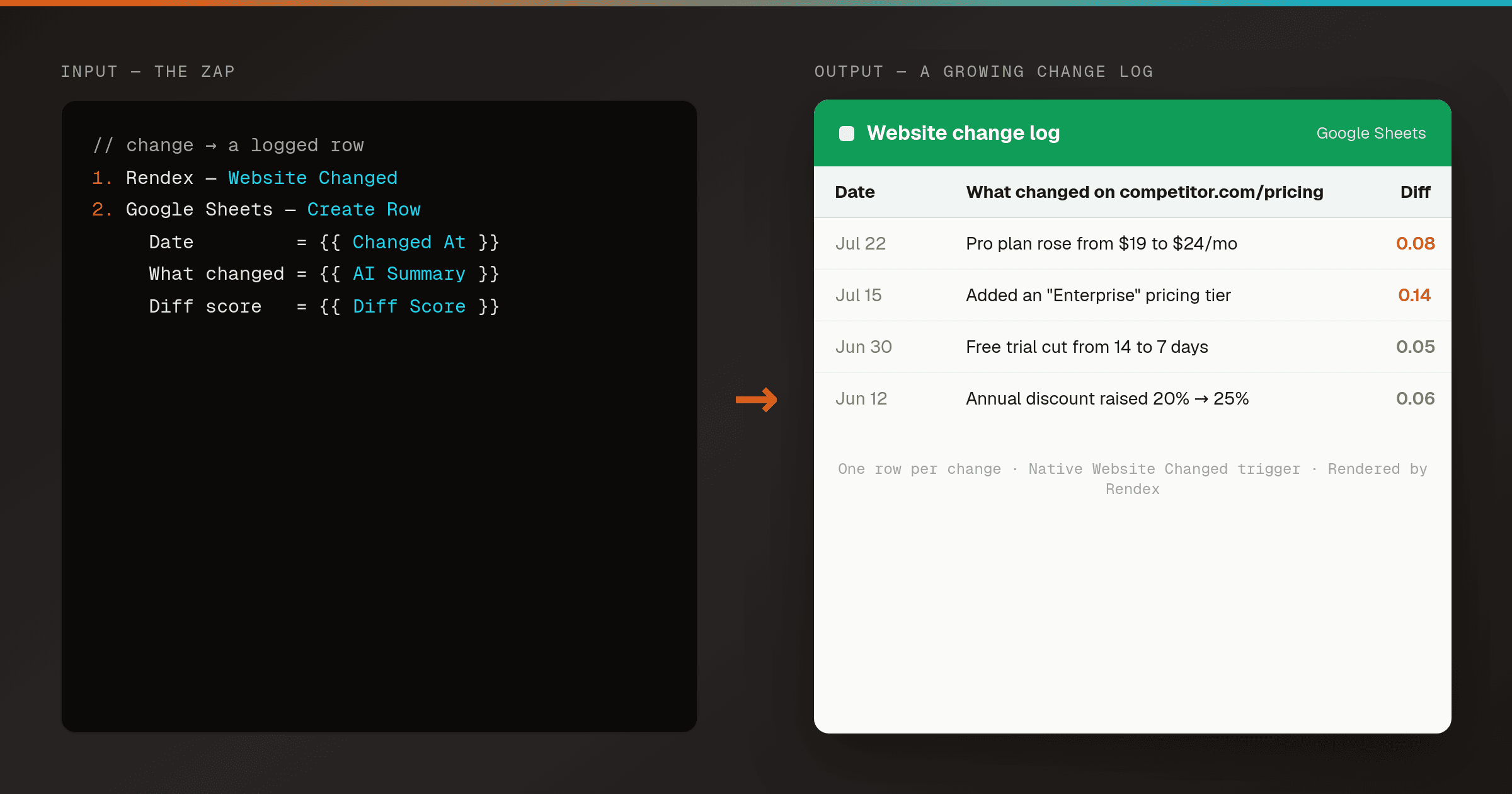
Log Every Website Change to a Google Sheet (Zapier)
ZapierTurn Rendex Watch into a permanent change log. When a monitored page changes, Zapier's native Website Changed trigger appends a timestamped row to a Google Sheet — what changed, the diff score, and links to the before, after, and cropped images. A searchable history you can sort, filter, and prove from.
Recipes for Zapier
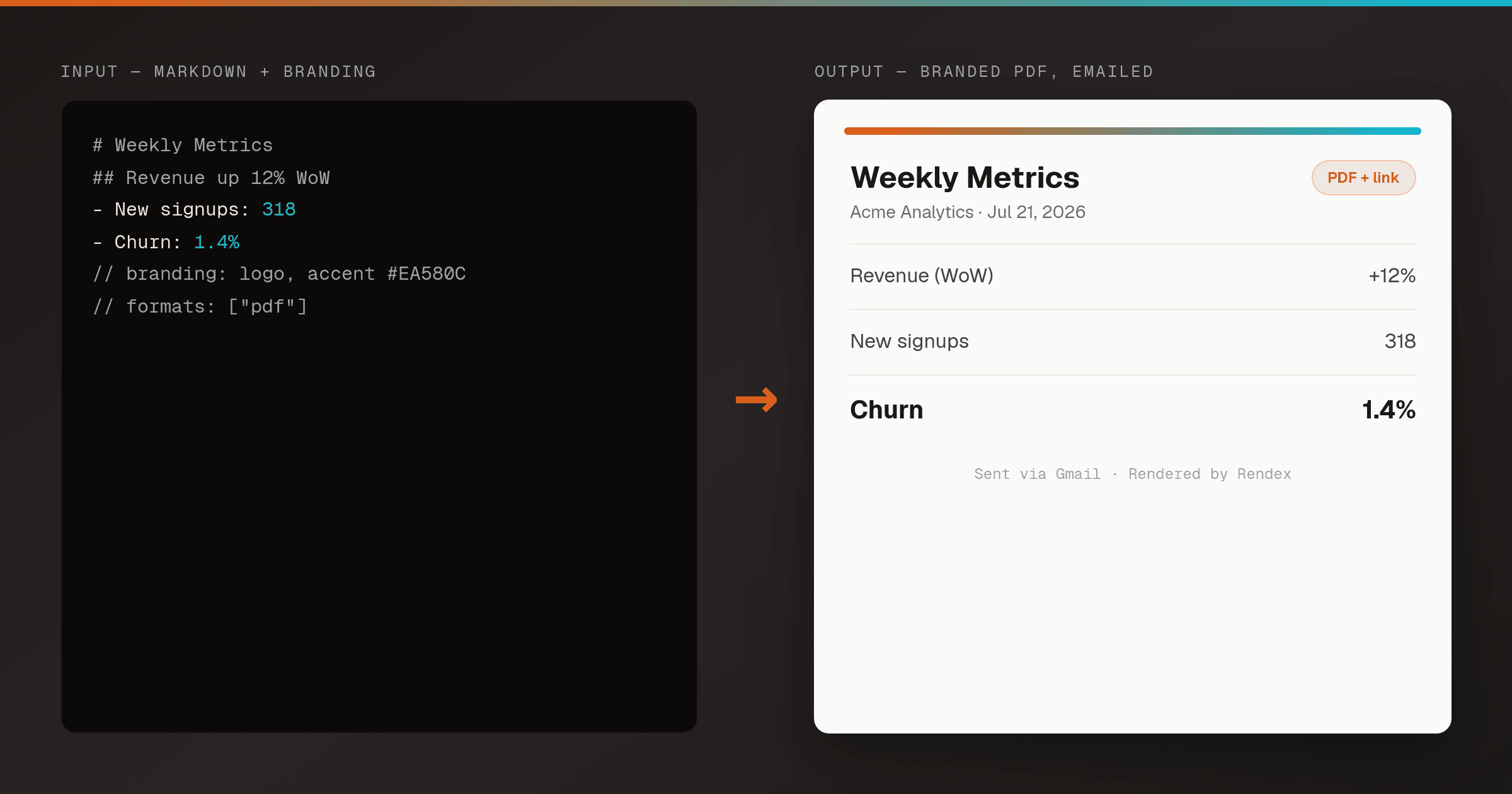
More rendering recipes
Built for other tools, but the same Rendex API powers them — adapt the trigger and the render step works the same.
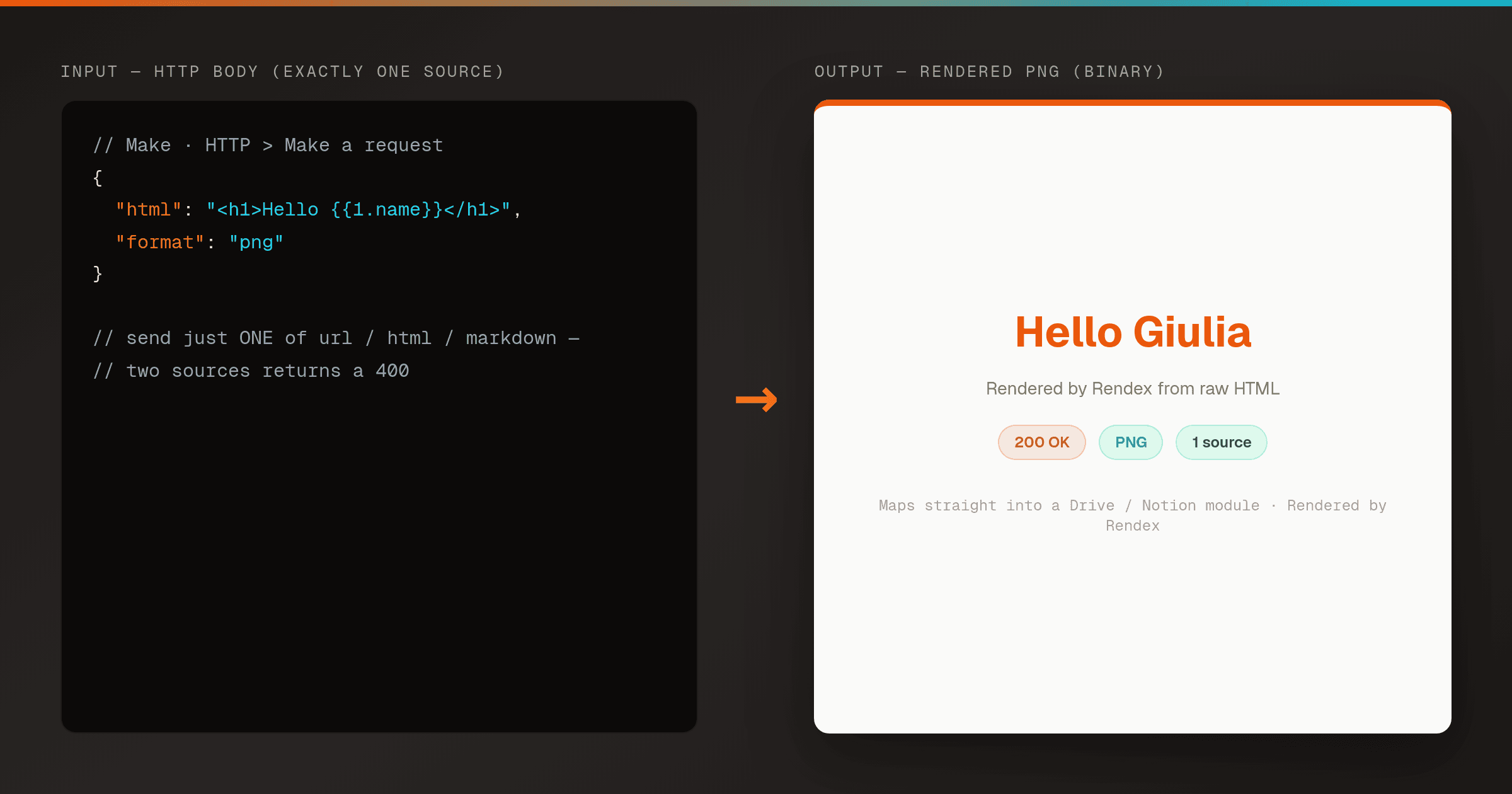
Render HTML to a PNG in Make (Correct HTTP Module Setup)
MakeA pre-wired Make HTTP module that renders HTML to a PNG with Rendex on the first try. Copy the exact request body so you never hit the 400 'send exactly one of url, html, or markdown' error.
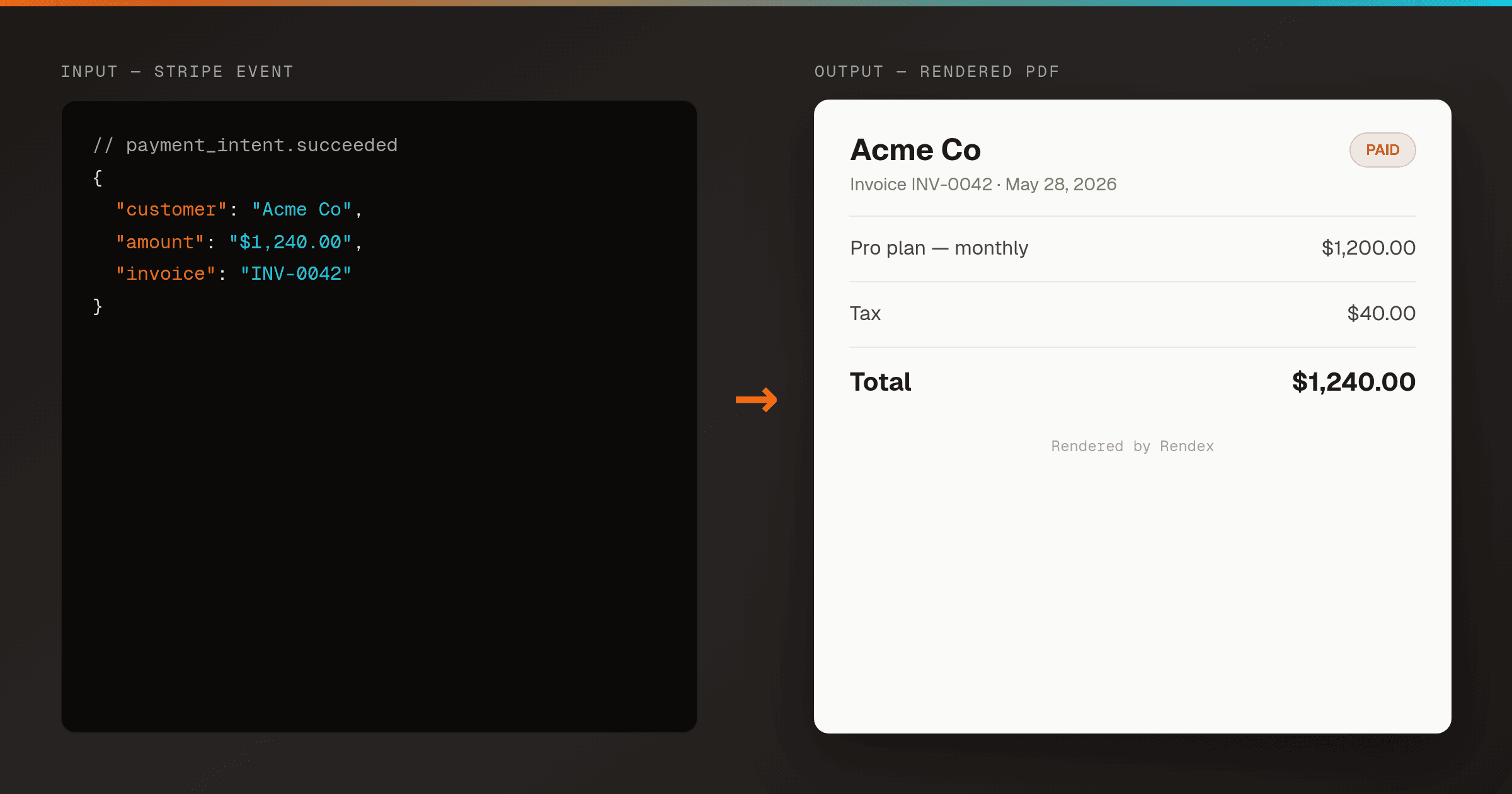
Auto-Generate Invoice PDFs from Stripe in n8n
n8nRender a branded PDF invoice the moment Stripe reports a payment, using one n8n workflow and Rendex — then email it or store a hosted link. No PDF library, no headless browser to host.
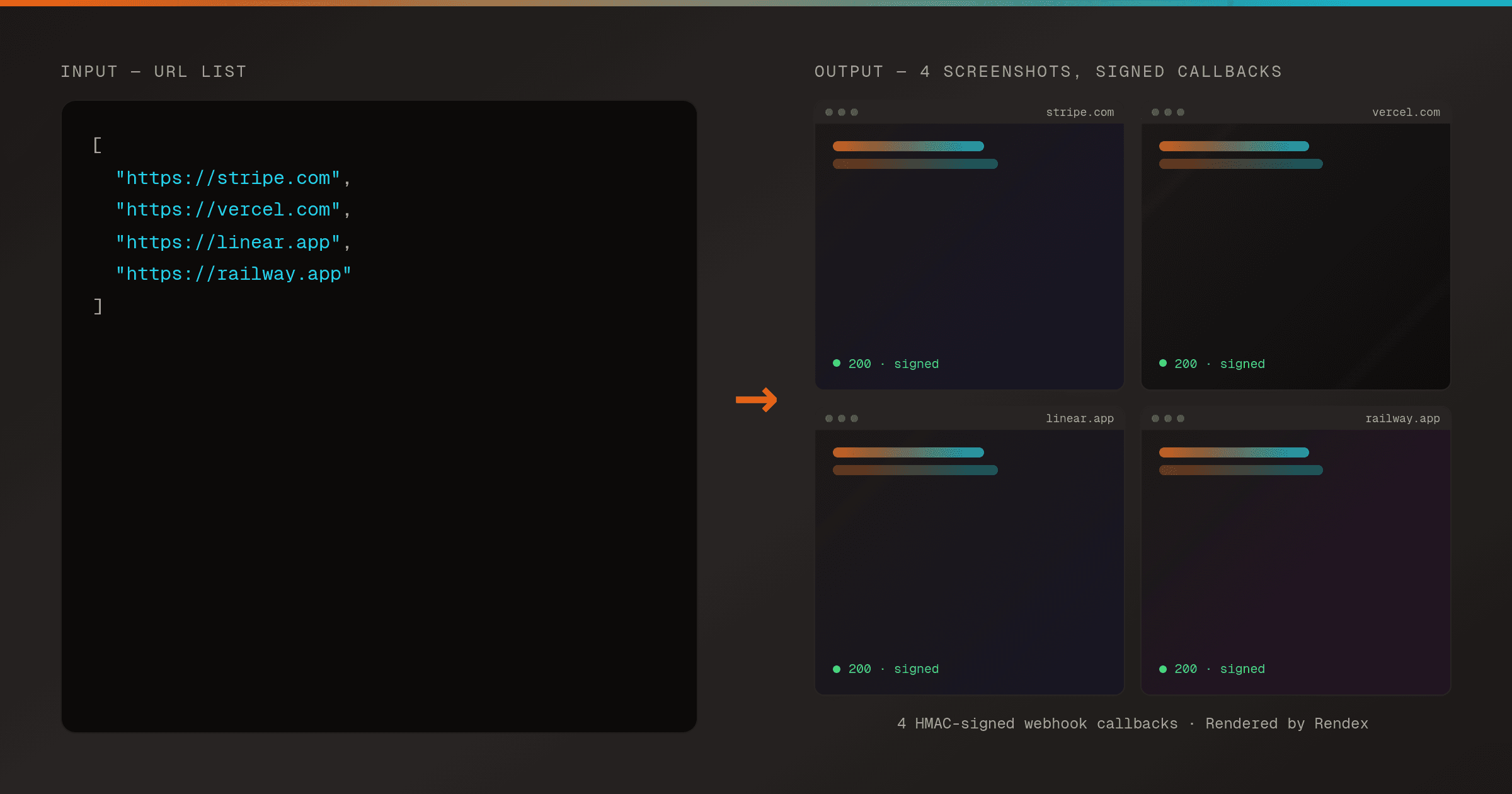
Batch Screenshot a List of URLs with Webhook Delivery in n8n
n8nSubmit a whole list of URLs to Rendex in one batch request and receive each screenshot through an HMAC-signed webhook as it finishes — driven on a schedule from n8n.
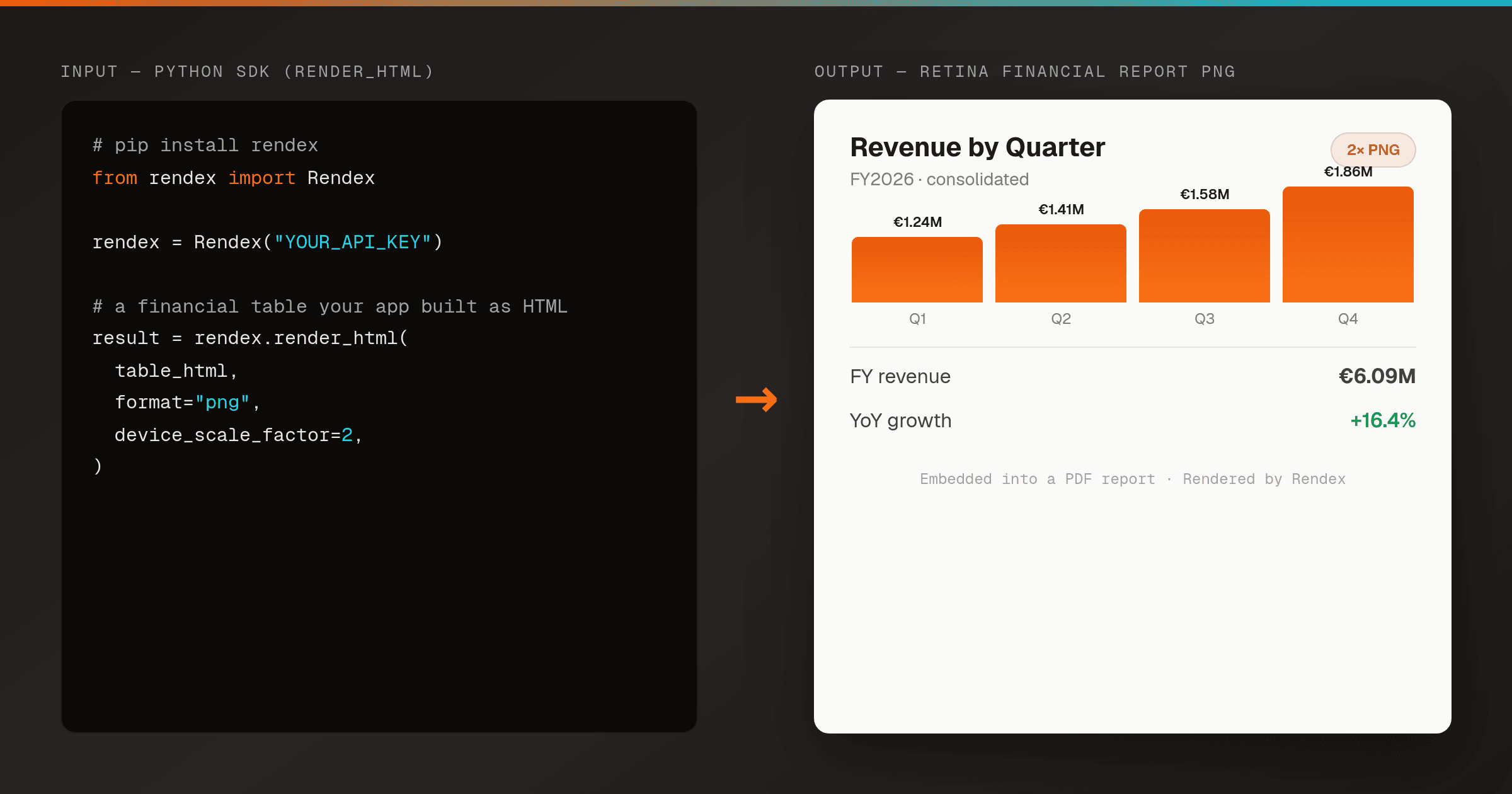
Render an HTML Financial Report or Invoice to PNG in Python
Python SDKTurn an HTML financial report, invoice, certificate, or data table into a crisp PNG from a server-side Python script — one render_html() call, no headless Chrome to host. Embed the image in a generated PDF or report deliverable.
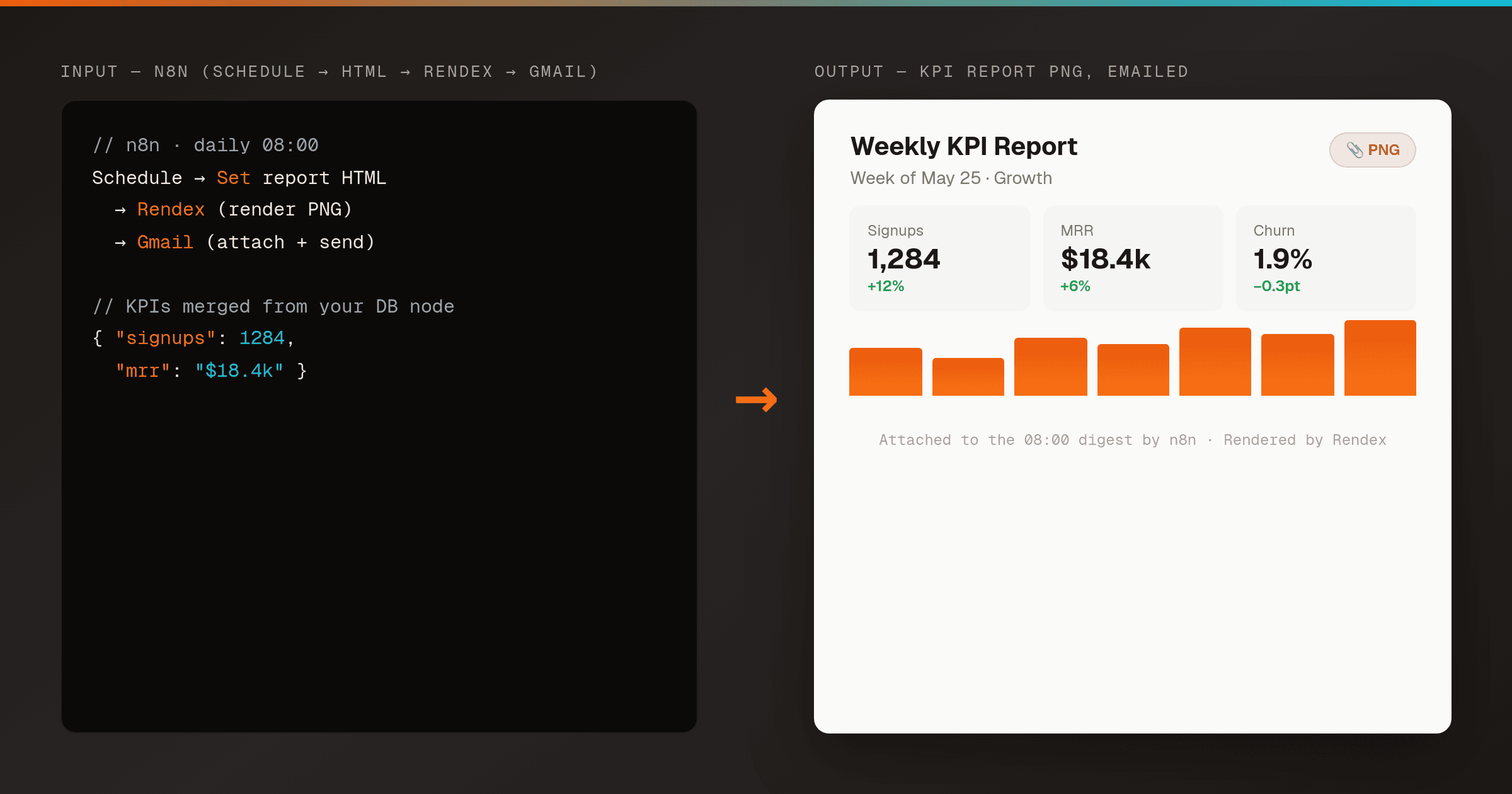
Email an HTML Report as a PNG Attachment in n8n
n8nMakeRender an HTML report or KPI summary to a PNG with Rendex on a schedule, then email it as an attachment to your team — one n8n workflow, no headless browser to host. Works the same in Make.
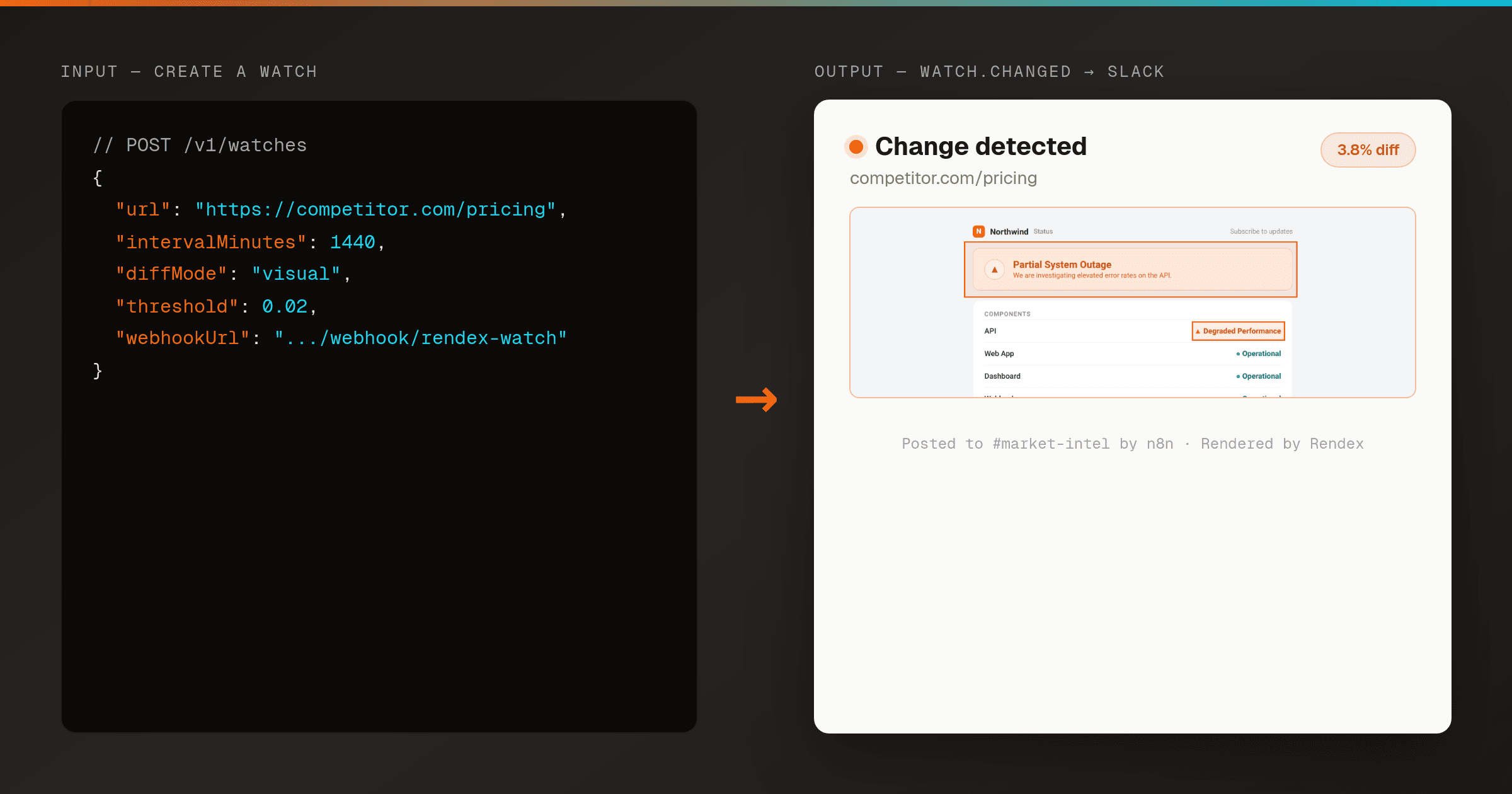
Send a Slack Alert When a Web Page Changes (Rendex Watch + n8n)
n8nPoint Rendex Watch at any URL and route its signed watch.changed webhook into n8n — verify the signature, then post the before/after/overlay diff to Slack. Real-Chrome visual diffing, no cron or storage to run yourself.
Other Ways to Connect Rendex
Start Free, No Card Required
100 renders/month on the free plan. Upgrade only when you scale.