Workflow recipes you can clone in minutes
Outcome-focused automation templates that render images and PDFs inside the tools you already use — n8n, Zapier, and Make. Pick a recipe, drop in your Rendex key, and ship.
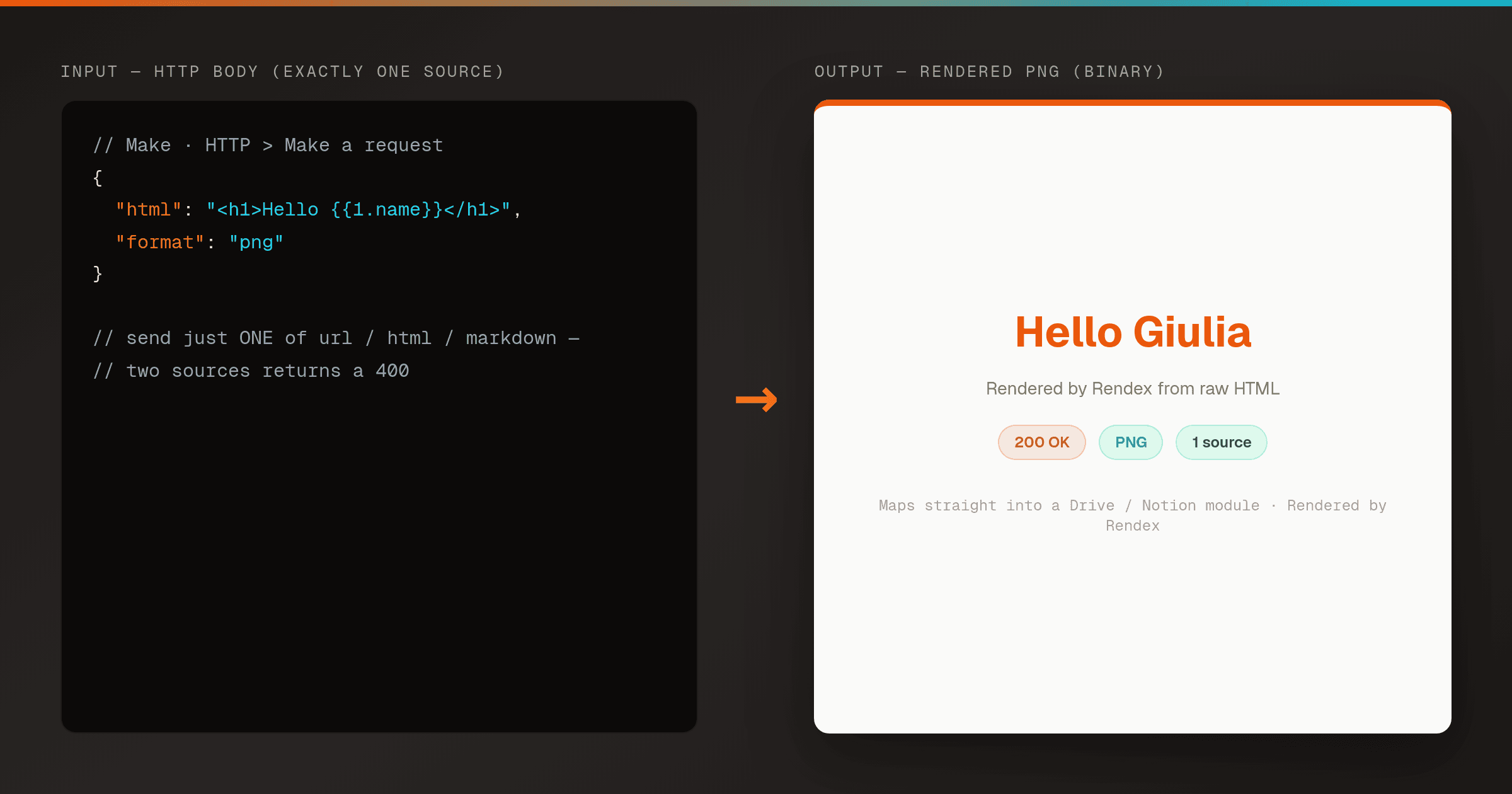
Render HTML to a PNG in Make (Correct HTTP Module Setup)
A pre-wired Make HTTP module that renders HTML to a PNG with Rendex on the first try. Copy the exact request body so you never hit the 400 'send exactly one of url, html, or markdown' error.
Updated 2026-06-03
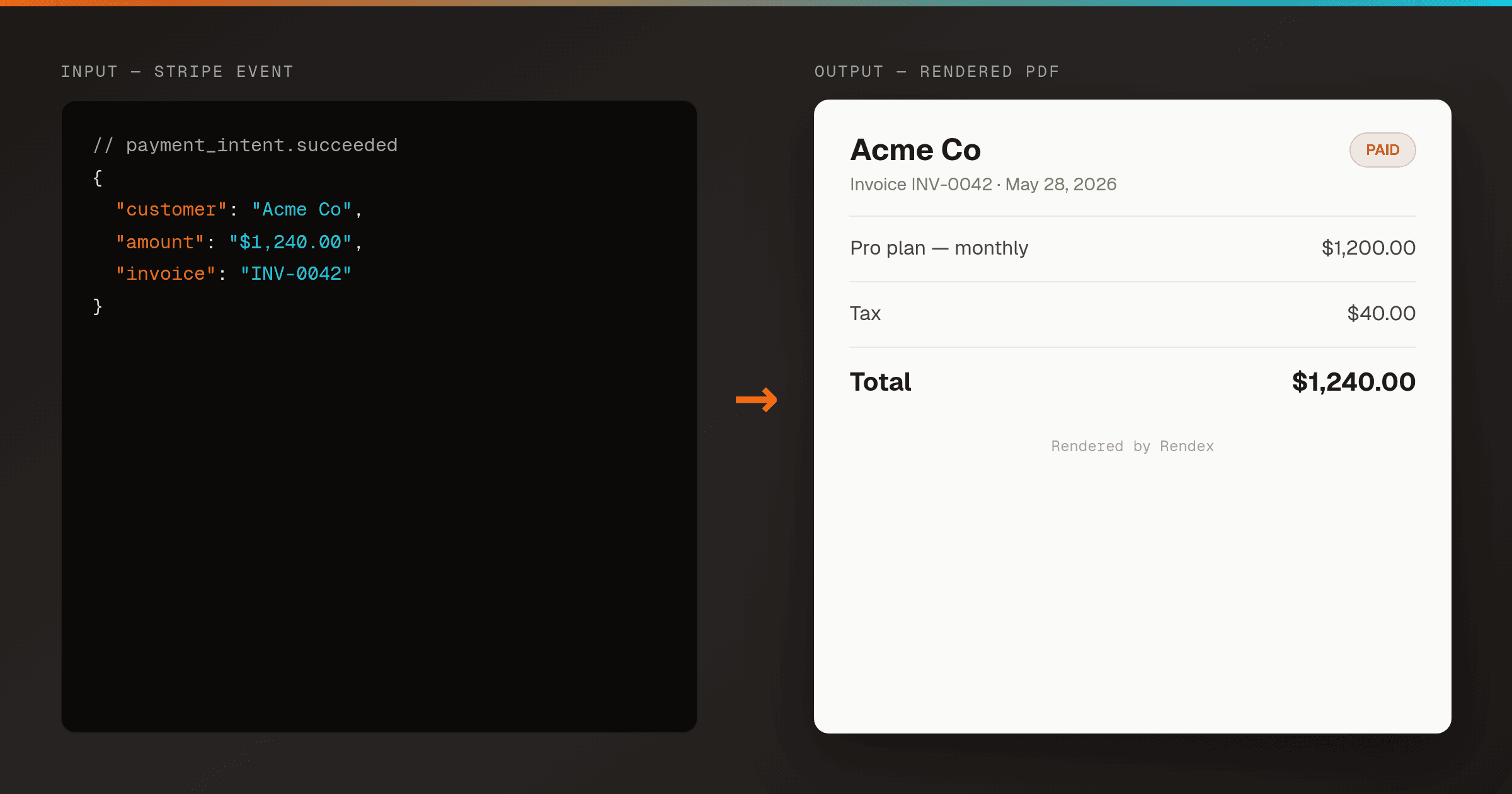
Auto-Generate Invoice PDFs from Stripe in n8n
Render a branded PDF invoice the moment Stripe reports a payment, using one n8n workflow and Rendex — then email it or store a hosted link. No PDF library, no headless browser to host.
Updated 2026-07-21
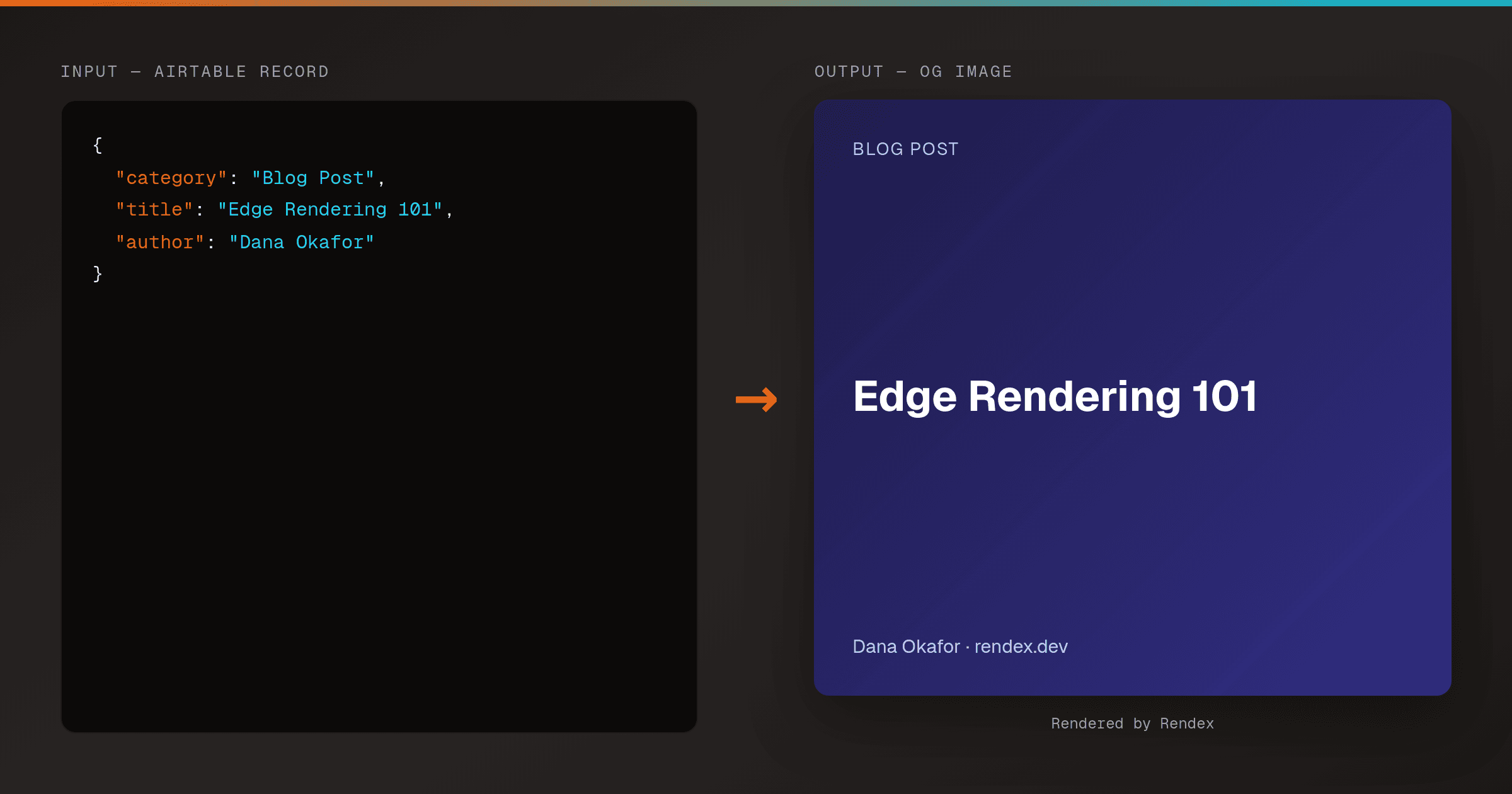
Auto-Generate OG Images from Airtable Rows (Make & Zapier)
Turn every Airtable row into a branded Open Graph image. A Make HTTP module or Zapier action calls Rendex's hosted render link, then writes the og: URL straight back to the row.
Updated 2026-05-28
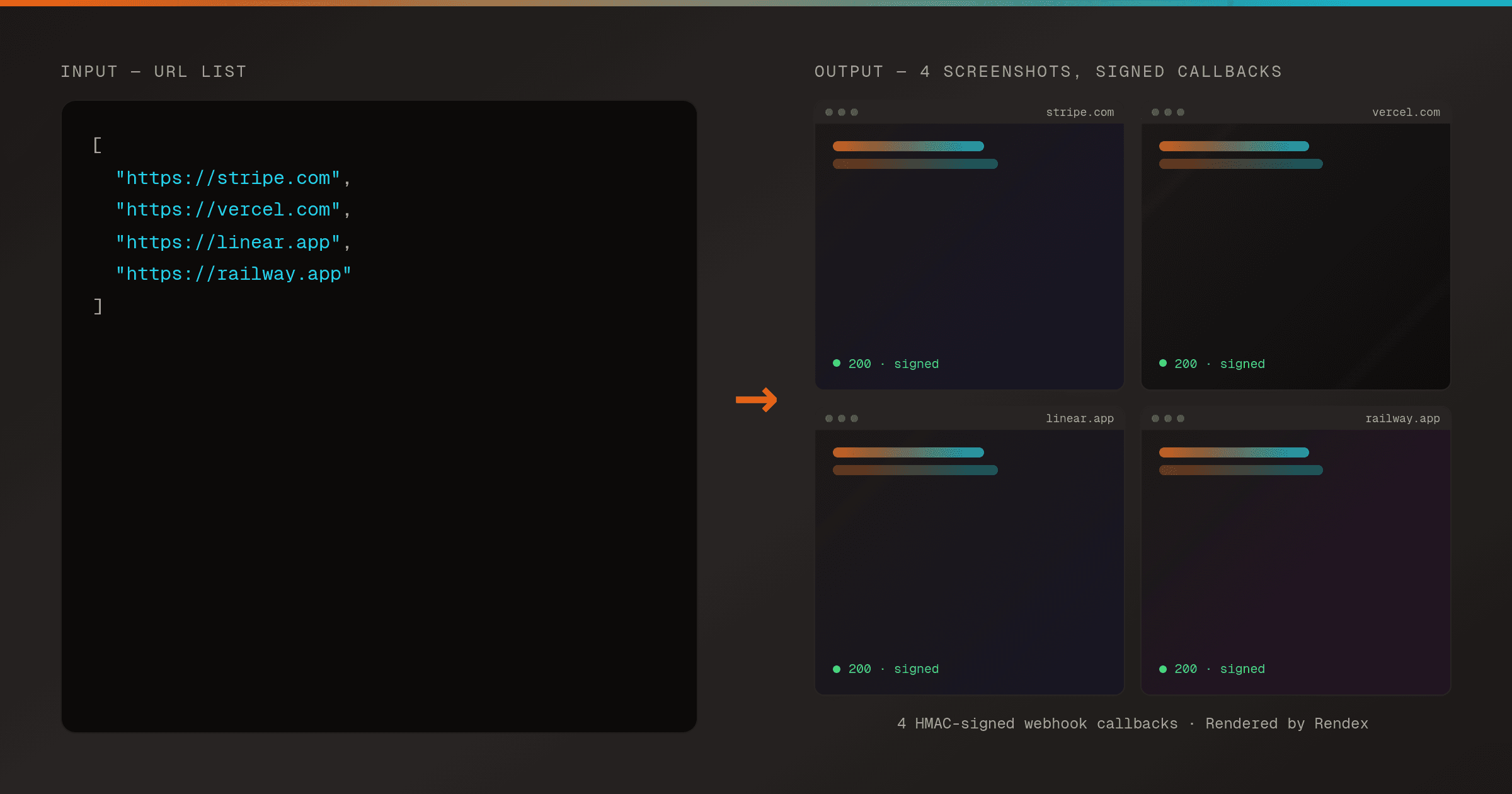
Batch Screenshot a List of URLs with Webhook Delivery in n8n
Submit a whole list of URLs to Rendex in one batch request and receive each screenshot through an HMAC-signed webhook as it finishes — driven on a schedule from n8n.
Updated 2026-07-21
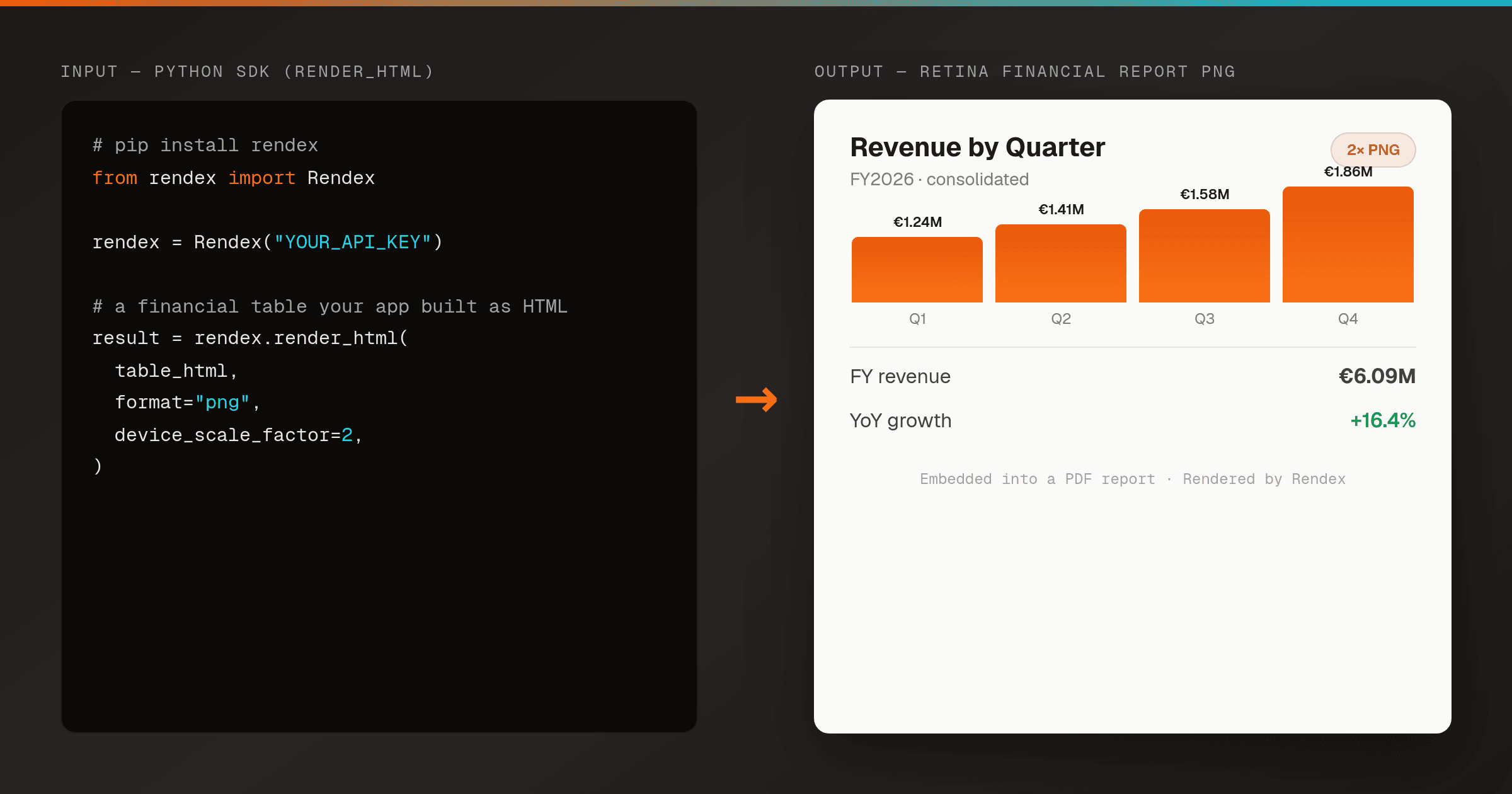
Render an HTML Financial Report or Invoice to PNG in Python
Turn an HTML financial report, invoice, certificate, or data table into a crisp PNG from a server-side Python script — one render_html() call, no headless Chrome to host. Embed the image in a generated PDF or report deliverable.
Updated 2026-06-02
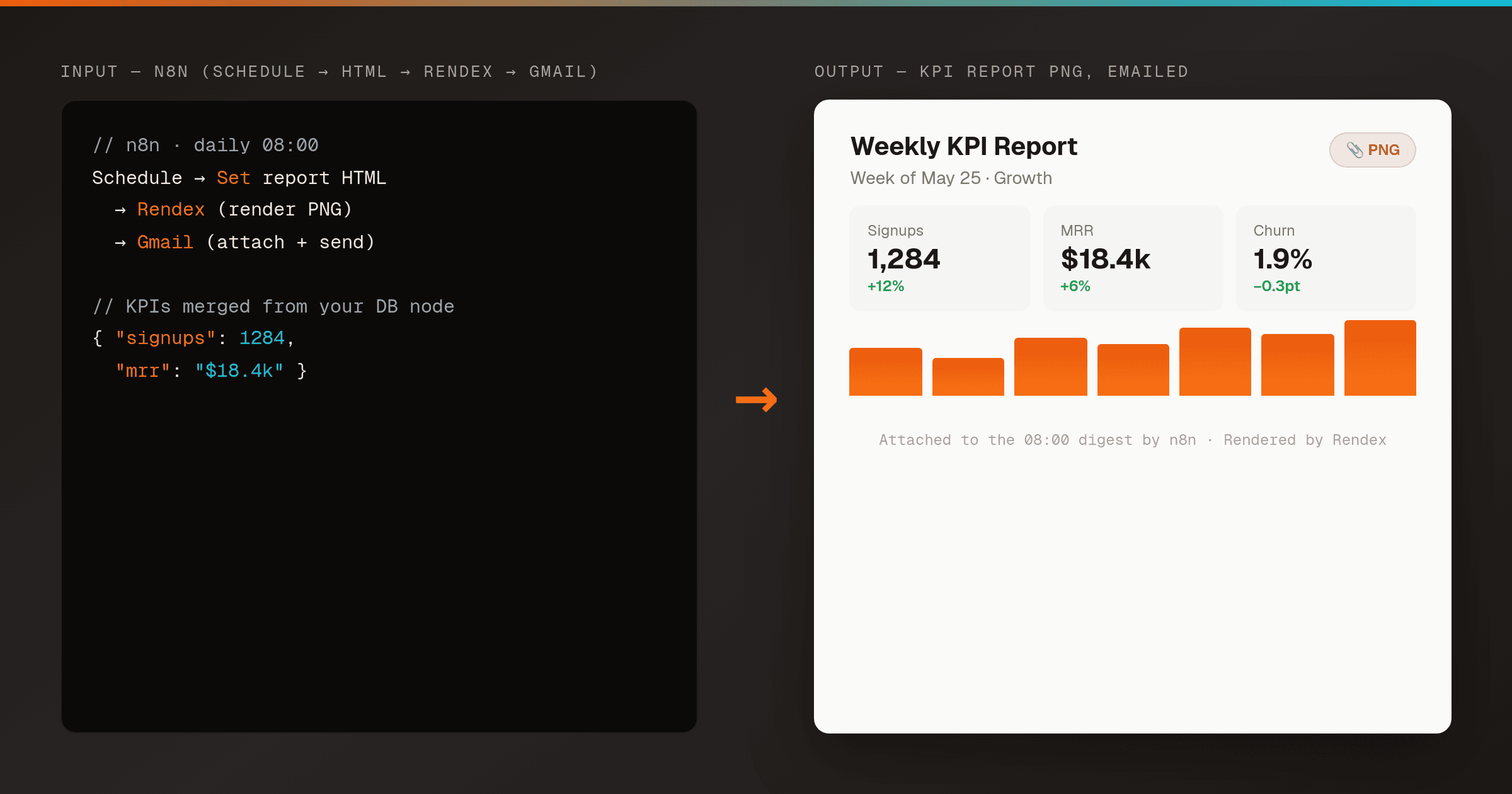
Email an HTML Report as a PNG Attachment in n8n
Render an HTML report or KPI summary to a PNG with Rendex on a schedule, then email it as an attachment to your team — one n8n workflow, no headless browser to host. Works the same in Make.
Updated 2026-06-02
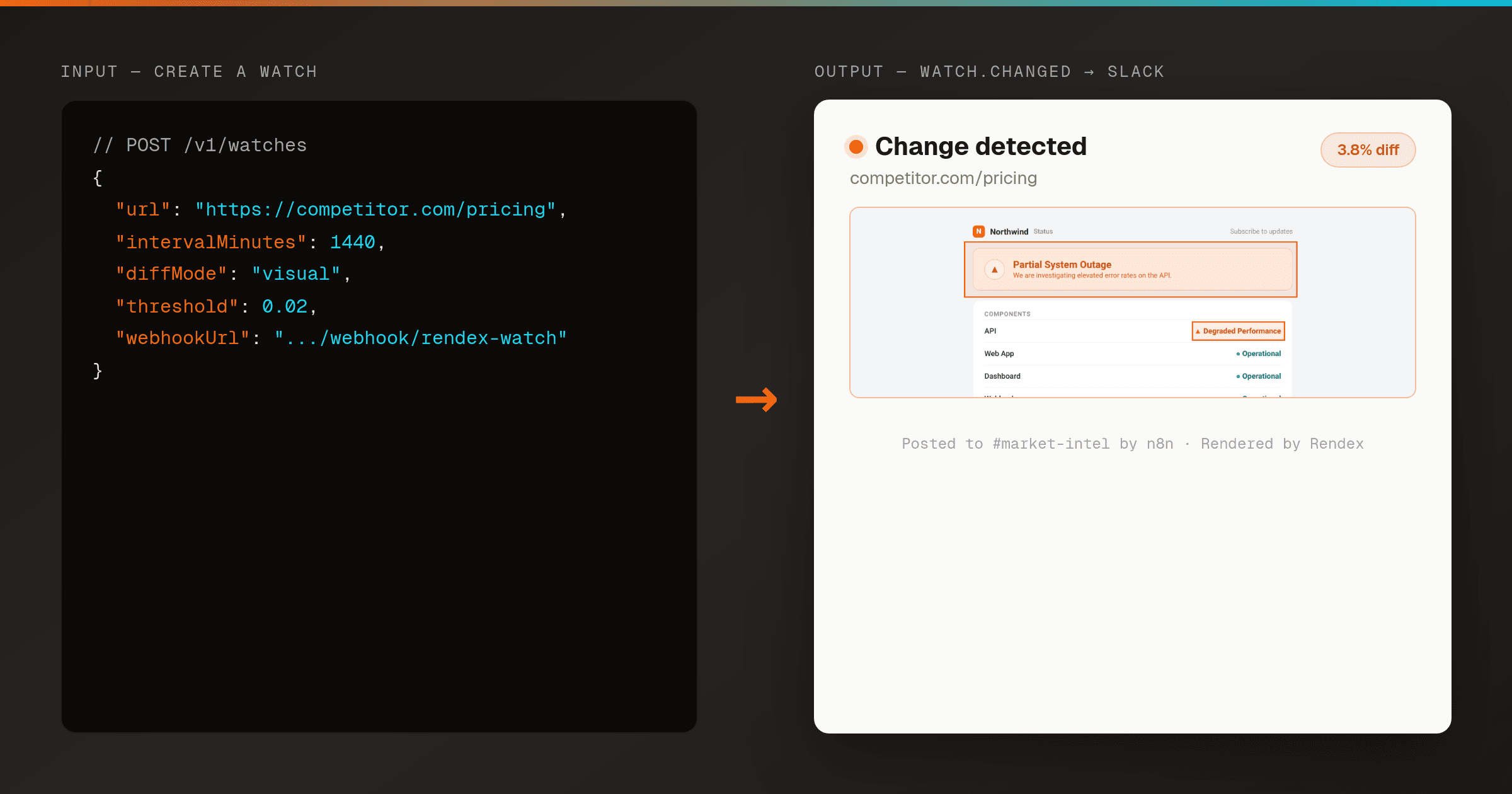
Send a Slack Alert When a Web Page Changes (Rendex Watch + n8n)
Point Rendex Watch at any URL and route its signed watch.changed webhook into n8n — verify the signature, then post the before/after/overlay diff to Slack. Real-Chrome visual diffing, no cron or storage to run yourself.
Updated 2026-07-21
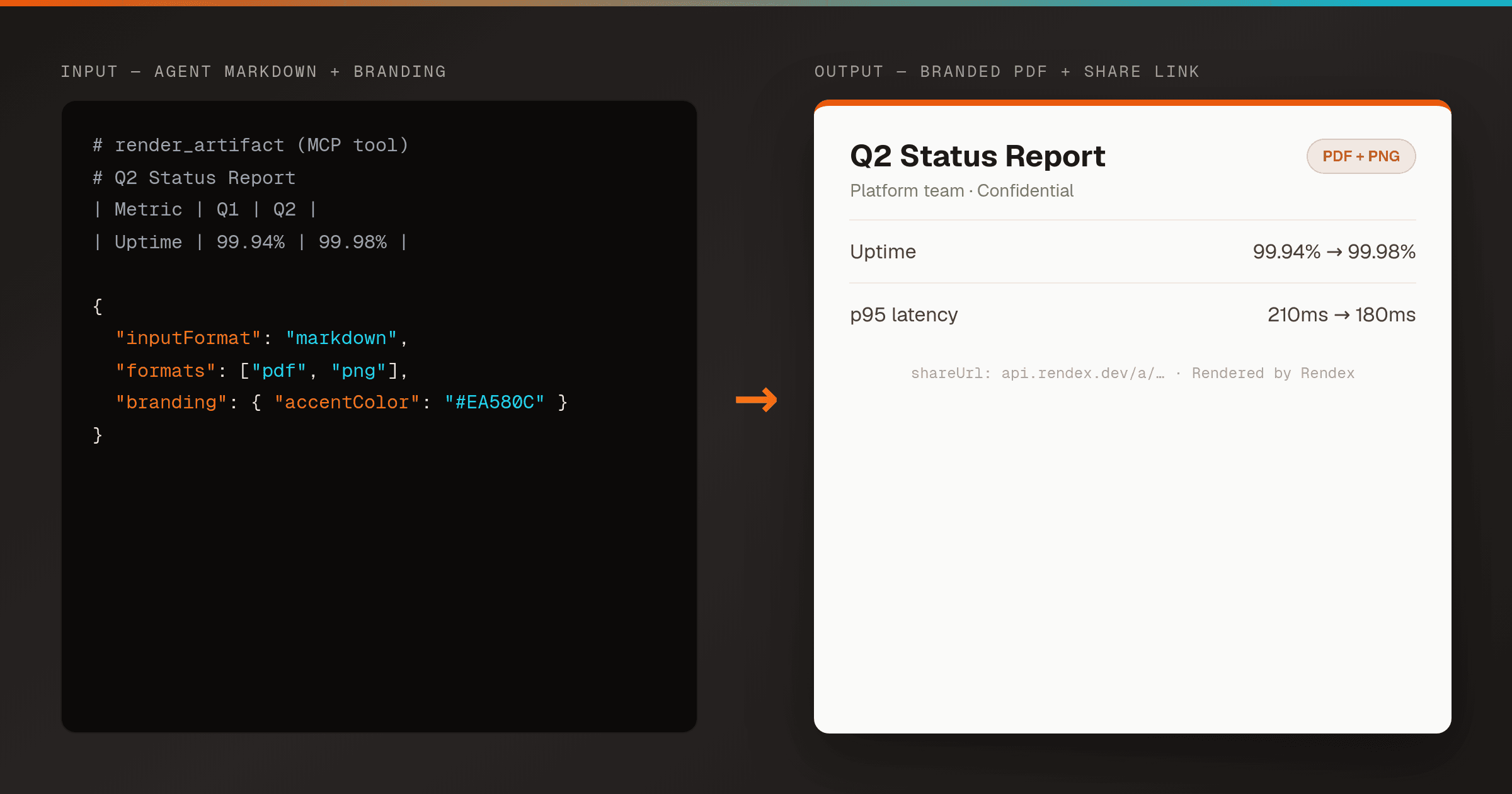
Let an AI Agent Render a Branded PDF from Markdown (Rendex MCP)
Give Claude, Cursor, or any MCP client the Rendex render_artifact tool and it turns the Markdown or HTML it just wrote into a branded PDF + PNG with a hosted share link — one tool call, no file plumbing, no headless browser.
Updated 2026-07-15
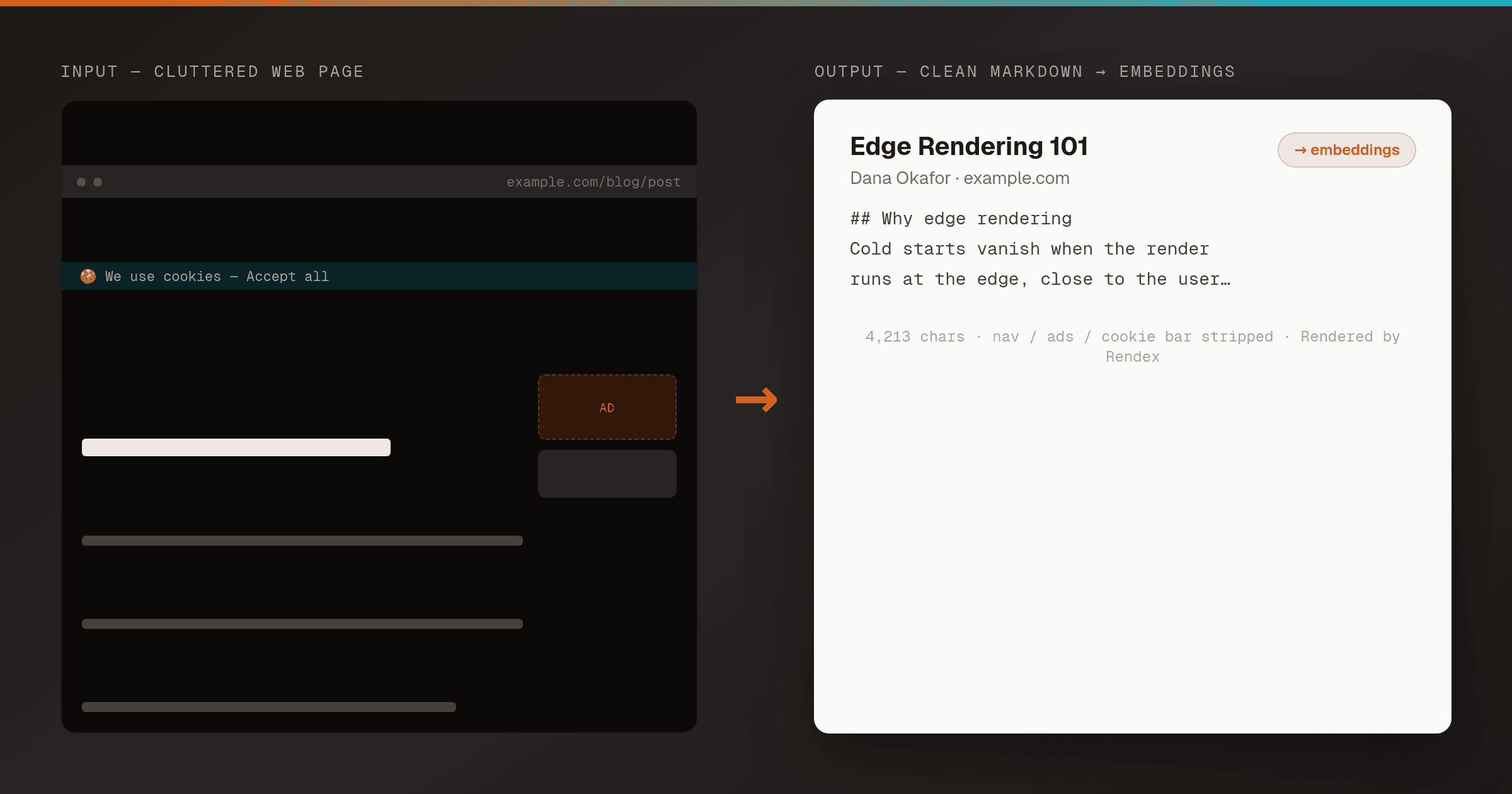
Extract a URL to Clean Markdown for RAG in Pipedream
Turn any web page into clean, reader-mode Markdown with one Rendex call inside a Pipedream workflow, then pipe it straight into an embedding or LLM step — no HTML parsing, no boilerplate stripping, no headless browser.
Updated 2026-07-15
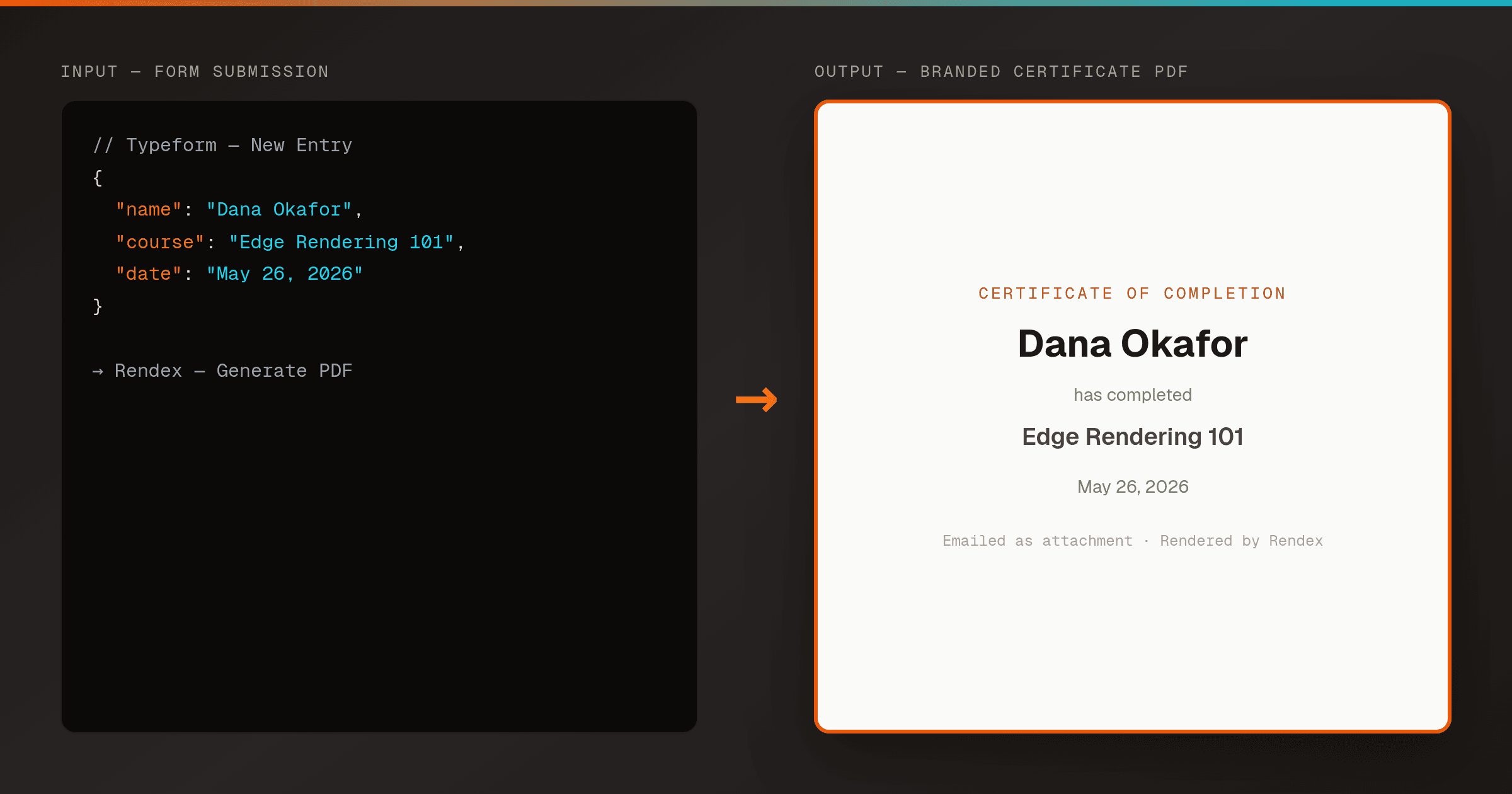
Generate a Branded PDF from a Form Submission in Zapier
Turn a Typeform or Google Forms submission into a branded PDF — a receipt, certificate, or confirmation — with Zapier's native Rendex Generate PDF action, then email it back. No code, no PDF library, no headless browser.
Updated 2026-07-15
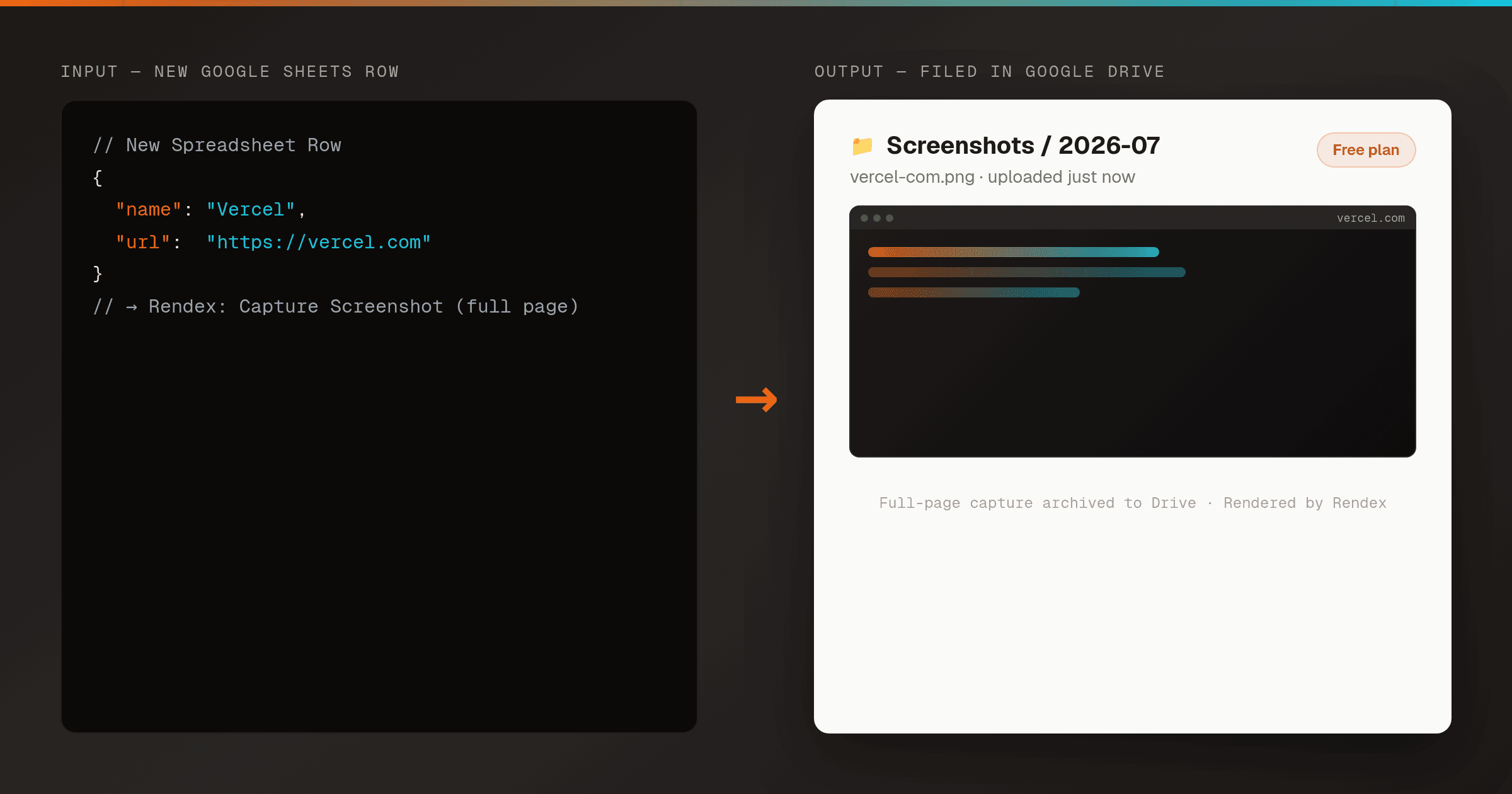
Screenshot Every New Google Sheets URL to Drive in Zapier
Add a URL to a Google Sheet (or Airtable) and Zapier captures a full-page screenshot with the native Rendex action, then files it in Google Drive — no code, no headless browser, on the free tier.
Updated 2026-07-21
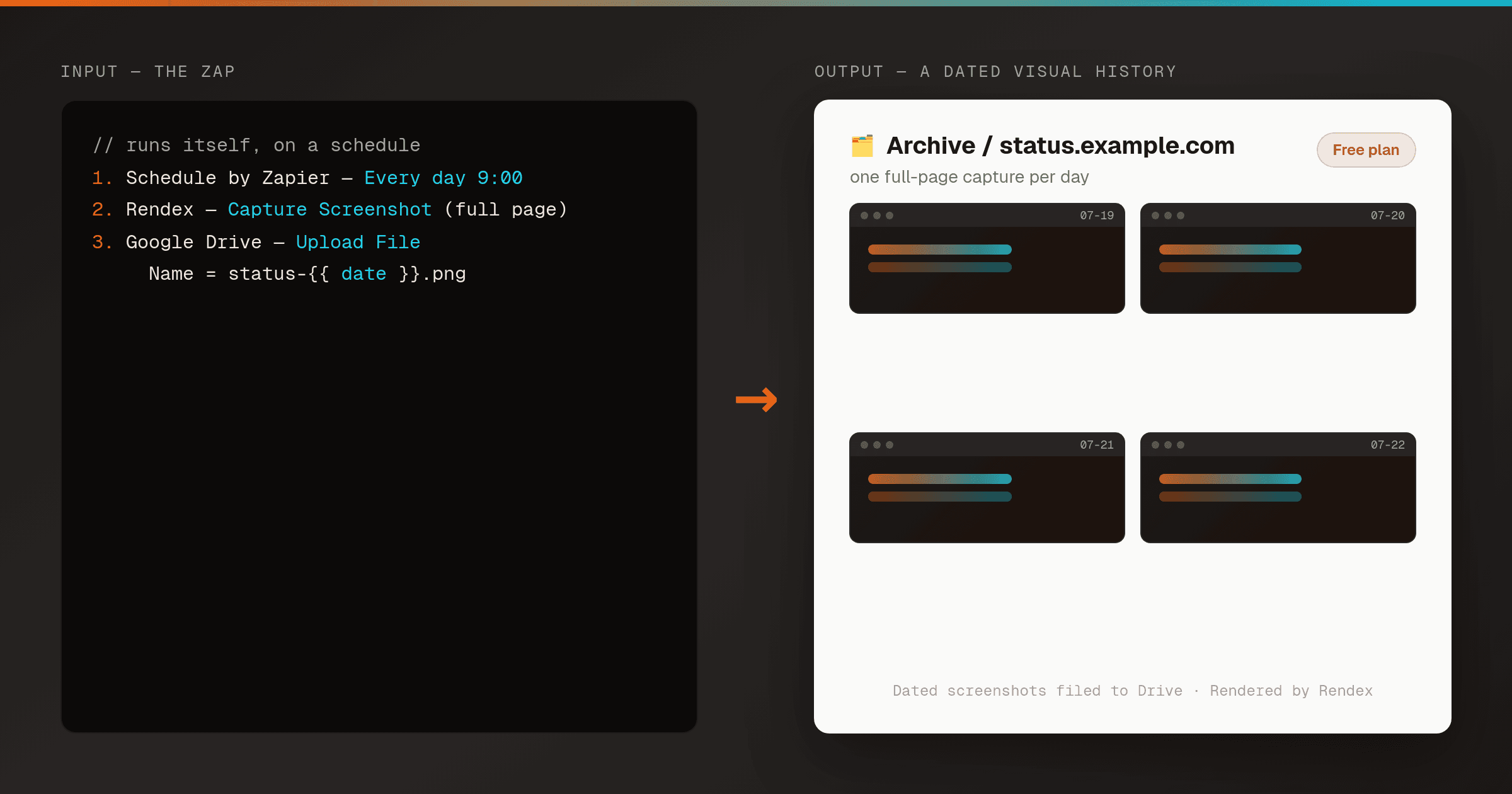
Archive a Daily Full-Page Screenshot to Drive in Zapier
Schedule a daily or weekly full-page screenshot of any page and file it in Google Drive or Dropbox with a dated name — a visual history built automatically with Zapier's native Rendex action. No code, free tier.
Updated 2026-07-21
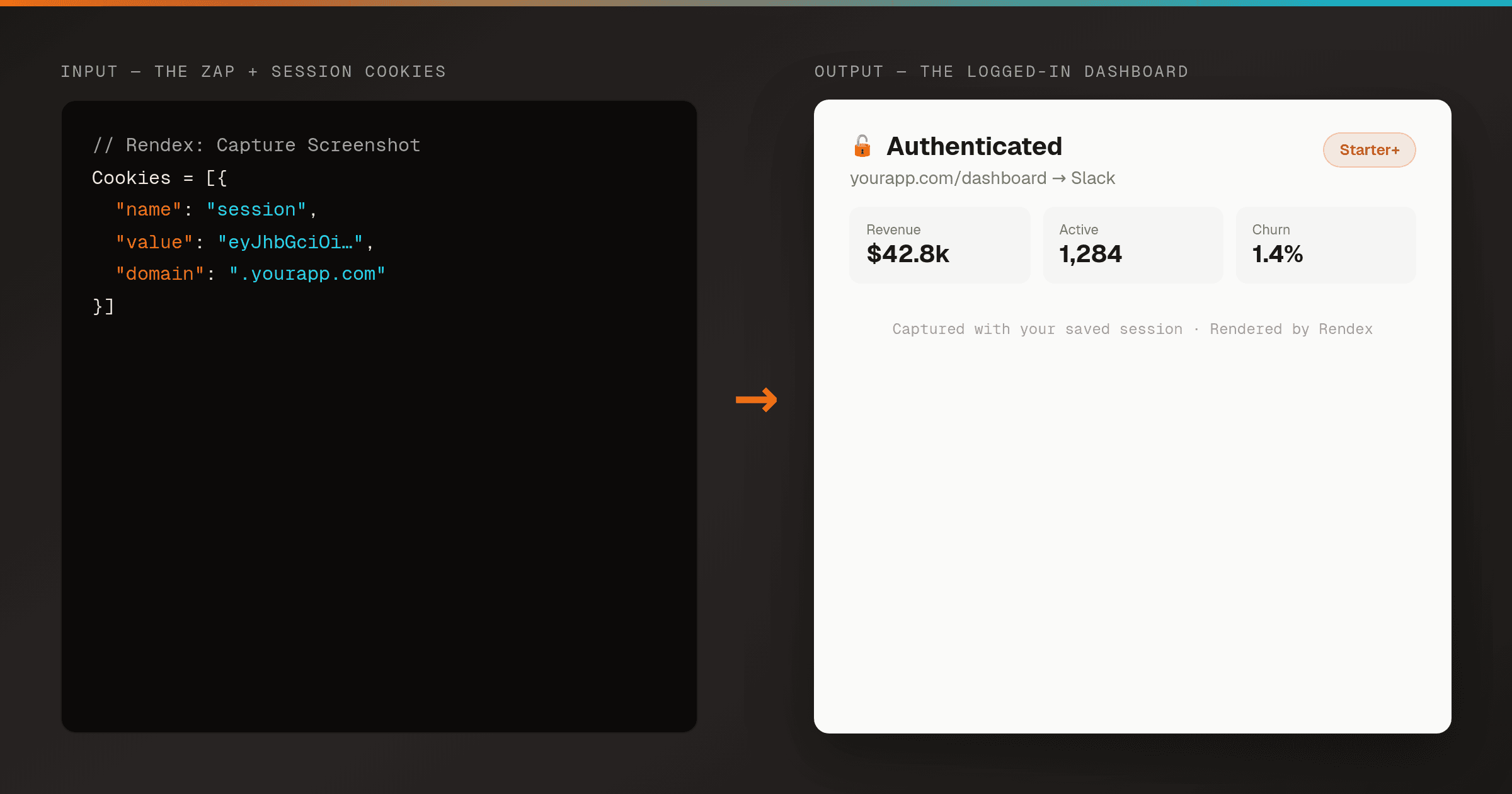
Screenshot a Page Behind a Login in Zapier (with Cookies)
Capture an authenticated page — a dashboard, admin view, or member-only report — with Zapier's native Rendex action by passing a session cookie. No browser to script, no code. Cookies are a Rendex Basic+ feature.
Updated 2026-07-21
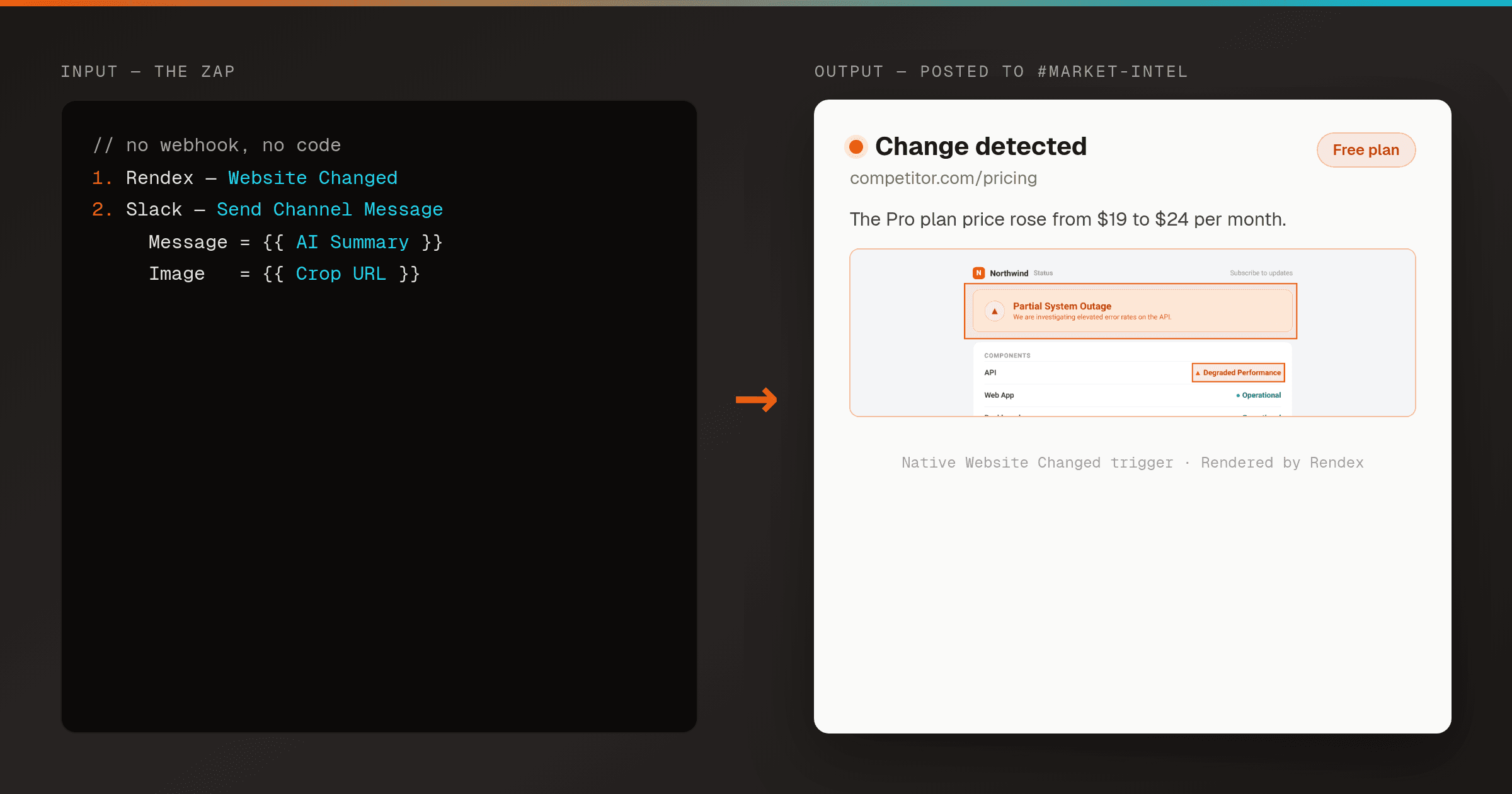
Post a Slack Alert When a Website Changes (Zapier)
Monitor any page with Rendex Watch and let Zapier's native Website Changed trigger post the change to Slack — a plain-English summary of what changed plus a cropped image of the exact spot. No cron, no webhook, no code.
Updated 2026-07-21
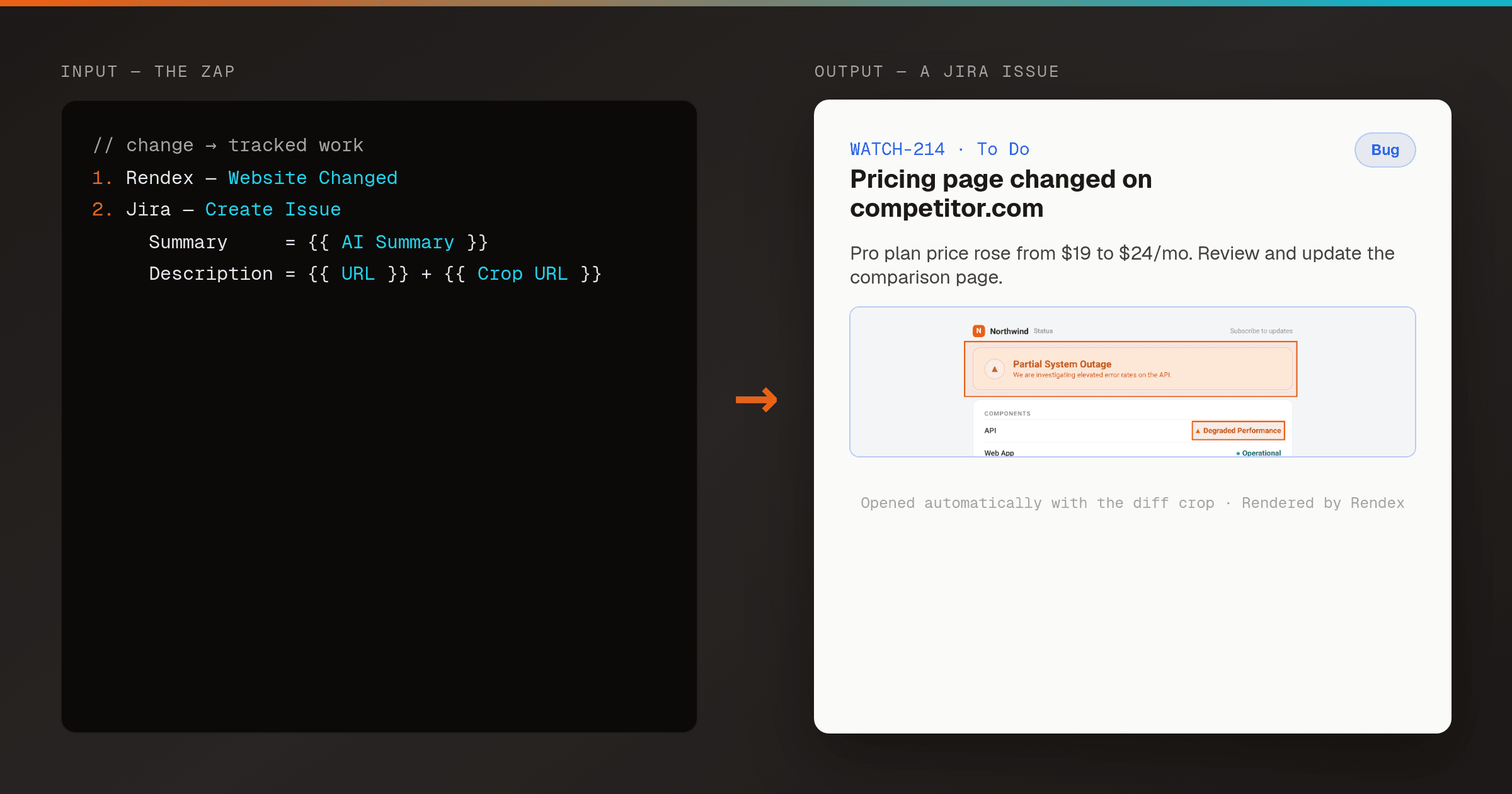
Open a Jira or Trello Ticket When a Monitored Page Changes (Zapier)
When Rendex Watch detects a change on a page, let Zapier's native Website Changed trigger open a Jira, Trello, or Asana ticket automatically — titled with what changed and carrying a cropped image of the exact spot. A change that needs action belongs on a board, not just a channel.
Updated 2026-07-21
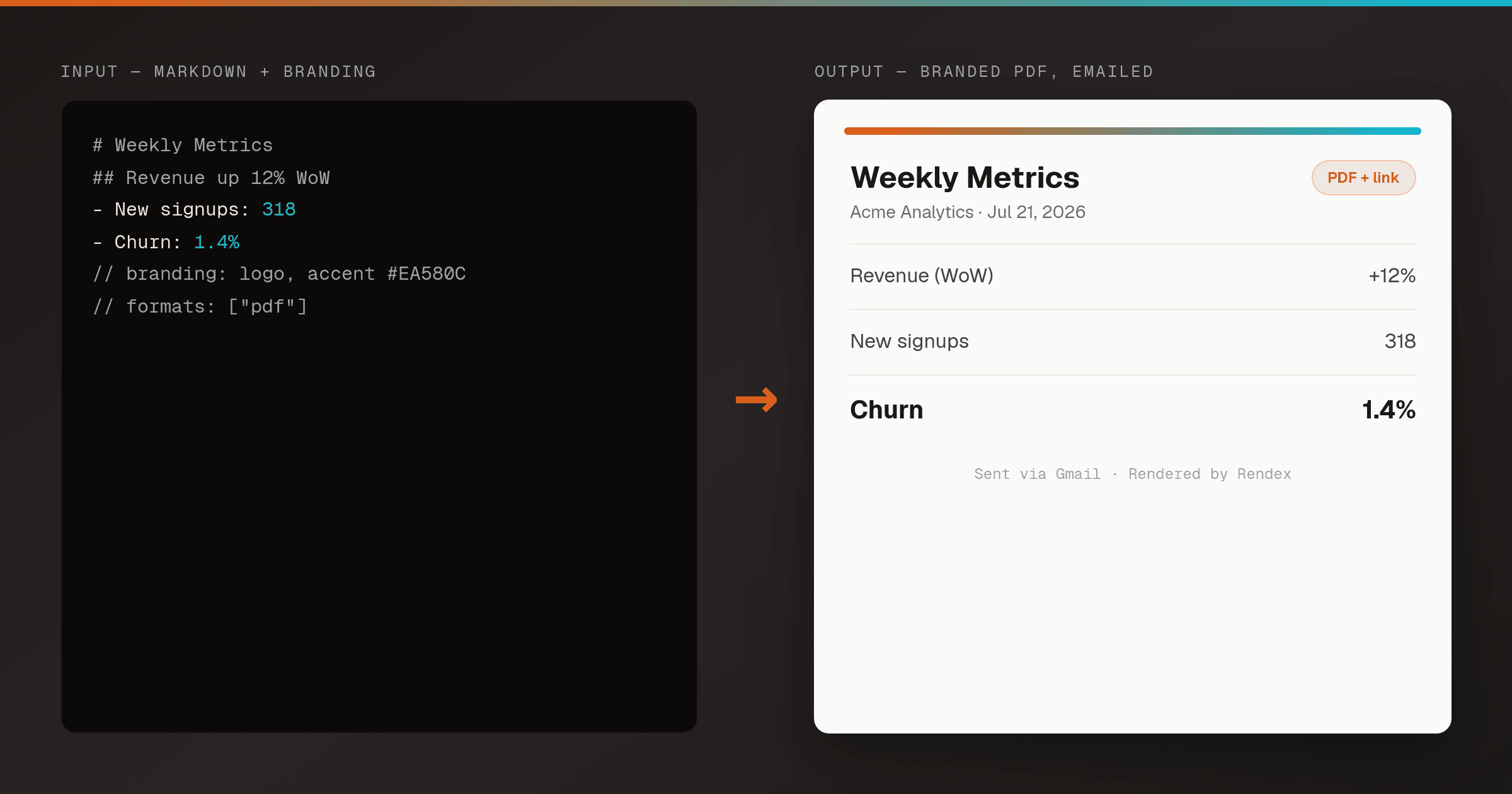
Email a Branded PDF Report on a Schedule in Zapier
Turn Markdown into a polished, branded PDF — your logo, colors, and layout — with Zapier's native Rendex Create Branded Artifact action, then email it out on a schedule. No design tool, no code, on the free tier.
Updated 2026-07-21
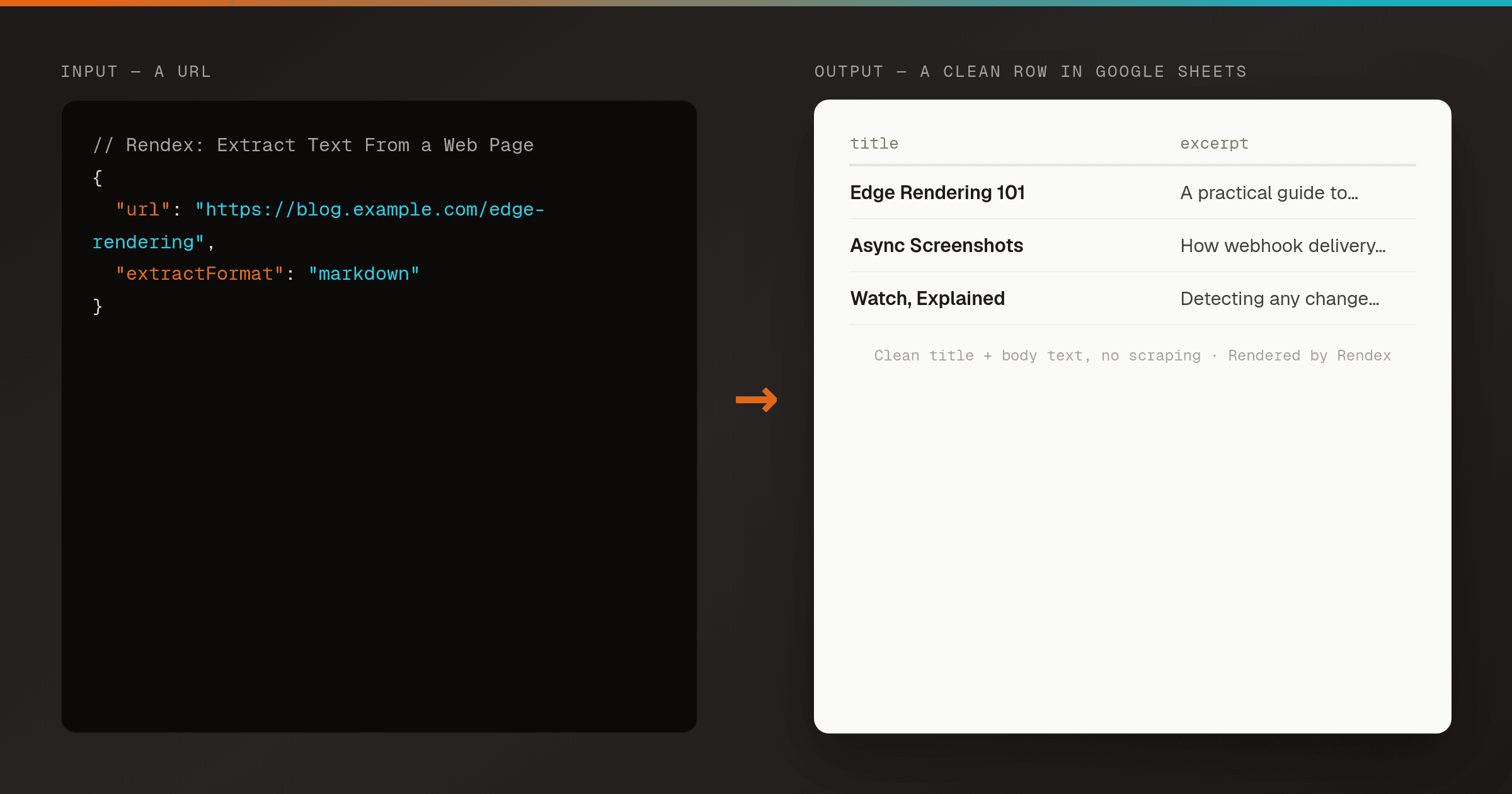
Extract Clean Web Page Text to Google Sheets in Zapier
When a new URL appears in an RSS feed or a sheet, pull the clean article text — title, byline, and body — with Zapier's native Rendex Extract Text action, then log it to Google Sheets or feed it to an AI step. No scraping, no code, free tier.
Updated 2026-07-21
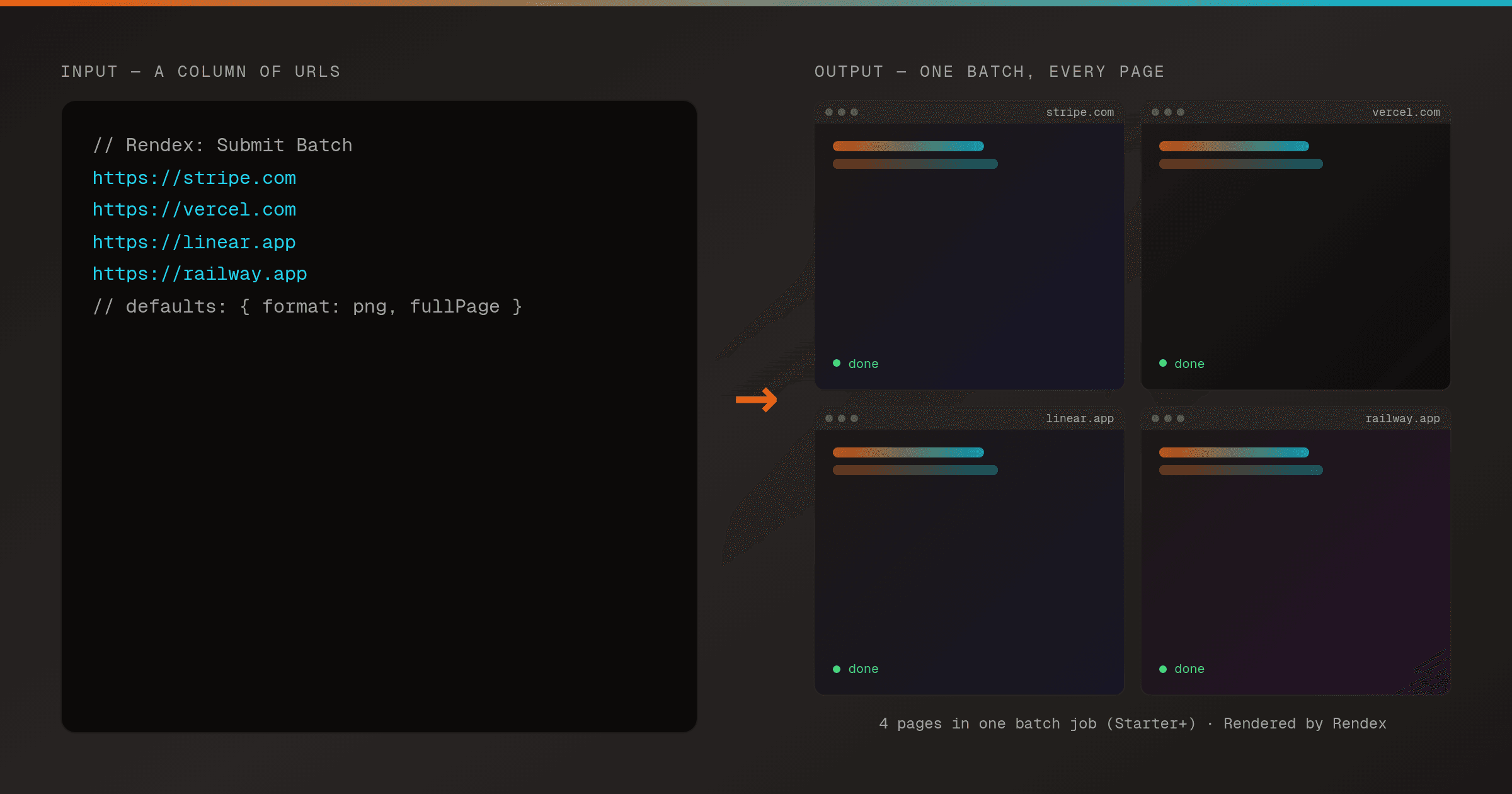
Batch Screenshot a List of URLs From a Google Sheet in Zapier
Feed a column of URLs from a Google Sheet to Zapier's native Rendex Submit Batch action and get every screenshot back in parallel — then poll with Get Batch Status and store the results. No loop to build, no code.
Updated 2026-07-21
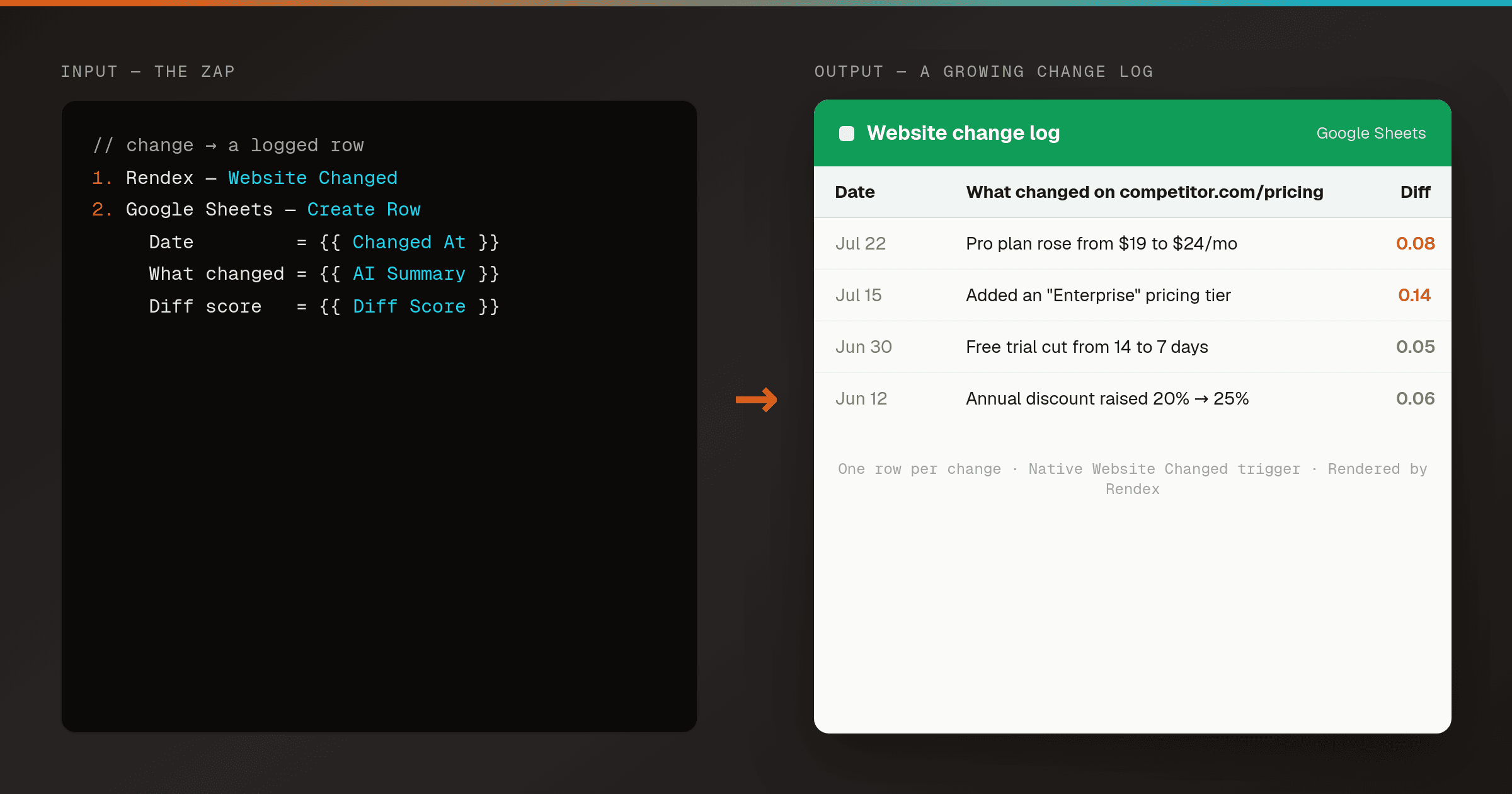
Log Every Website Change to a Google Sheet (Zapier)
Turn Rendex Watch into a permanent change log. When a monitored page changes, Zapier's native Website Changed trigger appends a timestamped row to a Google Sheet — what changed, the diff score, and links to the before, after, and cropped images. A searchable history you can sort, filter, and prove from.
Updated 2026-07-23
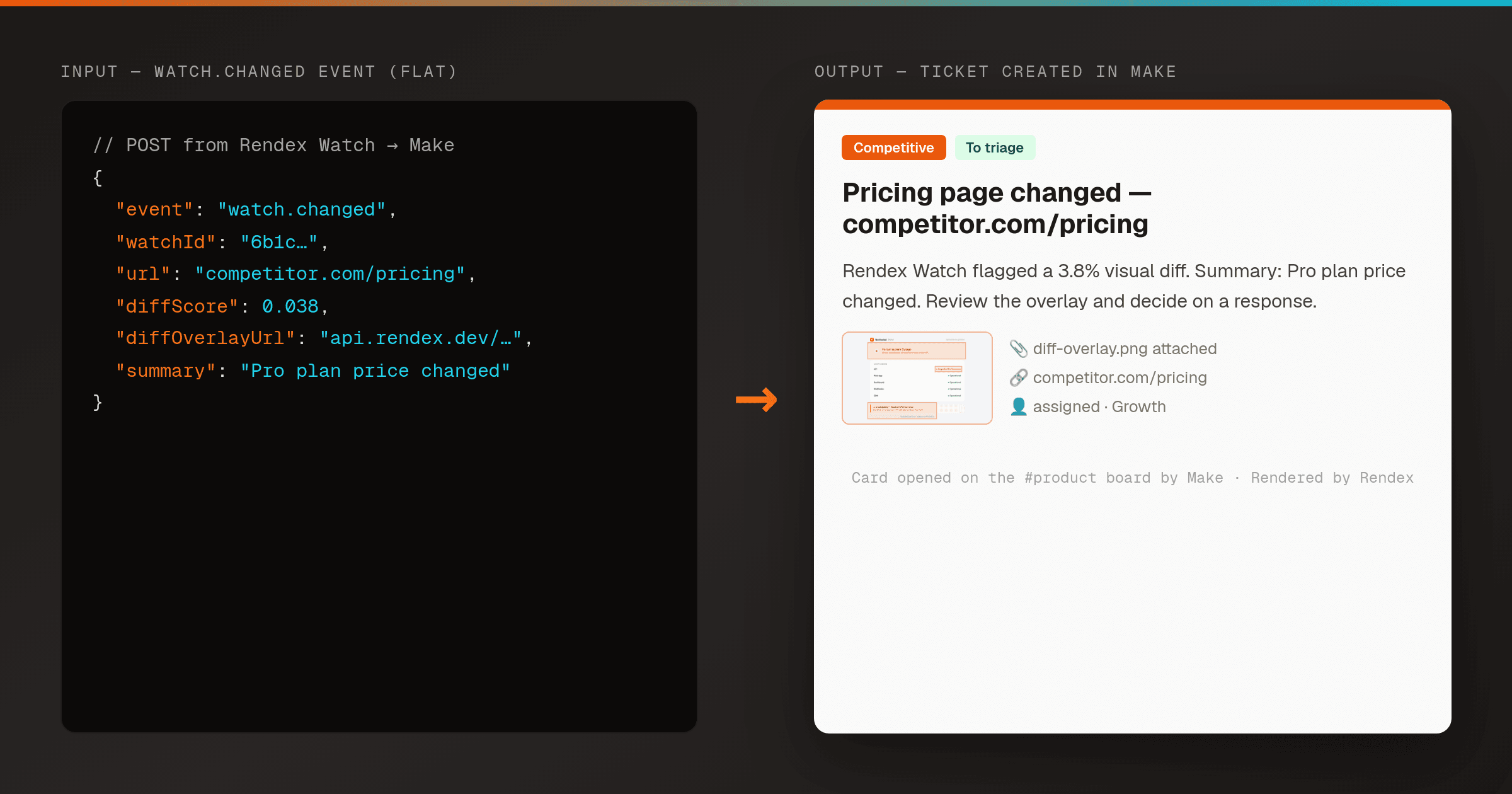
Open a Ticket When a Web Page Changes (Rendex Watch + Make)
Monitor any page with Rendex Watch and open a Trello, Jira, or Asana ticket in Make the moment it changes — a real-Chrome before/after visual diff drives the alert, so you file work on real changes, not on noise.
Updated 2026-07-15
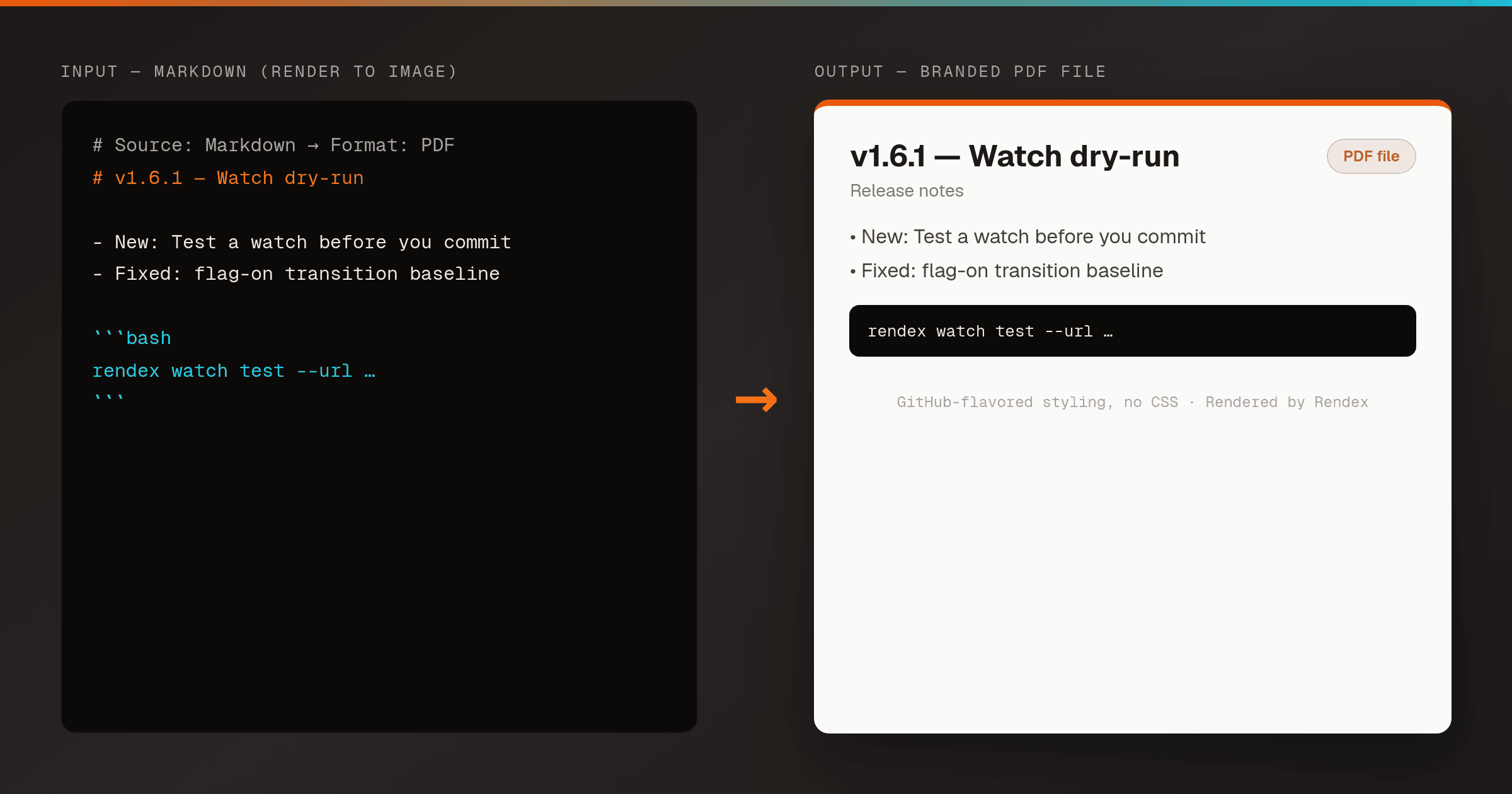
Turn Markdown into a Branded PDF in Activepieces
Render a Markdown document — a doc, changelog, or approved article — to a branded PDF inside an Activepieces flow with the native Render to Image piece. No CSS, no headless browser, and the same step is callable by your AI agents.
Updated 2026-07-15
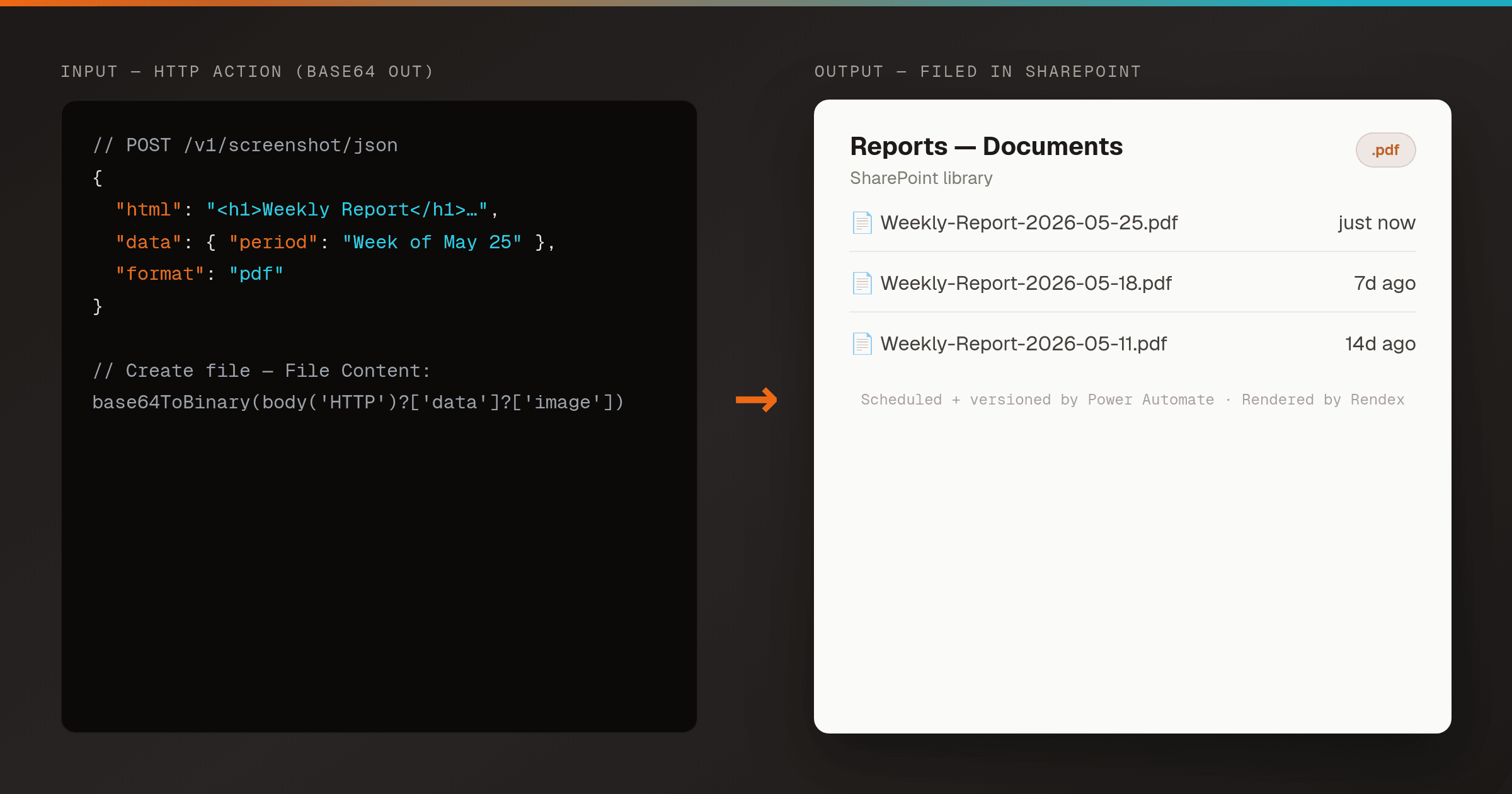
Save a Scheduled Report PDF to SharePoint in Power Automate
Render an HTML report to a PDF on a schedule and file it in SharePoint or OneDrive with Power Automate's built-in HTTP action — no custom connector. The /v1/screenshot/json + base64ToBinary path Power Automate needs, done right.
Updated 2026-07-15
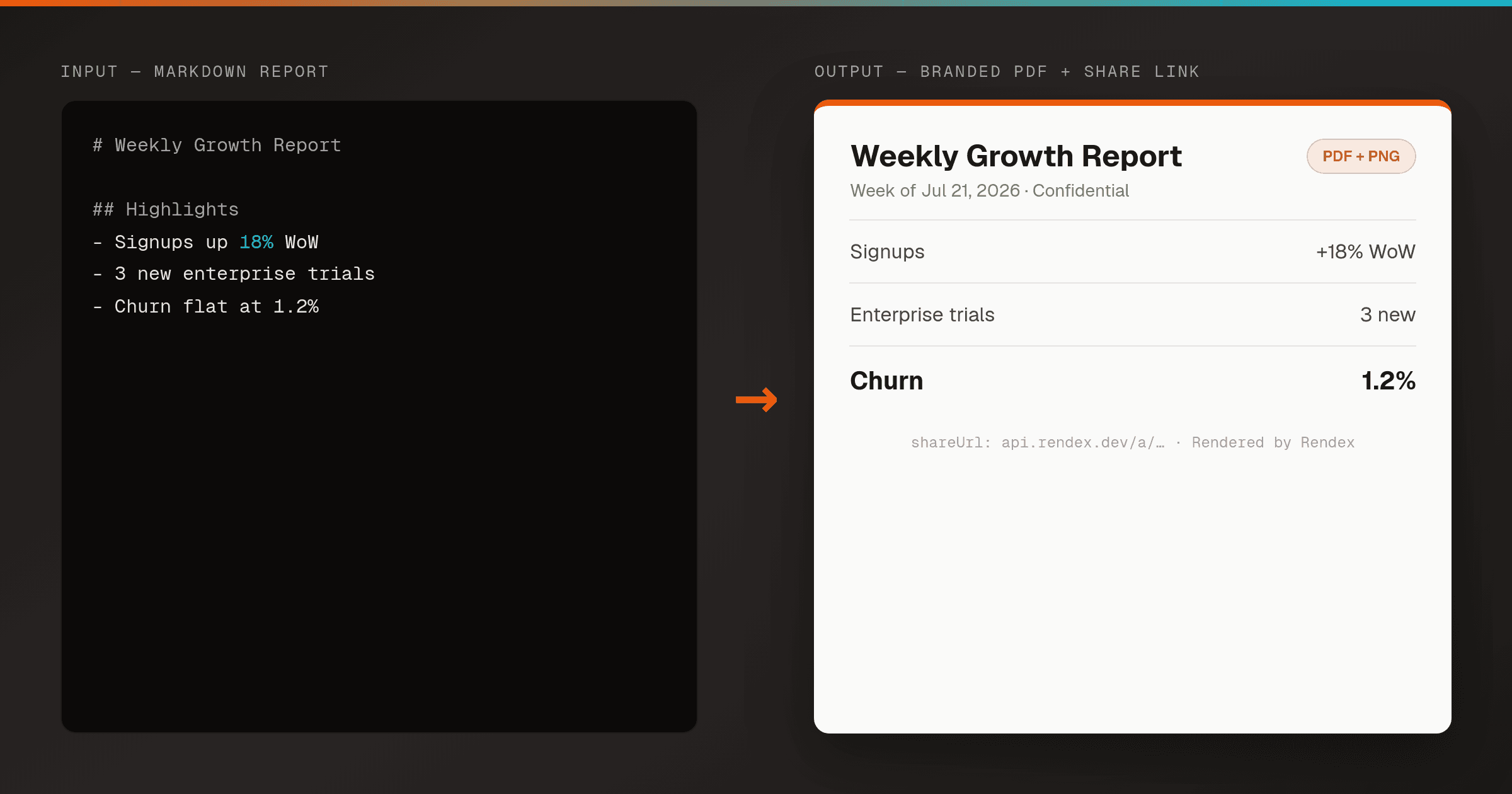
Turn a Markdown Report into a Branded PDF in n8n
Render any Markdown report, digest, or summary into a branded PDF, PNG, and hosted share page with one n8n node using Rendex Artifact — no design tool, no PDF library.
Updated 2026-07-21
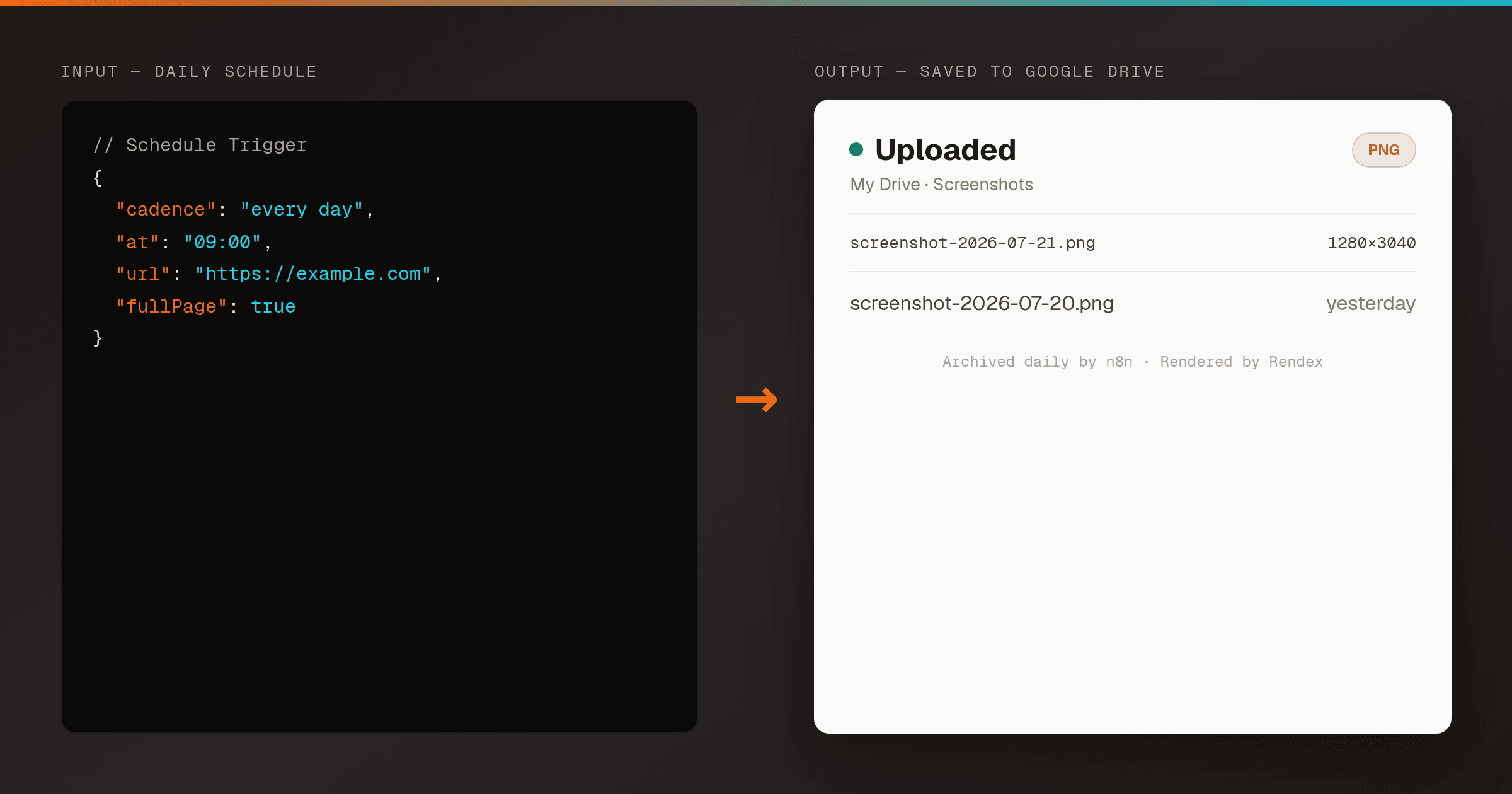
Archive a Daily Screenshot to Google Drive in n8n
Capture a full-page screenshot of any URL on a schedule and upload it to Google Drive with a timestamped filename — a hands-off visual record for compliance, marketing, or competitor tracking.
Updated 2026-07-21
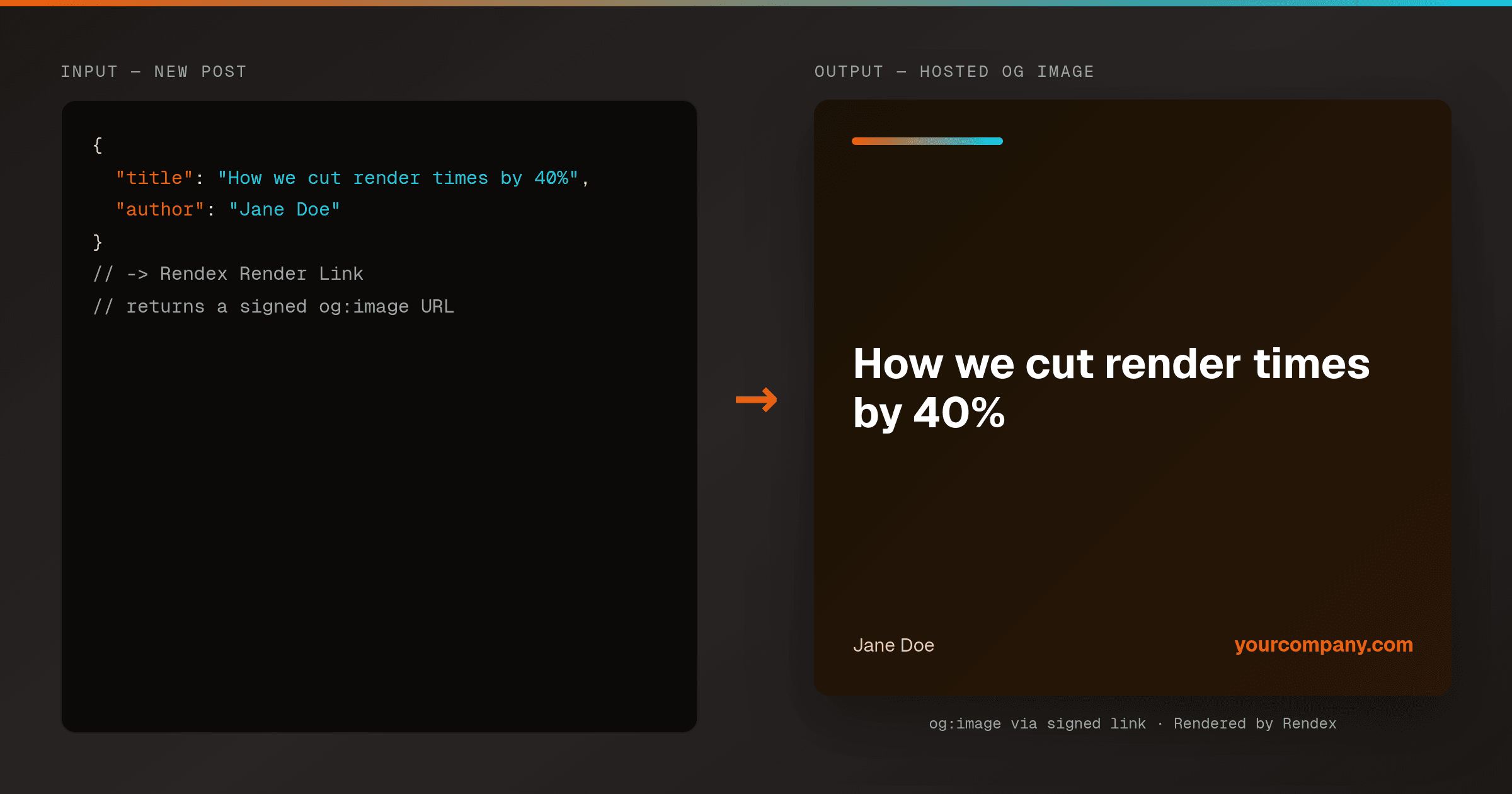
Auto-Generate Social OG Images per Blog Post in n8n
Mint a branded, hosted og:image URL for every blog post with one n8n workflow and Rendex Render Link — inject the title and author, get a signed image URL to drop straight into your og:image tag. No upload step.
Updated 2026-07-21
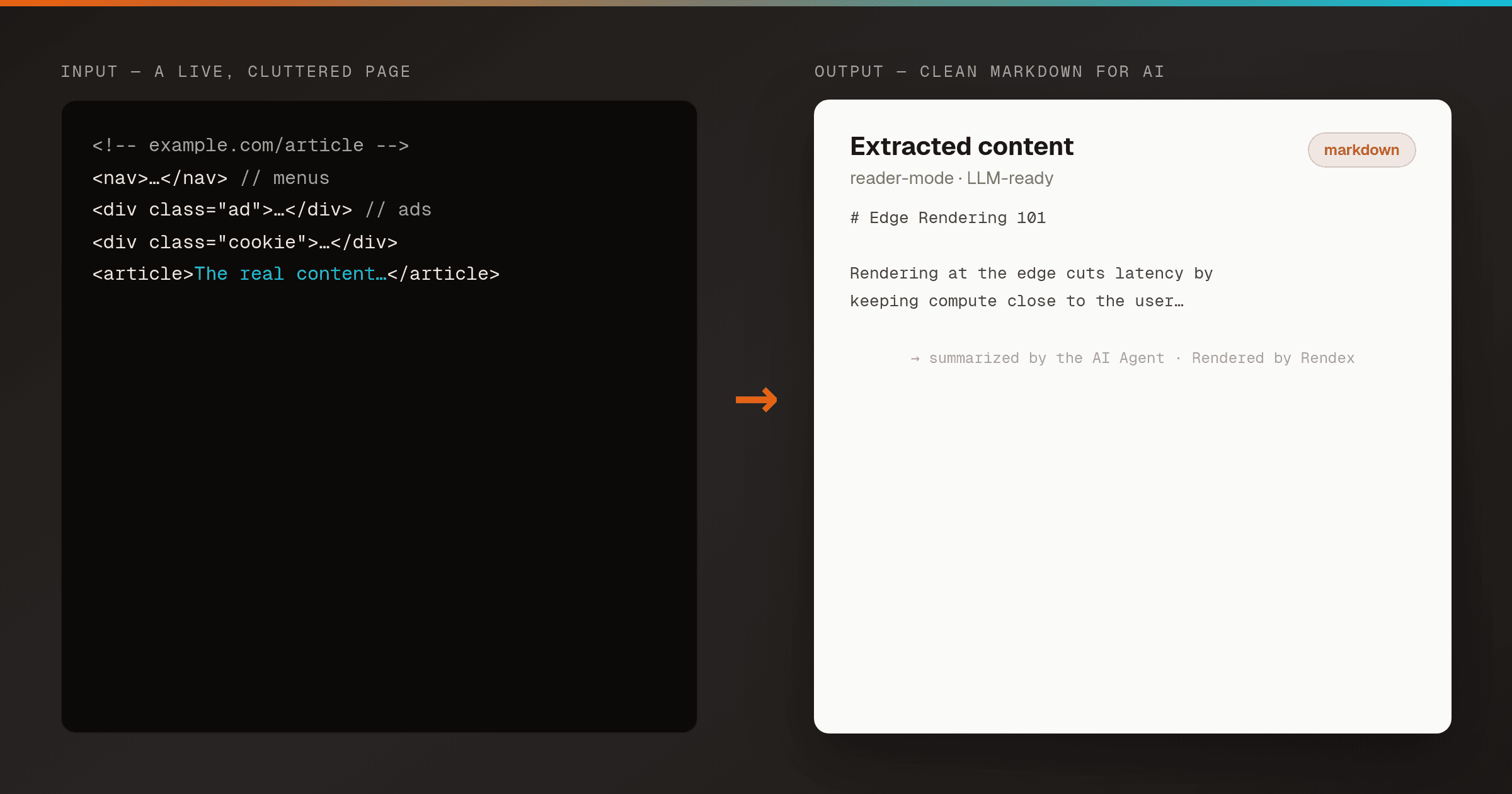
Extract Clean Content from a URL and Summarize It with AI in n8n
Pull clean, reader-mode Markdown from any page with Rendex Extract — handling paywalls, JS apps, and cookie walls — then feed it to an LLM for a summary or straight into a RAG pipeline. One n8n workflow.
Updated 2026-07-21
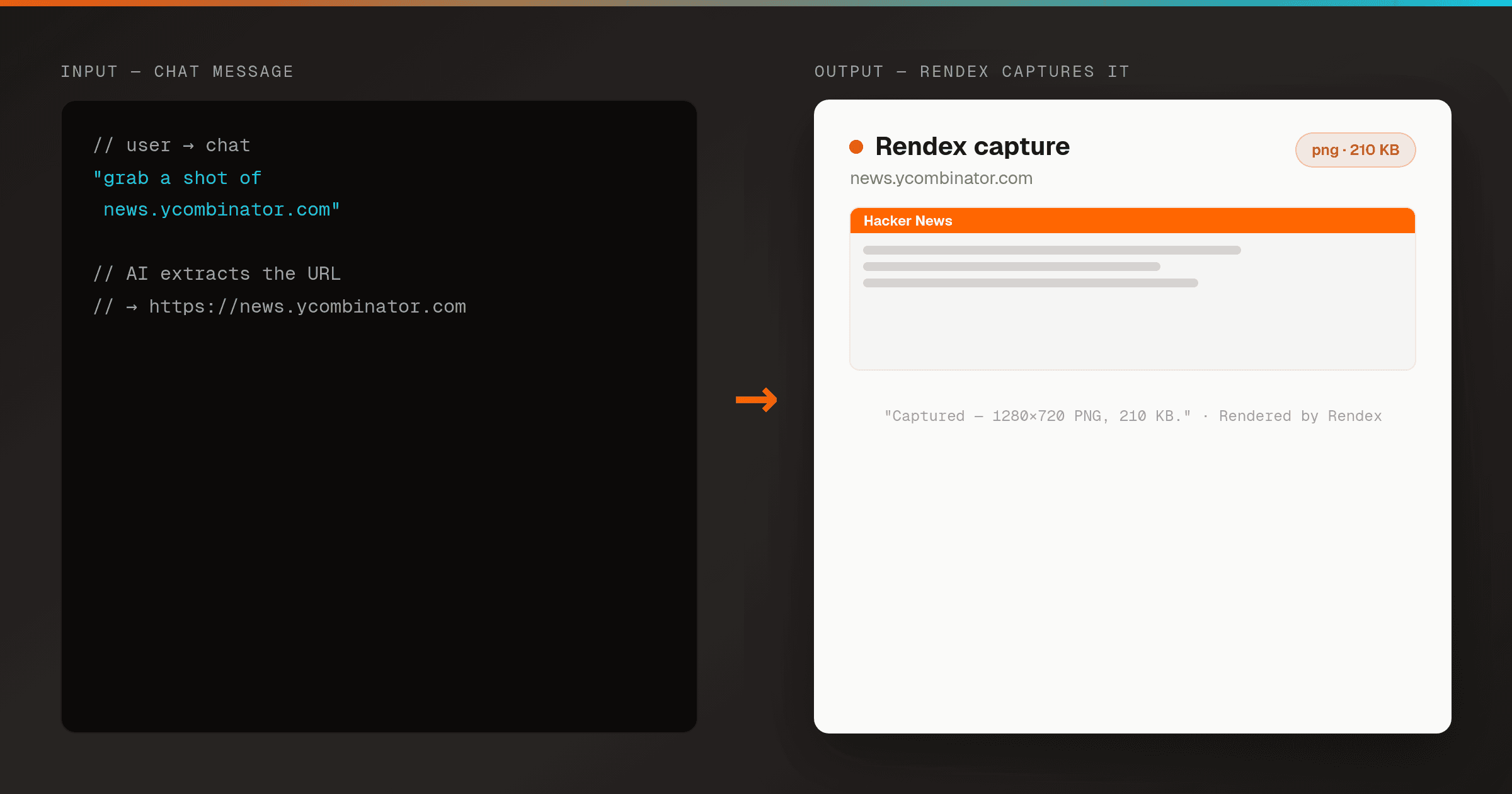
Screenshot a URL from a Chat Message with AI in n8n
Let a user ask in plain English and have AI pull the URL out of the message, then screenshot it with Rendex — a fully-wired n8n workflow that runs the moment you add credentials.
Updated 2026-08-08
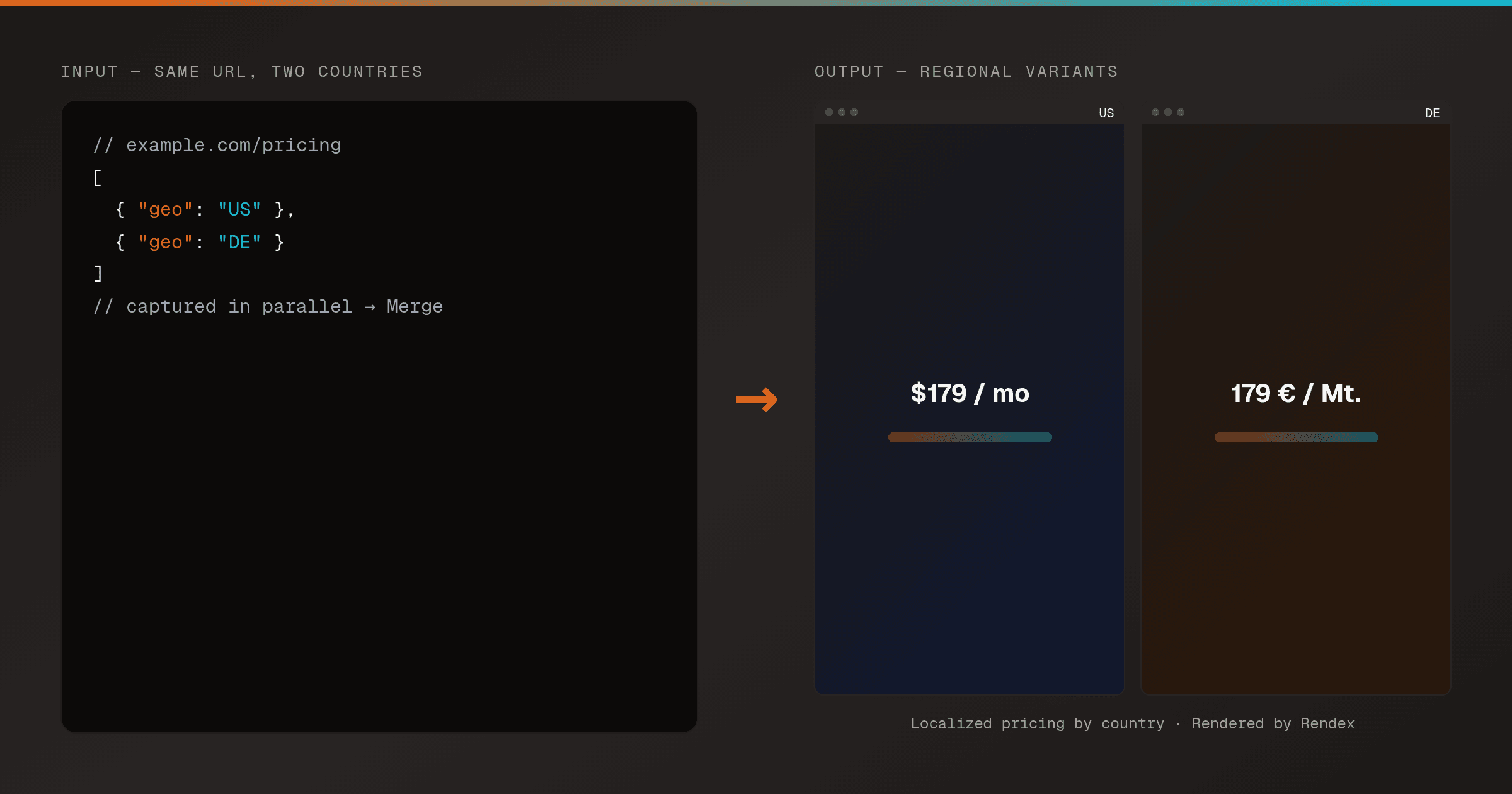
Compare a Page Rendered from Different Countries in n8n
Capture the same URL from multiple countries in parallel with Rendex geo screenshots, then merge the results to verify localized pricing, geo-gated content, and regional CDNs — one n8n workflow.
Updated 2026-07-21
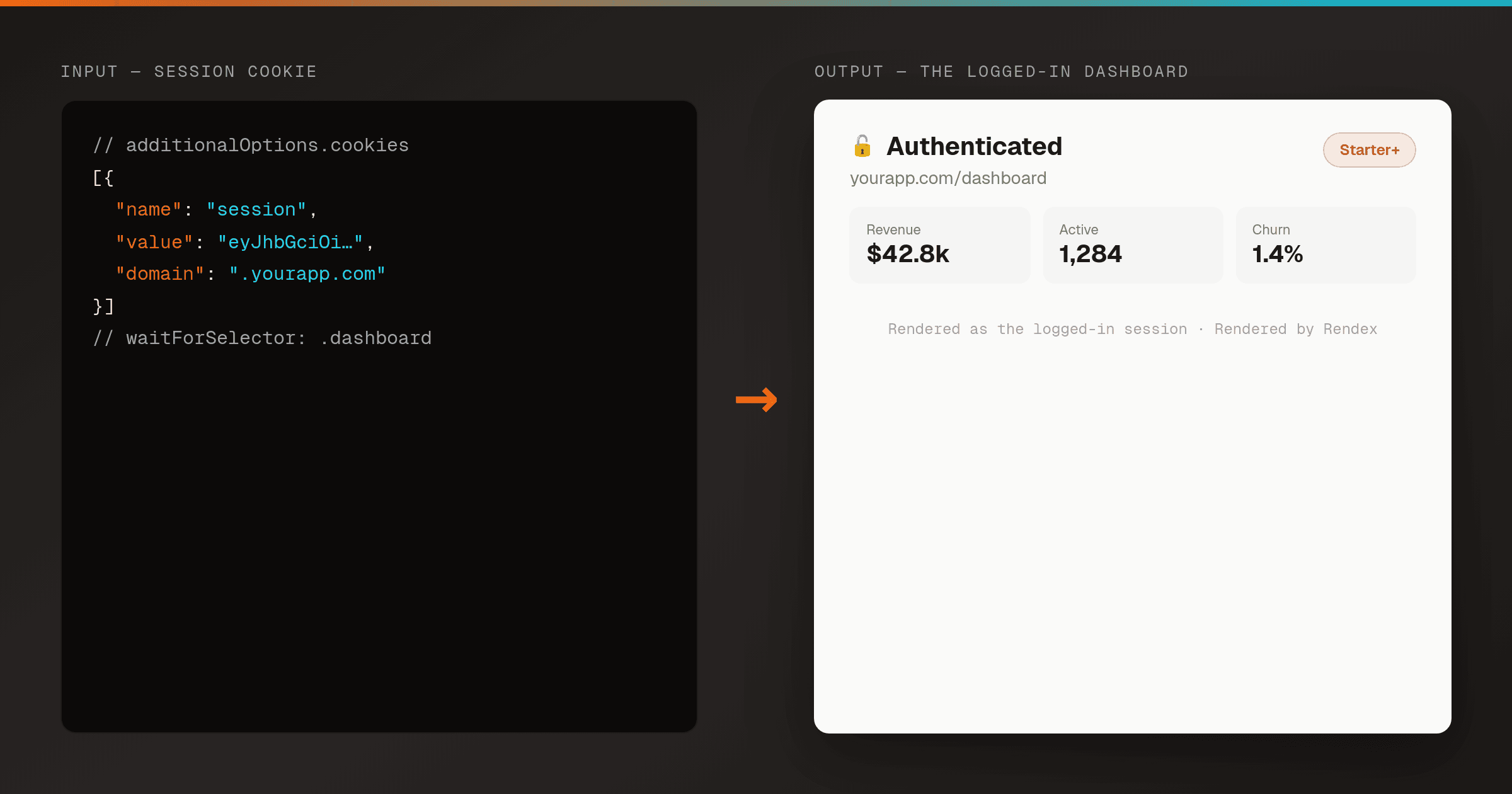
Screenshot a Page Behind a Login in n8n
Capture an authenticated page — an internal dashboard, a gated report, a members-only view — by passing your session cookies to Rendex, so it renders the page as the logged-in you. One n8n workflow.
Updated 2026-07-21
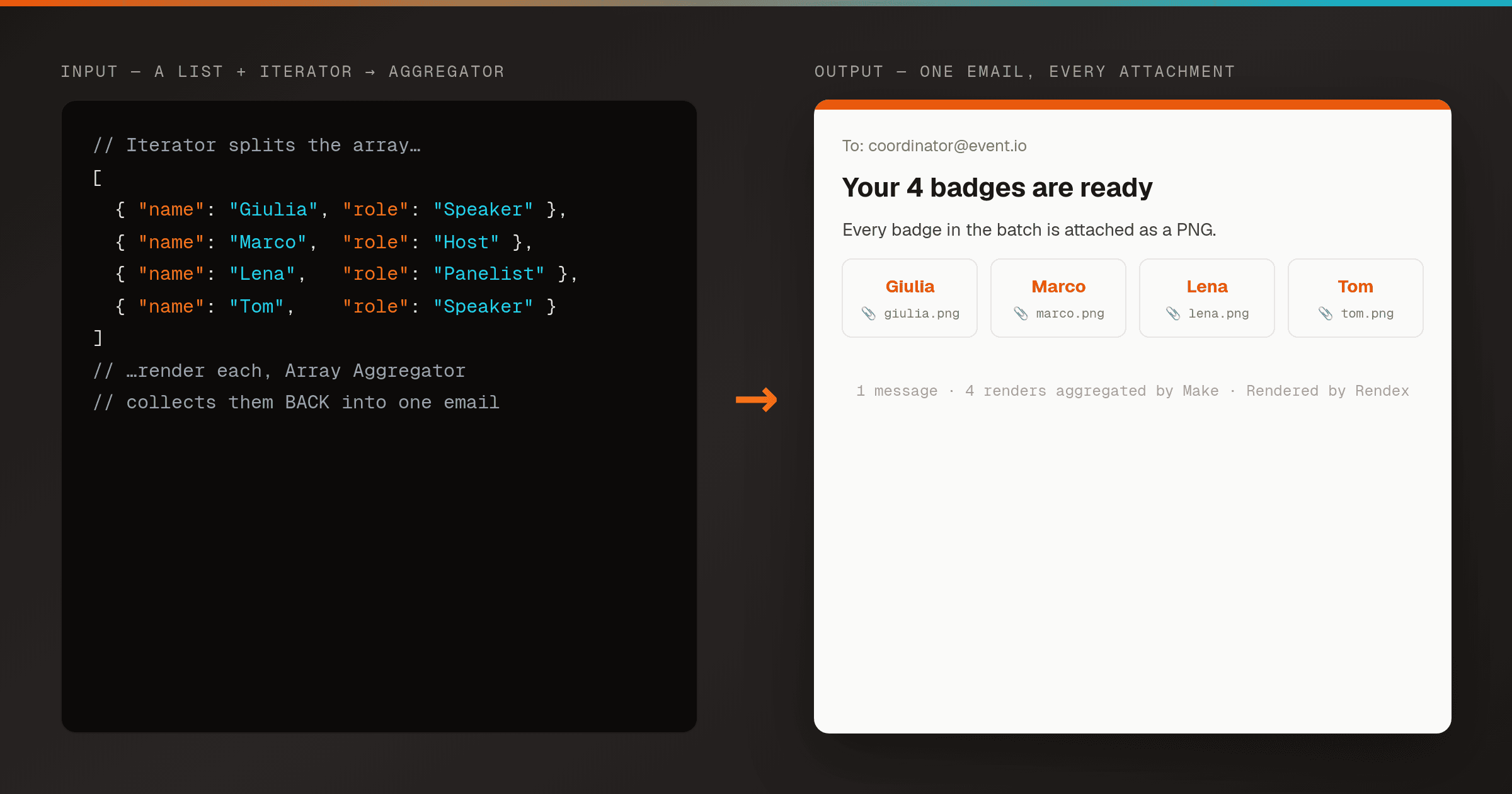
Render a List to Images and Email Them as One Message (Make Iterator + Aggregator)
Fan a list of records out with a Make Iterator, render each one to a PNG with Rendex, then recombine them with an Array Aggregator so a single email goes out with every image attached — the aggregate-back pattern Zapier can't do.
Updated 2026-07-21
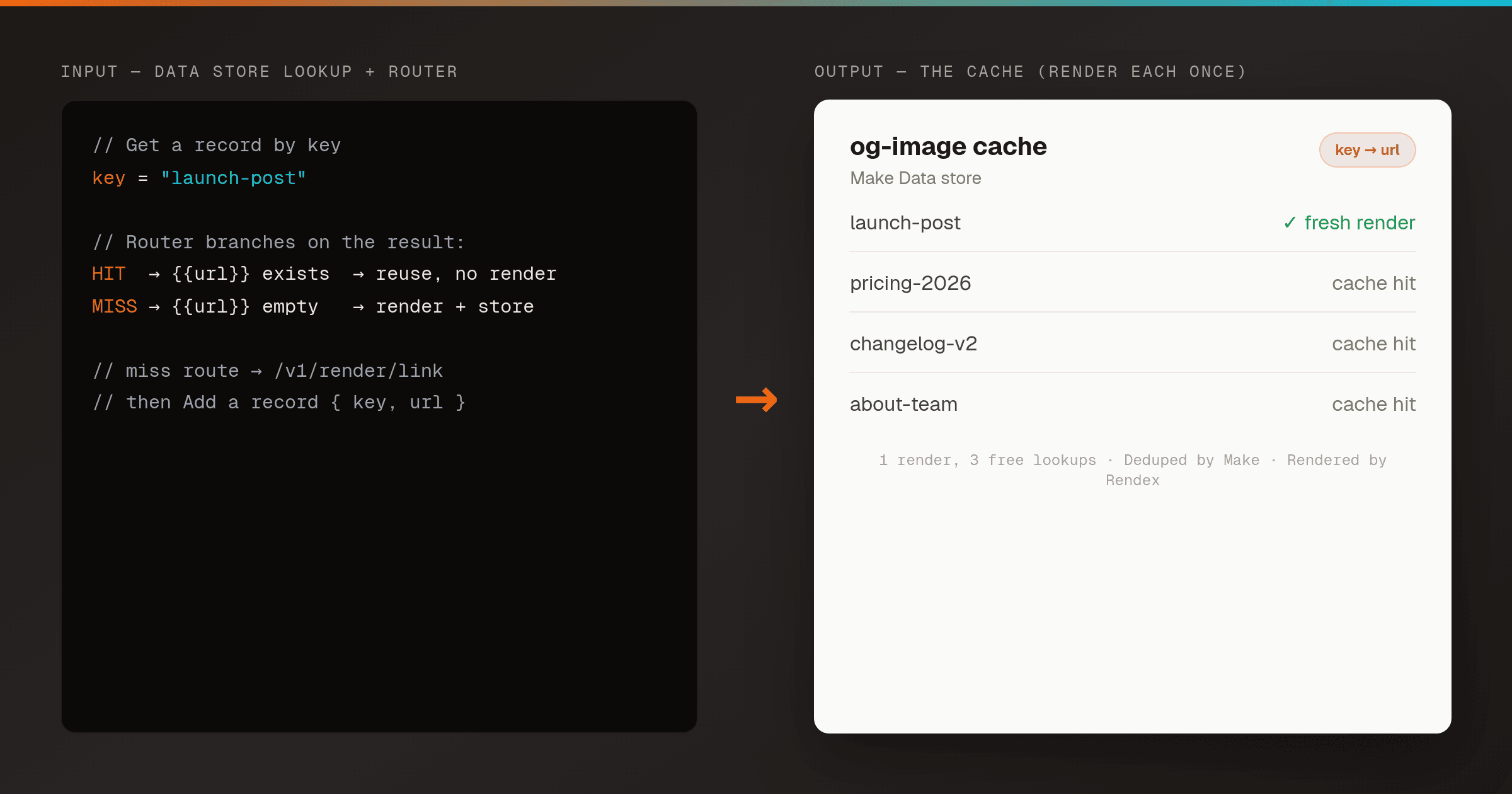
Cache OG-Image Render Links in a Make Data Store (Render Each Item Once)
Store Rendex render-link URLs in a Make Data store keyed by content, so a Router renders a new item only on a cache miss and reuses the hosted URL on every hit — dedupe that cuts credits and latency, using Make's built-in database.
Updated 2026-07-21
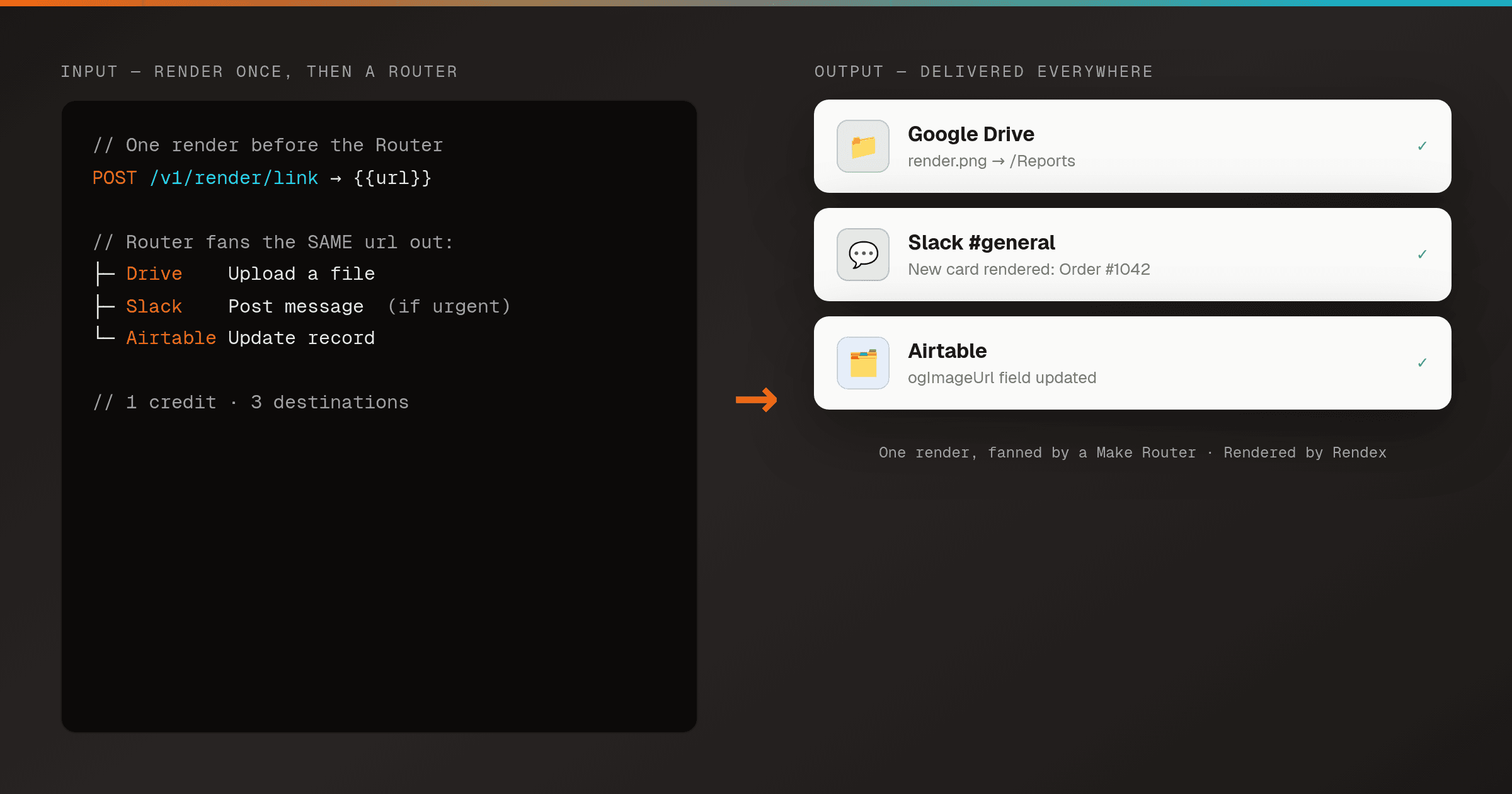
Render Once, Deliver Everywhere — Fan a Render to Many Apps With a Make Router
Render an image or PDF once with Rendex, then a Make Router fans it out in parallel — upload to Drive, post to Slack, and write to Airtable from a single render, each branch with its own filter. One render, many destinations.
Updated 2026-07-21
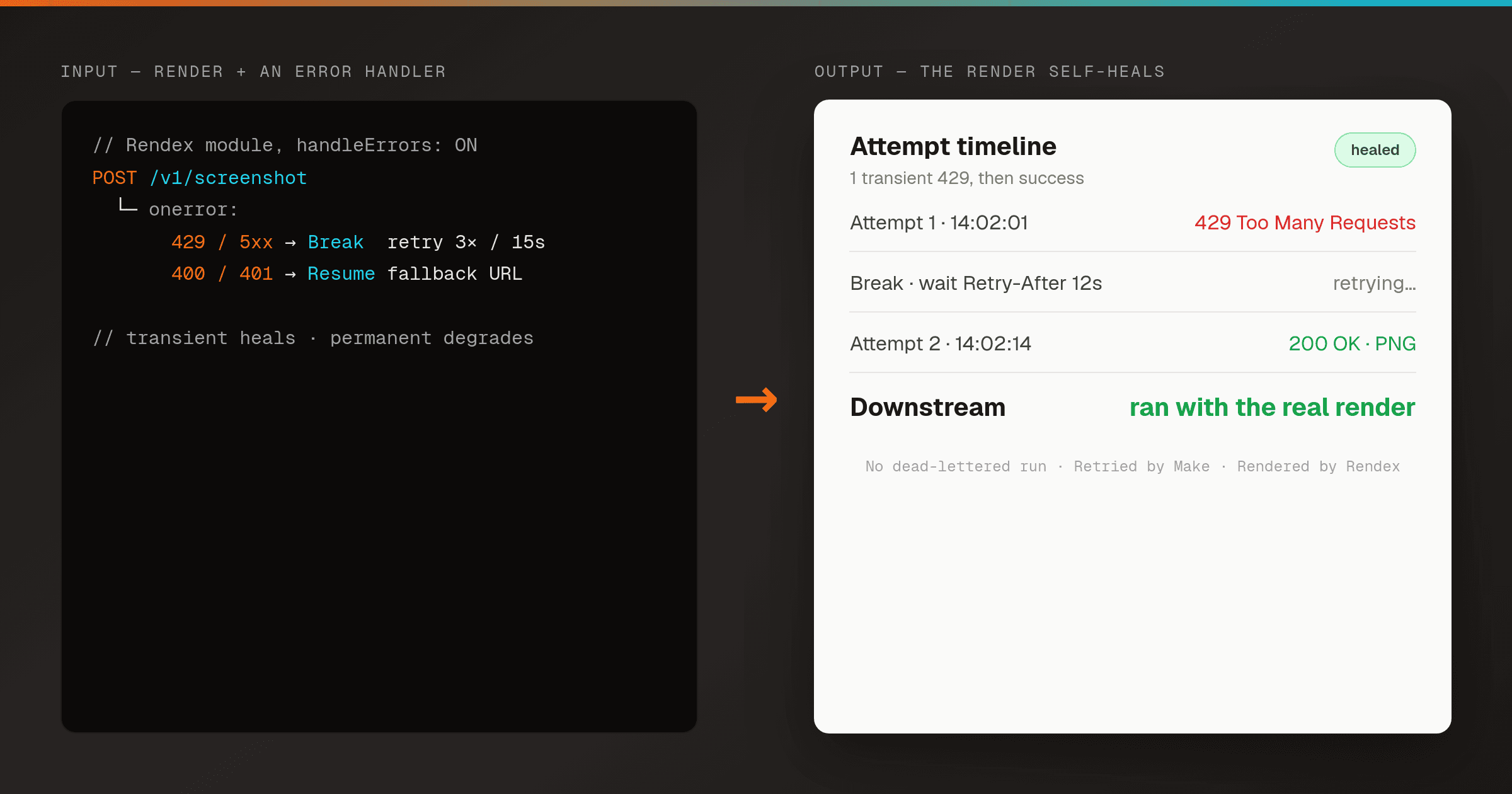
Self-Healing Renders in Make — Auto-Retry and Fall Back With an Error Handler
Wrap the Rendex HTTP module in a Make error handler so a transient failure retries with a Break directive and a permanent one falls back to a placeholder — the render step heals itself instead of dead-lettering the whole scenario.
Updated 2026-07-21
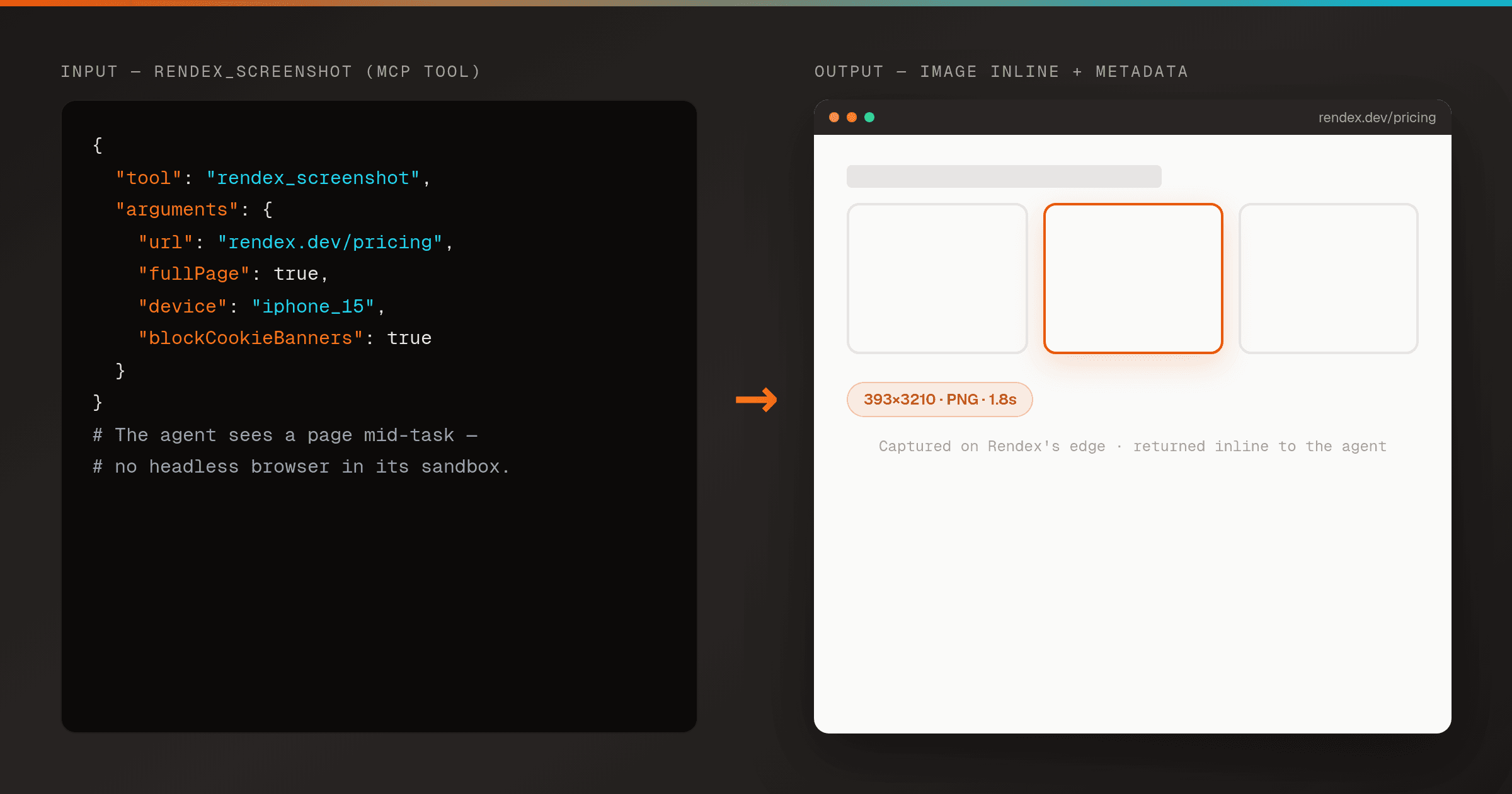
Give Your AI Agent a Live Screenshot Tool (Rendex MCP)
Add the Rendex MCP server to Claude, Cursor, or Windsurf and the agent gains a rendex_screenshot tool — it can capture any URL, raw HTML, or Markdown as an image mid-task and see the result inline, no headless browser to run.
Updated 2026-07-21
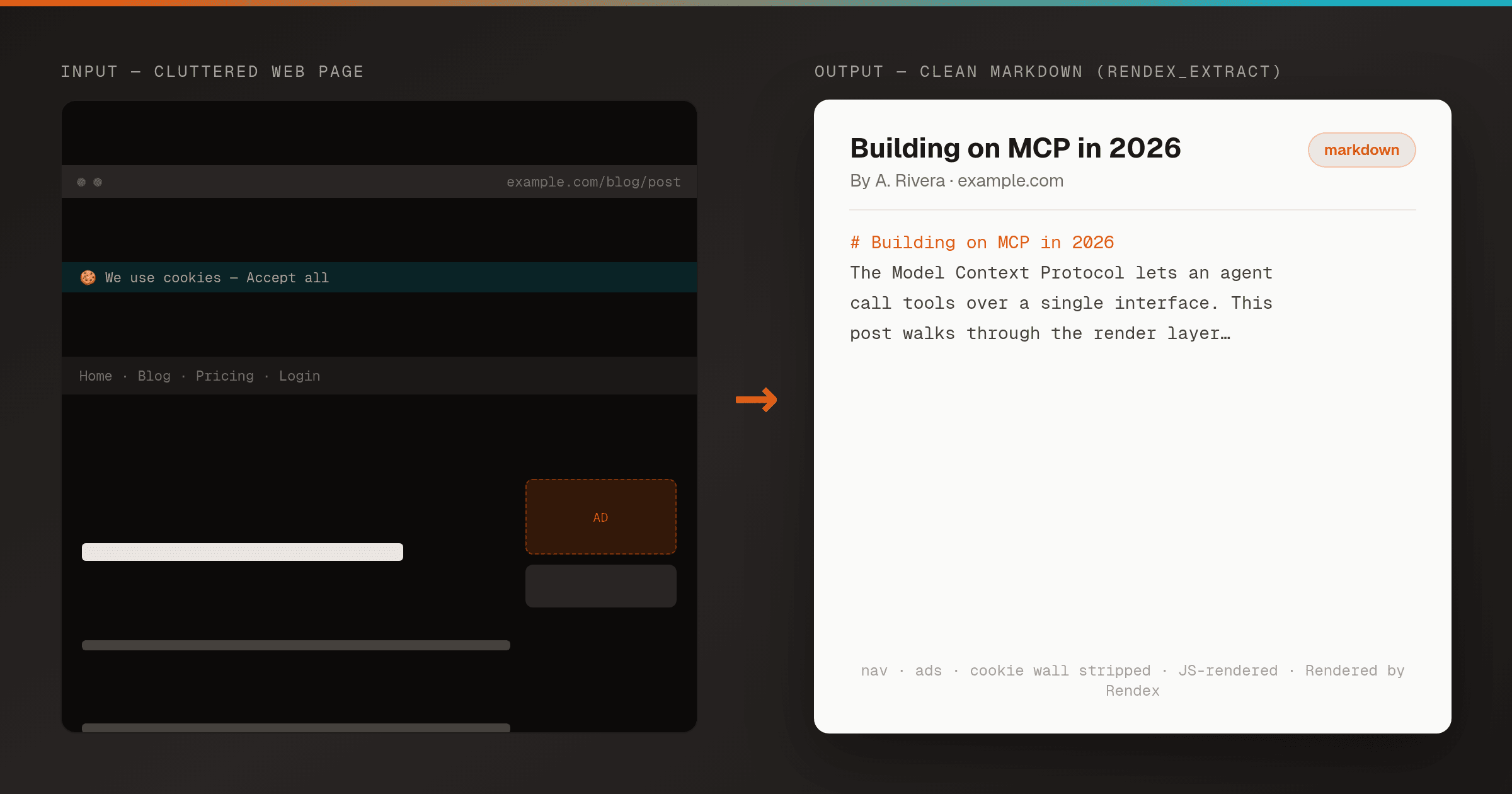
Let an AI Agent Read Any Web Page as Clean Markdown (Rendex MCP)
Give Claude, Cursor, or any MCP client the rendex_extract tool and it reads any URL as clean reader-mode Markdown — nav, ads, and boilerplate stripped, JavaScript-rendered content included — ready to summarize or drop into a RAG pipeline.
Updated 2026-07-21
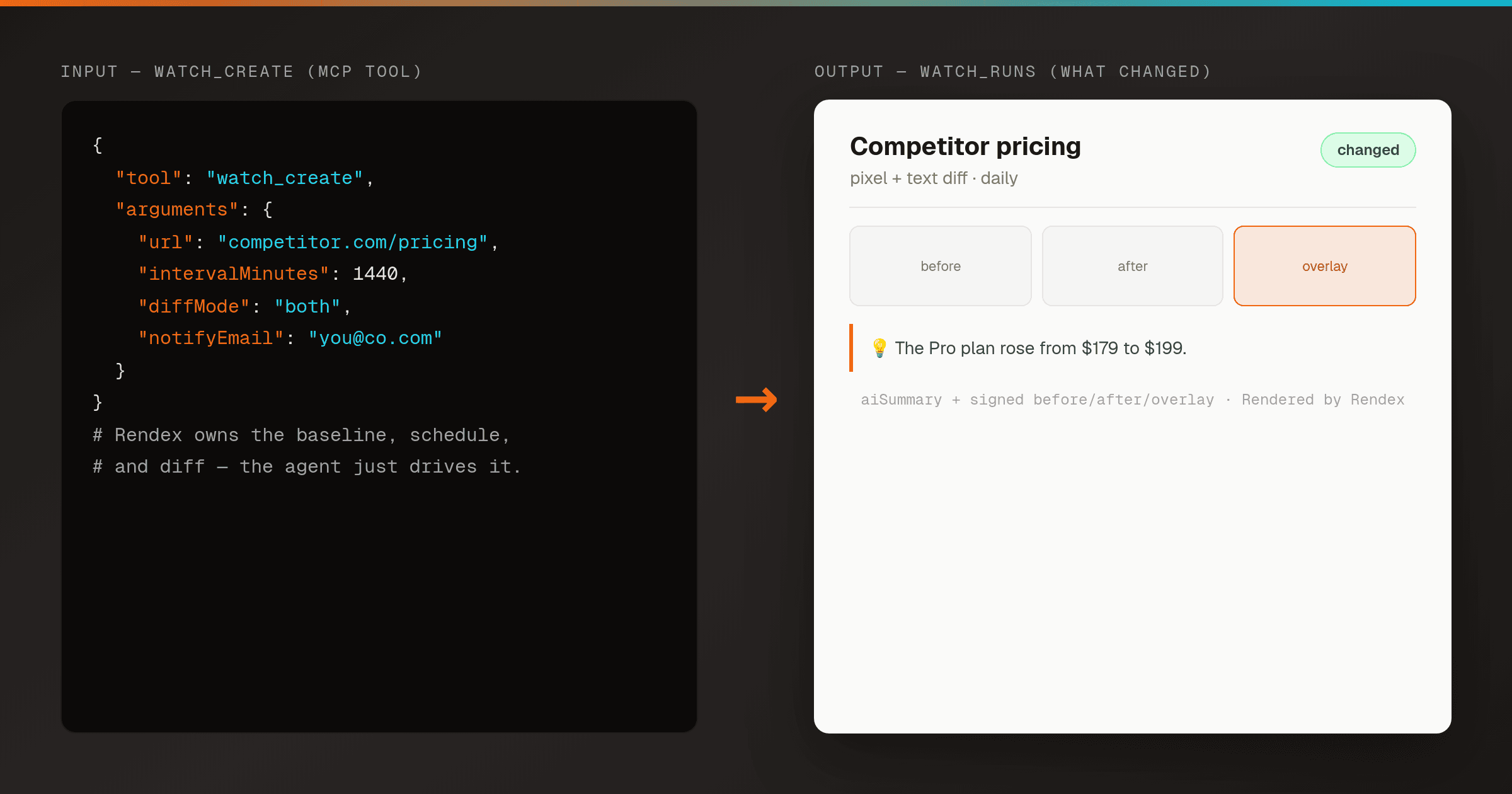
Have an AI Agent Watch a Page for Changes (Rendex MCP)
Give Claude, Cursor, or any MCP client the Rendex Watch tools and it can set up, test, run, and manage website-change monitors in conversation — validate a scope, create a watch, force a check, and read what changed, all without leaving the chat.
Updated 2026-07-21
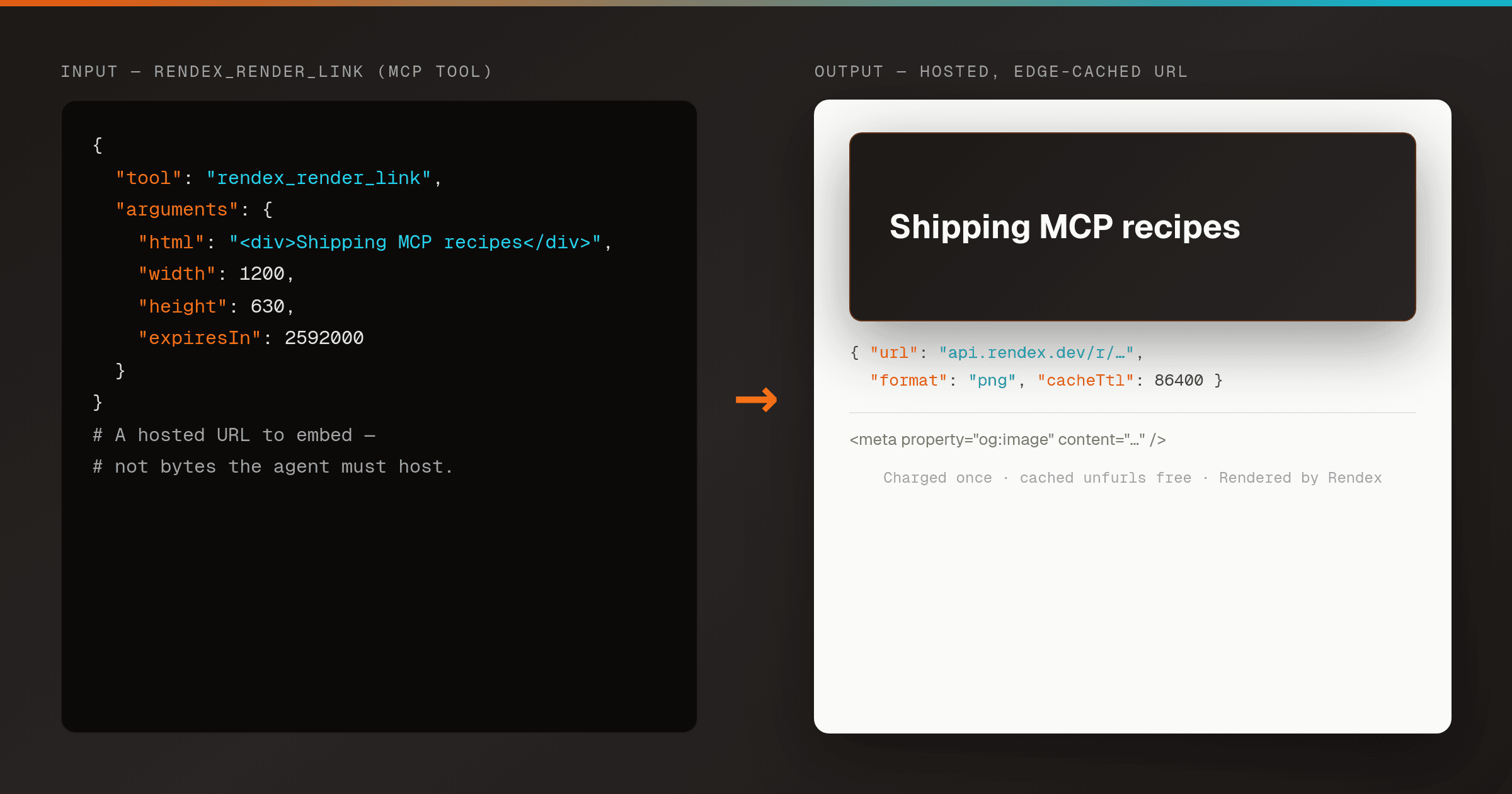
Generate a Hosted Share Image from an AI Agent (Rendex MCP)
Give Claude, Cursor, or any MCP client the rendex_render_link tool and it mints a signed, edge-cached image URL from a URL, HTML, or Markdown — drop it straight into an og:image tag or an <img> src instead of handling raw image bytes.
Updated 2026-07-21
Looking for a specific tool? Browse all integrations.
Build your own workflow
Get your API key in seconds. 100 free renders/month. No credit card required.