Rendex for Power Automate
Render images and PDFs inside any Power Automate flow with the built-in HTTP action — there's no custom connector to install, and you don't need one.
Map flow data into an HTML template, render it to an image or PDF with one HTTP action, then save it to OneDrive or SharePoint — all without leaving Power Automate.
# Power Automate — HTTP action
Method  = POST
URI     = https://api.rendex.dev/v1/screenshot/json
Headers = Authorization: Bearer YOUR_API_KEY
          Content-Type: application/json
Body    = { "html": "<h1>Invoice {{number}}</h1>",
            "data": { "number": "1042" }, "format": "pdf" }
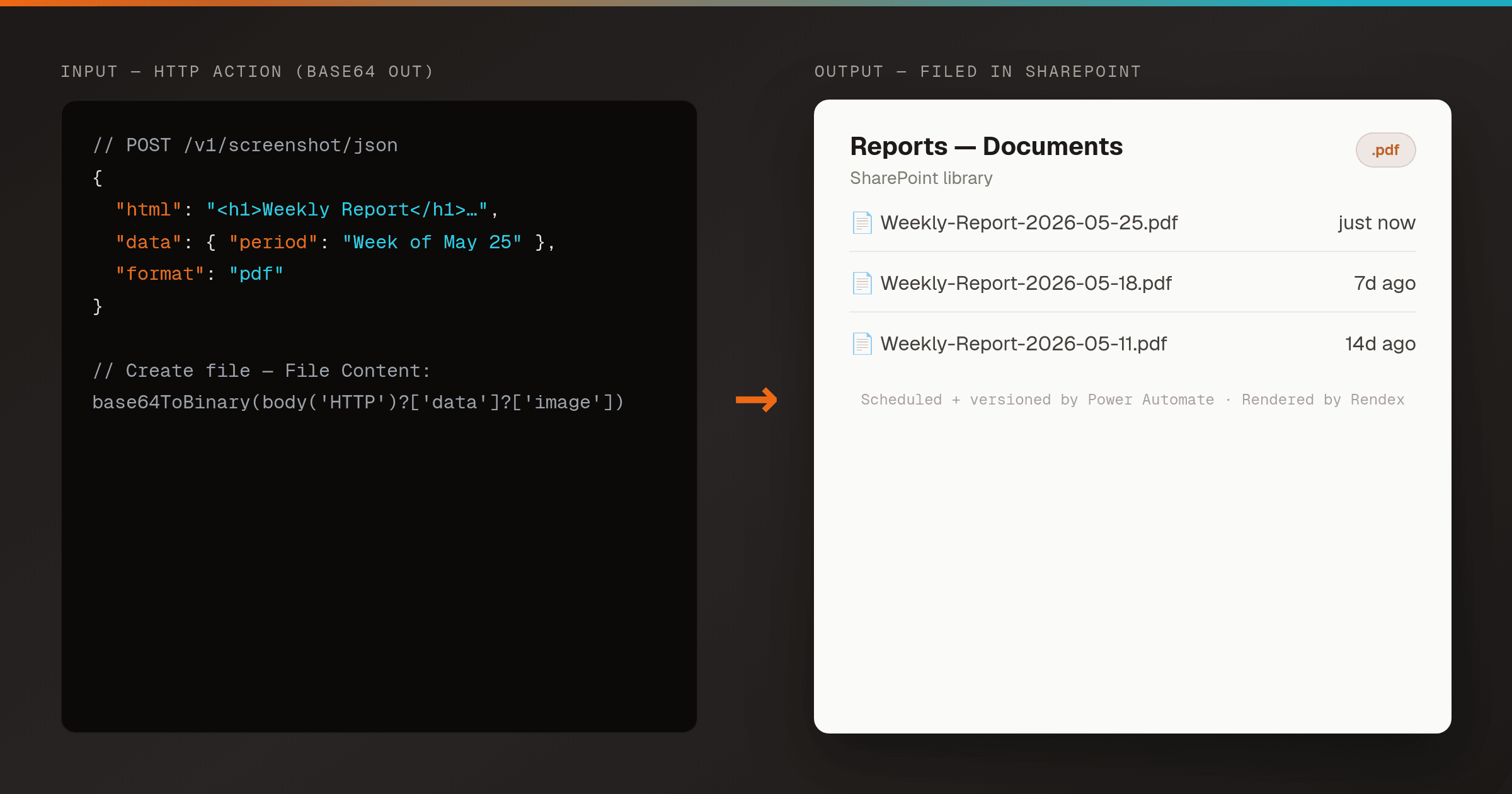
# → Create file: base64ToBinary(body('HTTP')?['data']?['image'])
How It Fits Your Workflow
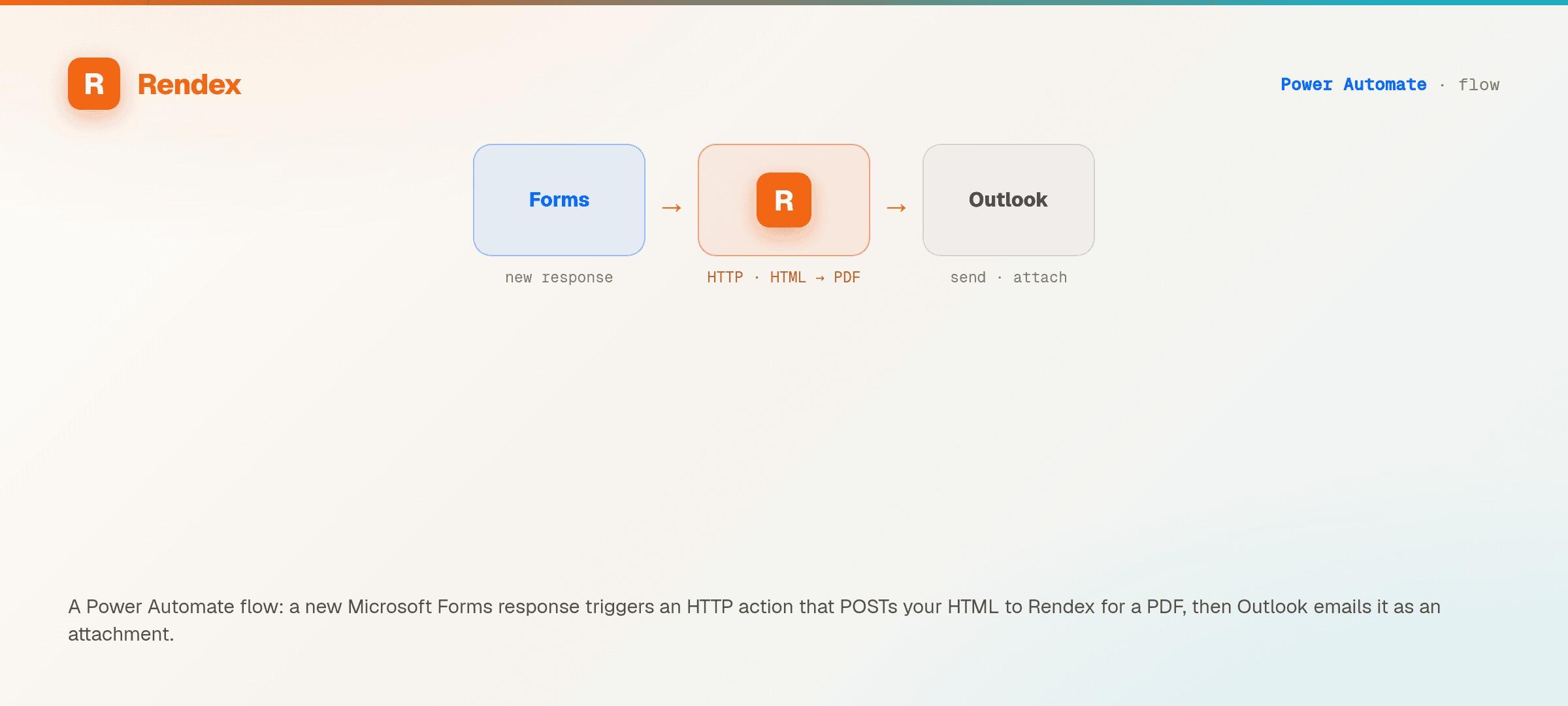
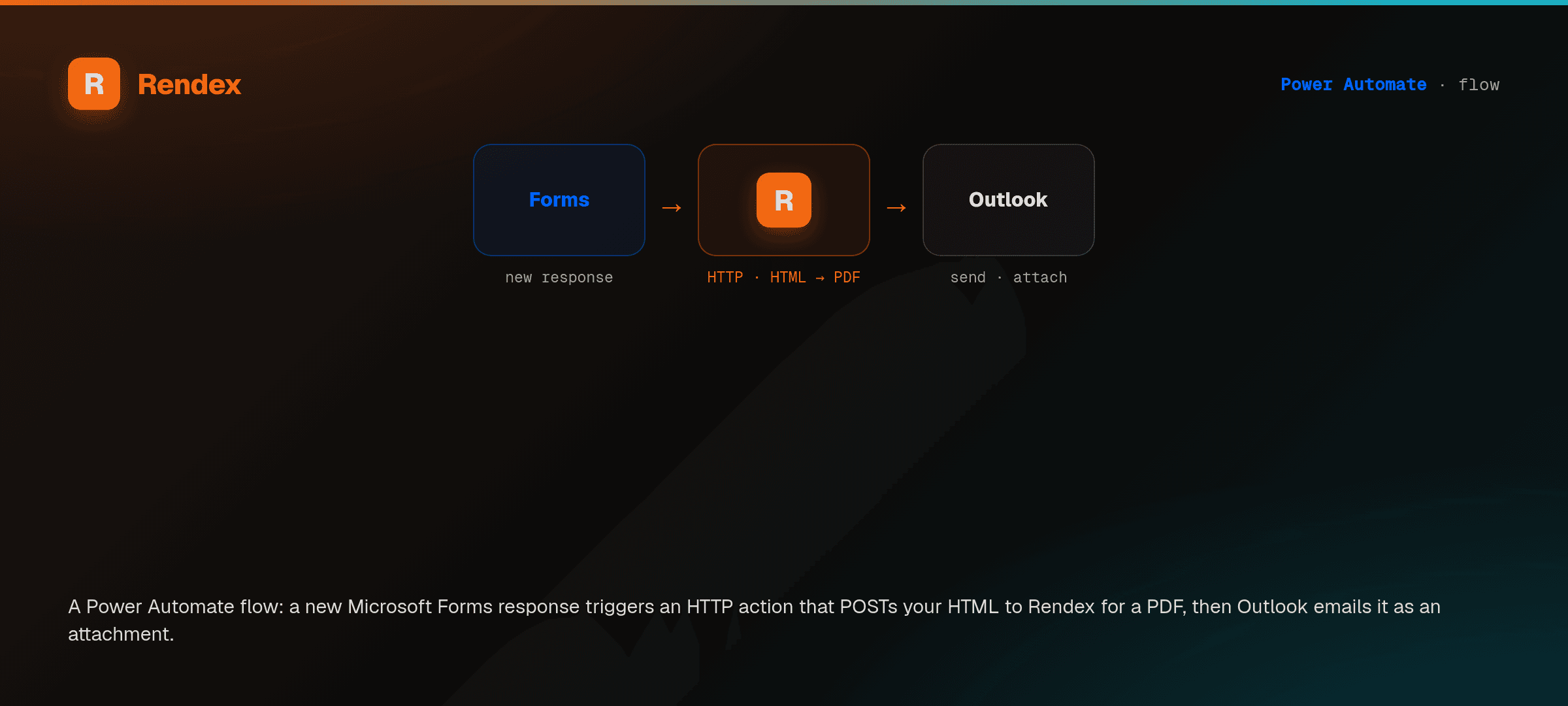
Trigger
Any Power Automate trigger — a form response, a new SharePoint item, or a scheduled flow.
HTTP action → Rendex
POST to api.rendex.dev/v1/screenshot/json with html, a url, or markdown. Get back a base64 image or PDF in the JSON response.
Downstream
Decode with base64ToBinary() and save to OneDrive or SharePoint, or attach it to an Outlook email.
What You Can Do
Built-in HTTP action — no custom connector
Use Power Automate's built-in HTTP action. POST JSON to api.rendex.dev with an Authorization: Bearer header — nothing to install or get approved.
JSON response, driven by Dynamic content
POST to /v1/screenshot/json and the render comes back base64 inside the JSON body — the shape Power Automate parses natively. Set format (PNG/JPEG/WebP or PDF) from earlier Dynamic content so one flow branches by output type.
Compose the data object from Dynamic content
Build the Mustache data object in a Compose action from earlier Dynamic content, then pass it alongside your HTML — each flow run renders personalized output without string-building inside expressions.
Save straight to OneDrive or SharePoint
Use /v1/screenshot/json and a base64ToBinary() expression in a Create file action to write the rendered image or PDF to OneDrive, SharePoint, or an email attachment.
Save render-link URLs to a SharePoint list
Call /v1/render/link for a stable, cached image URL, then write it into a SharePoint list column with an Update item action (or drop it into an og:image tag) — a hosted link to reference later, no file to move through the flow.
Edge renders with flow run history
Renders run on edge infrastructure for fast cold starts. Set a retry policy on the HTTP action and inspect every attempt in the flow's run history; for long jobs, set async and receive the result by webhook or poll the job.
Recipes for Power Automate
More rendering recipes
Built for other tools, but the same Rendex API powers them — adapt the trigger and the render step works the same.
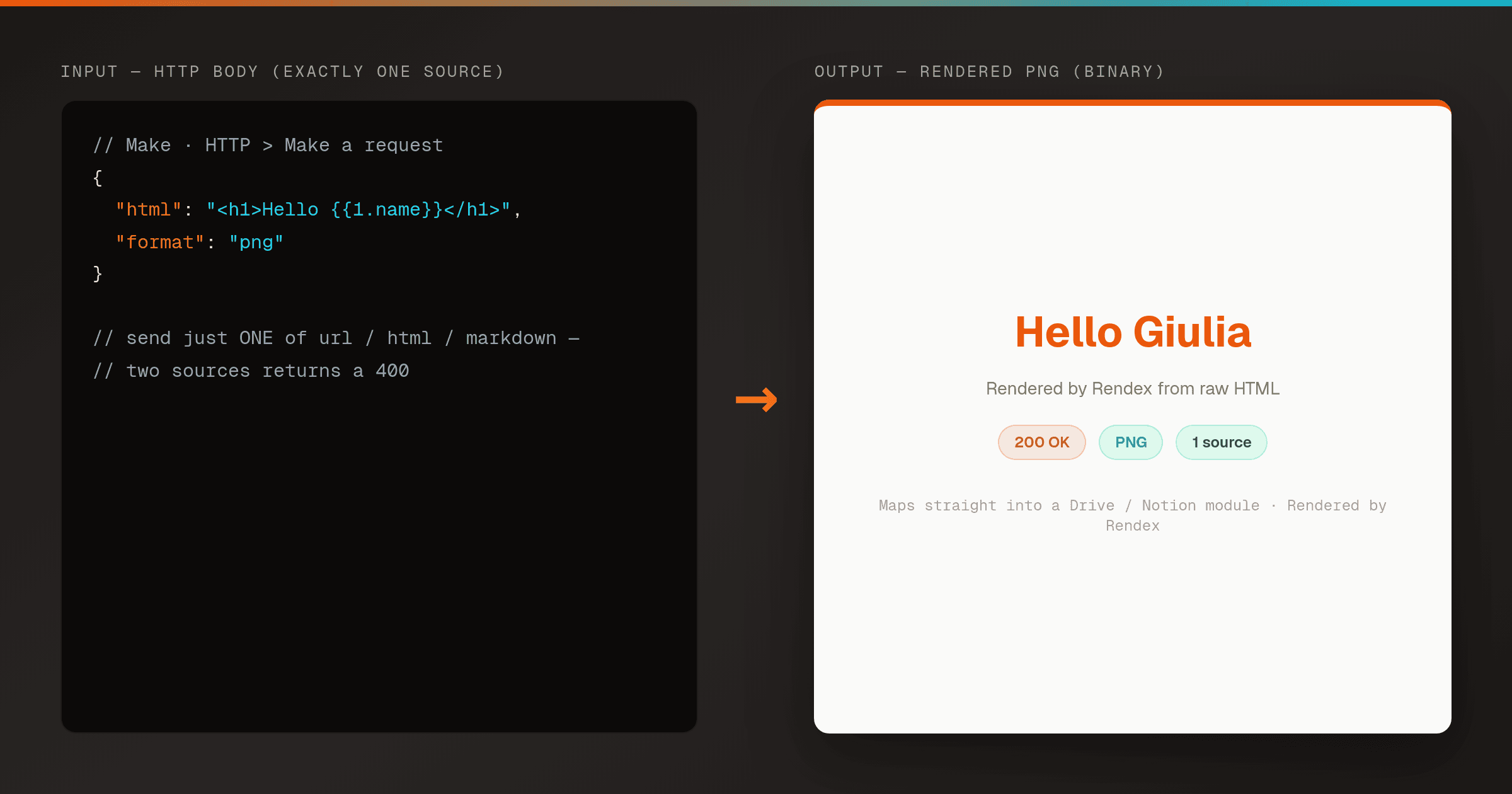
Render HTML to a PNG in Make (Correct HTTP Module Setup)
MakeA pre-wired Make HTTP module that renders HTML to a PNG with Rendex on the first try. Copy the exact request body so you never hit the 400 'send exactly one of url, html, or markdown' error.
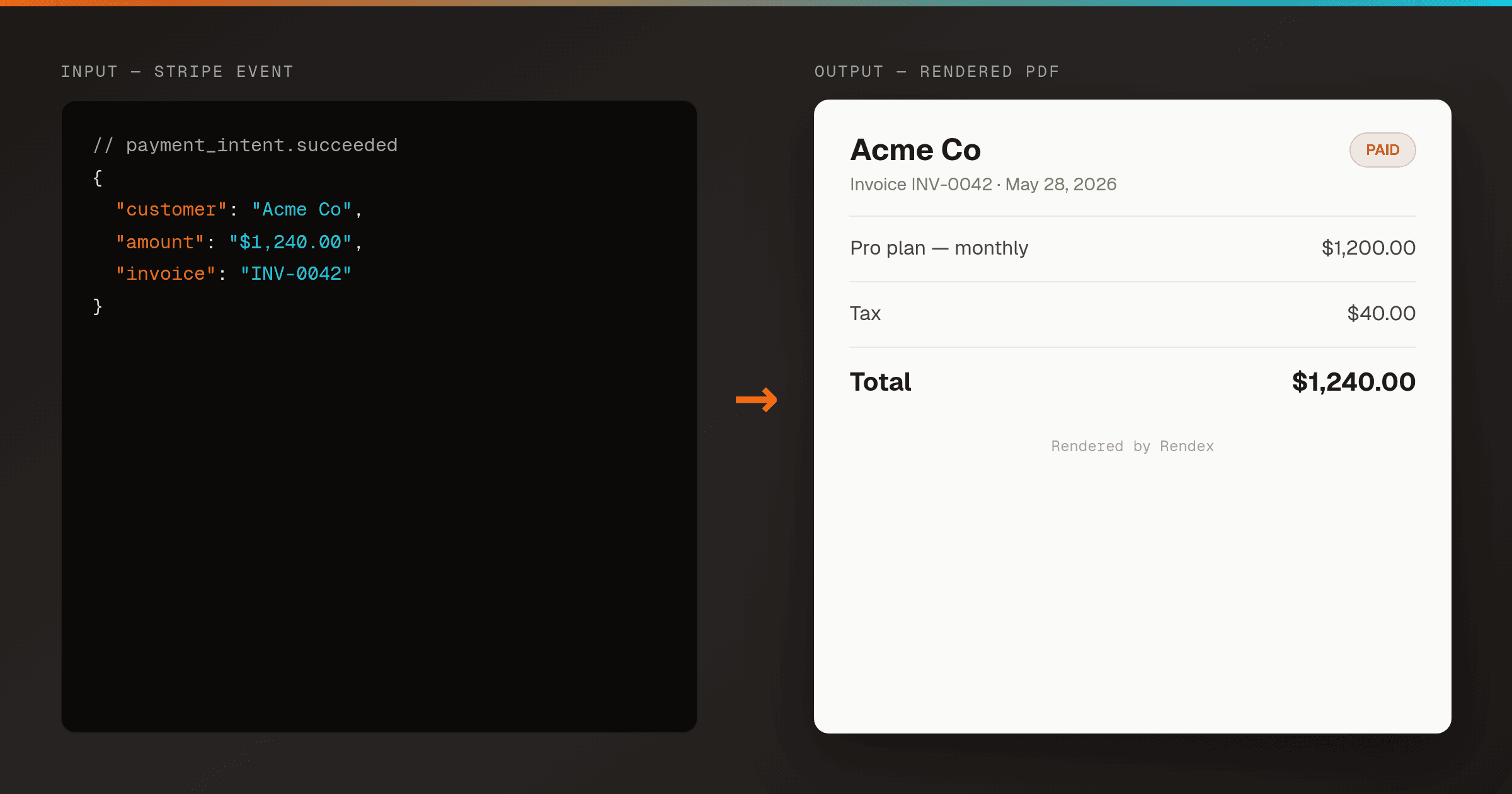
Auto-Generate Invoice PDFs from Stripe in n8n
n8nRender a branded PDF invoice the moment Stripe reports a payment, using one n8n workflow and Rendex — then email it or store a hosted link. No PDF library, no headless browser to host.
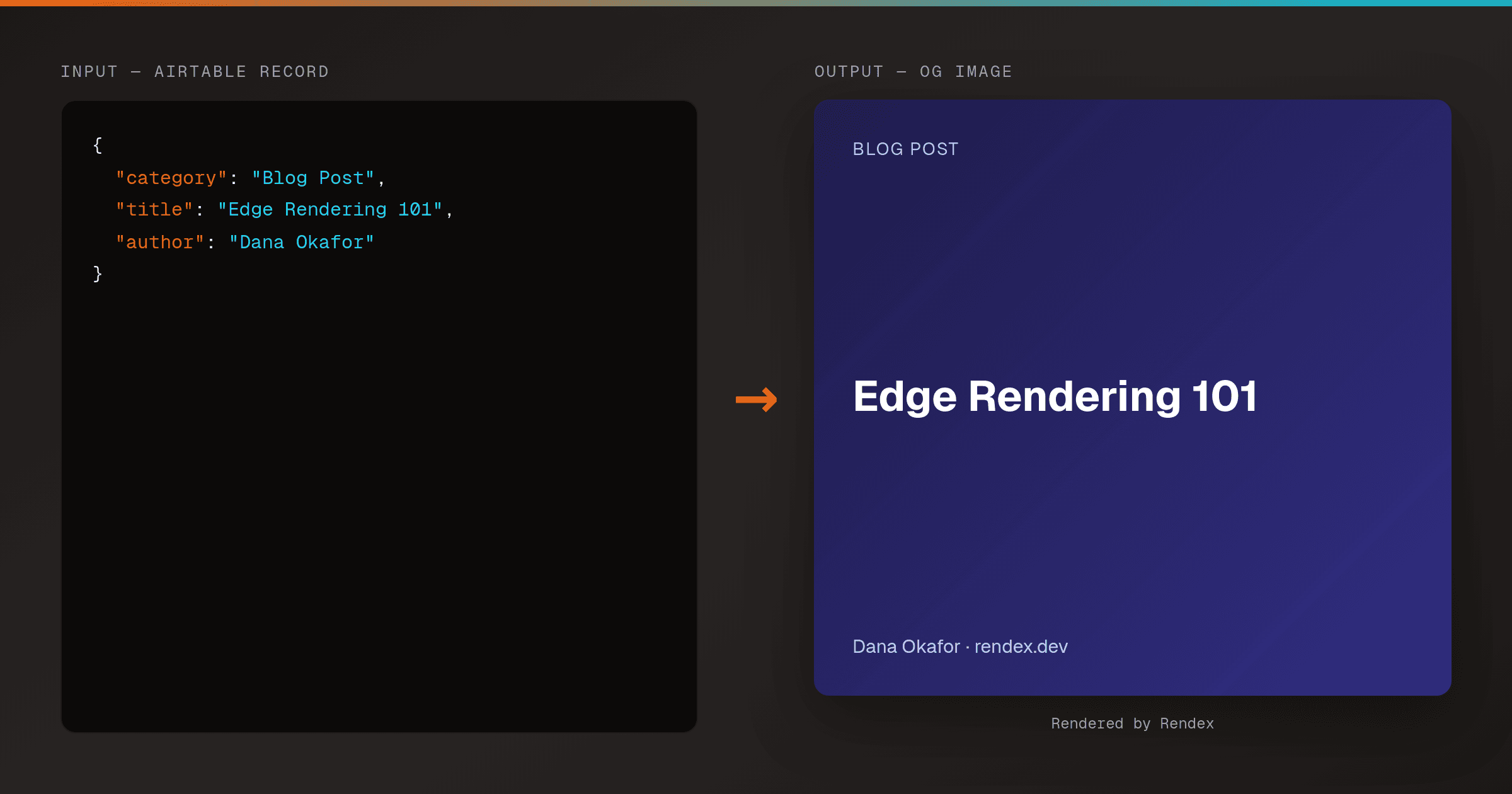
Auto-Generate OG Images from Airtable Rows (Make & Zapier)
MakeZapierTurn every Airtable row into a branded Open Graph image. A Make HTTP module or Zapier action calls Rendex's hosted render link, then writes the og: URL straight back to the row.
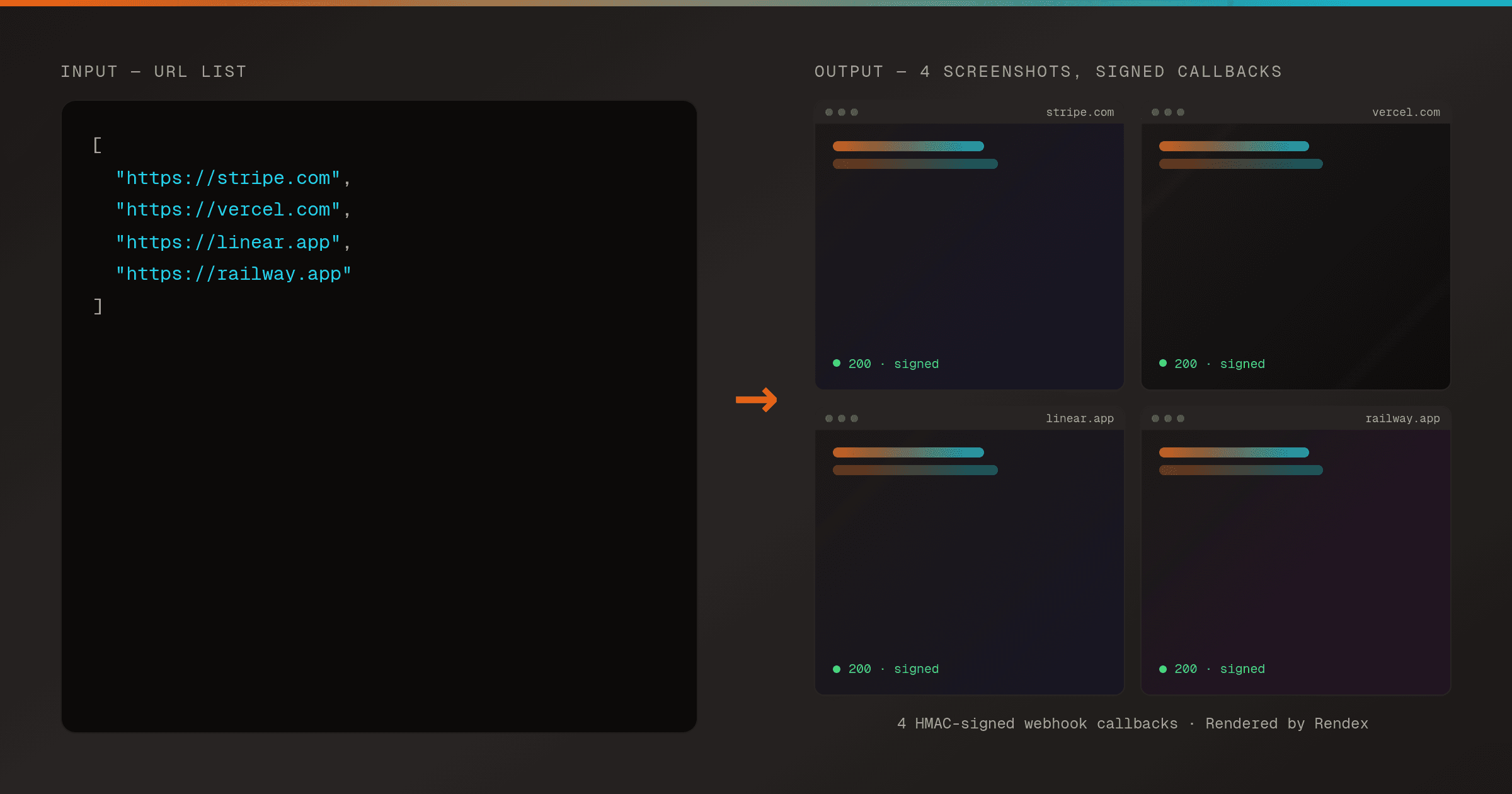
Batch Screenshot a List of URLs with Webhook Delivery in n8n
n8nSubmit a whole list of URLs to Rendex in one batch request and receive each screenshot through an HMAC-signed webhook as it finishes — driven on a schedule from n8n.
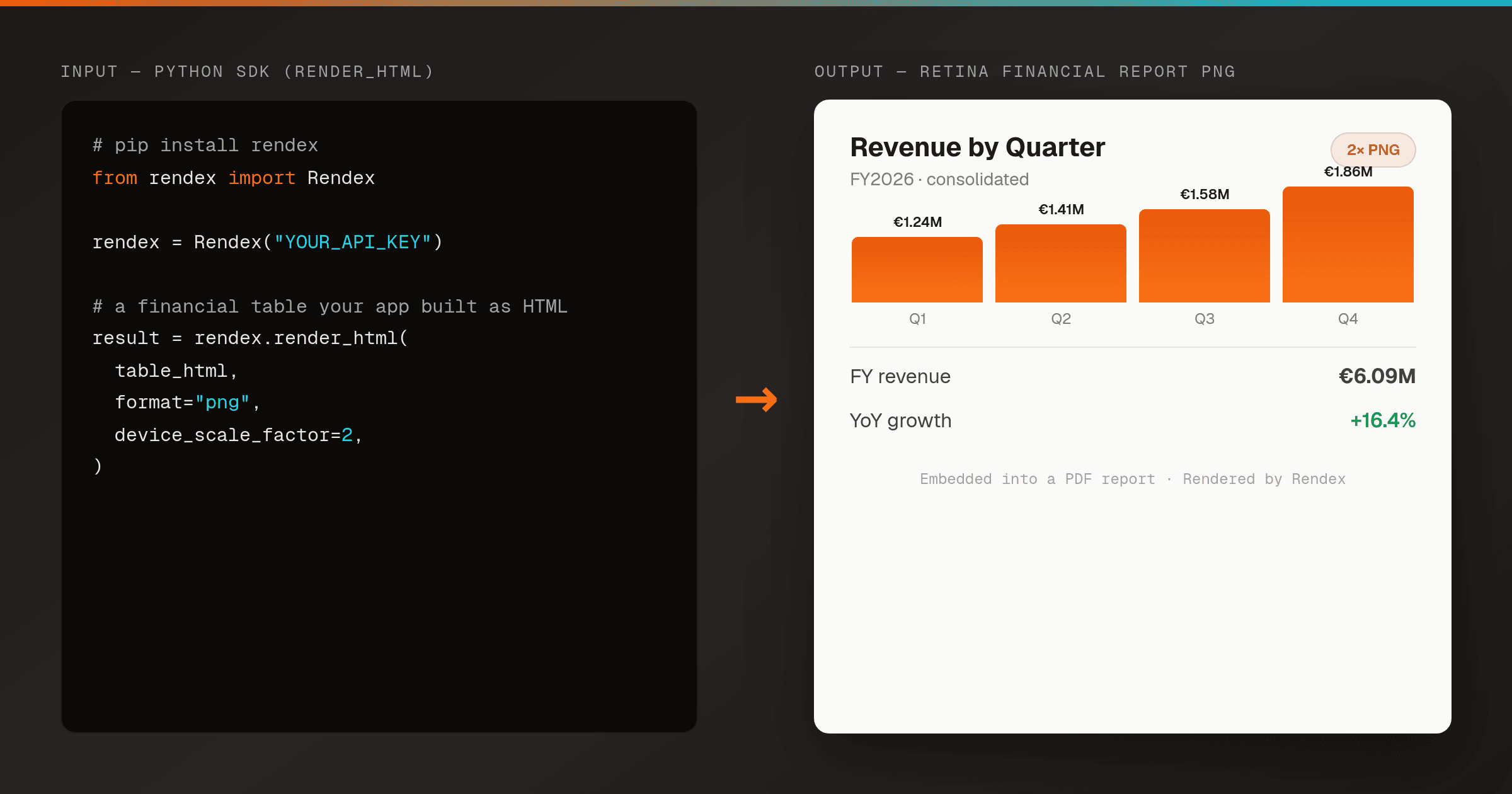
Render an HTML Financial Report or Invoice to PNG in Python
Python SDKTurn an HTML financial report, invoice, certificate, or data table into a crisp PNG from a server-side Python script — one render_html() call, no headless Chrome to host. Embed the image in a generated PDF or report deliverable.
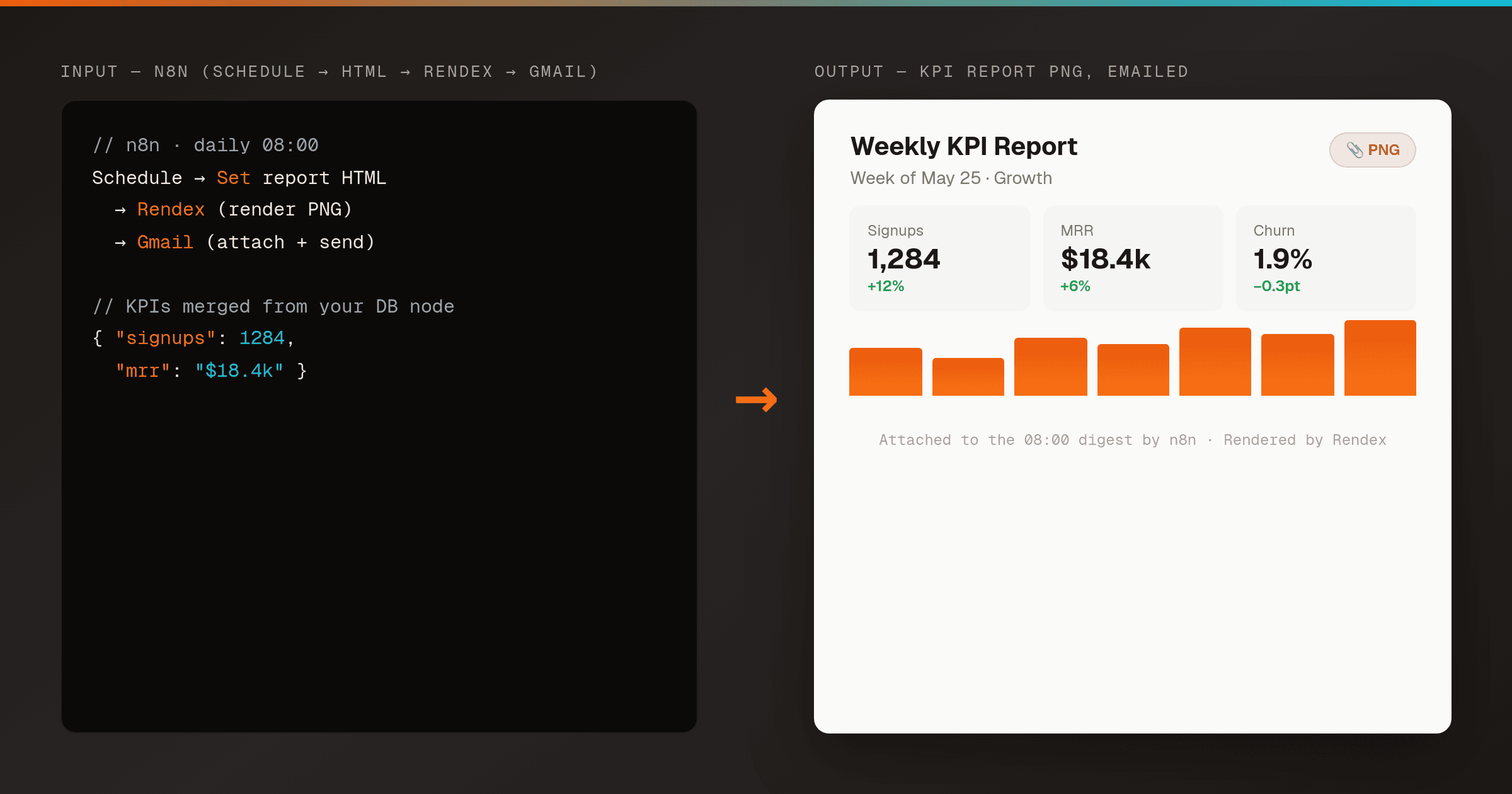
Email an HTML Report as a PNG Attachment in n8n
n8nMakeRender an HTML report or KPI summary to a PNG with Rendex on a schedule, then email it as an attachment to your team — one n8n workflow, no headless browser to host. Works the same in Make.
Other Ways to Connect Rendex
Start Free, No Card Required
100 renders/month on the free plan. Upgrade only when you scale.