How to Convert URLs to PDF in Node.js
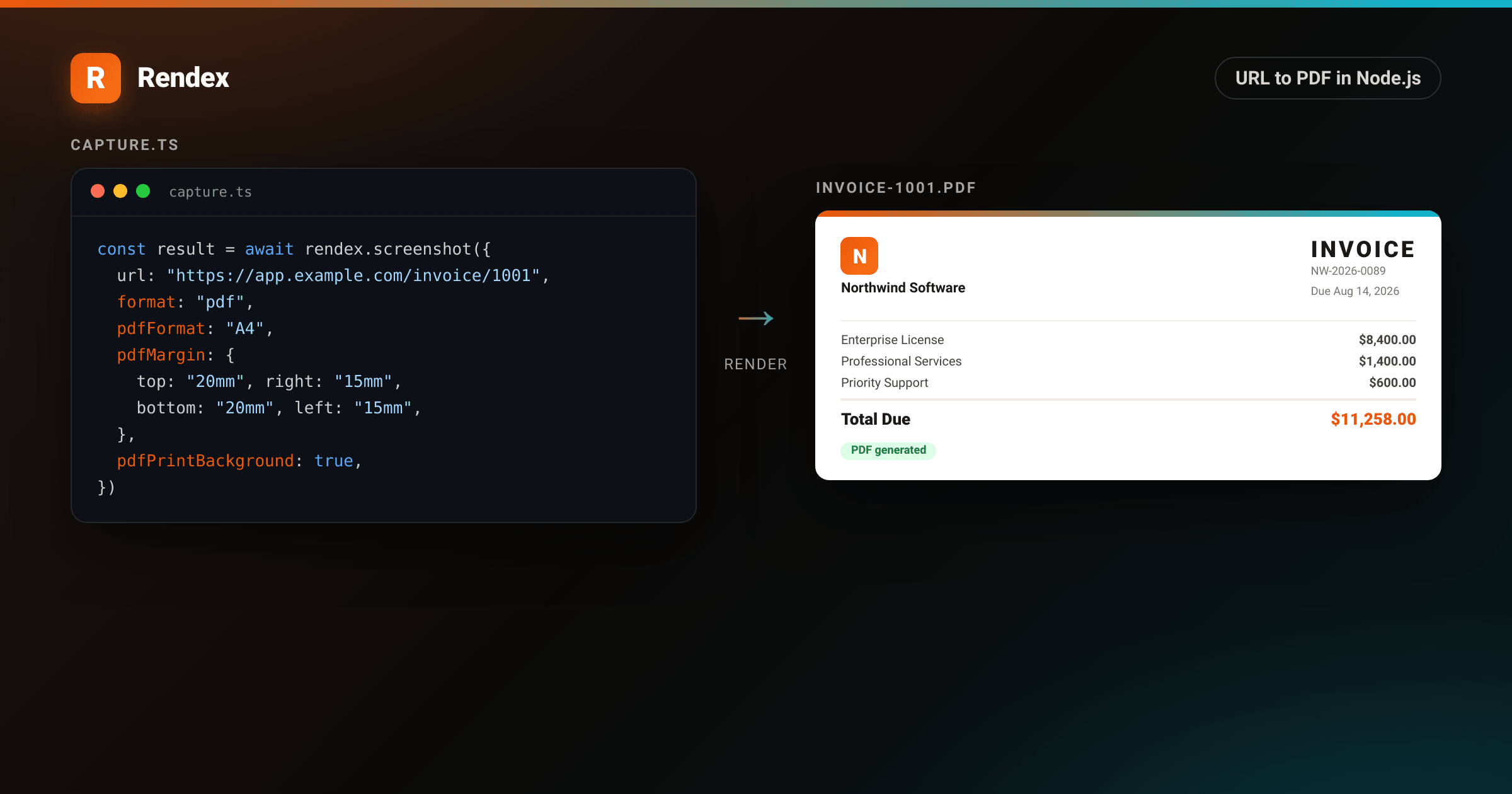
Converting a URL to PDF in Node.js usually means spinning up Puppeteer, managing a Chrome process, and writing error-handling code for when the browser runs out of memory. The Rendex API handles the browser work: pass a URL, get a hosted PDF back.
This guide covers the JS SDK, page size and margin options, print backgrounds, and batch PDF generation. The same parameters work with the raw REST API if you prefer curl or a different language.
Prerequisites
- Node.js 18 or later (or Bun).
- A Rendex API key. The free tier gives you 100 renders per month with no credit card required.
Step 1: Install the SDK
npm install @copperline/rendexStep 2: Capture a URL as a PDF
Call rendex.screenshot() with format: "pdf". The result includes a signed CDN URL that is valid for 24 hours and the raw PDF as a base64 string.
import { Rendex } from "@copperline/rendex"
import { writeFileSync } from "fs"

const rendex = new Rendex(process.env.RENDEX_API_KEY!)

const result = await rendex.screenshot({
  url: "https://example.com/invoice/1001",
  format: "pdf",
  pdfFormat: "A4",
  pdfMargin: { top: "20mm", right: "15mm", bottom: "20mm", left: "15mm" },
  pdfPrintBackground: true,
})

// Hosted URL — share or store as-is
console.log(result.url)

// Raw bytes — write to disk or stream to a storage bucket
writeFileSync("invoice-1001.pdf", Buffer.from(result.base64, "base64"))
Step 3: Page size and margins
The pdfFormat option controls the paper size. Common values are "A4", "Letter", "Legal", "A3", and "Tabloid". Margins accept any CSS length unit: px, mm,cm, or in.
const result = await rendex.screenshot({
  url: "https://example.com/report",
  format: "pdf",
  pdfFormat: "Letter",          // US Letter size
  pdfMargin: {
    top: "0.75in",
    right: "1in",
    bottom: "0.75in",
    left: "1in",
  },
  pdfPrintBackground: true,
})
For borderless PDFs, set all margins to "0" or omit the field entirely.
Step 4: Background colors and images
Browsers strip CSS backgrounds when printing by default. Set pdfPrintBackground: true to keep them. This is what most invoice and report templates need.
const result = await rendex.screenshot({
  url: "https://example.com/branded-report",
  format: "pdf",
  pdfFormat: "A4",
  pdfPrintBackground: true,  // keep brand colors and background images
})
Step 5: Batch PDF generation
When you need to render dozens or hundreds of invoices, submitting them one at a time adds round-trip latency for each. The batch endpoint accepts up to 500 URLs in a single request and delivers results via webhook when the batch settles.
import { Rendex } from "@copperline/rendex"

const rendex = new Rendex(process.env.RENDEX_API_KEY!)

const invoiceUrls = [
  "https://example.com/invoice/1001",
  "https://example.com/invoice/1002",
  "https://example.com/invoice/1003",
]

const batch = await rendex.batch({
  urls: invoiceUrls.map((url) => ({ url })),
  defaults: {
    format: "pdf",
    pdfFormat: "A4",
    pdfMargin: { top: "20mm", right: "15mm", bottom: "20mm", left: "15mm" },
    pdfPrintBackground: true,
  },
  webhookUrl: "https://yourapp.com/webhooks/rendex",
})

// Poll GET /v1/batches/:batchId for per-job status
console.log("batch submitted:", batch.batchId)
Each completed job in the webhook payload includes the PDF URL and base64 bytes for that URL, the same shape as a single capture result. See the API reference for the full batch response schema.
Example: invoice PDF
<!DOCTYPE html>
<html lang="en">
<head>
<meta charset="utf-8">
<style>
:root { --brand: #ea580c; --brand-2: #06b6d4; }
* { box-sizing: border-box; margin: 0; padding: 0; }
body { background: #f5f0eb; display: flex; justify-content: center; align-items: flex-start; padding: 40px 24px; font-family: -apple-system, BlinkMacSystemFont, "Segoe UI", Helvetica, Arial, sans-serif; -webkit-font-smoothing: antialiased; }
.page {
background: #fff;
width: 680px;
border-radius: 8px;
box-shadow: 0 4px 6px rgba(0,0,0,0.05), 0 24px 48px rgba(0,0,0,0.10);
overflow: hidden;
}
.topbar { height: 5px; background: linear-gradient(90deg, var(--brand), var(--brand-2)); }
.body { padding: 40px 48px; }
.header { display: flex; justify-content: space-between; align-items: flex-start; margin-bottom: 36px; }
.logo { width: 38px; height: 38px; background: linear-gradient(135deg, var(--brand), #f97316); border-radius: 9px; display: flex; align-items: center; justify-content: center; color: #fff; font-weight: 800; font-size: 20px; margin-bottom: 8px; }
.company-name { font-size: 15px; font-weight: 700; color: #1c1917; }
.company-addr { font-size: 11px; color: #a8a29e; line-height: 1.6; }
.inv-meta { text-align: right; }
.inv-title { font-size: 26px; font-weight: 800; color: #1c1917; letter-spacing: 3px; margin-bottom: 8px; }
.inv-detail { font-size: 11px; color: #78716c; line-height: 1.8; }
.bill-to { background: #fafaf9; border-radius: 8px; padding: 16px 20px; margin-bottom: 28px; border: 1px solid #f0ebe6; }
.bill-label { font-size: 10px; text-transform: uppercase; letter-spacing: 0.8px; color: #a8a29e; font-weight: 700; margin-bottom: 8px; }
.bill-name { font-size: 13px; font-weight: 700; color: #1c1917; }
.bill-addr { font-size: 11px; color: #78716c; line-height: 1.6; }
table { width: 100%; border-collapse: collapse; margin-bottom: 24px; }
thead th { font-size: 10px; text-transform: uppercase; letter-spacing: 0.8px; color: #a8a29e; font-weight: 700; padding: 0 0 10px; border-bottom: 1px solid #f0ebe6; text-align: left; }
thead th:last-child { text-align: right; }
tbody td { font-size: 12px; color: #44403c; padding: 12px 0; border-bottom: 1px solid #fafaf9; vertical-align: top; }
tbody td:last-child { text-align: right; font-weight: 600; }
.item-desc { color: #78716c; font-size: 11px; margin-top: 2px; }
.totals { border-top: 1px solid #f0ebe6; padding-top: 16px; }
.total-row { display: flex; justify-content: space-between; font-size: 12px; color: #78716c; padding: 4px 0; }
.total-final { display: flex; justify-content: space-between; font-size: 16px; font-weight: 800; color: #1c1917; padding-top: 12px; margin-top: 8px; border-top: 2px solid #f0ebe6; }
.total-final .amount { color: var(--brand); }
.footer { margin-top: 28px; font-size: 11px; color: #a8a29e; text-align: center; border-top: 1px solid #f5f0eb; padding-top: 20px; }
</style>
</head>
<body>
<div class="page">
<div class="topbar"></div>
<div class="body">
<div class="header">
<div>
<div class="logo">N</div>
<div class="company-name">Northwind Software</div>
<div class="company-addr">142 Pine Ridge Blvd<br>Austin, TX 78701<br>billing@northwindsw.com</div>
</div>
<div class="inv-meta">
<div class="inv-title">INVOICE</div>
<div class="inv-detail">
Invoice #: NW-2026-0089<br>
Date: July 31, 2026<br>
Due: August 14, 2026
</div>
</div>
</div>
<div class="bill-to">
<div class="bill-label">Bill To</div>
<div class="bill-name">Hargrove Financial LLC</div>
<div class="bill-addr">800 Commerce Way, Suite 4<br>Denver, CO 80203</div>
</div>
<table>
<thead>
<tr>
<th>Description</th>
<th>Qty</th>
<th>Unit</th>
<th>Amount</th>
</tr>
</thead>
<tbody>
<tr>
<td>
Enterprise License — Year 2
<div class="item-desc">Full-stack SaaS platform, unlimited seats</div>
</td>
<td>1</td>
<td>$8,400.00</td>
<td>$8,400.00</td>
</tr>
<tr>
<td>
Professional Services
<div class="item-desc">Onboarding and integration setup</div>
</td>
<td>8 hrs</td>
<td>$175.00</td>
<td>$1,400.00</td>
</tr>
<tr>
<td>
Priority Support — Q3 2026
<div class="item-desc">Dedicated SLA, 4-hour response</div>
</td>
<td>1</td>
<td>$600.00</td>
<td>$600.00</td>
</tr>
</tbody>
</table>
<div class="totals">
<div class="total-row"><span>Subtotal</span><span>$10,400.00</span></div>
<div class="total-row"><span>Tax (8.25%)</span><span>$858.00</span></div>
<div class="total-final"><span>Total Due</span><span class="amount">$11,258.00</span></div>
</div>
<div class="footer">Payment due within 14 days · ACH/Wire preferred · NW-2026-0089</div>
</div>
</div>
</body>
</html>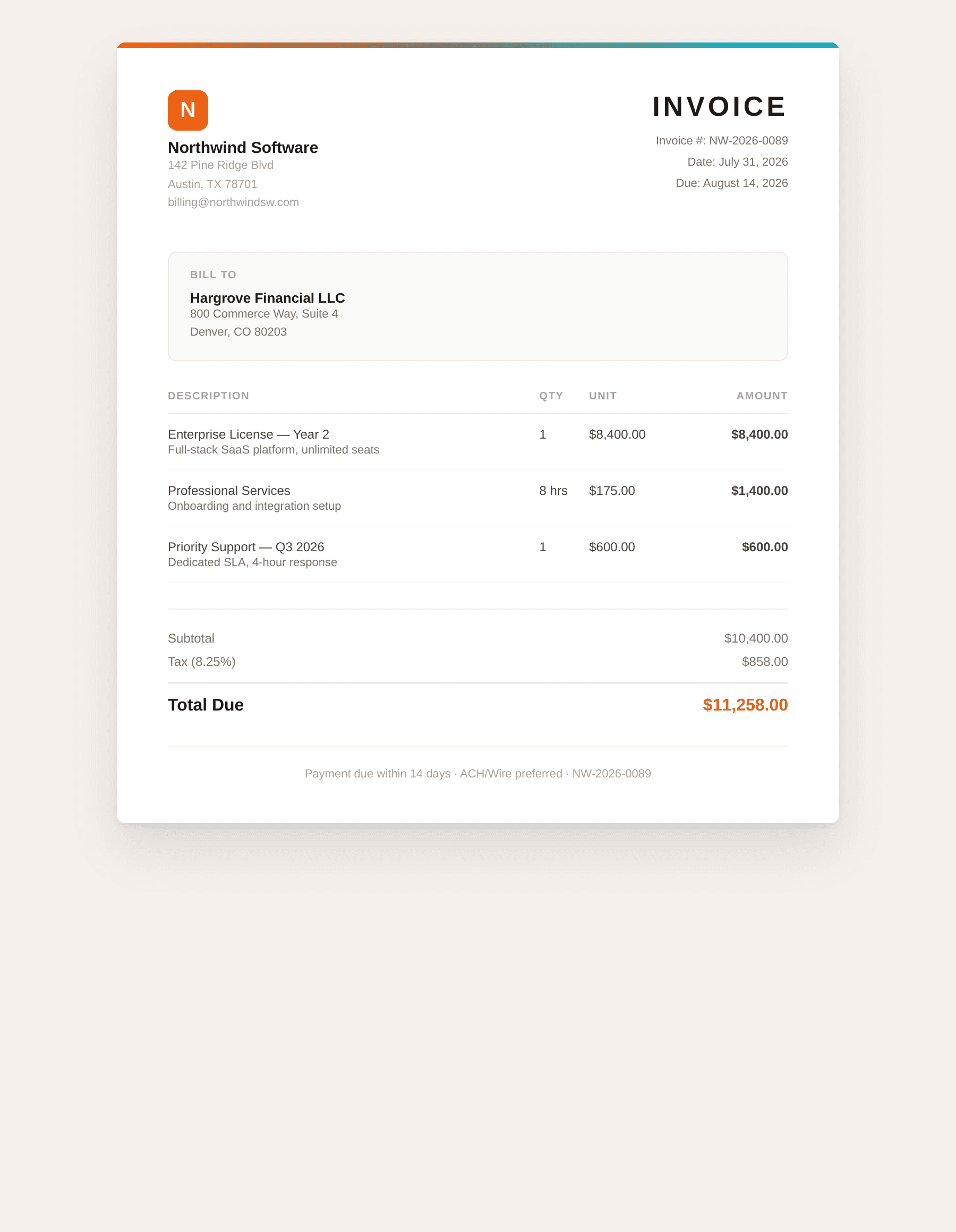
Why not Puppeteer?
A local Puppeteer setup adds 400 to 700 MB of Chrome memory per process, cold-start latency on the first capture, and crash-recovery logic when the browser runs out of memory mid-batch. The Rendex API handles all of that. Your Node process stays single-purpose and stateless, which makes it easier to run on serverless platforms where Chrome cannot run at all.
If your data cannot leave your network, self-hosting makes sense. The Python PDF guide covers the same trade-offs from the other direction and includes a Playwright alternative for local rendering.
Troubleshooting
Blank PDF. The page uses CSS background colors or images and the PDF is coming back white. Set pdfPrintBackground: true.
Missing images in the PDF. The renderer fetches the page from your URL. If the page loads images from a private CDN or localhost, the renderer cannot reach them. Use public URLs or commit images as base64 data URIs in the HTML.
Content is cut off at the bottom. A fixed page height in your CSS is clipping the content. Remove fixed heights from the root element, or try a taller pdfFormat like "A3".
Fonts look wrong. Web fonts load from a CDN, and occasionally the request times out before the font arrives. Inline the font as a base64 data URI or self-host the CSS file.
Next steps
Try the free URL-to-PDF tool to test any URL before writing code. The full parameter list, including waitForSelector, cookies, and custom headers, is in the quickstart.
When you are ready to generate PDFs at scale, get a free API key and start with 100 renders per month. Batch limits and webhook delivery are available on all paid plans.