Generate Dynamic OG Images at Scale
Every page deserves a unique social preview. Pass an HTML template with dynamic data — get back a perfectly sized OG image. No Puppeteer, no Vercel OG, no infrastructure.
The Problem
Static OG images mean every page shares the same preview on social media. Dynamic OG image generation typically requires running Puppeteer, managing serverless functions, or using specialized services that charge per image.
The Solution
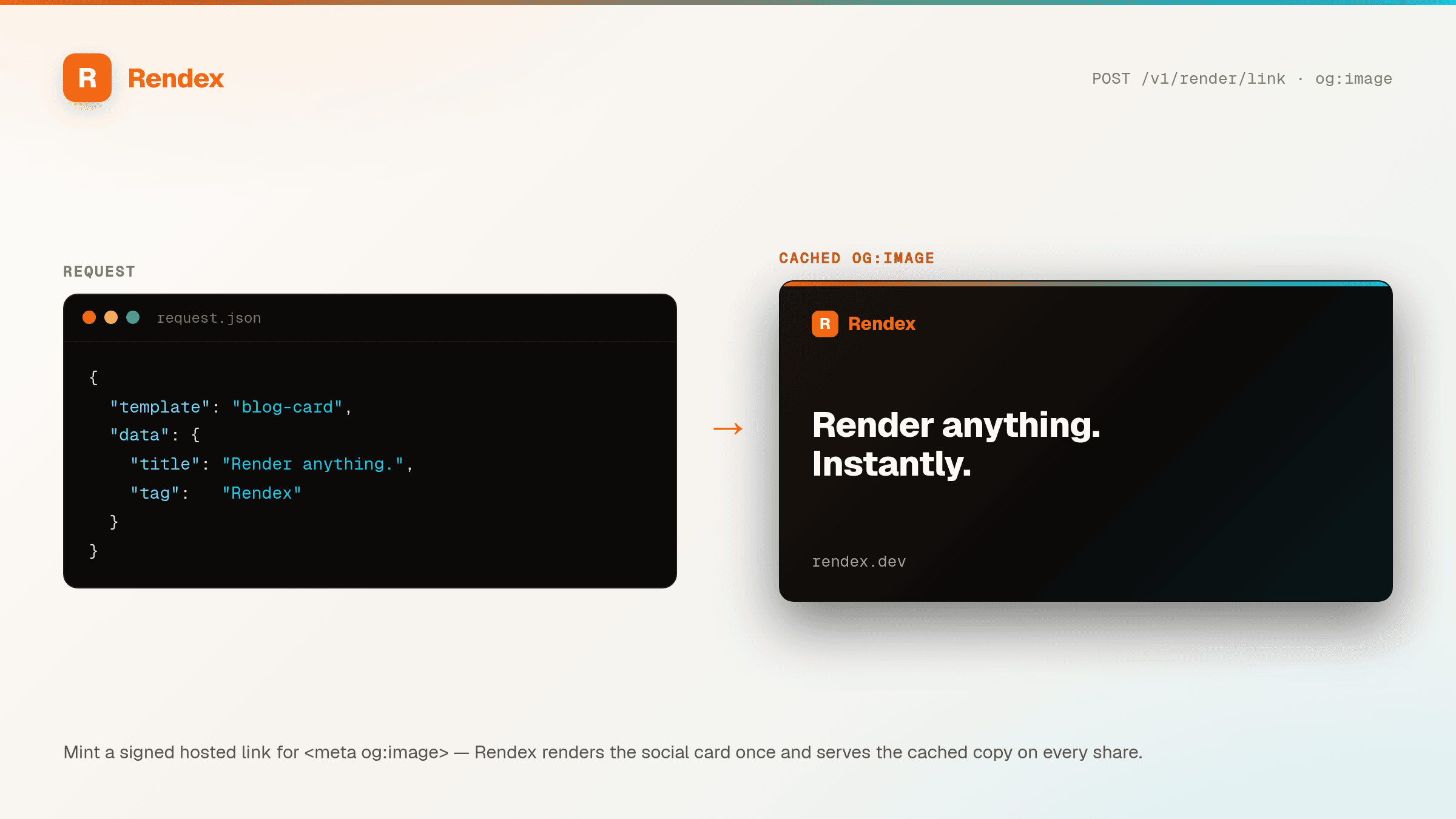
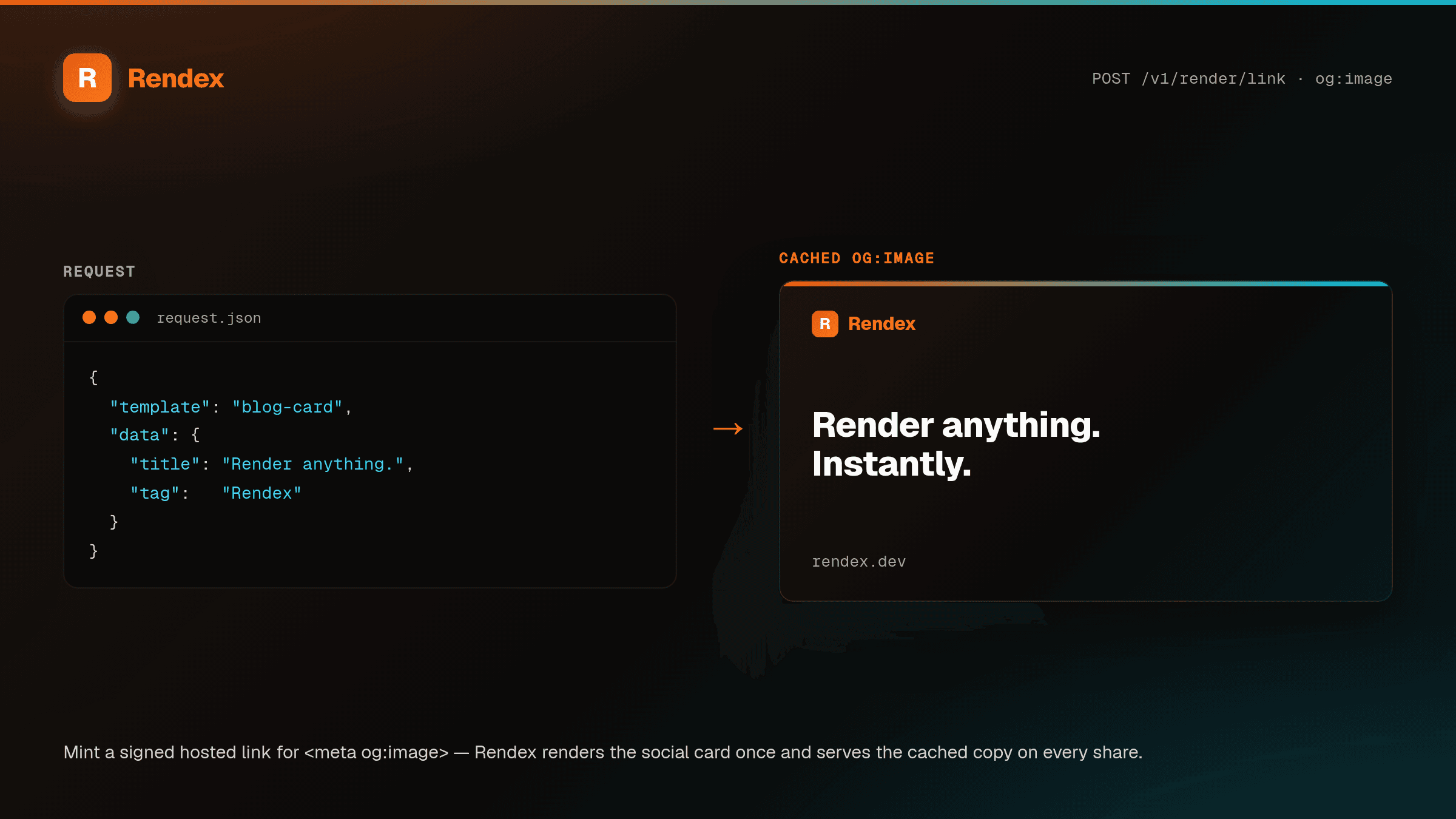
Rendex renders OG images from one HTML template on the edge. Design the card once with {{placeholders}}, then render a unique image per page by passing a data object — Rendex fills the template server-side with Mustache, so there's no client-side string building and no template drift between pages. Render a single card on demand, or fan out over your whole content collection at build time to produce one OG image per post, product, or doc. (Want a signed URL to paste straight into <meta og:image> instead of storing bytes? That's the hosted OG image API — /v1/render/link.)
See it in action
Get Started in Minutes
import Rendex from "@copperline/rendex";

const rendex = new Rendex("YOUR_API_KEY");

// Design the OG card ONCE as a template with {{placeholders}}.
const template = `
<div style="width:1200px;height:630px;display:flex;flex-direction:column;
  justify-content:center;padding:64px;background:linear-gradient(135deg,#1e1b4b,#312e81);
  font-family:system-ui;color:white;">
  <div style="font-size:20px;color:#a5b4fc;">{{section}}</div>
  <h1 style="font-size:56px;margin:16px 0 0;line-height:1.1;">{{title}}</h1>
  <p style="font-size:22px;color:#c7d2fe;margin-top:auto;">{{site}}</p>
</div>`;

// Render one card by passing data — Rendex fills {{...}} server-side (Mustache).
const { image } = await rendex.screenshot({
  html: template,
  data: { section: "Engineering", title: "Shipping faster with edge rendering", site: "mysite.com" },
  format: "png",
  width: 1200,
  height: 630,
});from rendex import Rendex
from pathlib import Path
rendex = Rendex("YOUR_API_KEY")
# One template, one OG image per post — run this in your build/deploy step.
# Same {{...}} template as the JS example, stored once as TEMPLATE.
for post in load_posts(): # your CMS export or content/ folder
result = rendex.screenshot(
html=TEMPLATE,
data={"section": post.section, "title": post.title, "site": "mysite.com"},
format="png", width=1200, height=630,
)
Path(f"public/og/{post.slug}.png").write_bytes(result.image)
# then reference it: <meta property="og:image" content="/og/{post.slug}.png">100 free API calls/month — no credit card required. Get your API key and start building.
Built for This Use Case
HTML Templates
Design OG images with familiar HTML and CSS. Use any layout, font, gradient, or SVG.
Edge Rendering
Generated on 300+ edge locations. Sub-3-second response times.
Server-Side Mustache Templating
Store one template with {{title}}, {{section}}, and more, then pass a data object per page. Rendex fills the placeholders server-side — no client-side string building, no template drift across thousands of pages.
One Image Per Page, At Build Time
Loop your whole content collection and fan out concurrent renders — one branded OG image per post, product, or doc, written to disk in your build or deploy step.
1200×630 by Default
Set width: 1200, height: 630 and every card comes back at the exact Open Graph size crawlers expect for Twitter, Facebook, LinkedIn, and Slack.
Start Free, Scale as You Grow
100 calls/month free. Starter at $69/mo for 10K calls (or $58/mo billed annually — 2 months free). Pro at $179/mo for 100K calls.