Give Your AI Agent Eyes on the Web
Rendex ships a Model Context Protocol (MCP) server built from day one for AI agents. Claude, ChatGPT, Cursor, and Windsurf can capture screenshots, generate PDFs, and render HTML — as native tools.
The Problem
AI agents need to see the web — verify deployments, check UI changes, capture evidence, and extract visual information. But integrating screenshot APIs into agent workflows means writing REST wrappers, handling authentication, and managing binary responses. Most screenshot APIs weren't designed for how agents actually work.
The Solution
Rendex's MCP server registers screenshot, PDF, and HTML rendering as native tools in your AI agent's toolkit. No REST wrappers, no binary handling, no glue code. The agent calls rendex_screenshot like any other tool and gets structured results back.
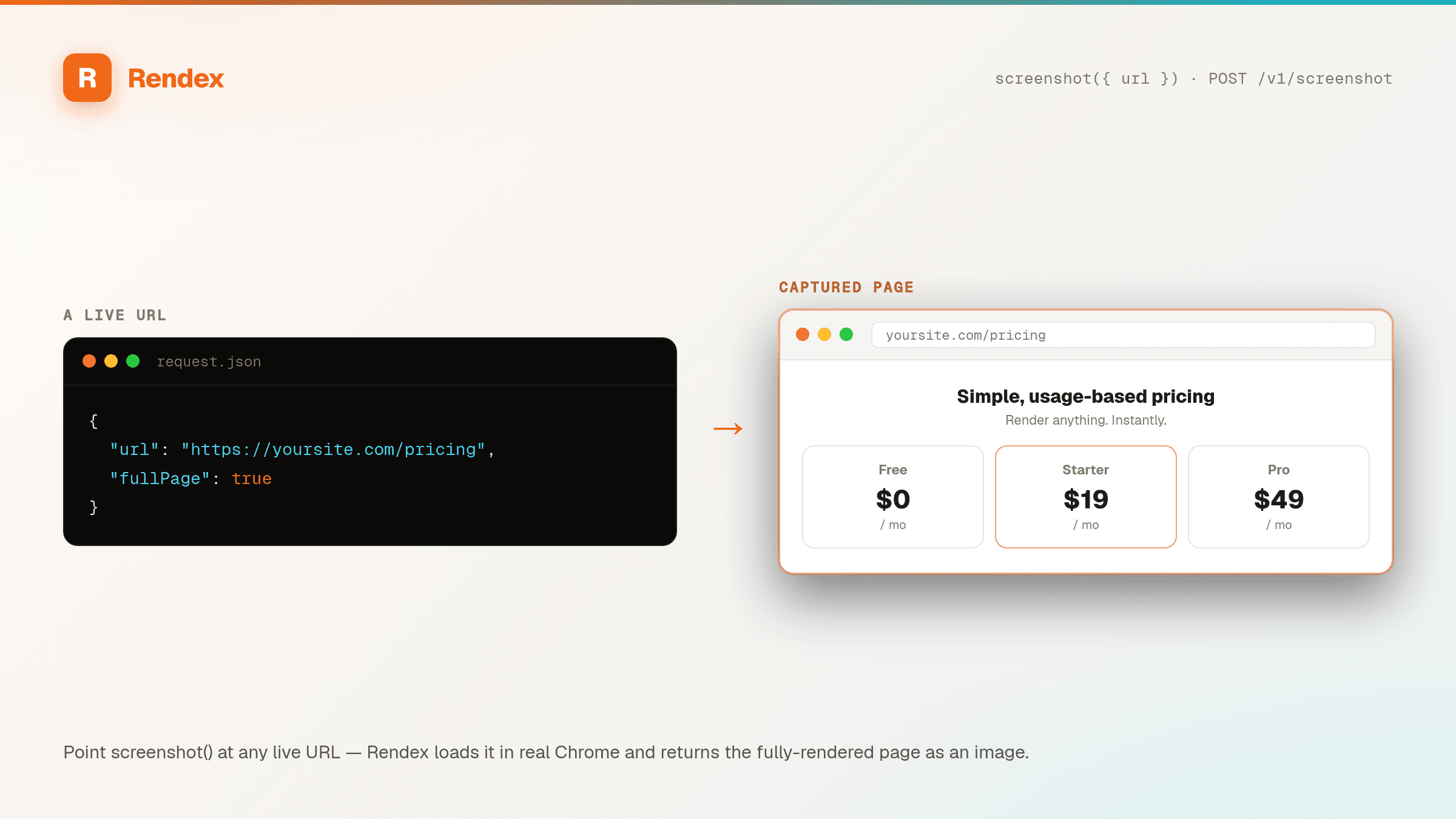
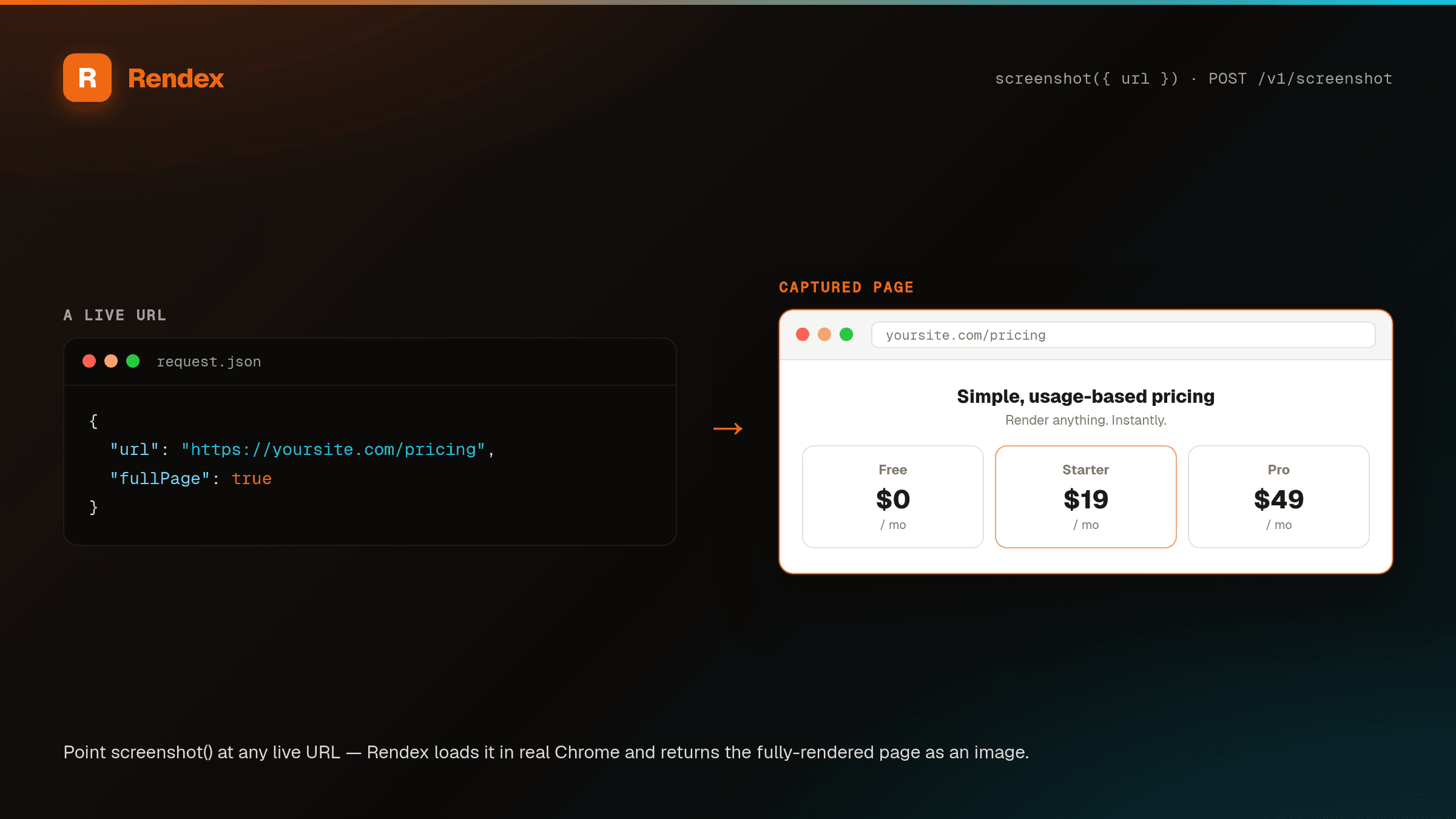
See it in action
Get Started in Minutes
{
  "mcpServers": {
    "rendex": {
      "command": "npx",
      "args": ["-y", "@copperline/rendex-mcp"],
      "env": {
        "RENDEX_API_KEY": "YOUR_API_KEY"
      }
    }
  }
}# Using the Rendex MCP server with Claude
# After configuring MCP, your agent can simply ask:
# "Take a screenshot of https://example.com"
# "Generate a PDF of this webpage"
# "Render this HTML to an image"
# Or use the SDK directly in agent code:
from rendex import Rendex
rendex = Rendex("YOUR_API_KEY")
# Agent captures a deployment for verification
result = rendex.screenshot(
url="https://staging.myapp.com",
full_page=True,
format="png",
)
# Agent analyzes the result
print(f"Page loaded in {result.metadata.load_time_ms}ms")
print(f"Captured {result.metadata.bytes_size} bytes ({result.metadata.format})")# Remote MCP server — no npm install needed
# Add to your MCP client config:
# Server URL: https://mcp.rendex.dev/mcp
# Auth: Bearer YOUR_API_KEY
# Or use the stdio transport locally:
npx -y @copperline/rendex-mcp
# The MCP server exposes these tools:
# - rendex_screenshot: Render a URL, HTML, or Markdown to an image or PDF
# - rendex_extract: Pull clean reader-mode Markdown/JSON/HTML from a URL100 free API calls/month — no credit card required. Get your API key and start building.
Built for This Use Case
Native MCP Tools
Screenshot, PDF, and HTML rendering exposed as MCP tools. Agents call them like any native capability — no REST wrappers needed.
Remote + Local
Use the hosted MCP server at mcp.rendex.dev (zero install) or run locally via npx. Streamable HTTP and stdio transports supported.
Structured Results
Agents get typed results with metadata — load time, status code, image dimensions, and quality signals. Not just raw bytes.
Quality Signals
Response headers tell the agent if capture was full, degraded, or best-attempt. Agents can decide whether to retry or accept.
Extract for RAG pipelines
The rendex_extract tool returns clean reader-mode Markdown, JSON, or article HTML from any URL — feed an agent text instead of raw HTML, from the same render engine.
Best-Attempt Mode
Never returns empty-handed. If a page is slow or broken, Rendex still returns the best capture it could get, with quality metadata.
Start Free, Scale as You Grow
100 calls/month free. Starter at $69/mo for 10K calls (or $58/mo billed annually — 2 months free). Pro at $179/mo for 100K calls.